




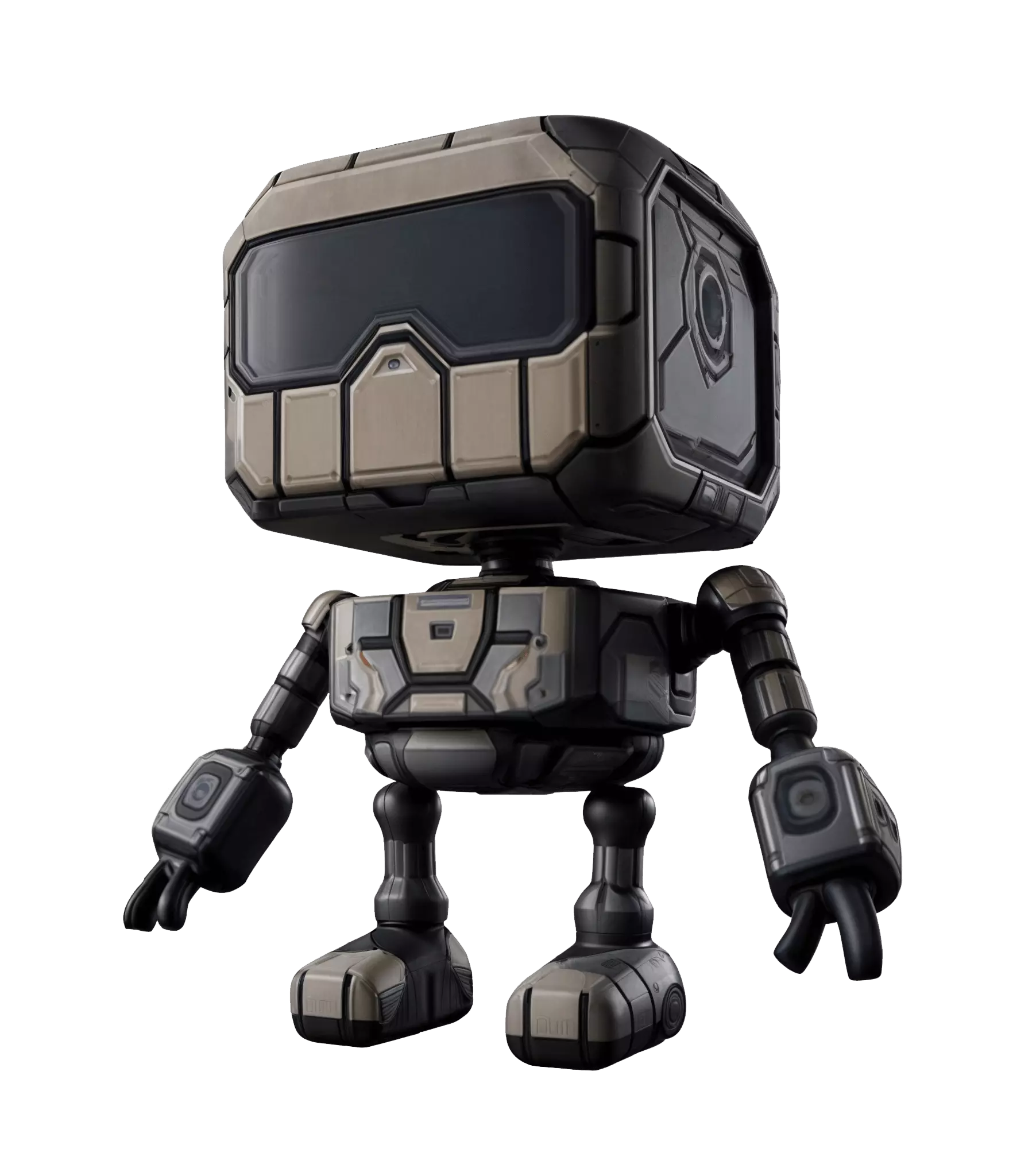
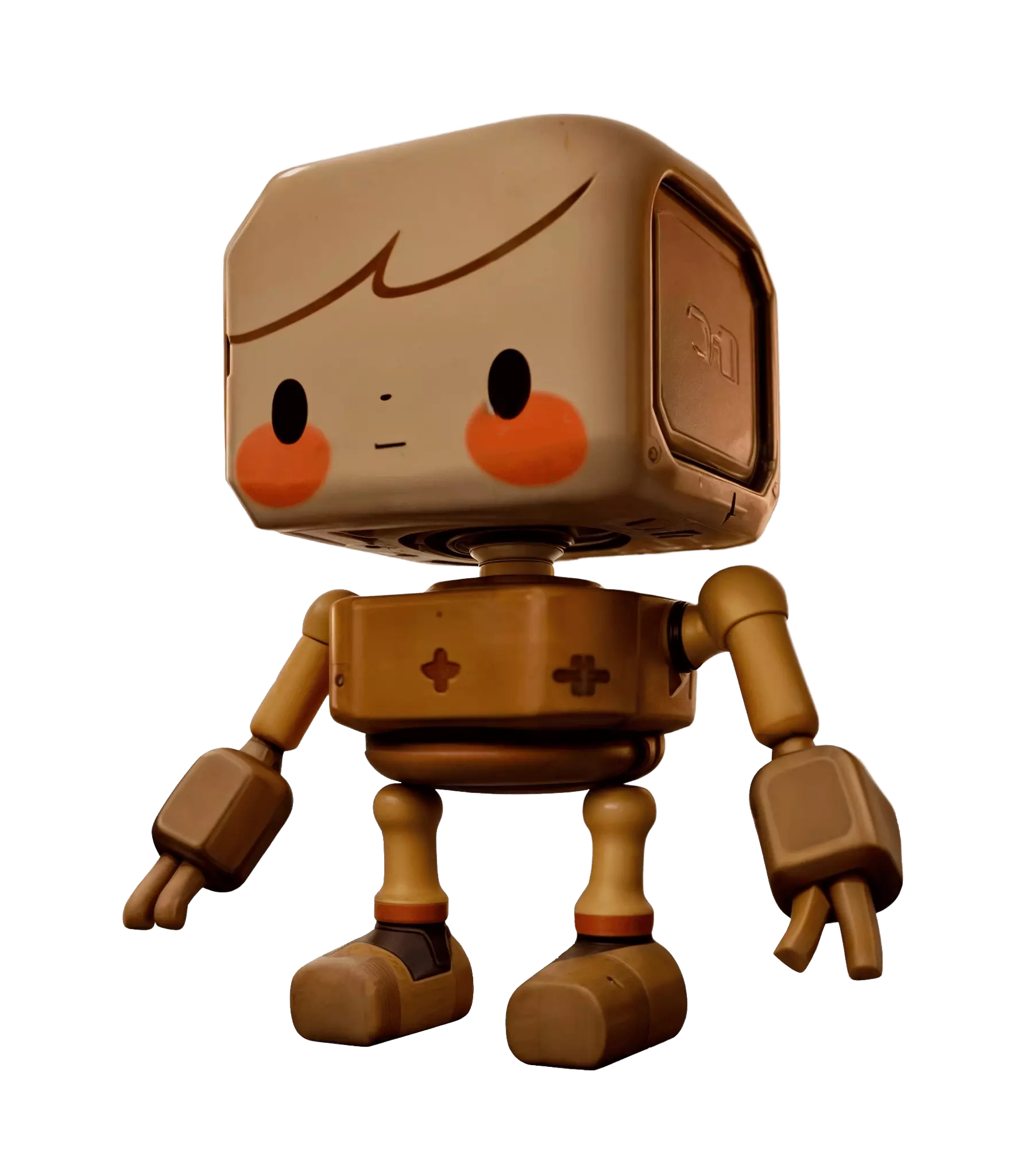
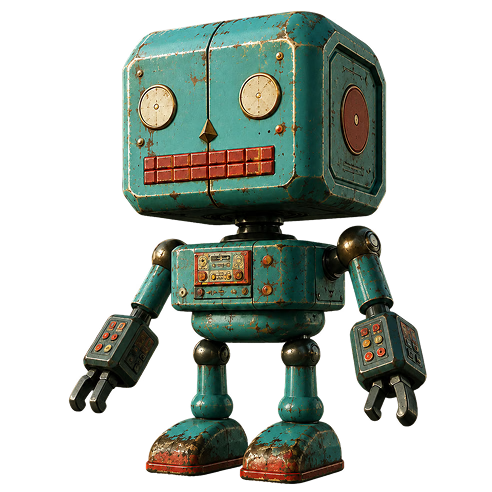
Un modello, qualsiasi direzione del materiale
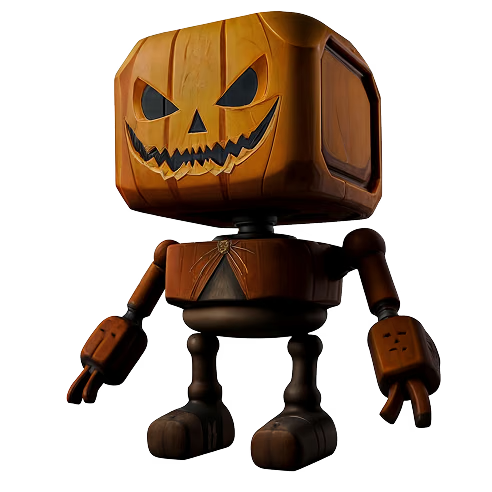
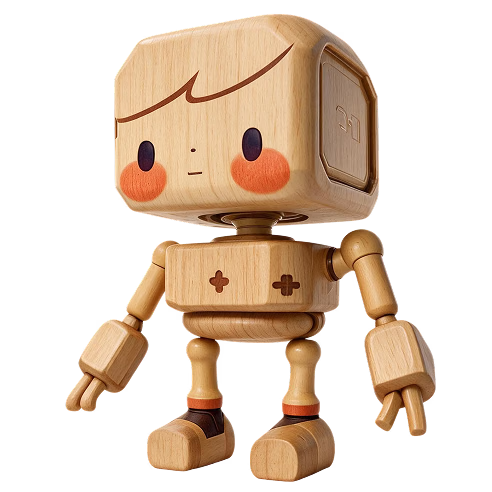
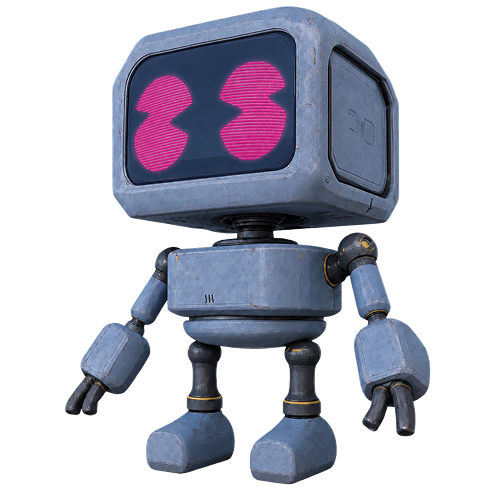
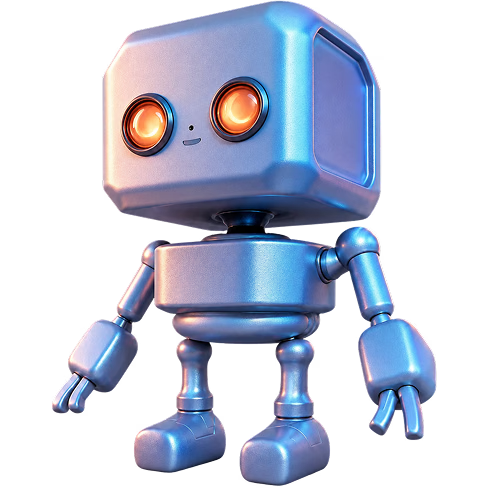
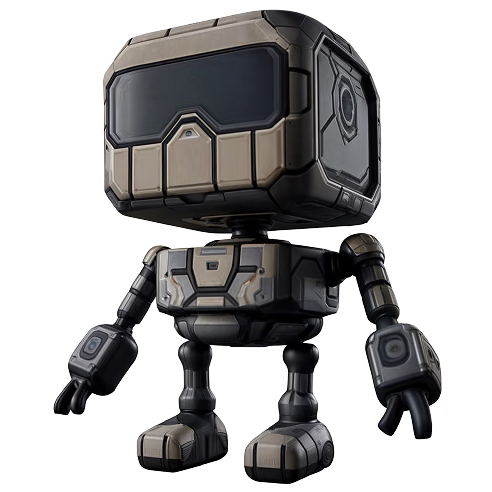
Lo stesso robot non texturizzato, retexturizzato in tre modi semplicemente cambiando l'immagine di riferimento: input e output reali dello strumento Texture di OmniCraft.
Trasforma qualsiasi foto, rendering o immagine concettuale in una nitida versione HD, 2K o 4K con dettagli realmente recuperati. Inizia gratuitamente, senza installazioni, direttamente nel browser.
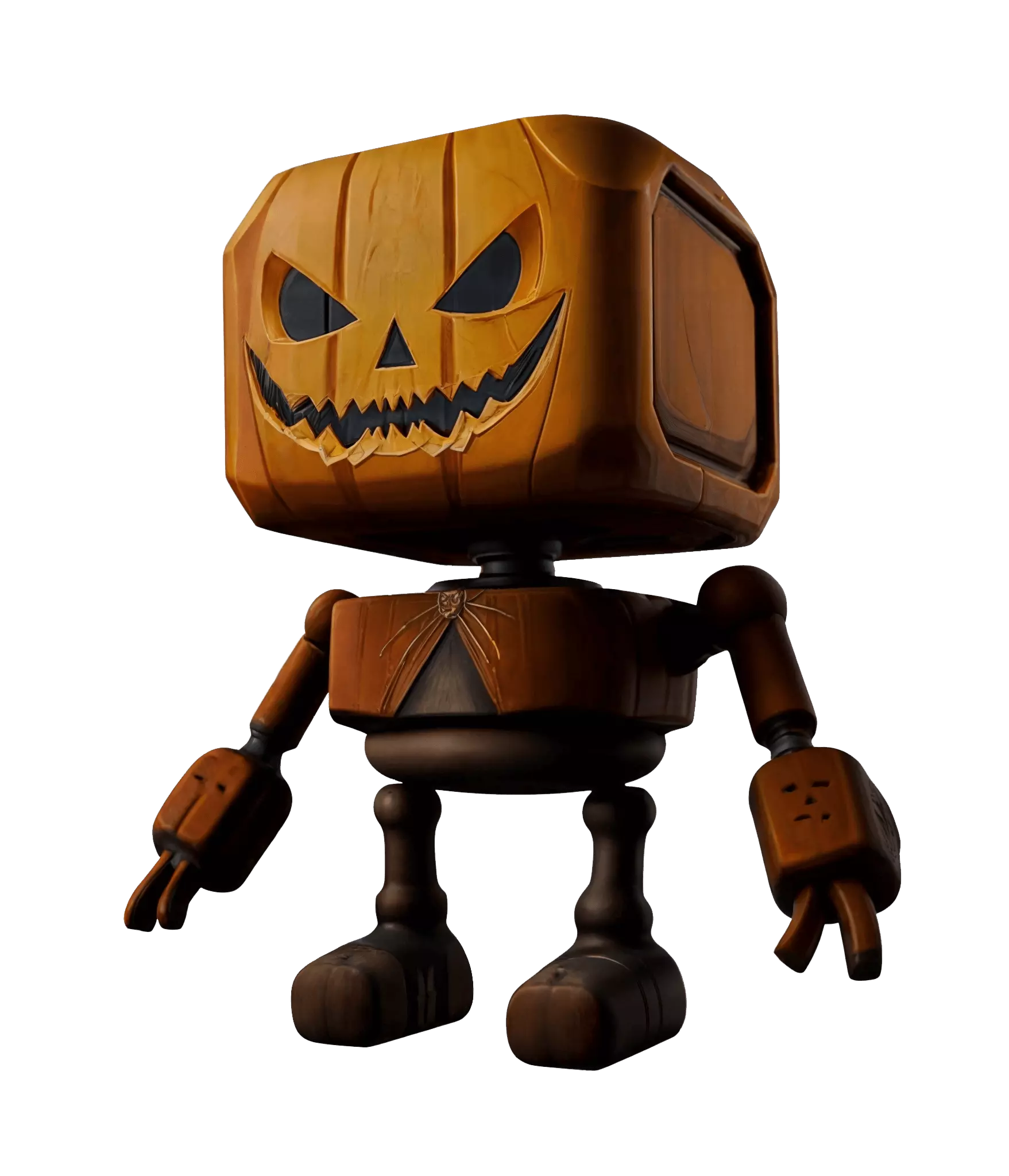


OmniCraft AI Texture Generator trasforma una mesh grigia compatibile e un'immagine di riferimento in un asset texturizzato di alta qualità con mappe fino a 12K
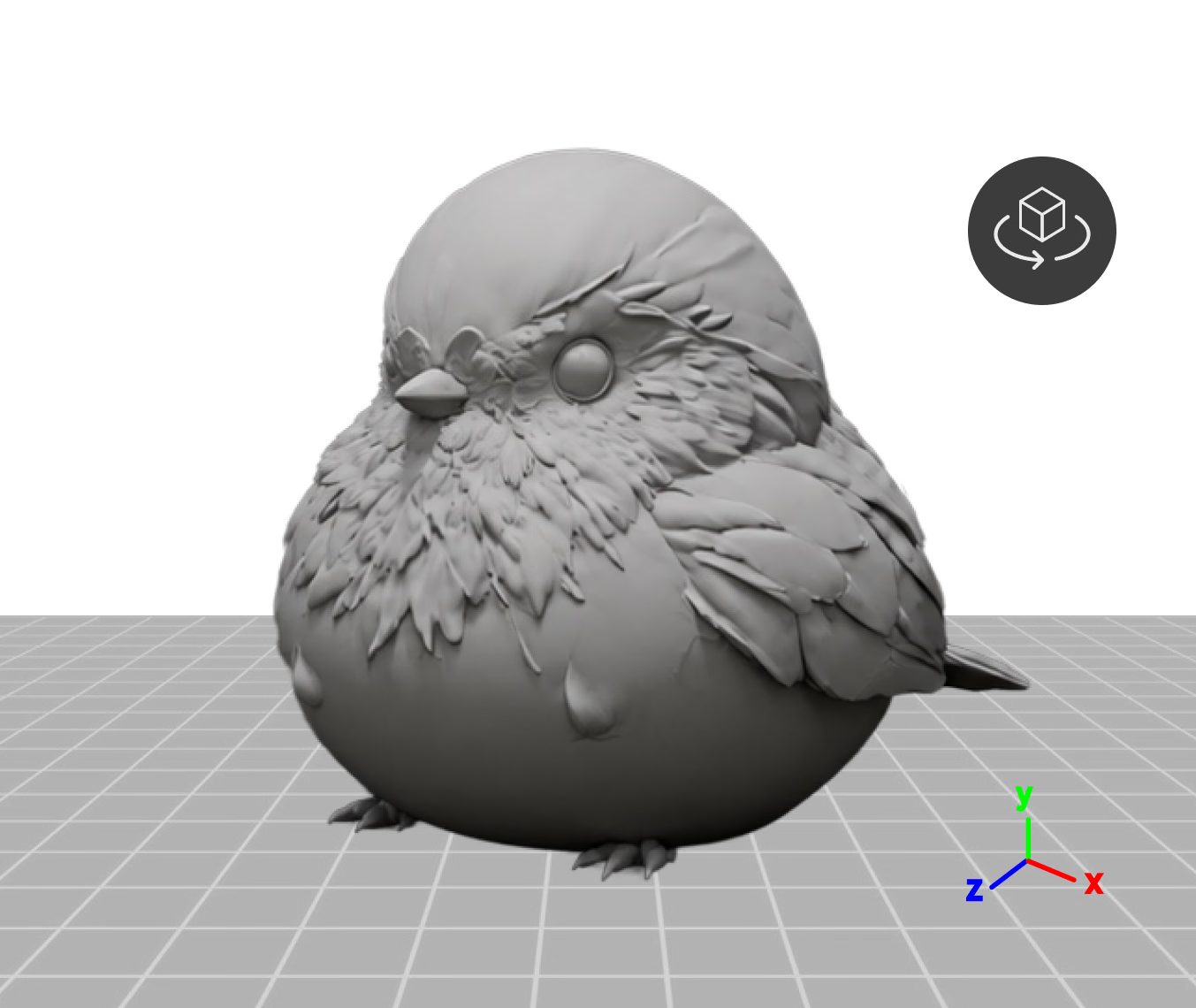
Trascina una mesh fino a 150MB e controllala in un'anteprima 3D live—ruota sull'asse X, Y o Z per impostare l'orientamento prima della texturizzazione
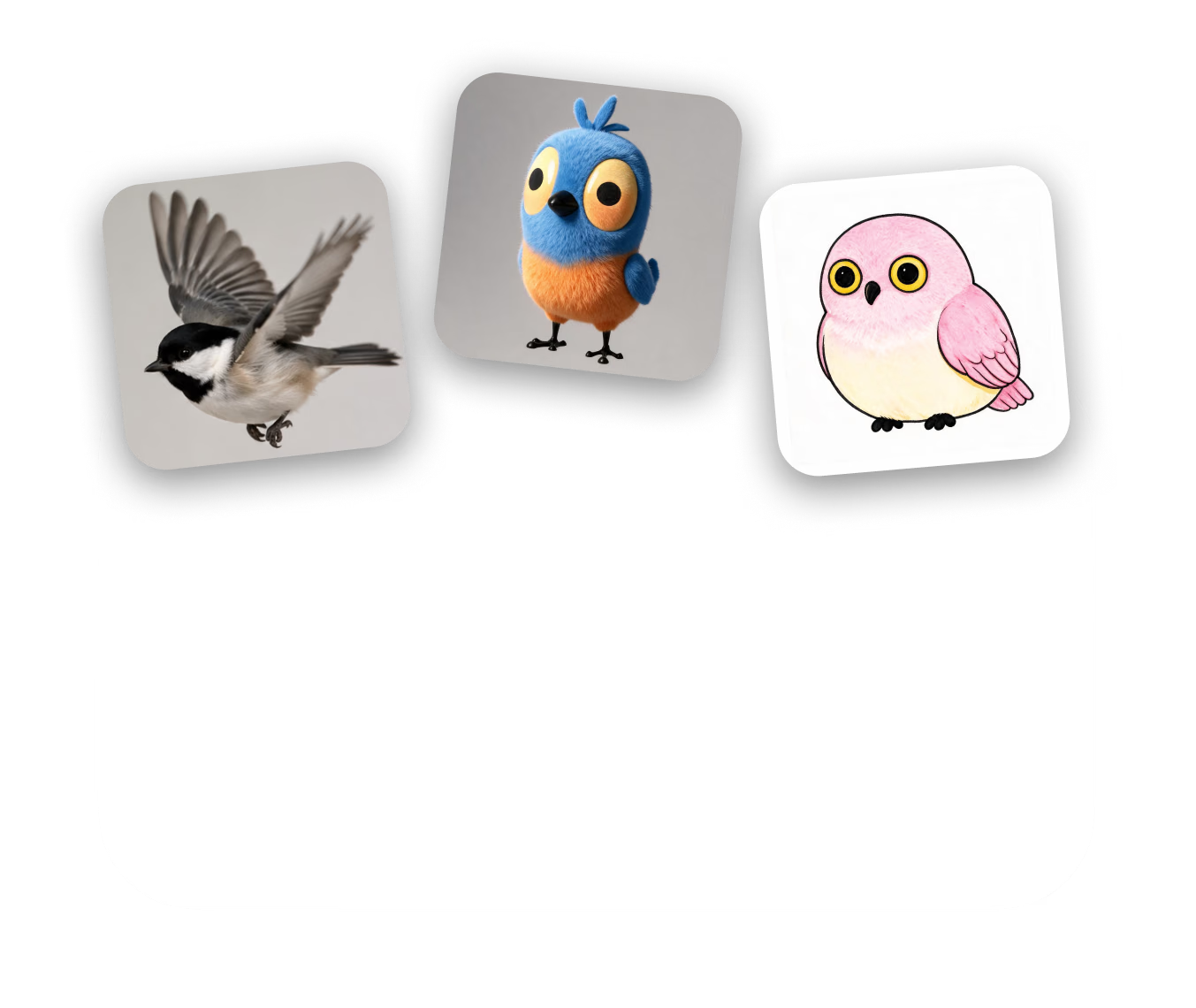
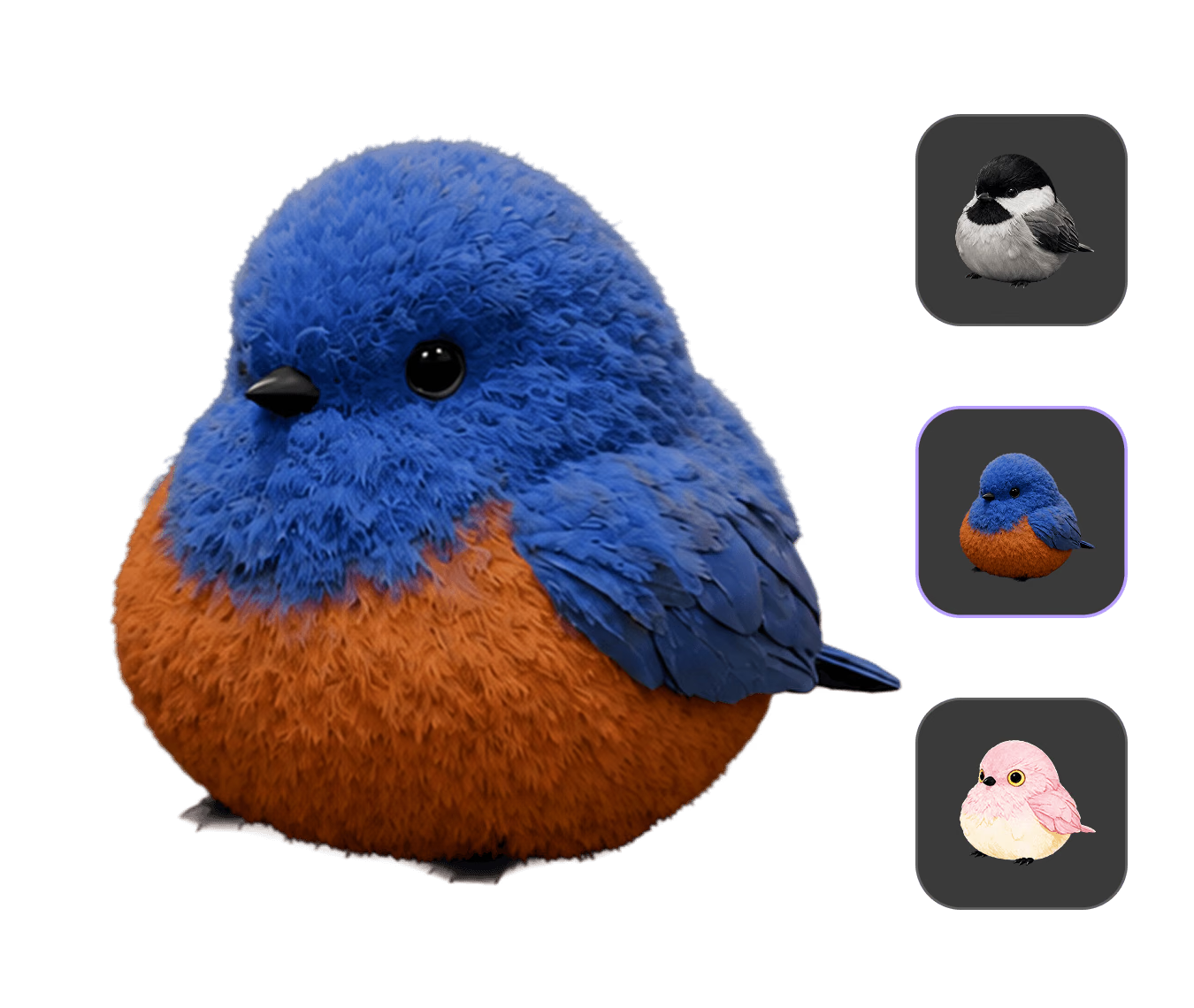
Un'immagine definisce la direzione: materiale, colori e atmosfera guidano la texture. Allega fino a tre riferimenti, ciascuno con la propria cronologia.
Scegli un preset di velocità Gen-2.5 (~4–40 s), confronta i risultati nelle viste PBR, Shaded o Toon, quindi esporta in OBJ, FBX, GLB, USDZ o STL.
Lo stesso robot non texturizzato, retexturizzato in tre modi semplicemente cambiando l'immagine di riferimento: input e output reali dello strumento Texture di OmniCraft.
Crea risorse 3D con texture di alta qualità per i flussi di lavoro creativi supportati.
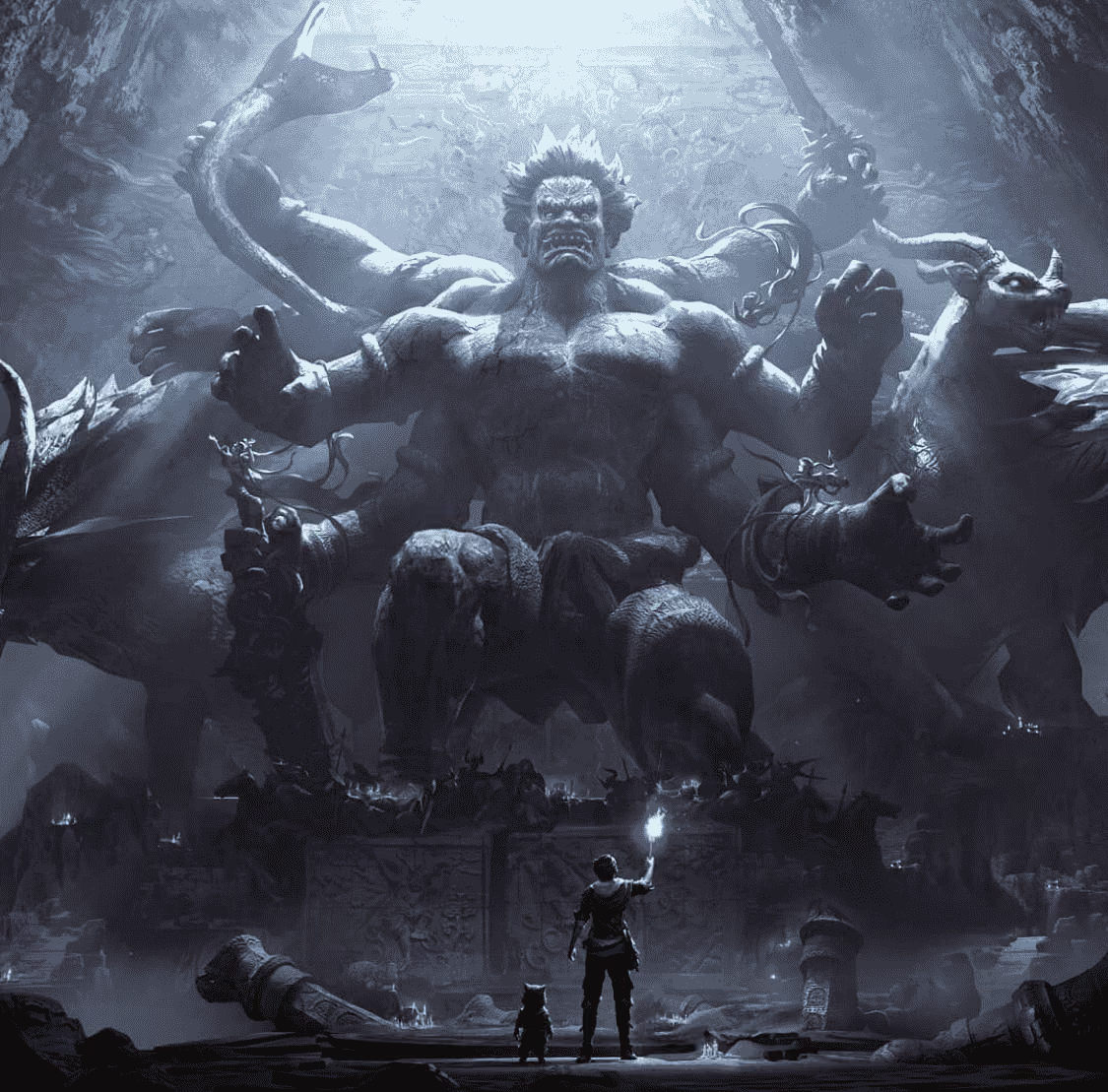
OmniCraft AI Texture Generator crea texture PBR e stilizzate di alta qualità fino a 12K per oggetti di scena, personaggi e kit modulari, con esportazioni flessibili per i flussi di lavoro in tempo reale supportati.
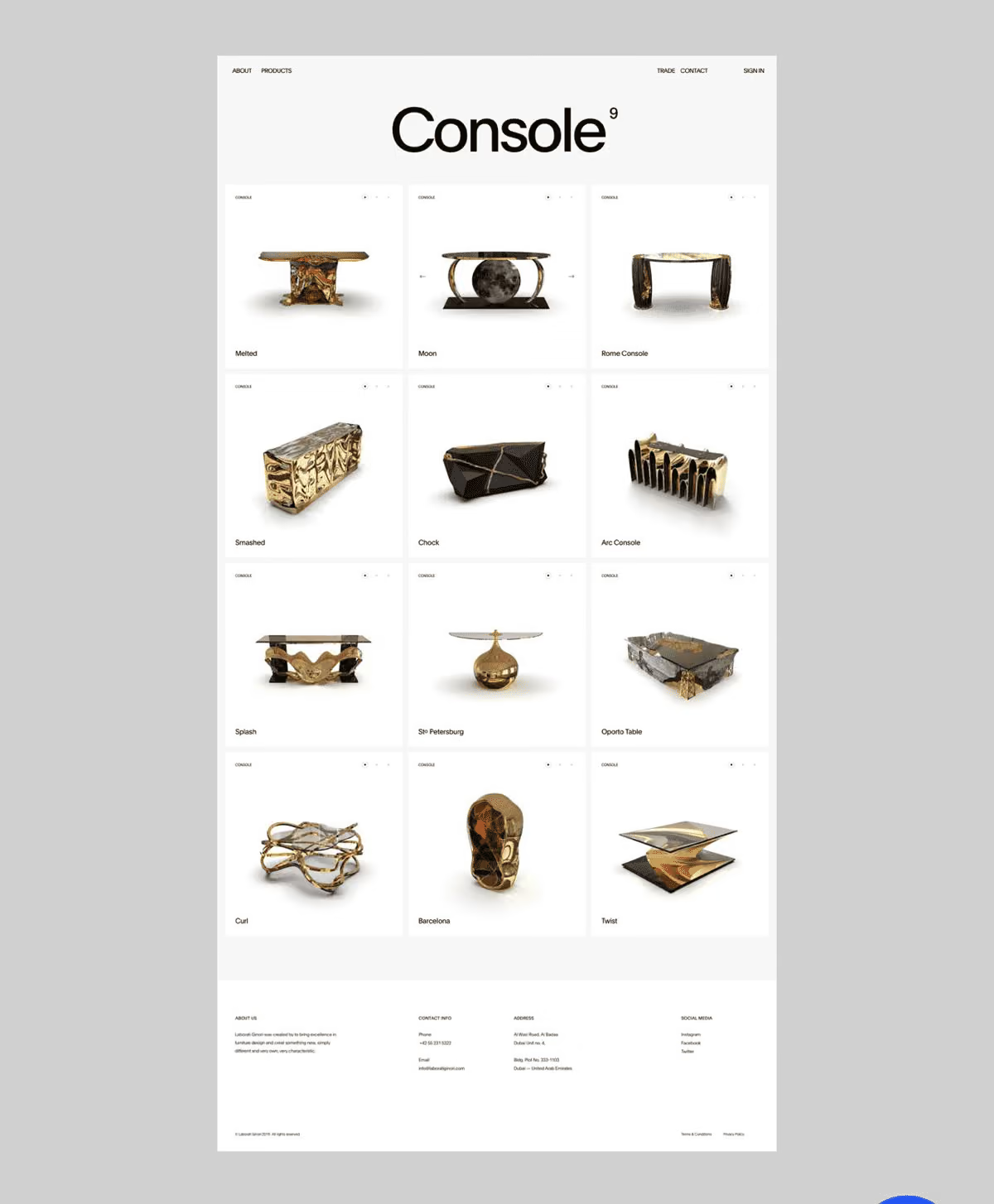
Esplora varianti di colore e finiture dei materiali su una singola mesh di prodotto: cambia la foto di riferimento per provare pelle, metallo o tessuto prima di procedere con un rendering in studio.
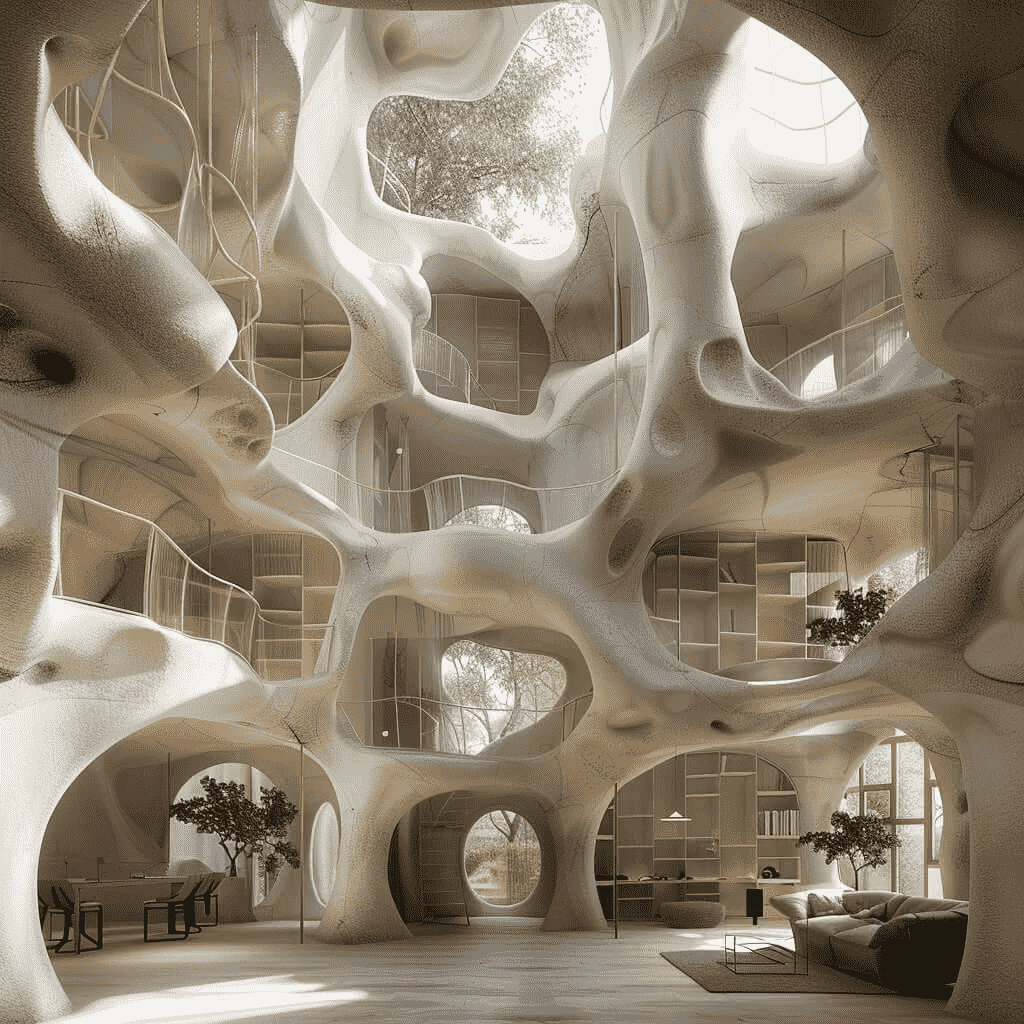
Inserisci illustrazioni o riferimenti dipinti a mano per ottenere superfici adatte allo stile toon, quindi controllale nella modalità di visualizzazione Toon dedicata prima dell'esportazione.
OmniCraft AI Texture Generator applica texture PBR o stilizzate di alta qualità fino a 12K alle risorse 3D compatibili, con esportazione flessibile per i flussi di lavoro supportati.
Tutte le opzioni elencate di seguito sono già disponibili nello strumento: preimpostazioni di velocità, cursori, cronologia delle versioni e impostazioni dei pacchetti, tutte accessibili dalla stessa schermata.
Scegli quanta potenza di calcolo assegnare a ogni passaggio: Extreme-Low (~4 s), Low (~9 s), Medium (~20 s) o High (~40 s), oppure passa alla pipeline Legacy quando desideri il comportamento precedente delle texture.
OmniCraft AI Texture Generator offre controlli flessibili dei materiali, esplorazione basata sul seed e output di texture PBR ad alta risoluzione fino a 12K.
Ogni generazione viene renderizzata sulla mesh con mappe diffuse, normal e PBR applicate, quindi salvata in una cronologia con miniature: puoi tornare a qualsiasi risultato precedente in ogni momento.
Scegli set di materiali Shaded e/o PBR con mappe texture fino a 12K, oltre a pratiche opzioni di esportazione per i flussi di lavoro supportati.