Convert Any
Image to 3D with AI?

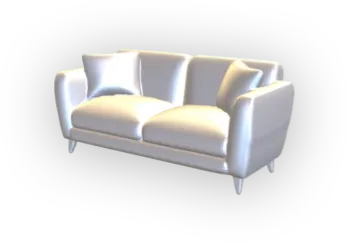
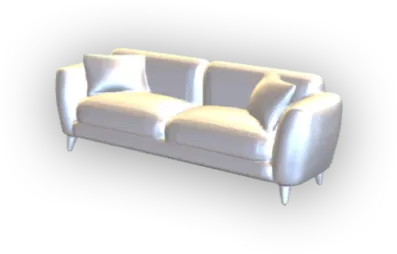
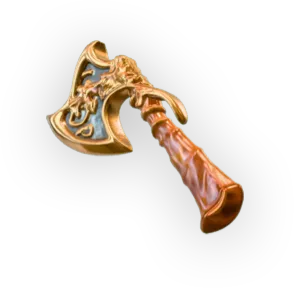
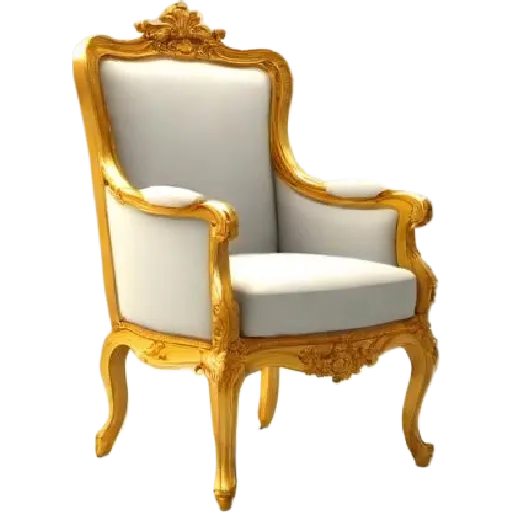
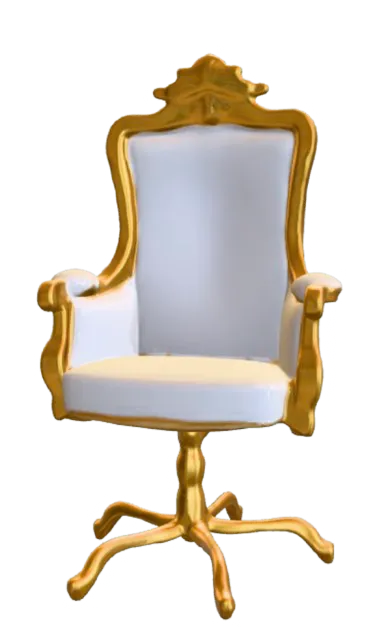
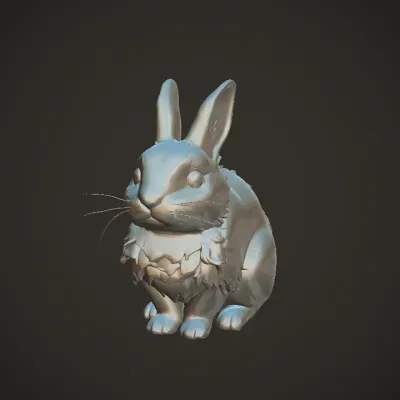
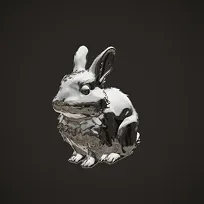
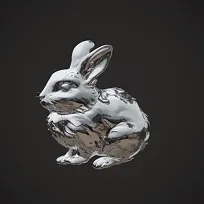
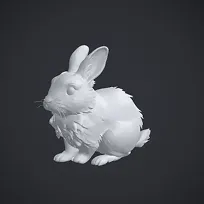
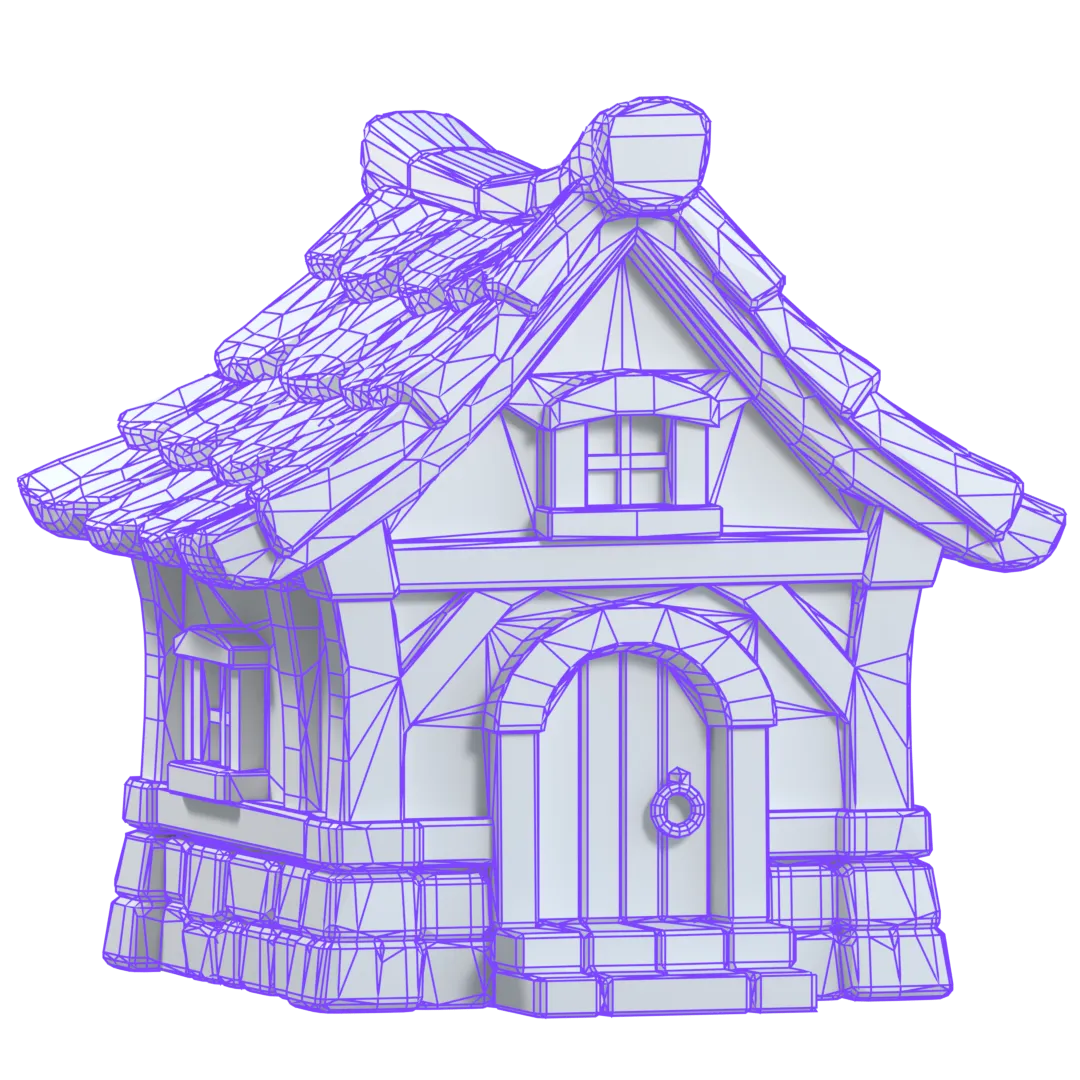
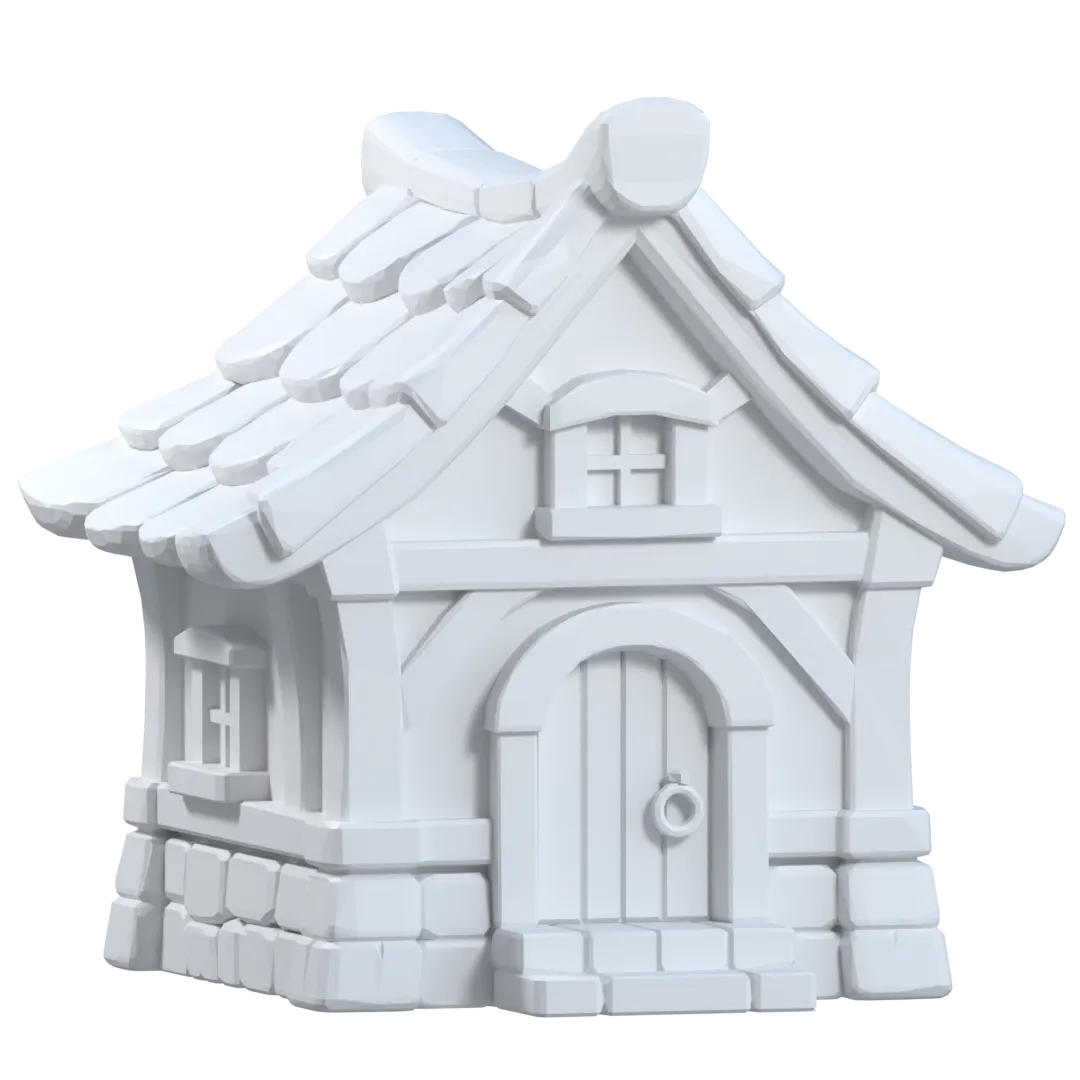
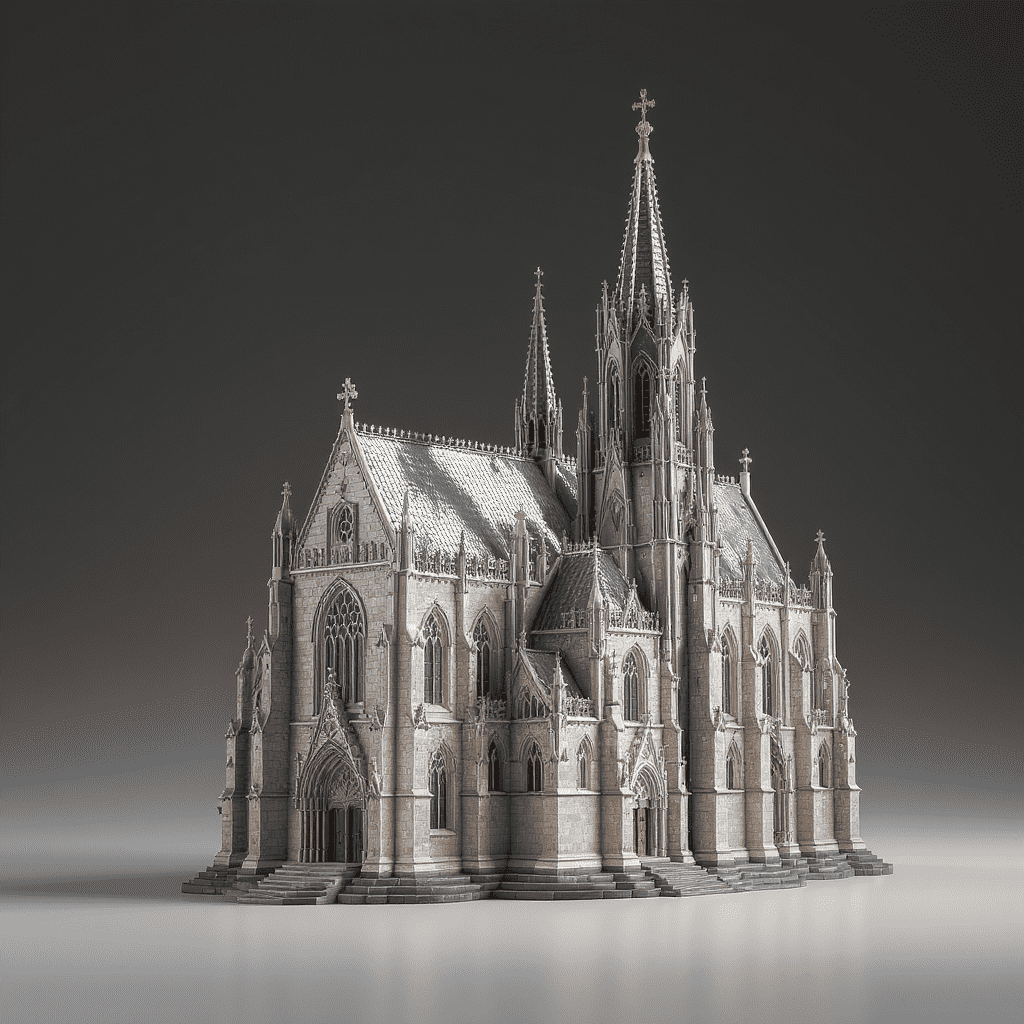
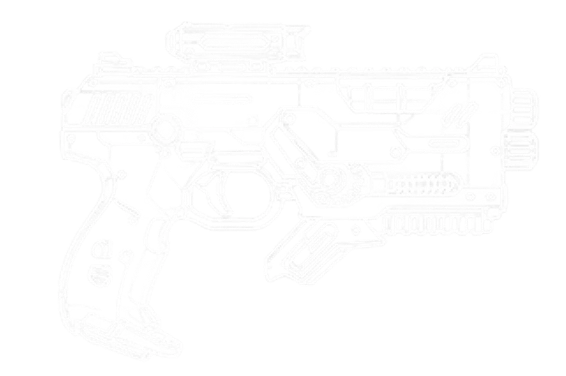
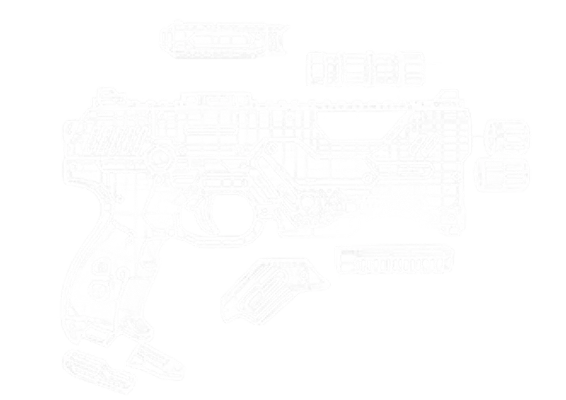
Turn your 2D pictures into lifelike 3D models in seconds. Whether you're a game developer, product designer, or creative thinker, Hyper3D makes it easier than ever to convert an image to 3D—no design skills required.

default
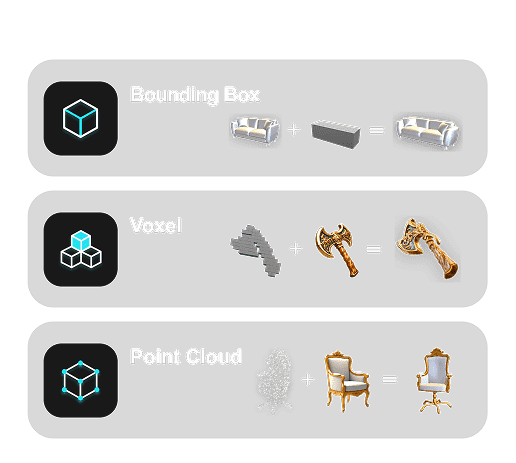
bbox
voxel
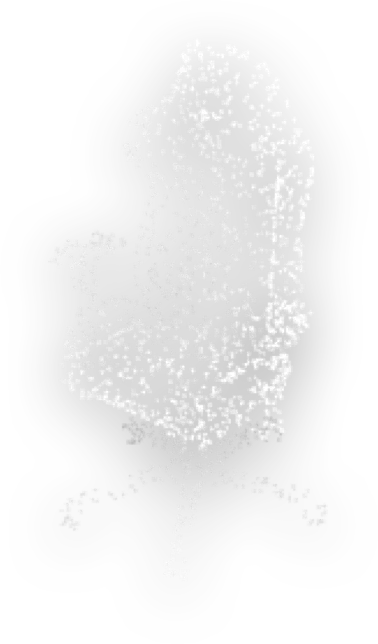
pointcloud
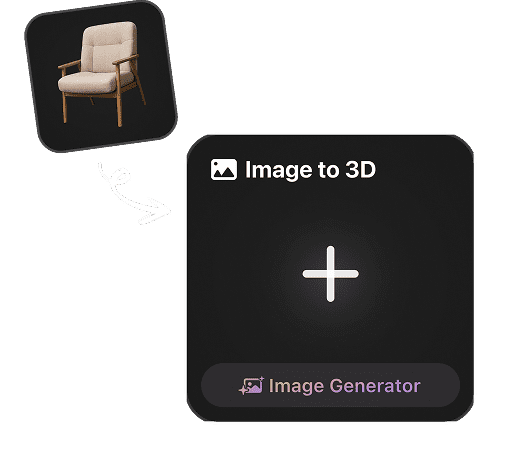
Image to 3D
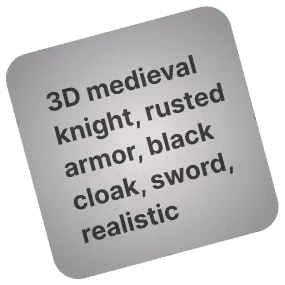
Text to Image/3D
Remix Gen
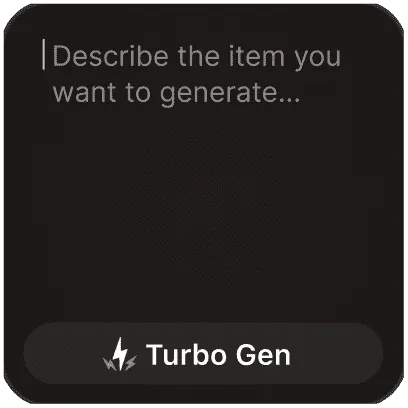
Turbo Gen
Gen - 2

What’s an AI video generator that works from a photo?

Learn More

This breakthrough is transforming how people create engaging content. An AI tool can convert images into compelling video material using smart algorithms. This technology opens the door to visual storytelling that was once out of reach. Now anyone can produce professional-looking motion content.

Have you ever thought about bringing your static images to life without learning complex video editing software? An AI image-to-video generator uses artificial intelligence to analyze your photos and automatically add motion, transitions, and visual effects.

These platforms rely on advanced machine learning models that understand the content of your images and create smooth, visually coherent animations. All you need to do is upload your pictures, and the AI handles the technical work of video creation.

Why Choose Hyper3D?

Hyper3D stands apart from other photo to 3D converter tools because of its unmatched accuracy, speed, and ease of use.

Why Choose Hyper3D? visual

How It Works

From a single image to a fully textured 3D model – in three effortless steps.

1

Upload Your Image

Drag and drop a high-resolution photo or select one from your device.

2

Al Analyzes the Image

Our image to 3D tool uses depth mapping, texture mapping, and point cloud generation to create a detailed mesh.

3

Download 3D Model

Preview the 3D visualization in real time and export it in your preferred format.

Who Uses Hyper3D?

Using Imagination as a Productive Tool

Quickly turn concept art or reference images into assets for Unity or Unreal Engine.

Showcase products with 360° interactive views by converting pictures to 3D models.

Bring visual learning to life with image-based 3D modeling for biology, architecture, and more.

Use Hyper3D to create 3D renderings from images for NFT projects, animation, or personal art.

Advanced Technology Behind Hyper3D

Where cutting‑edge research meets production‑ready 3D.

Photogrammetry

Advanced technique that uses multiple images to reconstruct 3D geometry with high accuracy.

Al Texture

Machine learning models that create high-quality surface materials from input images.

3D Reconstruction

Algorithms that understand shape, texture, and lighting to rebuild realistic object geometry.

Image-Based CAD

Specialized processing to create engineering-ready models from visual data.

Don't just take our word for it

See what real users and industry experts say.

Quotation mark

"I was spending hours re-linking materials and checking every export. Hyper3D cut that cleanup down to minutes, and the final asset looked production-ready right away."

A.J.Jensen

A.J.Jensen

Game Environment Artist

Frequently Asked Questions

Got questions? We’ve got answers – and more.

What makes Hyper3D useful for 3D generation?

Hyper3D helps you turn images into usable 3D assets quickly without starting from manual modeling. With Hyper3D Rodin, you can generate 3D models from images, refine the output, and export to common 3D formats for games, 3D printing, AR/VR, product visualization, and creative production workflows.

What kind of image works best with Hyper3D?

For the best results, use a clear, high-resolution image with one main subject, good lighting, and minimal background clutter. Product-style images, character references, collectibles, props, and objects with visible shape details usually work well. Avoid blurry photos, complex scenes, heavy shadows, or images where the subject is partially blocked.

Can I use more than one image to create a 3D model?

Yes. Hyper3D supports multi-image generation on eligible workflows, allowing you to upload multiple views of the same object. This can improve shape accuracy, proportion consistency, and texture quality, especially for products, characters, and objects with important side or back details.

What can I export from Hyper3D?

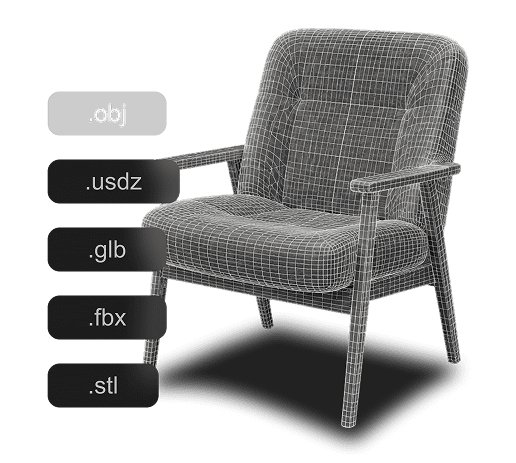
Hyper3D supports common 3D formats such as STL, FBX, OBJ, GLB, GLTF, and USDZ. You can use STL for 3D printing, GLB/GLTF for web and AR workflows, FBX for game engines, OBJ for general 3D editing, and USDZ for Apple AR experiences.

Can Hyper3D models be used in commercial projects?

Yes, Hyper3D can support commercial workflows depending on your plan and license. Paid and enterprise options are designed for professional use cases such as games, e-commerce, product visualization, advertising, AR/VR, 3D printing, and production pipelines.

How can I improve the quality of my generated 3D model?

Start with a clean source image, choose the correct image direction when available, and use multiple views if you have them. After generation, you can refine the asset with mesh editing, texture tools, low-poly optimization, or external 3D software such as Blender, Maya, Unity, or Unreal Engine.

Is Hyper3D only for artists, or can developers use it too?

Hyper3D is built for both creators and technical teams. Artists can use it to accelerate asset creation, while developers and studios can use API access and enterprise options to integrate AI 3D generation into applications, marketplaces, game pipelines, or internal production systems.

What can I do after generating a model with Hyper3D?

You can use the model for 3D printing, game development, AR/VR, animation, product renders, e-commerce visuals, concept design, marketing images, and interactive web experiences. You can also export it to your preferred 3D software for retopology, material tuning, rigging, or final production cleanup.

Try Hyper3D's Image to 3D Generator Today

Your next 3D masterpiece starts with a single image. Turn an image into a 3D model with Hyper3D.