Generatore
AI di asset 3D per videogiochi

Turn concept art or a prompt into a game-ready 3D model — clean topology, PBR maps, a polycount you control. Export FBX, GLB, or OBJ for Unity, Unreal, or Godot.

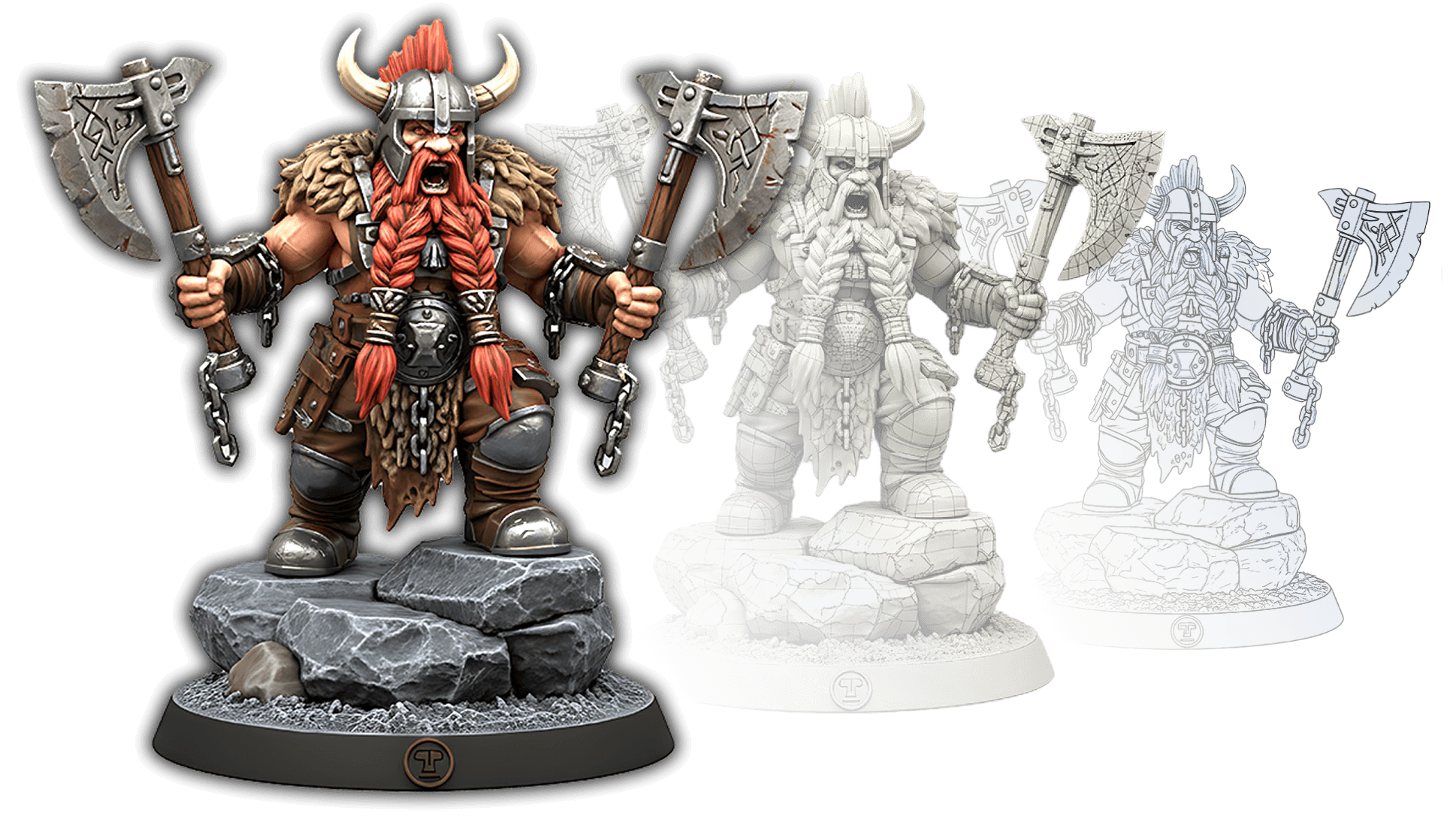
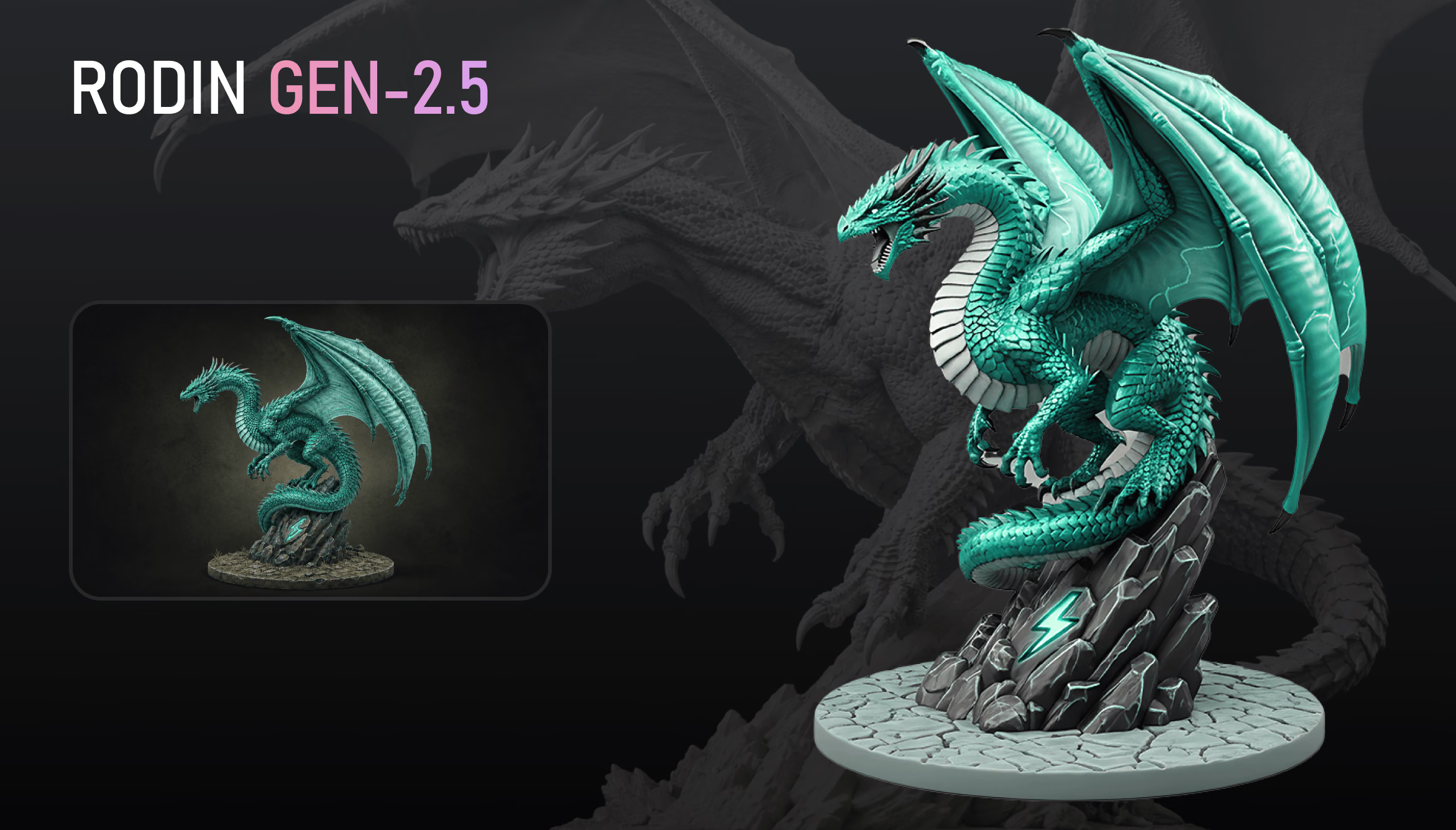
Game-ready 3D prop generated from concept art with Hyper3D's AI 3D asset generator for games

Concept to engine in three steps

The same path an outsourcing round takes — reference, model, review, export — compressed from a week to a coffee break.

  1. Step 1 — Reference
    Sci-fi armor concept art used as image-to-3D reference for a game asset

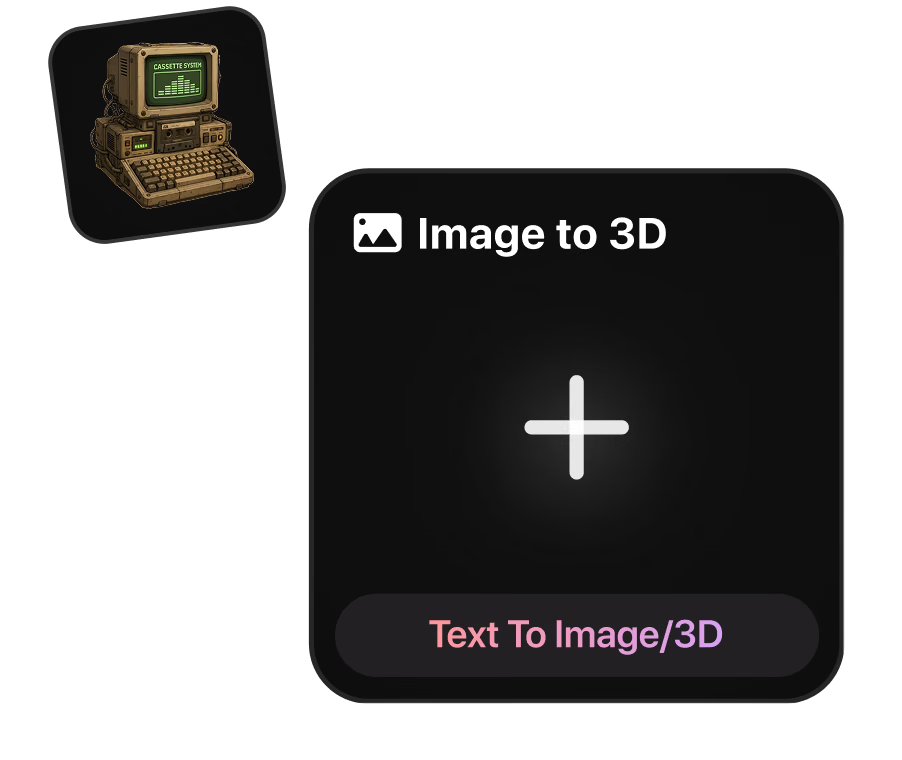
    Start from concept art or a prompt

    Feed Rodin a concept painting, an orthographic prop sheet, or a line of text like 'stylized health potion, hand-painted'. Extra angles lock the silhouette.

    concept art · prop sheets · text prompts
  2. Step 2 — Generate
    Generated game asset mesh reviewed with a live vertex and polycount readout

    Get a textured, watertight mesh

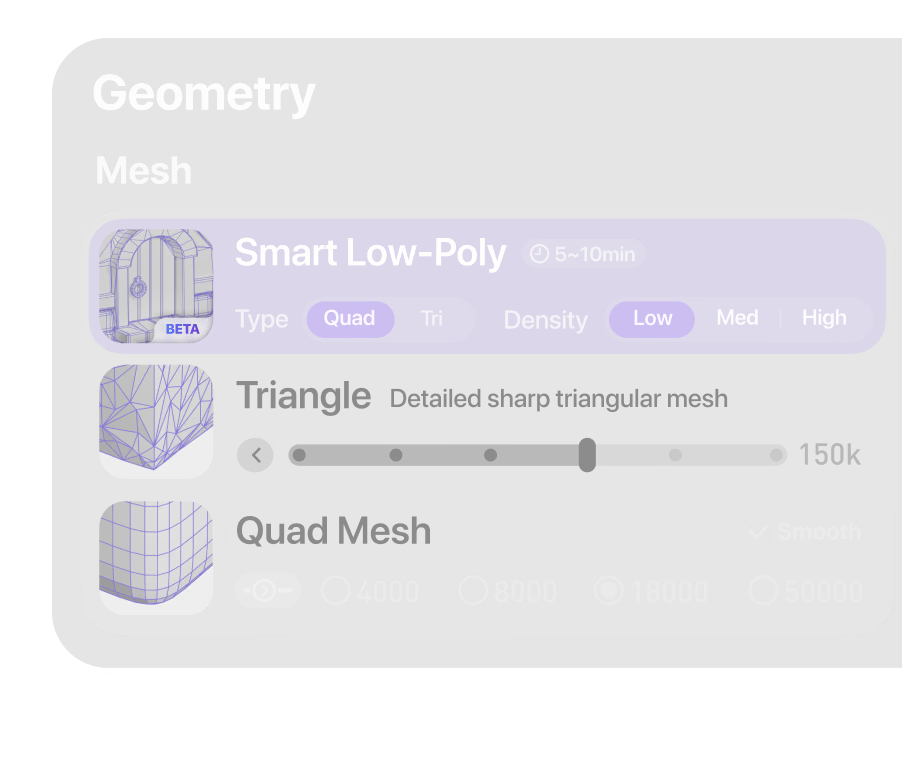
    Rodin returns a watertight mesh with UVs and a full PBR set — base color, metallic, roughness, normal. Inspect topology and polycount before anything ships.

    UVs · PBR maps · live polycount
  3. Step 3 — Export
    PBR-textured game-ready 3D model shown in a real-time engine viewport

    Drop it into Unity or Unreal

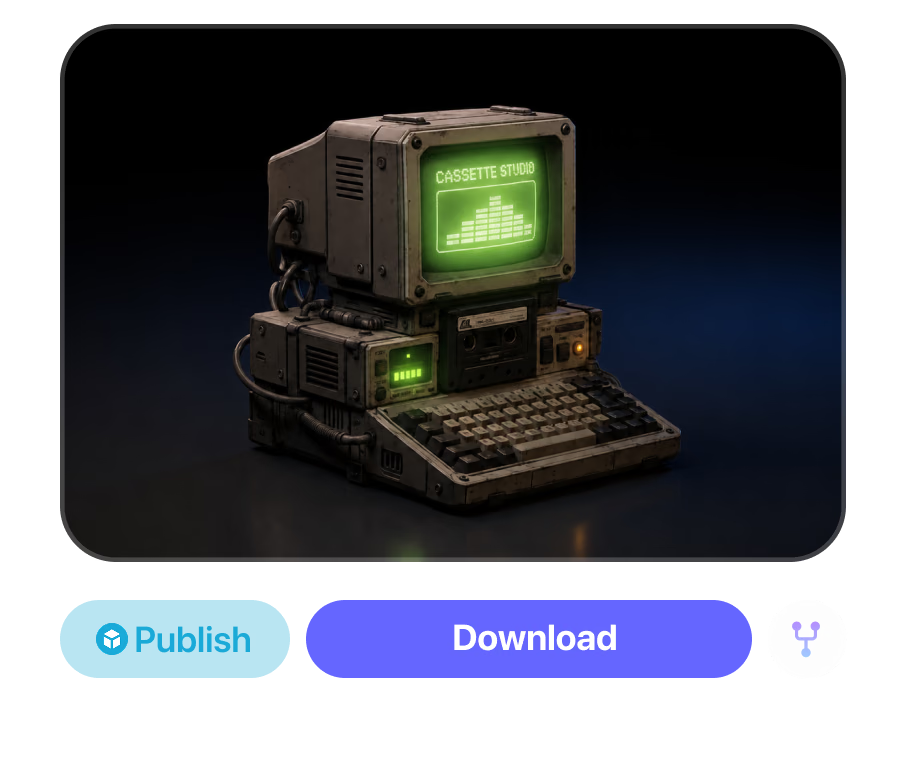
    Export FBX for Unreal, FBX or GLB for Unity, USDZ for iOS AR builds. The texture set travels with the mesh, so materials rebuild in minutes.

    FBX · GLB · OBJ · USDZ

Hit the poly budget, keep the silhouette

A hero prop can afford 40k triangles. A background crate can't. Generate at the detail you need, then bring the mesh down to budget without losing the read.

Open the Mesh Editor

One pipeline, every asset class

Rodin doesn't care whether the reference is a crate or a creature. The workflow stays the same — only the poly budget changes.

Props & set dressing

Props & set dressing

Crates, barrels, potions, signage — the long tail that eats art budgets. Type a prompt, batch variants, keep the level moving.

Characters & creatures

Characters & creatures

Turn a character sheet into a base mesh ready for sculpt and rig work in your DCC. The character design workflow covers the full pipeline.

Modular environment kits

Modular environment kits

Rocks, walls, ruins, trim pieces. Generate a family of variations from one style reference so the whole kitbash reads as one hand.

Textures & materials

Textures & materials

Already have the mesh? Generate PBR texture sets from a prompt or reference image and re-dress existing props without remodeling.

AI 3D asset generator for games: FAQ

The questions game artists actually ask: polycounts, engine import, LODs, style control, and licensing.

Are the generated models actually game-ready?

Mostly, yes. You get a watertight mesh with UVs and a full PBR set. What's left is the same check you'd run on outsourced work: polycount against budget, scale on import, pivot placement. The OmniCraft Mesh Editor covers the fixes without leaving the browser.

How do I import a model into Unity or Unreal?

Export FBX for Unreal and drag it into the Content Browser. Unity reads FBX natively and GLB through glTFast. The PBR maps export with the mesh, so you rebuild materials from files you already have instead of hunting for them.

Can I control the polygon count?

Yes. Pick the detail level at generation, then remesh toward a hard budget afterward. Voxel remeshing and dynamic topology run with a live vertex counter, so you can watch a 180k draft become a 12k background prop.

Do models come with PBR textures?

Yes — base color, metallic, roughness, and normal maps, already mapped to the mesh's UVs. If the art direction shifts, re-texture the same model from a new reference with the AI texture generator.

How do I build LODs?

Generate once at full detail, then remesh at descending densities and export each pass as LOD1, LOD2, and so on. Every level comes from the same source mesh, so silhouettes stay consistent through transitions.

Can it match a stylized art direction?

Yes. Prompt for hand-painted, low-poly, or toon looks, or supply a style reference image. Mesh and textures follow the same direction, which is what keeps a full prop set looking like one artist made it.

What reference inputs work best?

Clean concept art or an orthographic prop sheet on a neutral background. A single photo is enough for simple props; extra angles pin down anything asymmetric. Text prompts work best when they name shape, material, and style.

Can I ship generated assets in a commercial game?

Yes, on plans that include commercial use. Two things to verify yourself: that your plan covers it, and that you hold rights to any reference images you upload. Store policies on AI-generated content vary, so check your target storefront too.

Scelto da creator di asset 3D reali

I creator usano Hyper3D per trasformare riferimenti e prompt in modelli 3D modificabili e pronti all’export.

AI 3D just hit a new threshold. Rodin Gen-2.5: Geometry in ~4s, full model in ~5s, 10M+ polygons, clean structure, production-ready outputs. This is the moment AI 3D becomes an actual pipeline tool.

Sabir Hussain

Sabir Hussain

AI & Tech Enthusiast

Tested Rodin Gen-2.5 from Hyper 3D. Cleaner meshes, sharper surface detail, stronger multi-angle coherence. The results feel much closer to something you’d actually keep iterating on inside a real workflow.

BubbleBrain

BubbleBrain

AI Enthusiast

Rodin Gen 2.5 is a game-changer. 10M+ polygons, 3D-native textures, and seriously good results on complex high-poly models. Production-ready assets just got a lot closer.

Lagerskoy

Lagerskoy

Hunter & Builder

Generate your first game-ready asset

Pick a prop from your concept board, generate it free, and have it in-engine before the next stand-up.