Asset 3D per il metaverso, pronti al real time

Turn a sketch, photo, or prompt into a textured GLB you can drop straight into a virtual world — PBR maps included, remeshed to the poly budget your platform allows.

AI-generated 3D assets for the metaverse: low-poly props and environment pieces exported as GLB

Tutto ciò che serve a un mondo

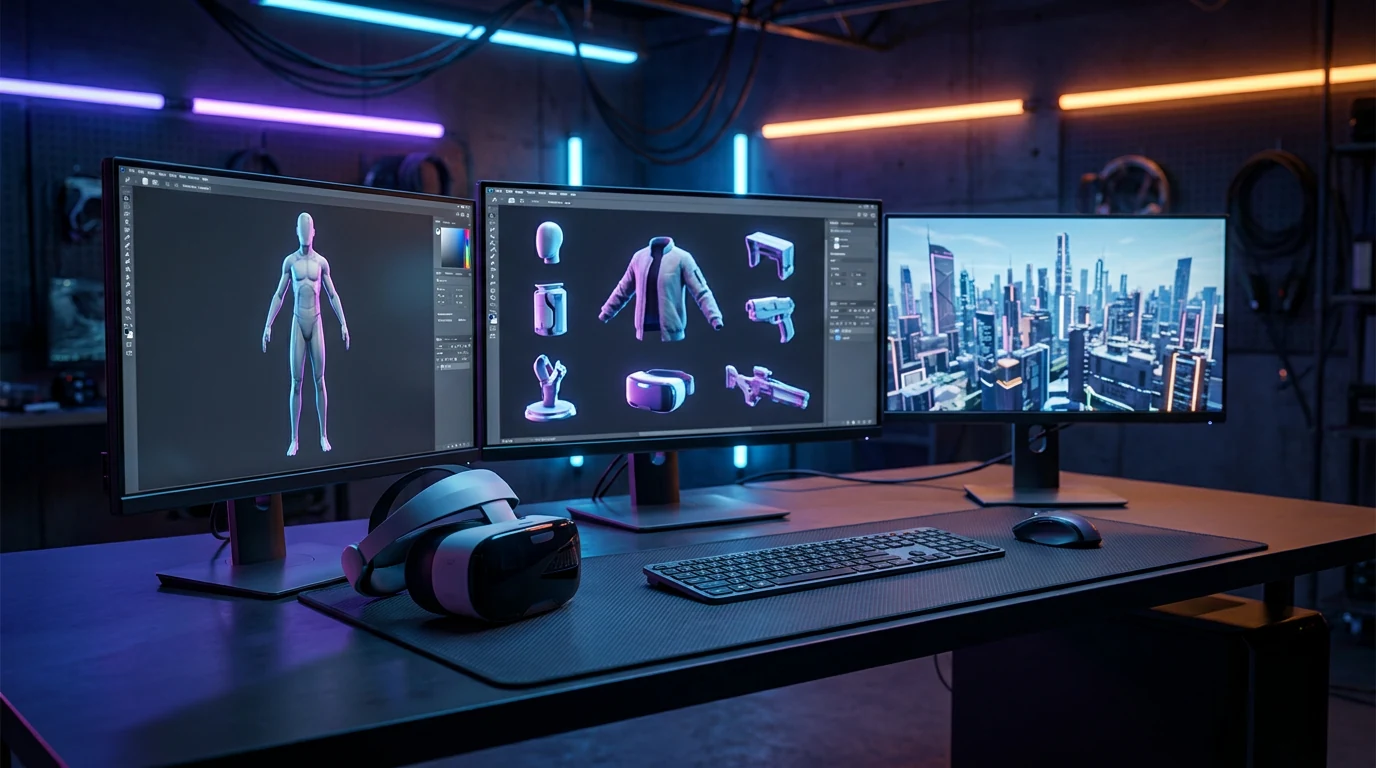
Metaverse 3D models aren't one category. A plaza needs set dressing, avatars need things to hold, and the skyline needs somewhere to end.

Props & set dressing

Props & set dressing

Benches, lanterns, market stalls, arcade cabinets. Type a prompt, batch variants, and fill a district without modeling each piece by hand.

Avatar props & accessories

Avatar props & accessories

Hats, skateboards, back-mounted katanas. Generate the mesh and textures here; attach and rig them in your platform's own toolchain.

Environments & skyboxes

Environments & skyboxes

Terrain chunks, modular buildings, signage — plus a 360° HDRI sky generated from one sentence to wrap the whole scene.

Re-skins & seasonal swaps

Re-skins & seasonal swaps

Same mesh, new event. Re-texture existing props from a reference image for the Halloween build without touching the geometry.

Dal riferimento al GLB pronto per il mondo

One pass through Rodin covers what a metaverse build actually ships: a mesh, its textures, and a file small enough to stream.

  1. Step 1 — Reference
    Concept art used as an image-to-3D reference for a metaverse 3D asset

    Start with what you have

    A concept sketch, a product photo, or a prompt like 'low-poly street food cart, night market'. Style words steer the whole asset.

    photos · sketches · text prompts
  2. Step 2 — Generate
    AI-generated textured 3D model with a full PBR map set for a virtual world

    Get a textured mesh with PBR maps

    Rodin returns a watertight mesh with UVs and base color, metallic, roughness, and normal maps — inspect it in the browser before you commit.

    watertight mesh · UVs · PBR set
  3. Step 3 — Optimize & export
    Optimized GLB asset prepared for a real-time metaverse platform

    Remesh to budget, export GLB

    Pull the draft down to your platform's triangle budget in the OmniCraft Mesh Editor, then export GLB for the web — or FBX when Unity is the doorway.

    GLB · FBX · OBJ · USDZ

Budget poligonali per piattaforme real-time

A world that streams through a browser tab has no patience for a two-million-triangle chair. Web worlds are the harshest renderers you'll ever ship to.

Open the Mesh Editor

Modelli 3D per il metaverso: risposte dirette

Formats, budgets, wearables, and what still needs rigging — answered the way a world builder would ask.

Which formats do metaverse platforms accept?

GLB, almost everywhere. Decentraland runs on glTF, and web worlds like Spatial, Mona, and Hyperfy take GLB uploads directly. Roblox and VRChat route through Studio and Unity instead, where FBX is the working currency — Hyper3D exports both, plus OBJ and USDZ.

What poly count should a metaverse asset have?

Lower than you think. A handheld prop sits comfortably at 2–8k triangles, a furniture piece at 5–15k, and a whole Decentraland parcel gets about 10k. Generate detailed, then remesh down in the OmniCraft Mesh Editor while the live vertex counter keeps score.

Can Hyper3D make avatar props and wearables?

The mesh and textures, yes. Generate the hat, the jetpack, or the katana here and export GLB or FBX; attaching it to a skeleton and skinning it happens in your platform's toolchain or Blender. Hyper3D doesn't rig avatars or export VRM.

How do I keep a GLB small enough for virtual worlds?

Three levers: triangles, texture size, and material count. Remesh toward your platform's budget, keep textures at 1K or 2K, and let one material cover the whole prop where you can. A street-food cart that streams in under 5 MB beats a beautiful one that stalls the scene.

Can I build a whole environment, not just props?

Piece by piece, yes. Generate modular kits — walls, terrain chunks, signage — from one style reference so the whole district reads as one hand, and wrap the scene in a 360° sky from the AI HDRI generator. Assembly still happens in your world editor.

Do the models come with PBR textures?

Yes: base color, metallic, roughness, and normal maps, mapped to the mesh UVs. Platforms that favor unlit or baked looks can use the base color alone, and re-texturing for a new event takes one reference image in the AI texture generator.

Is this different from building assets for VR headsets?

Same discipline, different ceiling. Headset work chases frame time; web worlds add download size and per-parcel caps on top. The AR/VR workflow page covers the headset side — the generation pipeline is identical, only the budgets move.

Can I sell the metaverse assets I generate?

On plans that include commercial use, yes. Two checks before you list anything: your Hyper3D plan covers commercial work, and you hold the rights to any reference images you upload. Marketplaces also set their own AI-content policies, so read your platform’s terms too.

Scelto da creator di asset 3D reali

I creator usano Hyper3D per trasformare riferimenti e prompt in modelli 3D modificabili e pronti all’export.

AI 3D just hit a new threshold. Rodin Gen-2.5: Geometry in ~4s, full model in ~5s, 10M+ polygons, clean structure, production-ready outputs. This is the moment AI 3D becomes an actual pipeline tool.

Sabir Hussain

Sabir Hussain

AI & Tech Enthusiast

Tested Rodin Gen-2.5 from Hyper 3D. Cleaner meshes, sharper surface detail, stronger multi-angle coherence. The results feel much closer to something you’d actually keep iterating on inside a real workflow.

BubbleBrain

BubbleBrain

AI Enthusiast

Rodin Gen 2.5 is a game-changer. 10M+ polygons, 3D-native textures, and seriously good results on complex high-poly models. Production-ready assets just got a lot closer.

Lagerskoy

Lagerskoy

Hunter & Builder

Riempi il tuo mondo prima del prossimo evento

Generate the first prop free — a GLB you can upload tonight, not a concept you'll model someday.