




Iron, not chrome
Medieval metal is hand-forged: hammer marks, uneven edges, dull grey with rust pitting. Prompt "wrought iron, hammered surface" and ban mirror finishes.
Rodin è in grado di generare oggetti di scena, armi e elementi architettonici in stile medievale con dettagli quali elementi in ferro, legno e finiture murali; il risultato è quasi pronto per essere utilizzato nei flussi di lavoro supportati, sia in tempo reale che per la stampa 3D.
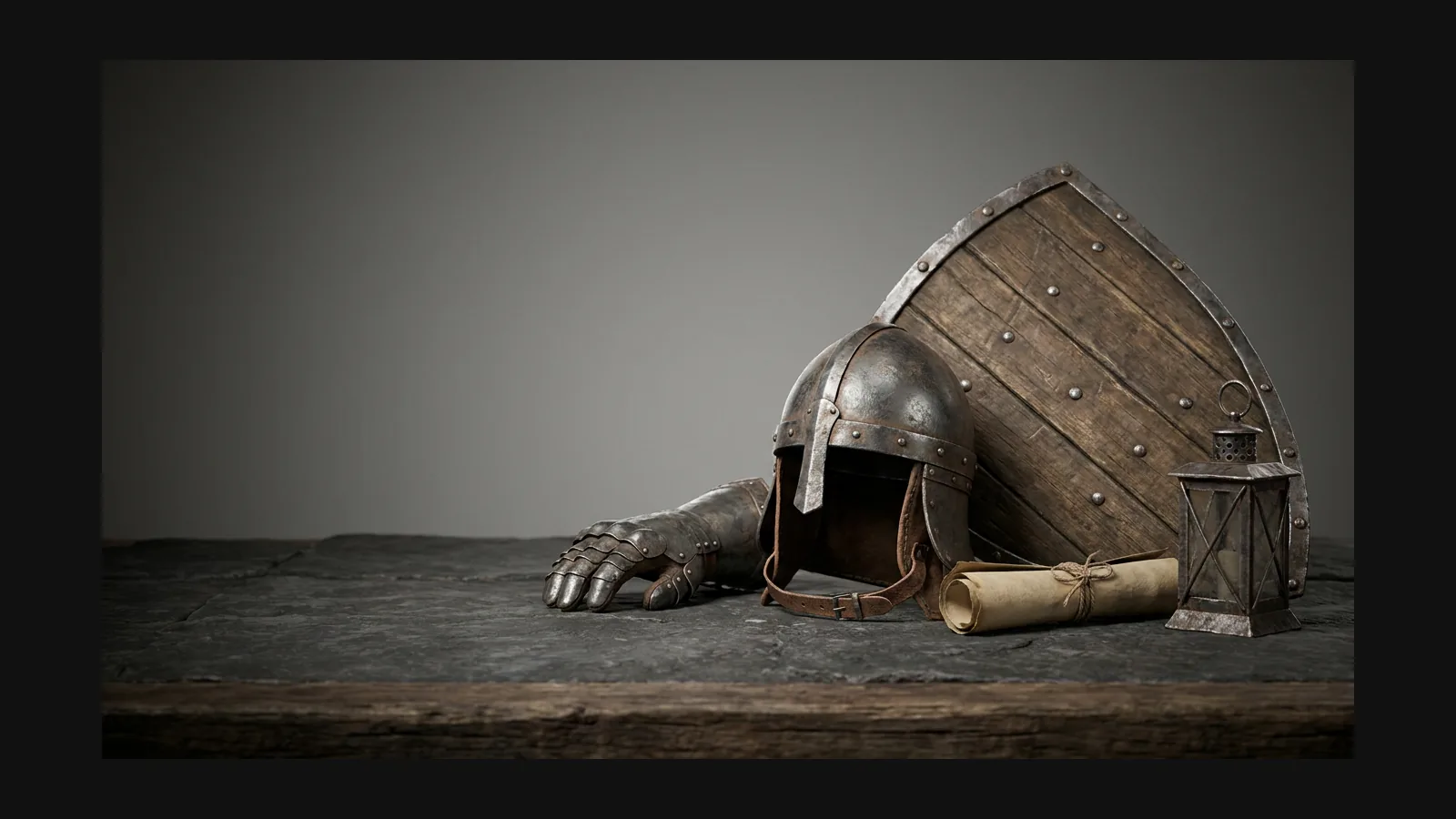
Name the medieval object, period, region, and materials to guide Rodin toward the right silhouette, construction cues, and surface character; a reference image gives even stronger art direction.
Medieval metal is hand-forged: hammer marks, uneven edges, dull grey with rust pitting. Prompt "wrought iron, hammered surface" and ban mirror finishes.
Riven boards instead of sawn planks, pegged joints instead of nails, wax and tallow finish instead of varnish. "Riven oak, pegged joinery" changes the whole prop.
Peasant buildings are timber frames filled with woven sticks and clay, under sagging thatch. Prompt the sag — perfectly straight ridgelines scream "asset store".
Interiors were lit by fire: add soot streaks above sconces, grease sheen on tabletops, smoke-darkened beams. Wear patterns tell players where people lived.


Each card ends with a prompt you can paste into Rodin unchanged.
Arming swords, kite shields, maille shirts, and rondel daggers are excellent Rodin subjects. Try: “12th-century arming sword, wrought-iron crossguard, leather-wrapped grip, museum reference, high-detail medieval prop.”
Timber-frame houses, gatehouses, keep walls, dovecotes. Generate kit pieces separately for engine-friendly modularity. Try: "medieval timber-frame house, jettied upper floor, wattle and daub infill, sagging thatch roof, modular game building".
Trestle tables, coopered barrels, iron candlesticks, rope beds. The set dressing that makes a tavern feel inhabited — light enough for VR scenes. Try: "medieval trestle table, riven oak top, pegged joints, grease-worn surface, low poly prop".
Trebuchets, mangonels, ox carts, and siege towers make strong tabletop-terrain subjects. Try: “medieval trebuchet, oak-beam frame, hemp-rope windings, counterweight basket, watertight 3D-printing-ready model.”
Museum photo in, engine-ready prop out. Three steps, no century-mixing.
Museum collection photos are gold: neutral light, full turnarounds, honest wear. Or write the prompt with century, material, and social class — a knight's chest and a peasant's chest are different objects.

Rodin delivers high reference fidelity, strong silhouette and proportion preservation, and coherent detail across views.

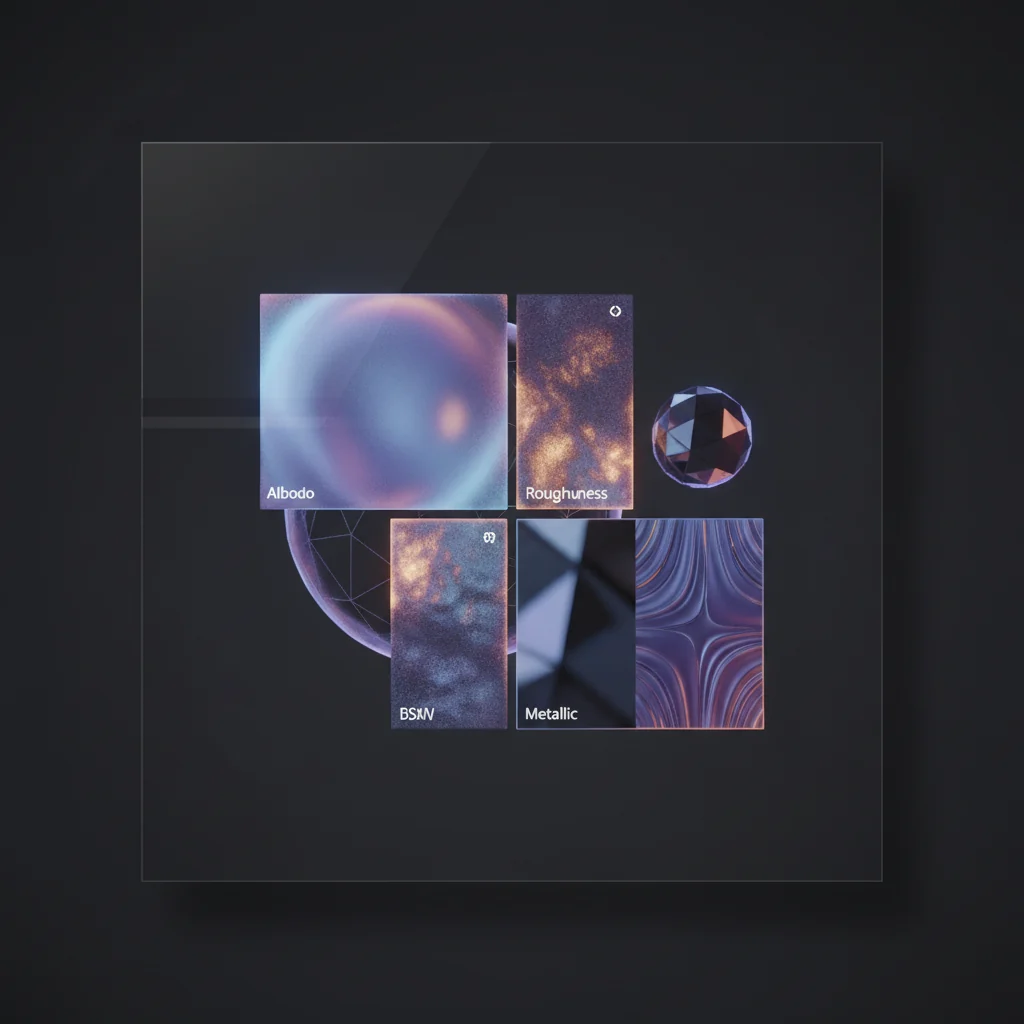
Use Rodin's high-quality PBR textures to bring out rust pitting and grease sheen. Rodin generates clean topology and lets you set a target triangle count for background props; OmniCraft offers optional mesh optimization for creative or destination-specific goals. Choose your preferred supported export, including 3D-printing-ready output for tabletop terrain.

Rodin can directly generate medieval-style 3D assets with aged materials and surface characteristics; OmniCraft is a separate, optional tool for creating additional texture variants from a reference image.
Historical accuracy, modular kits, polycounts, and how this page differs from fantasy and gothic.


