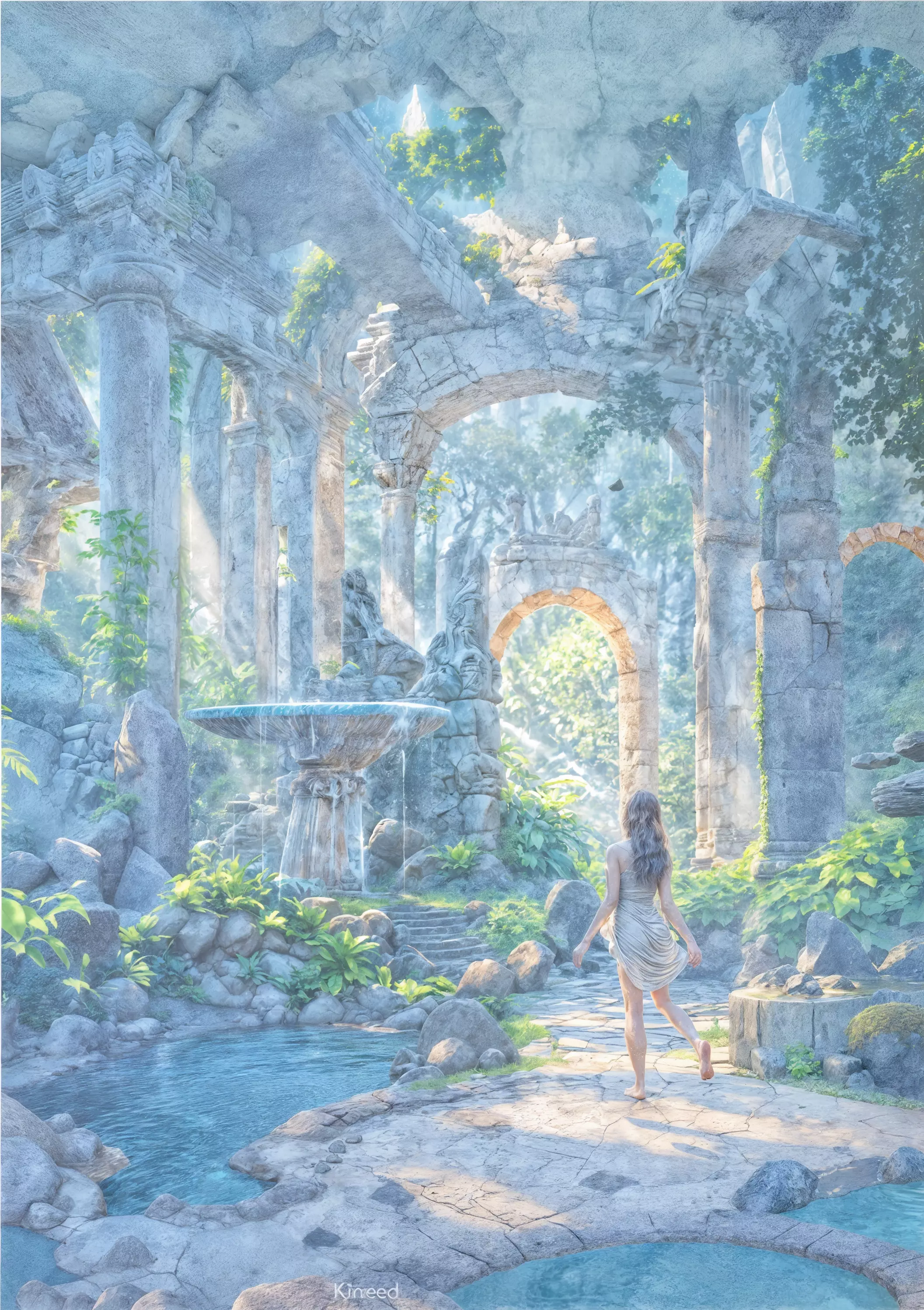
مجاني محسّن الصور بالذكاء الاصطناعي
كبّر حتى 4K في المتصفح

حوّل الصور والتصييرات وصور المفاهيم إلى نسخ واضحة بدقة HD أو 2K أو 4K مع استعادة التفاصيل. ابدأ مجانًا دون تثبيت — كل شيء يعمل في المتصفح.

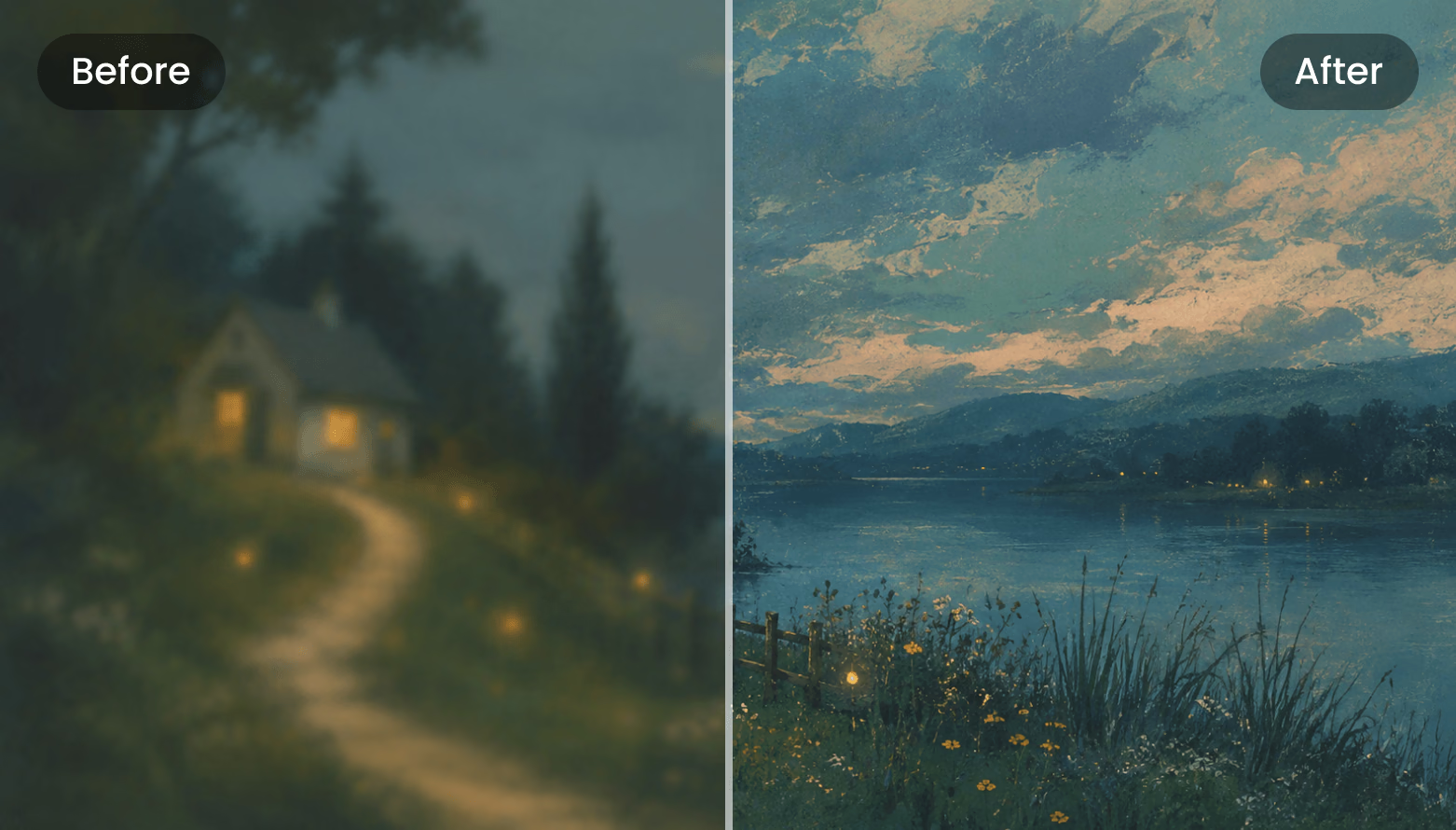
AI Enhancer Before / After
Drag the divider
Before After
Upscale HD 2K 4K JPG · PNG · WebP input

حسّن صورة في ثلاث خطوات

سير العمل الفعلي لأداة Enhancer: ارفع، اضبط، قارن، نزّل. كل شيء يعمل في المتصفح.

  1. Step 1 — Upload
    Enhancer upload dropzone: click or drag your image here

    Upload Your Image

    Click or drop an image into the dashed upload zone. Add several images to the sidebar queue and switch between them at any time.

    JPG · PNG · WebP · ≤3 MB · ≥128 px
  2. Step 2 — Tune
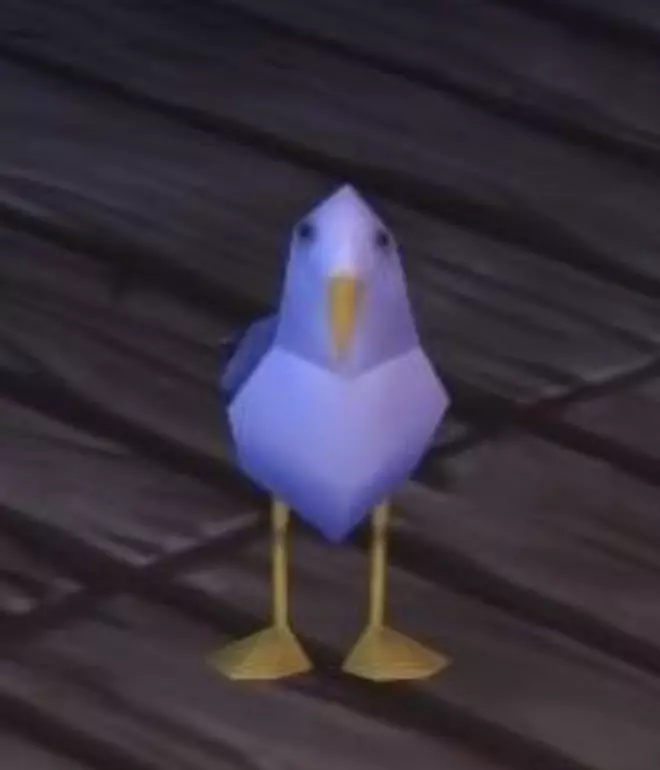
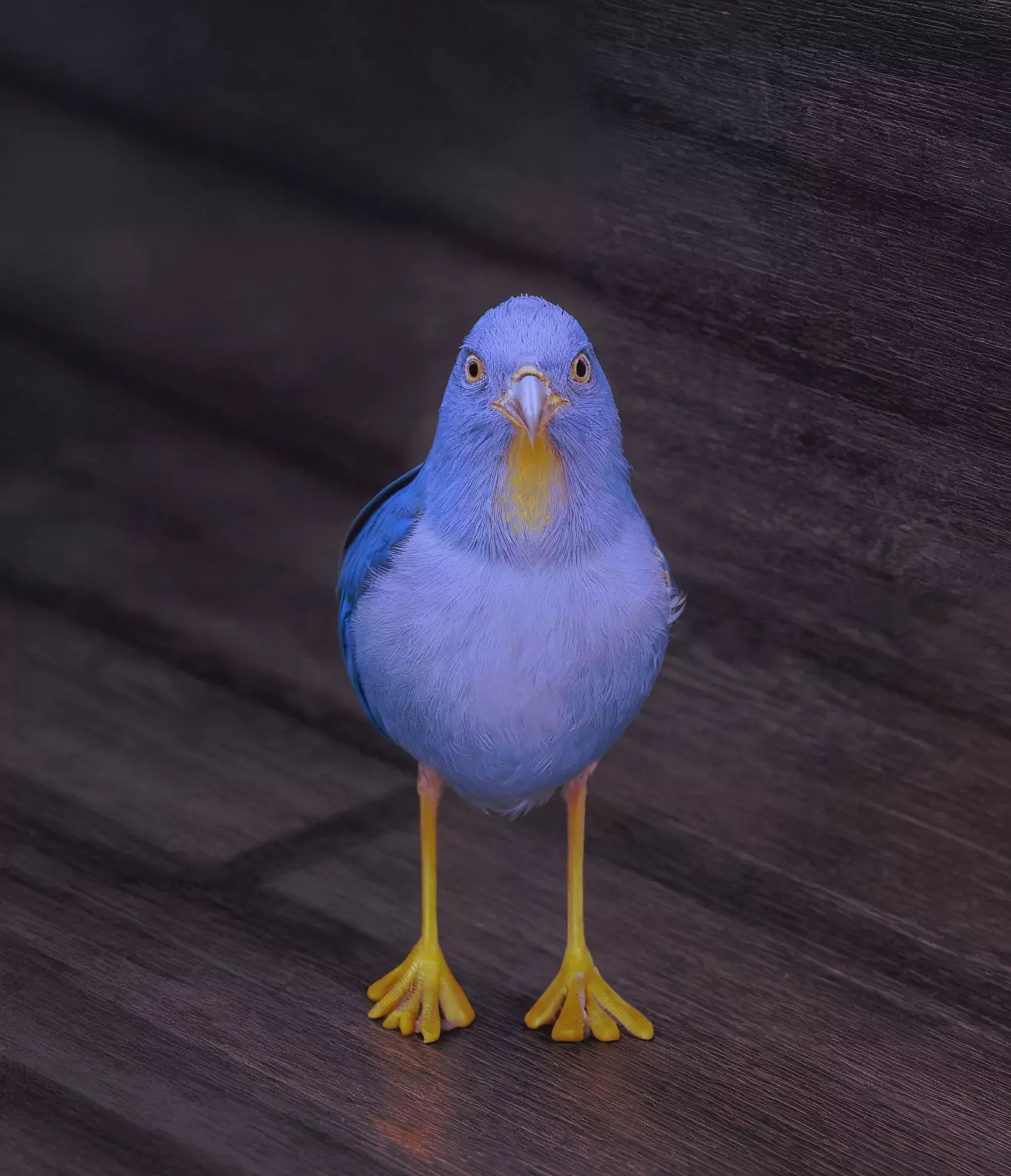
    Blurry low-resolution bird photo beside its AI-enhanced version with feather-level detail

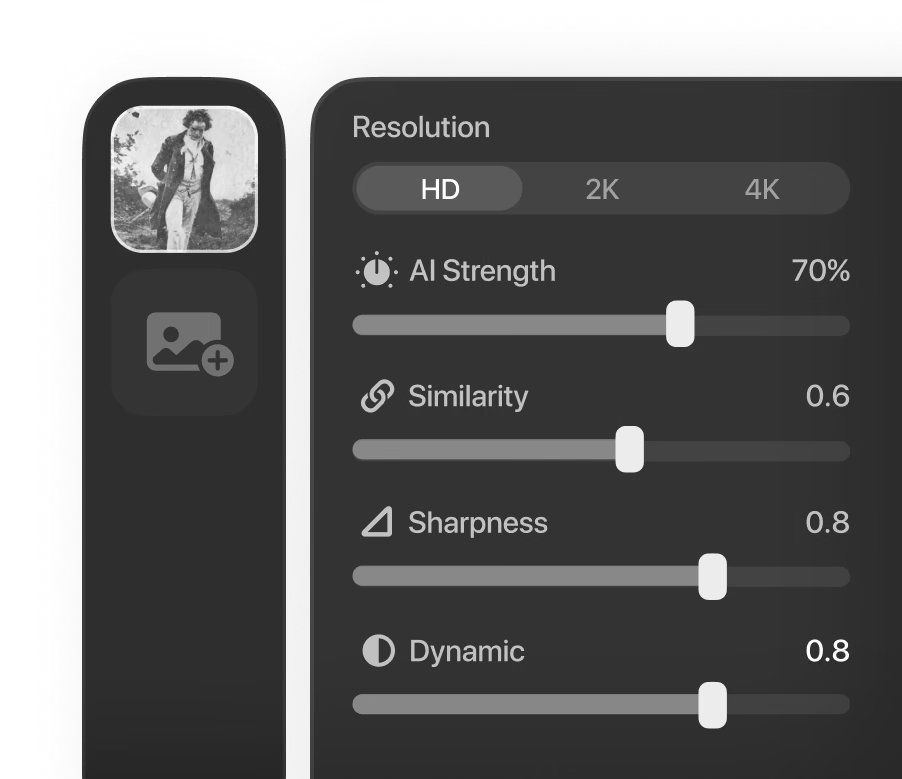
    Pick a Resolution and Tune

    Choose HD, 2K, or 4K output, then balance the AI Strength, Similarity, Dynamic, and Sharpness sliders until the enhancement fits the image.

    HD · 2K · 4K · prompt & seed
  3. Step 3 — Compare
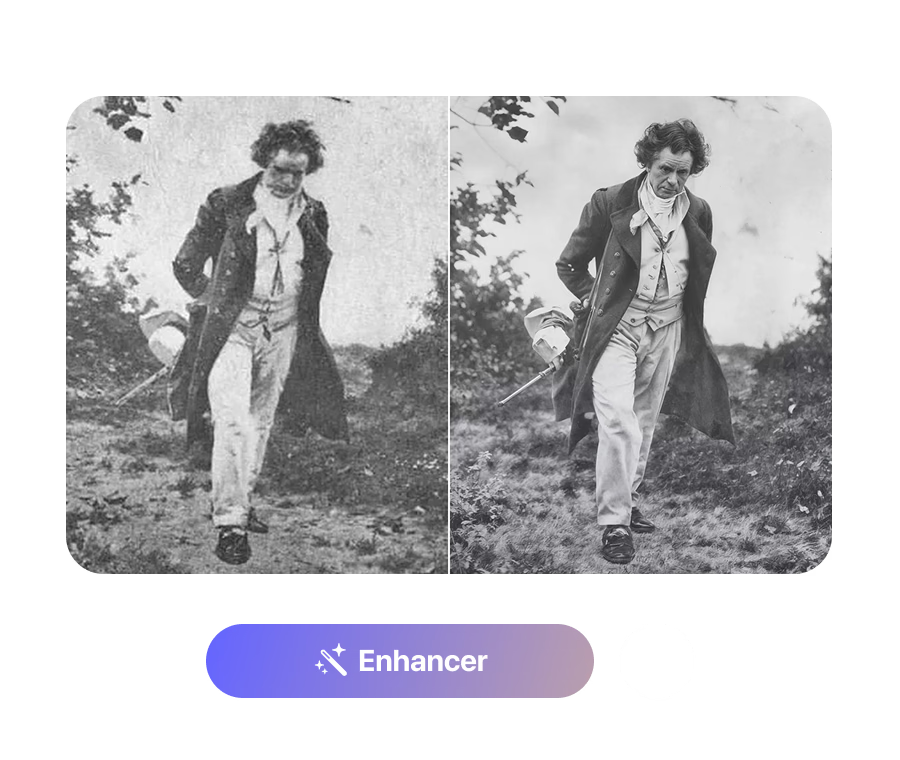
    Grainy vintage portrait next to its restored, sharpened version in a before/after split

    Compare and Download

    Drag the divider across the before/after view, zoom in to inspect fine detail, then download the enhanced image as a PNG.

    0.2×–2.5× zoom · PNG

Real Detail Recovery, Not Just Resizing

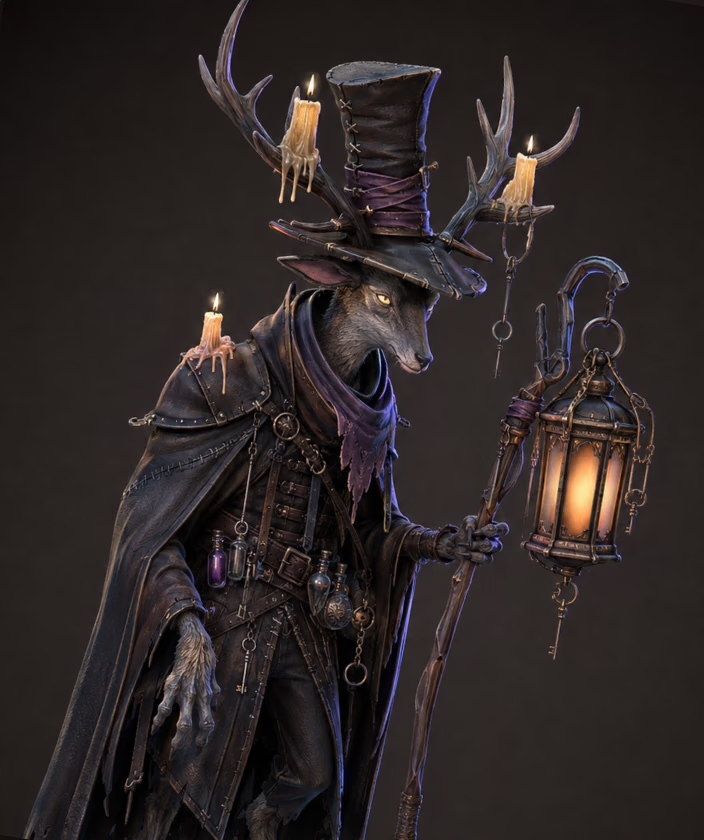
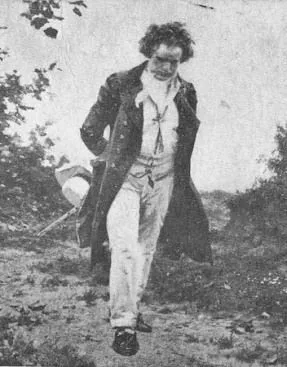
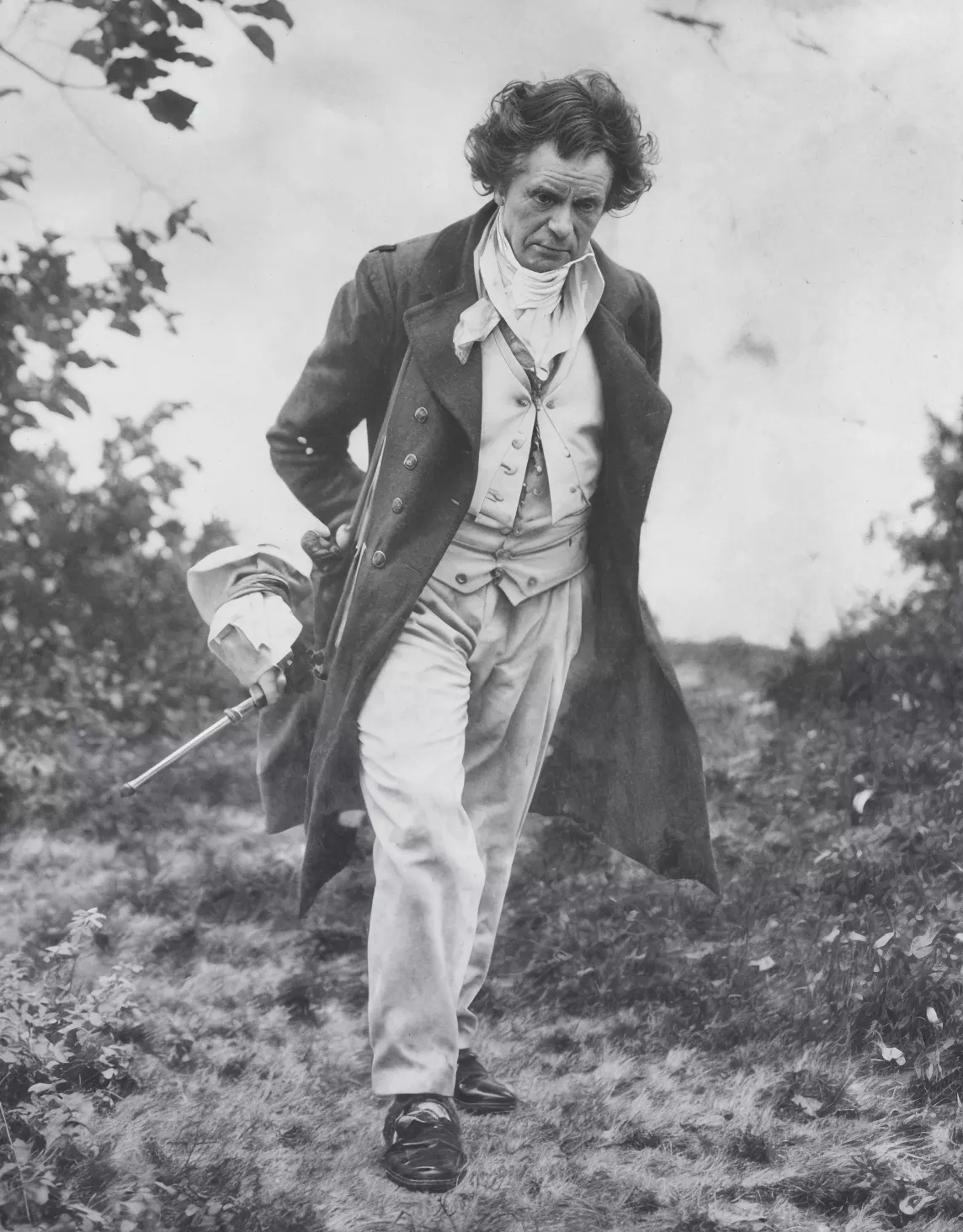
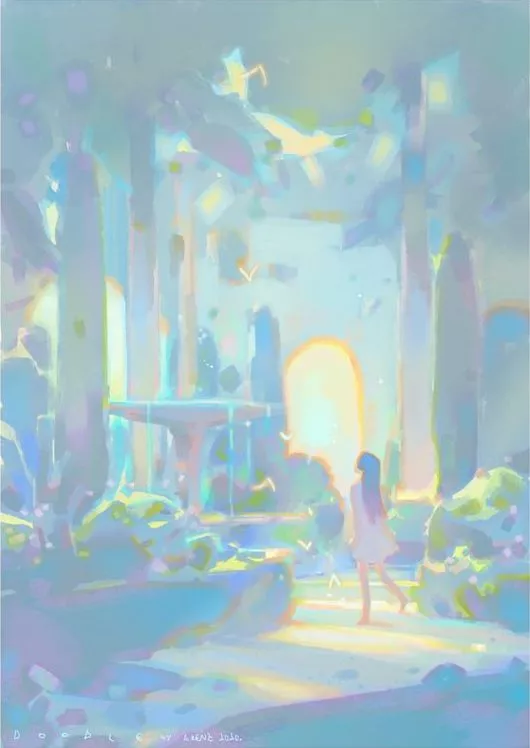
يعيد Enhancer بناء التفاصيل الحقيقية بدلاً من تمديد البكسلات — تستعيد أزواج العرض مسحاً بدقة 287×367 إلى 1144×1464 وتكبّر الرسوم المفاهيمية 4 مرات.

Try It on Your Own Image

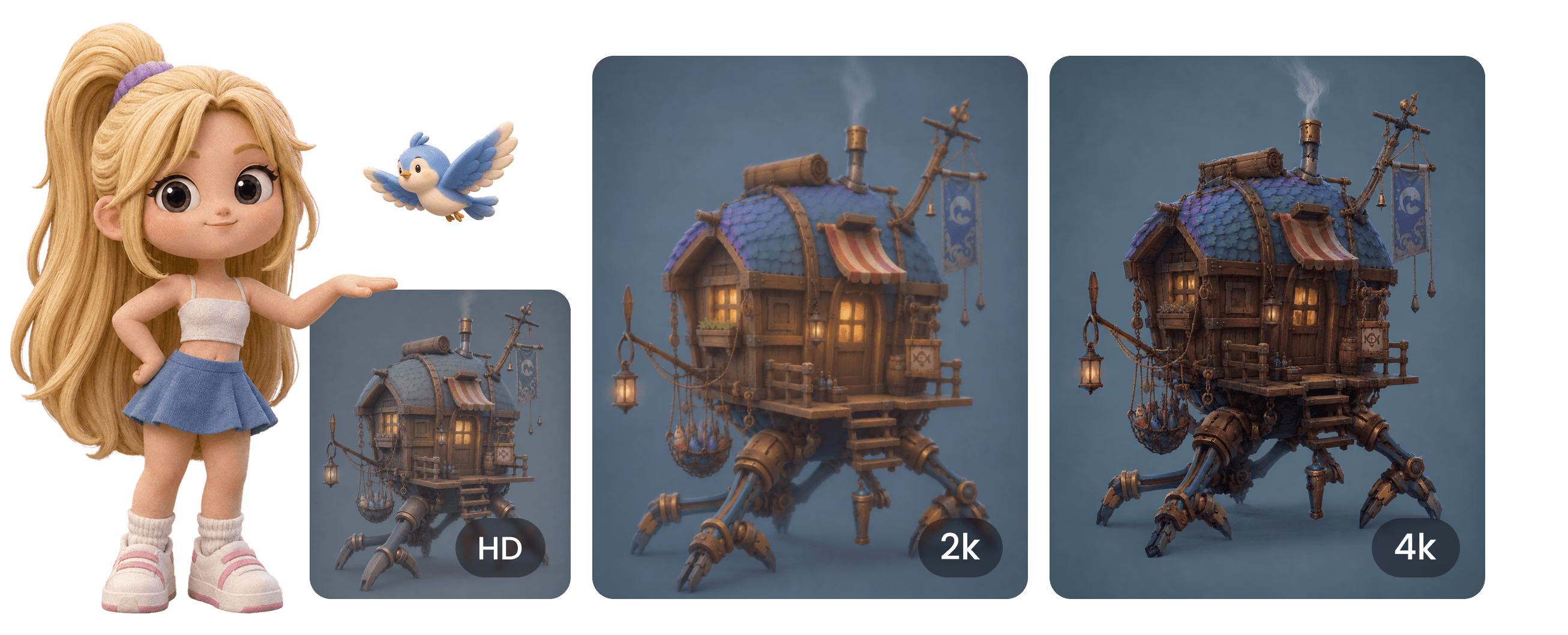
Three Output Tiers

HD (1K) enhancement is free with a Hyper3D account. When you need bigger output, the 2K and 4K tiers unlock with a subscription.

Three Output Tiers visual

ماذا تتيح الصور الأكثر وضوحًا

استخدم الصور المحسّنة حيثما كانت جودة المصدر تعيق العمل.

Image to 3D

Image to 3D

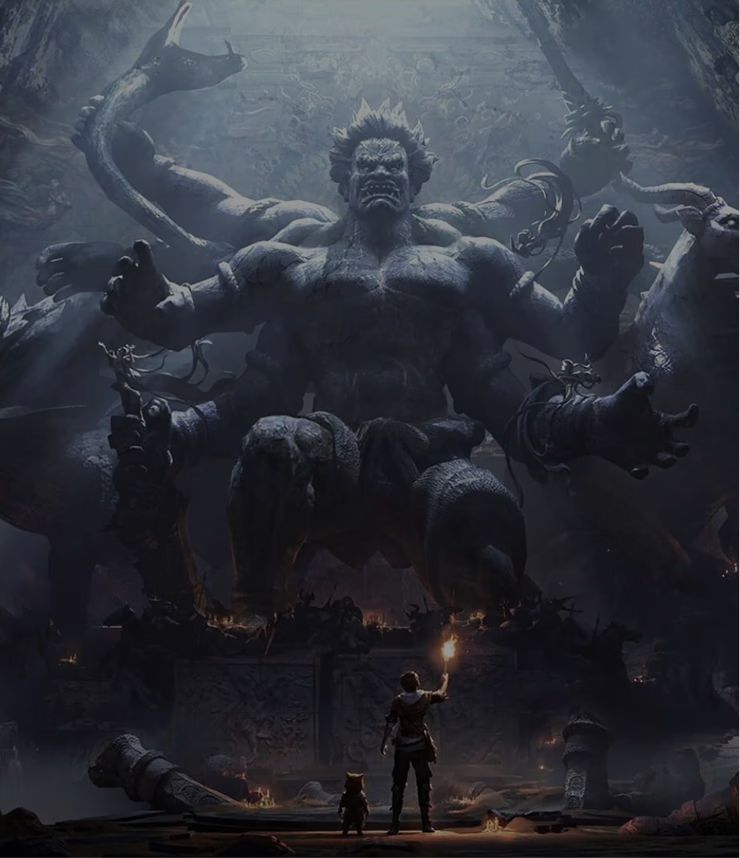
Sharpen reference photos before Rodin image-to-3D. Cleaner edges, materials, and silhouettes give the generator a stronger signal to work from.

Product Visuals

Product Visuals

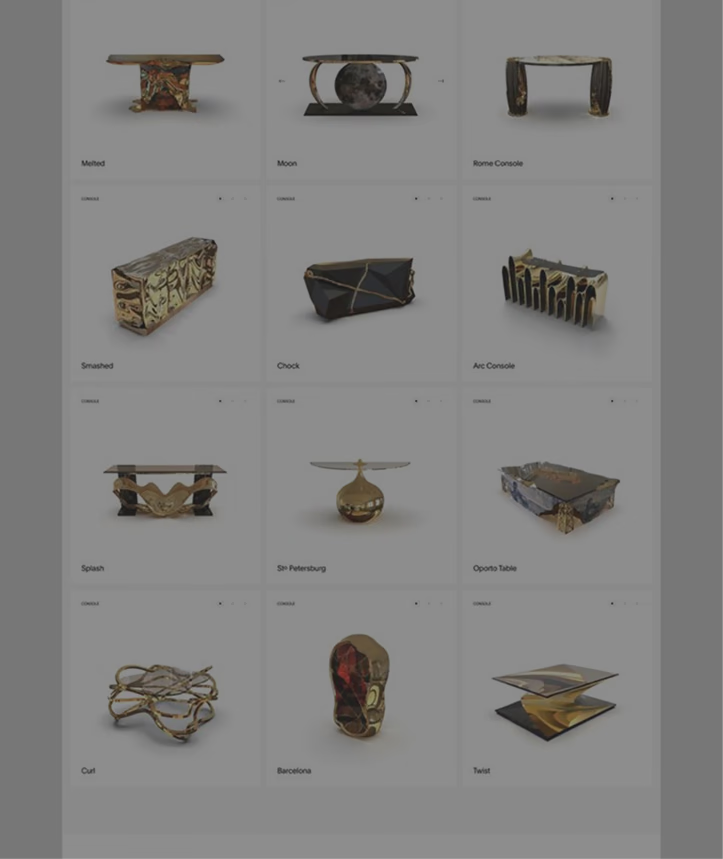
Turn small, compressed product shots into crisp 2K–4K images for listings, mockups, and 3D product visualization work.

Game Art

Game Art

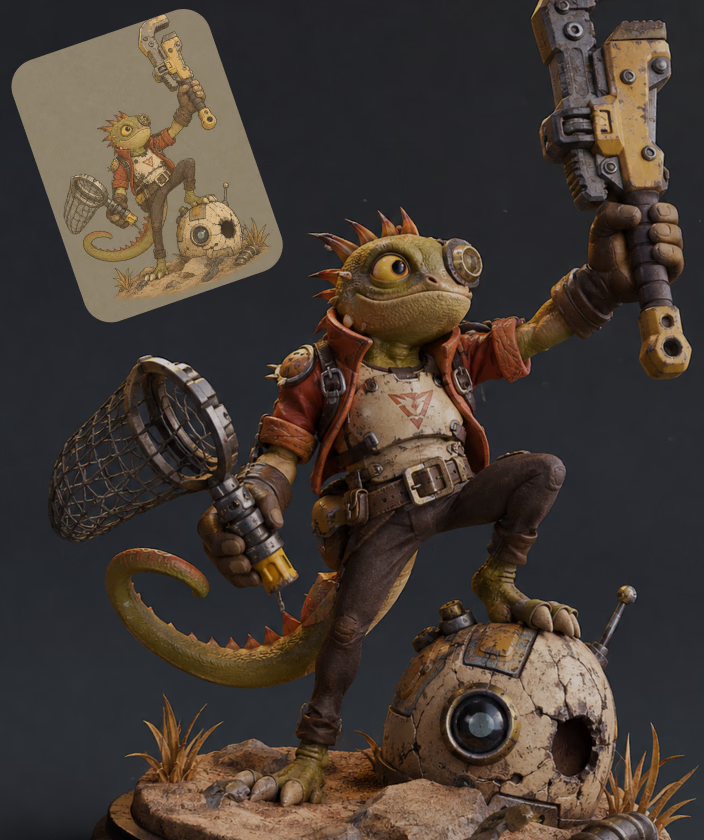
Upscale concept art and old low-resolution renders into sharp references for modeling, texturing, and pitch decks.

Photo Restoration

Photo Restoration

Recover old photos and scanned artwork. A high Similarity setting keeps the result faithful while clarity and detail improve.

الأسئلة الشائعة

إجابات مبنية على كيفية عمل Enhancer فعليًا اليوم: الصيغ والحدود وعناصر التحكم والأسعار.

What does the AI Image Enhancer actually do?

It upscales and enhances an uploaded image to HD (1K), 2K, or 4K resolution, recovering detail, color, and clarity with a generative AI model. You control how aggressive the enhancement is, compare before and after on a slider, and download the result as a PNG.

Which file types and sizes can I upload?

JPEG, PNG, and WebP images are accepted, by click-to-browse or drag and drop. Files must be under 3 MB after automatic compression, and the shortest side of the image must be at least 128 pixels.

Is the Image Enhancer free to use?

Yes — the tool is labeled 'Free to all' in OmniCraft. You need a free Hyper3D account to upload, HD (1K) enhancement is free, and the 2K and 4K output tiers unlock with a subscription.

What do AI Strength and Similarity control?

AI Strength (0–100%, default 25%) sets how much new detail the model may generate — its creativity. Similarity (0–2, default 1.0) controls resemblance to the source: higher values stay closer to the original. Dynamic (0–10, default 6) and Sharpness (0–10, default 0) fine-tune contrast range and edge crispness.

Can I get repeatable, deterministic results?

Yes. Enter a positive number in the Seed field and the same image with the same settings will produce the same result. Leave the seed at its default (-1) for a fresh variation on every run.

Do I need to write a prompt?

No. The prompt box is optional — a short description of what's in the image (up to 255 characters) can guide the model, but the Enhancer works without any text input.

How do I check the result before downloading?

The result opens in a before/after viewer with a draggable divider. You can zoom from 0.2x to 2.5x with the mouse wheel and pan by dragging, so you can inspect edges, textures, and fine detail at pixel level.

What format is the downloaded result?

Enhanced images download as PNG files with a timestamped filename, ready to drop into image-to-3D, texture, or design workflows without further conversion.

هل لديك أسئلة أخرى؟ تحدث مع فريقنا.

موثوق به من صناع أصول ثلاثية الأبعاد حقيقية

تستخدم فرق الإنتاج Hyper3D لتحويل مراجع الصور والمطالبات إلى نماذج ثلاثية الأبعاد قابلة للتحرير والتصدير بسرعة أكبر.

وصل الذكاء الاصطناعي ثلاثي الأبعاد إلى مستوى جديد. يوفر Rodin Gen-2.5 هندسة سريعة ودعمًا عالي التفاصيل وبنية نظيفة ومخرجات جاهزة للإنتاج.

Sabir Hussain

Sabir Hussain

مهتم بالذكاء الاصطناعي والتقنية

شبكات أنظف وتفاصيل سطح أوضح واتساق أقوى بين الزوايا. تبدو النتائج أقرب بكثير إلى سير عمل حقيقي.

BubbleBrain

BubbleBrain

مهتم بالذكاء الاصطناعي

وصل الذكاء الاصطناعي ثلاثي الأبعاد إلى مستوى جديد. يوفر Rodin Gen-2.5 هندسة سريعة ودعمًا عالي التفاصيل وبنية نظيفة ومخرجات جاهزة للإنتاج.

Sabir Hussain

Sabir Hussain

مهتم بالذكاء الاصطناعي والتقنية

شبكات أنظف وتفاصيل سطح أوضح واتساق أقوى بين الزوايا. تبدو النتائج أقرب بكثير إلى سير عمل حقيقي.

BubbleBrain

BubbleBrain

مهتم بالذكاء الاصطناعي

وصل الذكاء الاصطناعي ثلاثي الأبعاد إلى مستوى جديد. يوفر Rodin Gen-2.5 هندسة سريعة ودعمًا عالي التفاصيل وبنية نظيفة ومخرجات جاهزة للإنتاج.

Sabir Hussain

Sabir Hussain

مهتم بالذكاء الاصطناعي والتقنية

كبّر صورتك الأولى الآن

ابدأ مجانًا، يعمل في المتصفح، وتُنزّل النتيجة بصيغة PNG نظيفة جاهزة لسير عمل 3D التالي.