




شخصيات 452إعجابات
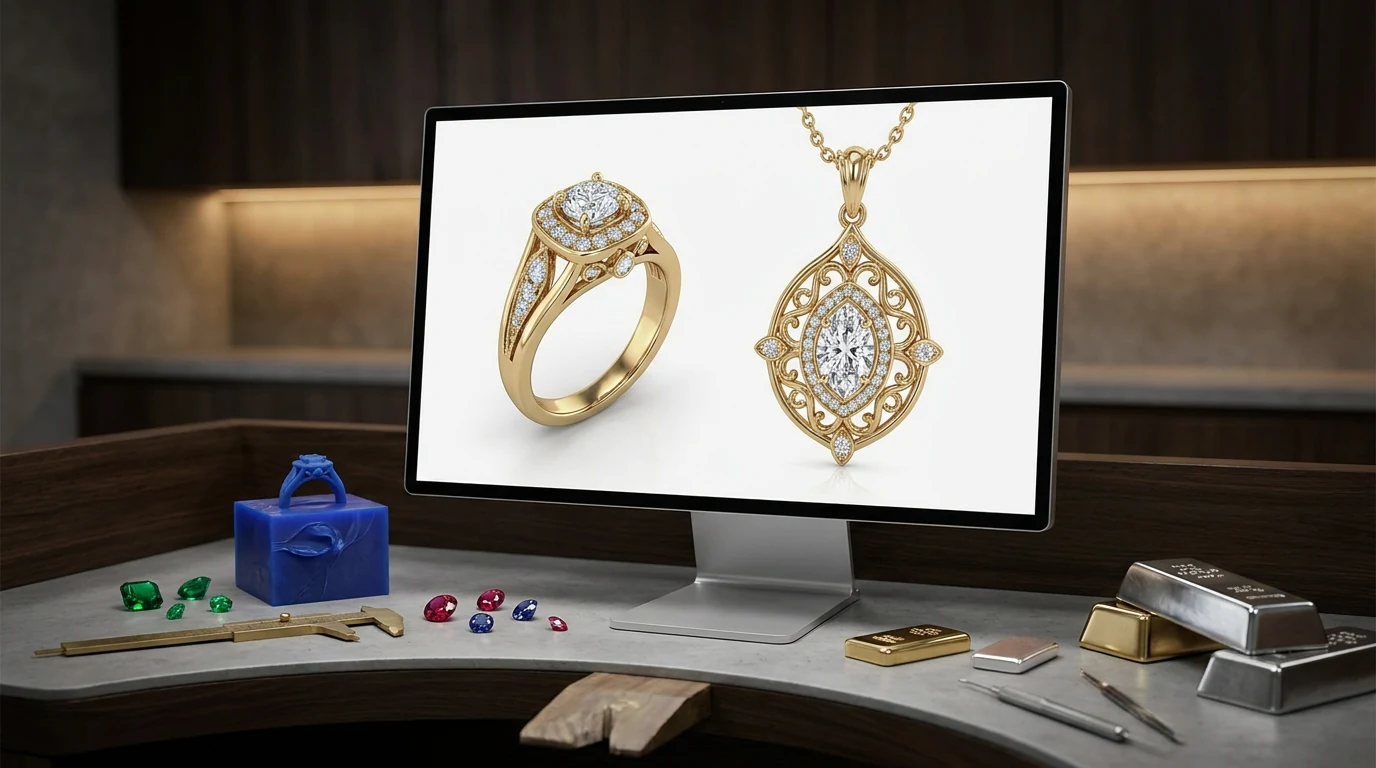
452إعجاباتUpload a ring sketch or a customer's reference photo. Rodin returns a textured 3D jewelry model you can iterate in minutes — then export STL for lost-wax printing.
 452إعجابات
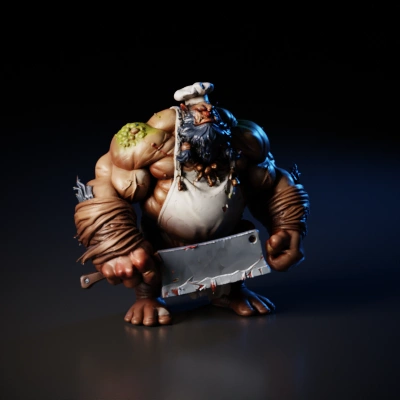 428إعجابات
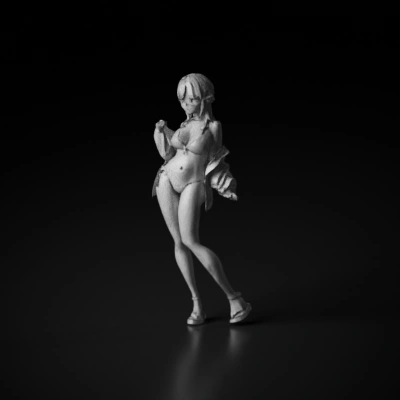 358إعجابات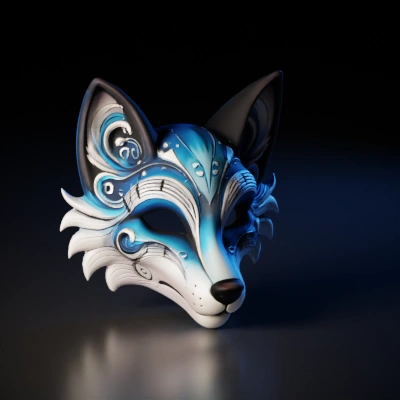
 285إعجابات
 409إعجابات
 521إعجابات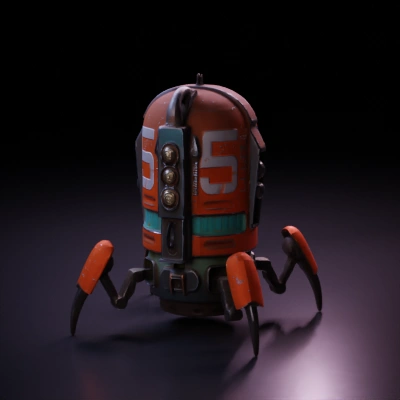
 371إعجابات
 452إعجابات428إعجابات358إعجابات285إعجابات409إعجابات521إعجابات371إعجابات
 254إعجابات
 13إعجابات452إعجابات428إعجابات358إعجابات285إعجابات409إعجابات521إعجابات371إعجابات254إعجابات13إعجابات452إعجابات428إعجابات358إعجابات285إعجابات409إعجابات521إعجابات371إعجابات
One image is enough for Rodin to generate most objects. Optional additional views can provide more visual detail when you want extra control.
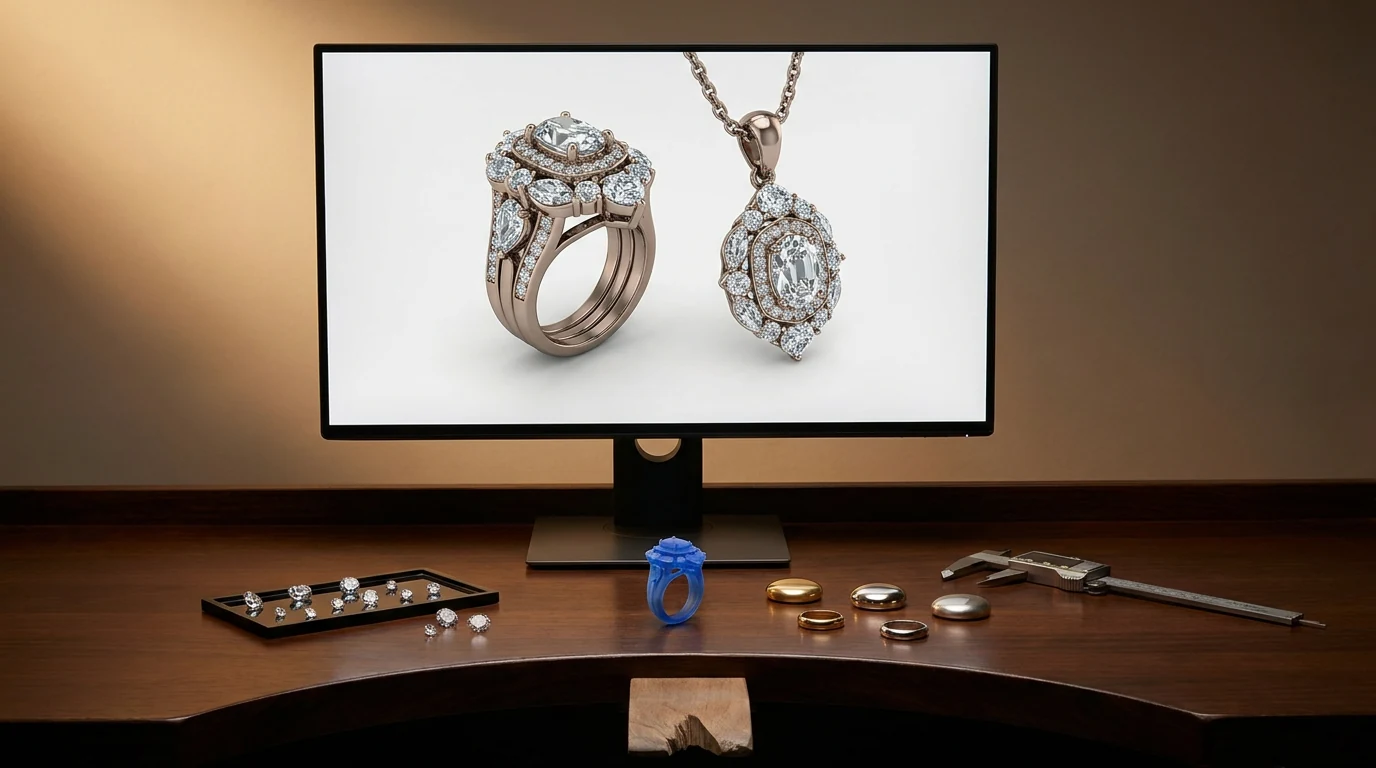
Rings, pendants, earrings — each one stresses the pipeline differently.
Rodin lets users explore shank profiles, halo spacing, and prong counts, then create high-quality, 3D-printing-ready jewelry models.
Turn a customer's hand-drawn motif into a wearable form. Names, pets, keepsakes — generate the sculptural part, then scale it to chain-ready size.
Rodin delivers high reference fidelity, strong silhouette and proportion preservation, and coherent detail across views.
Preview pieces with PBR textures — polished gold, brushed silver, sapphire — so a client sees the finish before anything reaches the caster.
Rodin generates detailed, watertight meshes with clean topology—high-quality, 3D-printing-ready assets for common slicing workflows.
Rodin generates watertight, closed, manifold meshes with consistent normals for high-quality downstream workflows. OmniCraft is a separate, optional toolkit for creative editing and destination-specific optimization.
Export high-quality jewelry assets for 3D printing, visualization, and flexible creative workflows.
OBJ, FBX, GLB, STL, USDZ — swap between them when the caster, the renderer, and the shop listing each want a different file.
Rodin brings approved jewelry concepts to life as high-fidelity, watertight, 3D-printing-ready models.


يستخدم المبدعون Hyper3D لتحويل المراجع والمطالبات إلى نماذج 3D قابلة للتحرير والتصدير.
AI 3D just hit a new threshold. Rodin Gen-2.5: Geometry in ~4s, full model in ~5s, 10M+ polygons, clean structure, production-ready outputs. This is the moment AI 3D becomes an actual pipeline tool.
Straight answers on sketch inputs, castability, fine detail, and export formats.


