مجاني محرر الشبكات ثلاثية الأبعاد
وأداة نحت في المتصفح

انحت وارسم وأعد بناء نماذج 3D مباشرة في متصفحك، أو ابدأ من شبكة أساسية. مجاني وبلا تسجيل دخول — لا يُرفع أي شيء وتبقى ملفاتك على جهازك.

Mesh Editor Inspect topology
Wireframe and repair view
sample-mesh.obj 2
Loading GLB preview...

من الاستيراد إلى التصدير في ثلاث خطوات

The Mesh Editor runs a full sculpting environment in your browser tab. Open it, load geometry, and keep working — no installs, no accounts, no uploads.

  1. الخطوة 1 — الاستيراد
    Mesh Editor entry screen with Import button and sample clay models

    Import a model or start from a base mesh

    Drop in a model up to 200 MB — non-native formats convert to editable geometry automatically — or start from a built-in sphere, cube, cylinder, cone, or torus.

    .obj .fbx .glb .stl .ply .dae · ≤200 MB · stays local
  2. الخطوة 2 — النحت والرسم
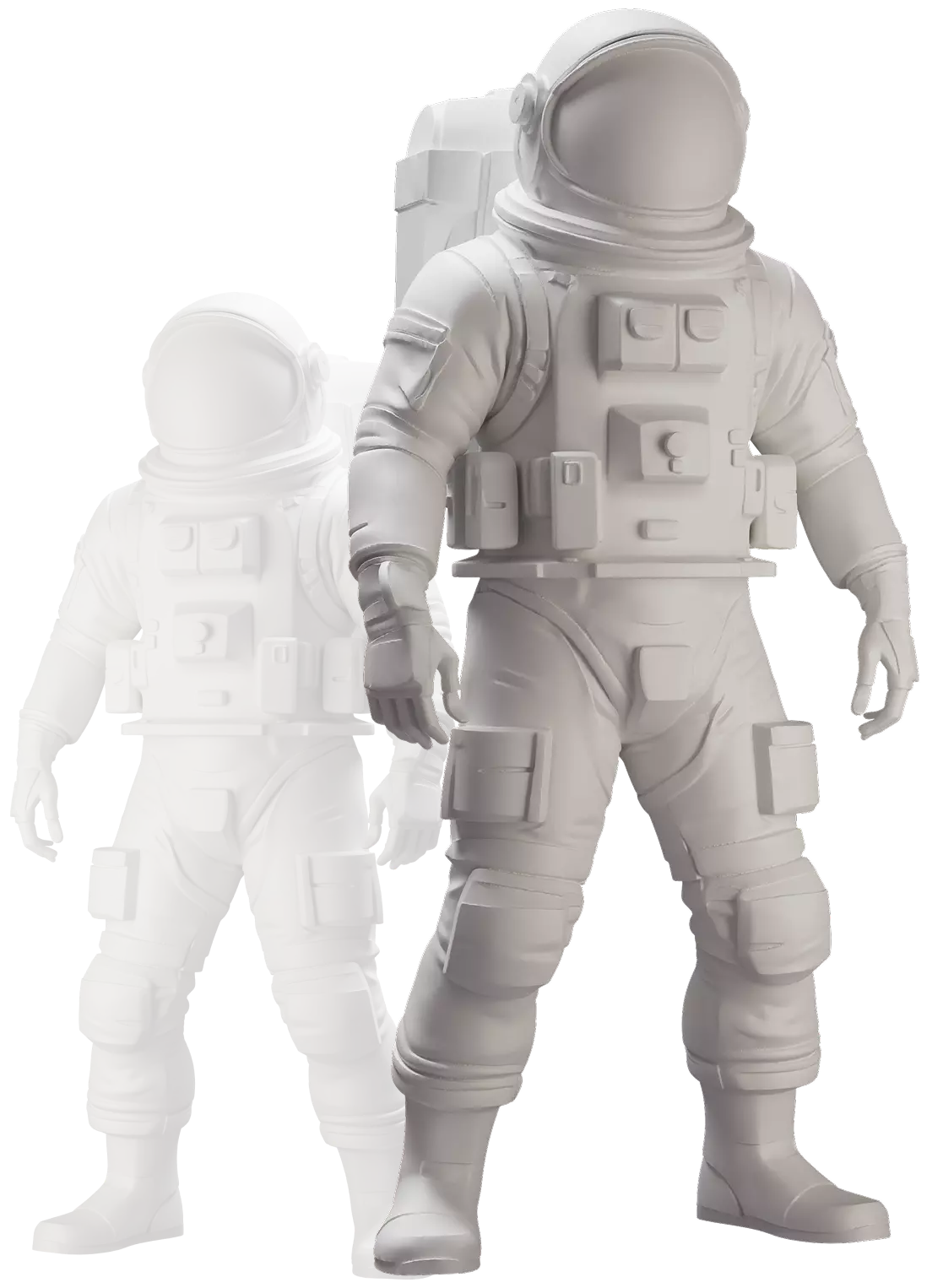
    Untextured clay-render astronaut model being sculpted in the editor

    Sculpt, paint, and mask the surface

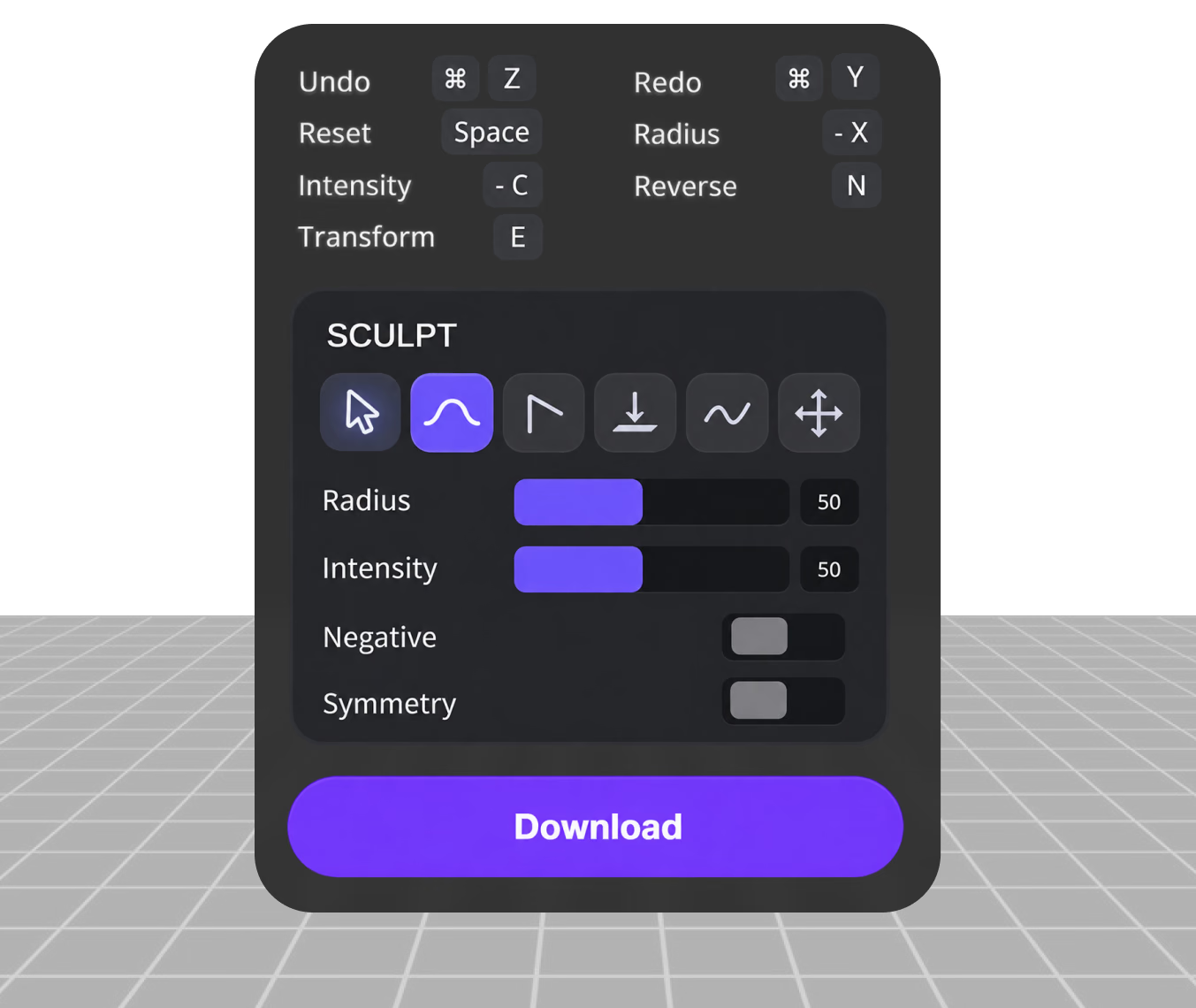
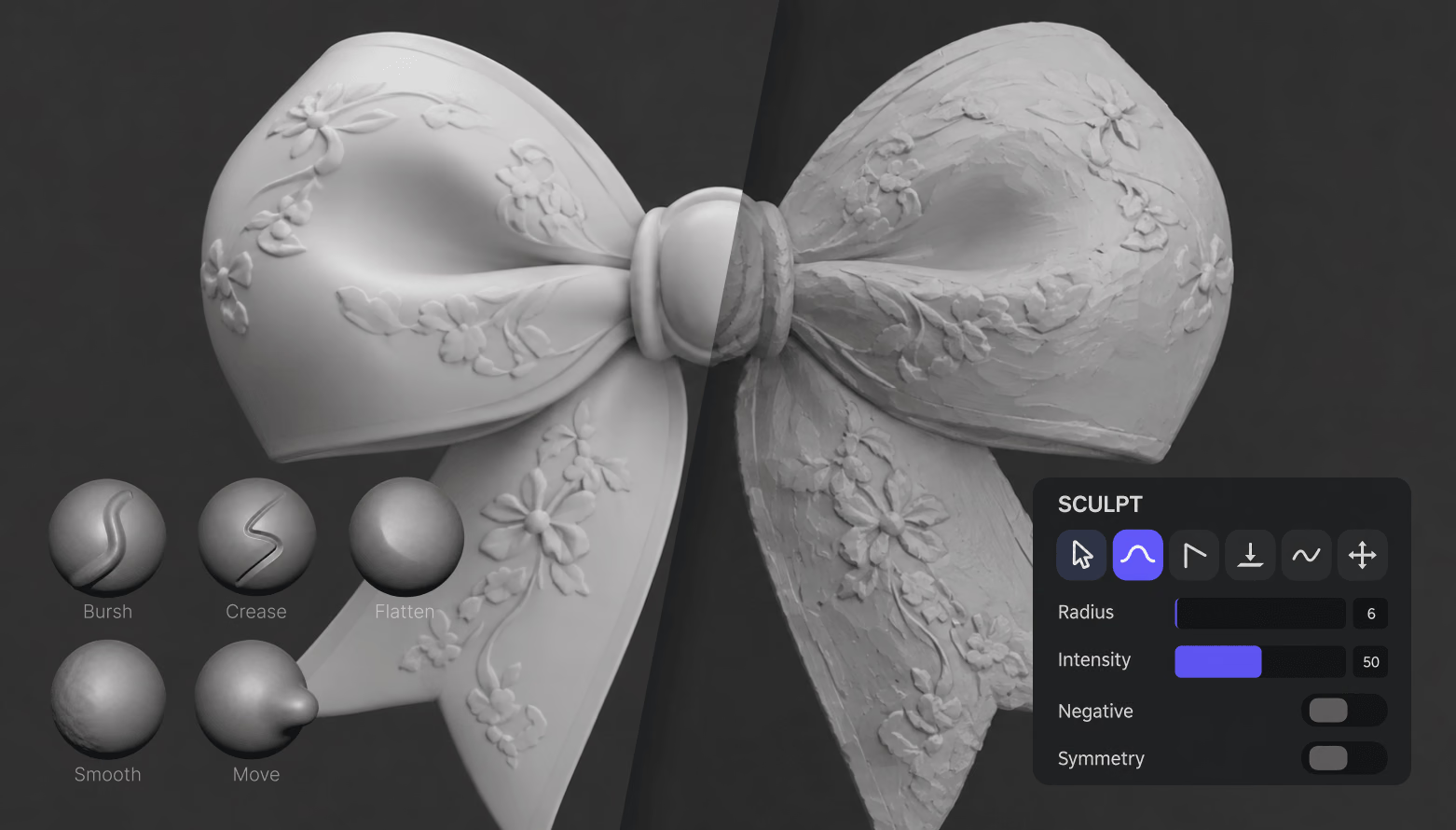
    Shape the mesh with 11 tools like Brush, Inflate, and Smooth — symmetry is on by default. Paint PBR albedo, roughness, and metalness, and mask regions.

    11 sculpt tools · PBR paint · masking · symmetry on
  3. الخطوة 3 — التصدير
    Matcap shading check on a sculpted sphere with Matcap, PBR, Curvature, and Wireframe modes

    Remesh, check, and export

    Fix density with dynamic topology, voxel remeshing, or multiresolution while watching live vertex counts, then export with baked texture maps up to 4096 px.

    OBJ · PLY · STL · SGL · baked maps ≤4096 px

Judge Every Surface Before It Ships

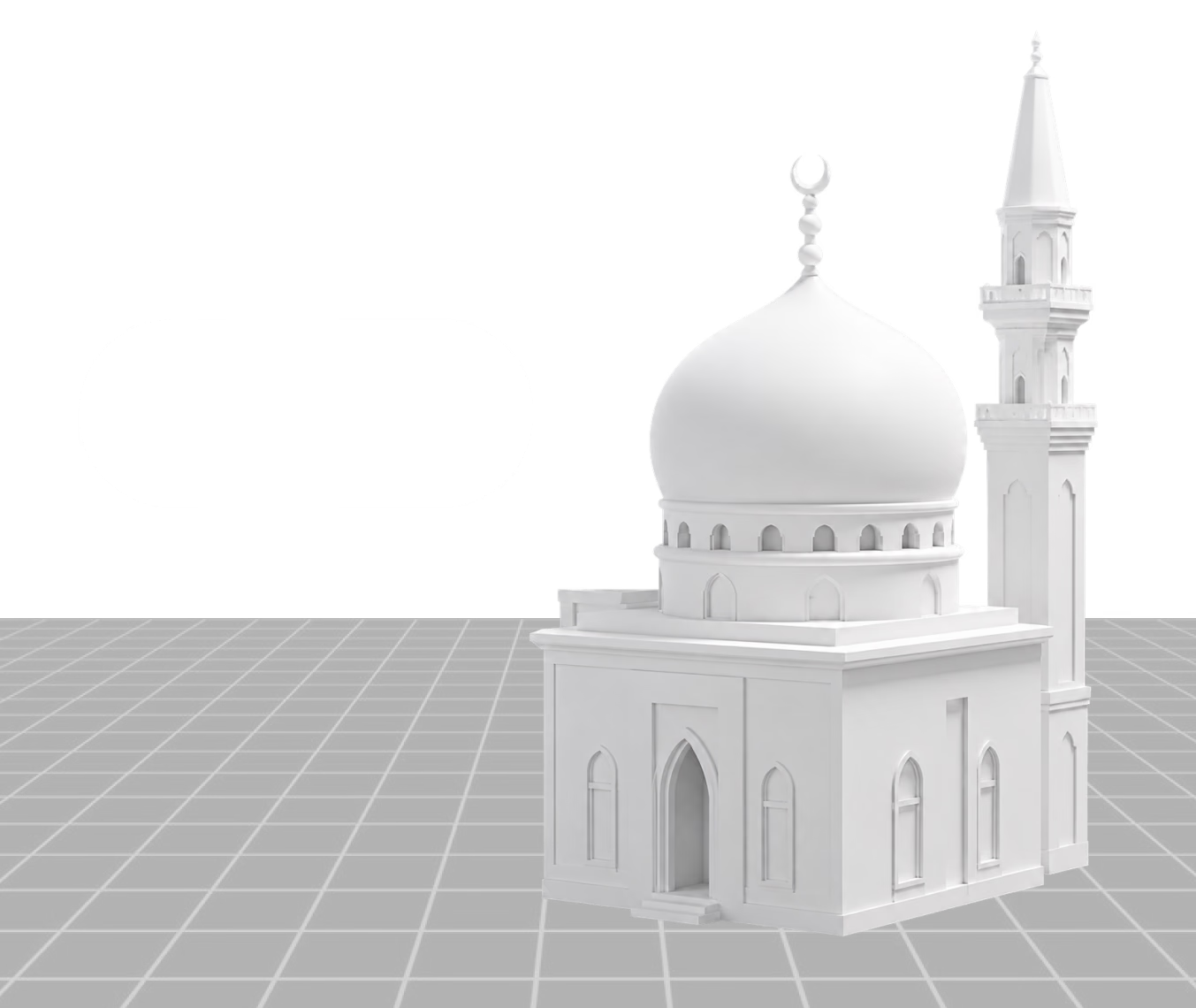
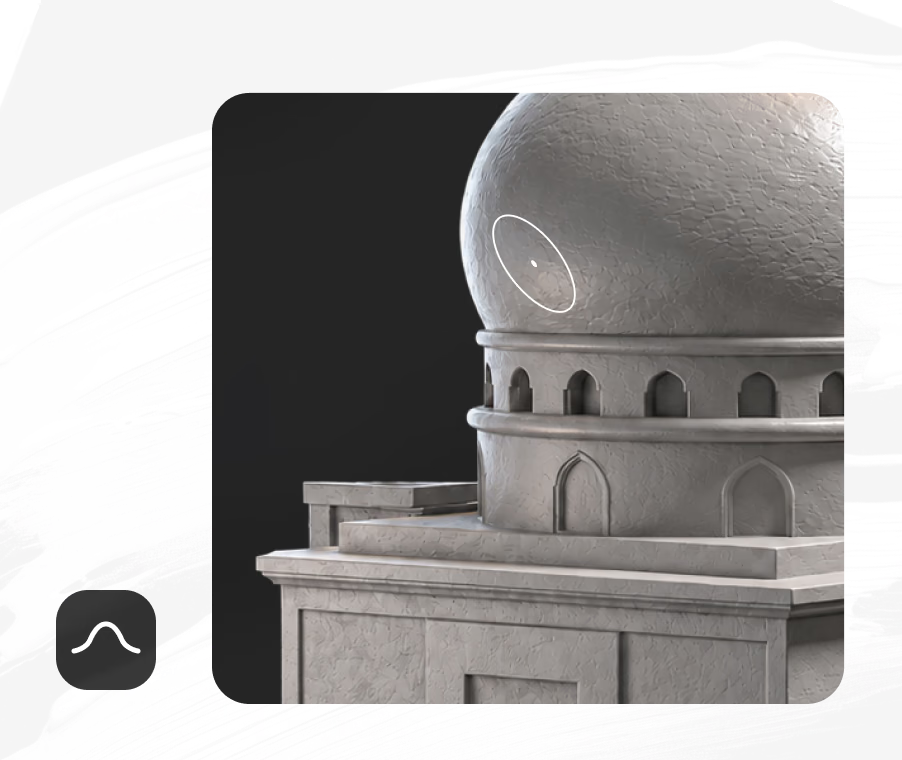
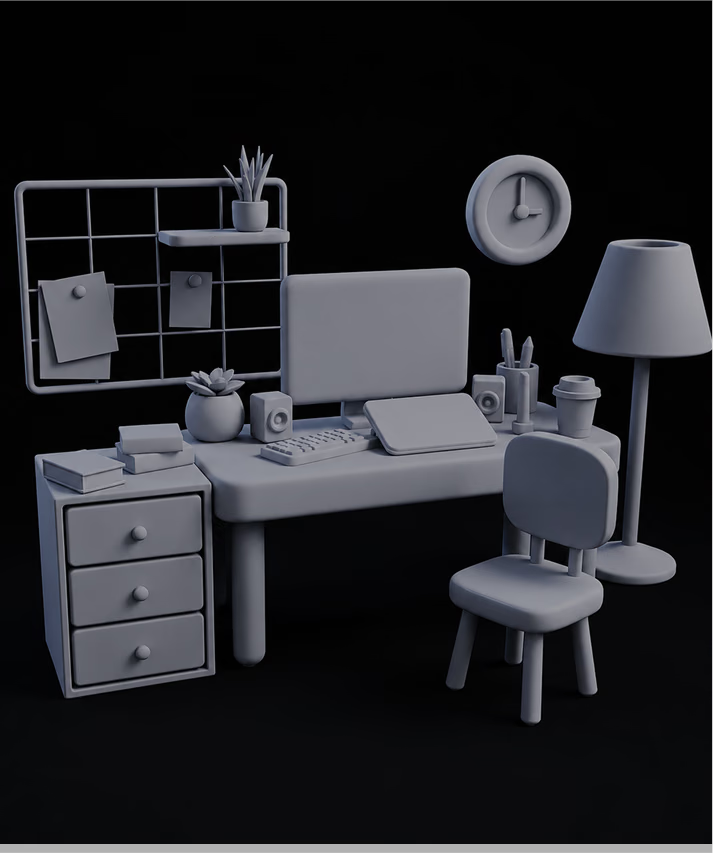
Clay-style matcap shading strips away color so you can read the geometry itself — silhouettes, dents, and density jumps stand out immediately. Switch to curvature, normal, UV, or full PBR shading, toggle wireframe, and watch live vertex and face counts while you work.

Open the editor
Open the editor

مصمم لأعمال
الألعاب والطباعة والمنتجات

One editor, four everyday jobs. Each card links to a deeper workflow guide.

Game Assets

Game Assets

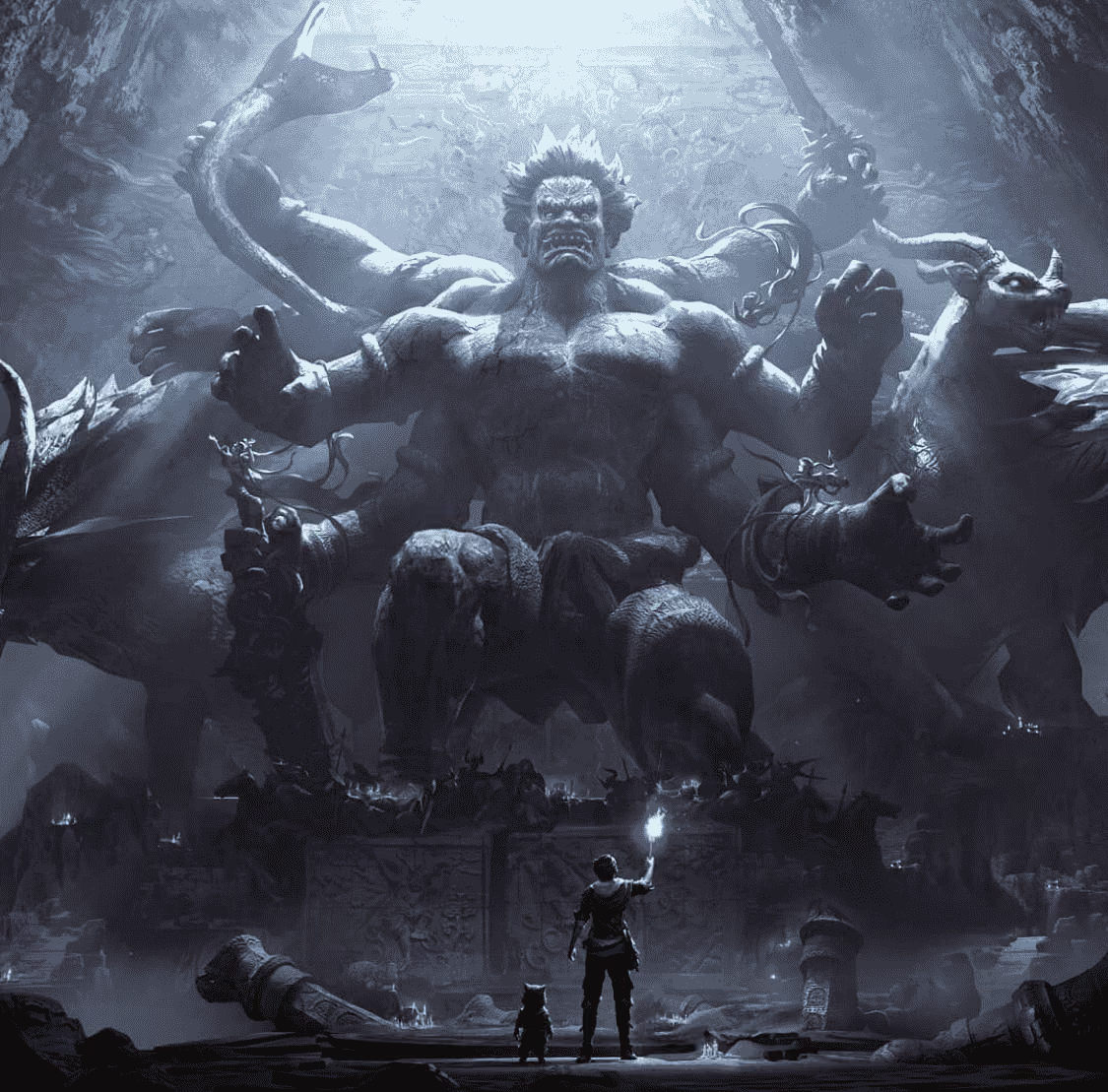
Detail props and characters with sculpting brushes, decimate to engine-friendly density with dynamic topology, and export OBJ with baked PBR maps for import into your engine.

3D Printing

3D Printing

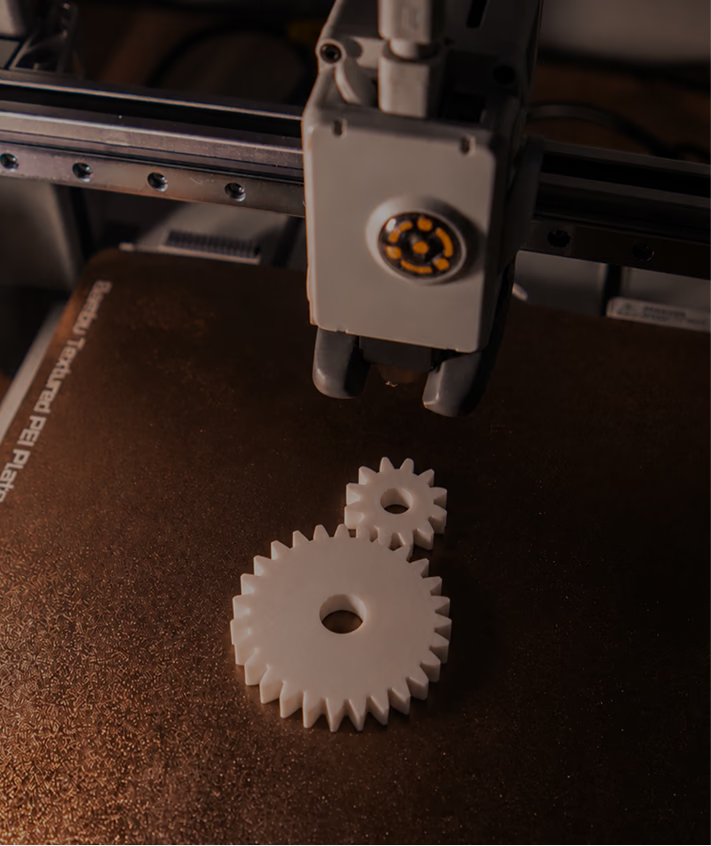
Voxel remeshing with manifold triangles is built for printability — rebuild broken shells into watertight surfaces, smooth artifacts, and export STL directly for your slicer.

Product & E-Commerce

Product & E-Commerce

Touch up scanned or generated product models before they reach viewers and AR: smooth scan noise, fix silhouettes with Flatten and Pinch, and check surfaces under matcap and PBR shading.

Format Conversion Handoff

Format Conversion Handoff

Need FBX, GLB, or USDZ on the way out? Export clean OBJ from the Mesh Editor, then run it through the free Hyper3D converter for engine- or AR-specific delivery formats.


الأسئلة الشائعة حول محرر الشبكات

What is the Hyper3D 3D Mesh Editor?

It is a browser-based sculpting and mesh editing app inside OmniCraft. You can import or create geometry, sculpt and paint it with a full brush set, rebuild topology, and export standard formats — without installing anything.

Which file formats can I import?

The entry screen accepts OBJ, FBX, GLB, glTF, STL, PLY, DAE, and SGL files up to 200 MB. OBJ, STL, PLY, and SGL load natively; FBX, GLB, glTF, and DAE are converted to editable geometry automatically on import.

Which formats can I export?

OBJ, PLY, STL, and SGL, either for the whole scene or just the selected meshes. You can also bake and download diffuse, roughness, and metalness texture maps at sizes from 256 to 4096 px.

Is it really free? Do I need an account?

Yes. The tool is labeled “Free to all” and “No login required” in the app itself. You can open the editor, sculpt, and export without creating a Hyper3D account.

Are my models uploaded to a server?

No. Imported files are stored in your browser’s local storage and processed on your device — the tool is tagged “Nothing uploaded” and described as fully offline. Closing the tab leaves nothing on Hyper3D servers.

Can I start without a model file?

Yes. Click the “+” button on the entry screen to open the editor with a base mesh, or add a sphere, cube, cylinder, cone, or torus from inside the editor and sculpt from scratch — symmetry is enabled by default.

Can it clean up AI-generated 3D models?

Yes — that is one of its main jobs in the Hyper3D workflow. Voxel remeshing rebuilds generated geometry into manifold surfaces, dynamic topology decimates dense areas, Smooth removes artifacts, and you export a clean OBJ, PLY, or STL.

Do I need sculpting experience or a tablet?

No. Mouse and touch input work fine, and the interface is available in ten languages. If you do have a pen tablet, pressure can drive brush radius and intensity for finer control — and unlimited undo/redo keeps experiments safe.

موثوق به من صناع أصول ثلاثية الأبعاد حقيقية

تستخدم فرق الإنتاج Hyper3D لتحويل مراجع الصور والمطالبات إلى نماذج ثلاثية الأبعاد قابلة للتحرير والتصدير بسرعة أكبر.

وصل الذكاء الاصطناعي ثلاثي الأبعاد إلى مستوى جديد. يوفر Rodin Gen-2.5 هندسة سريعة ودعمًا عالي التفاصيل وبنية نظيفة ومخرجات جاهزة للإنتاج.

Sabir Hussain

Sabir Hussain

مهتم بالذكاء الاصطناعي والتقنية

شبكات أنظف وتفاصيل سطح أوضح واتساق أقوى بين الزوايا. تبدو النتائج أقرب بكثير إلى سير عمل حقيقي.

BubbleBrain

BubbleBrain

مهتم بالذكاء الاصطناعي

وصل الذكاء الاصطناعي ثلاثي الأبعاد إلى مستوى جديد. يوفر Rodin Gen-2.5 هندسة سريعة ودعمًا عالي التفاصيل وبنية نظيفة ومخرجات جاهزة للإنتاج.

Sabir Hussain

Sabir Hussain

مهتم بالذكاء الاصطناعي والتقنية

شبكات أنظف وتفاصيل سطح أوضح واتساق أقوى بين الزوايا. تبدو النتائج أقرب بكثير إلى سير عمل حقيقي.

BubbleBrain

BubbleBrain

مهتم بالذكاء الاصطناعي

وصل الذكاء الاصطناعي ثلاثي الأبعاد إلى مستوى جديد. يوفر Rodin Gen-2.5 هندسة سريعة ودعمًا عالي التفاصيل وبنية نظيفة ومخرجات جاهزة للإنتاج.

Sabir Hussain

Sabir Hussain

مهتم بالذكاء الاصطناعي والتقنية

ابدأ النحت
في متصفحك

مجاني للجميع، بلا تسجيل دخول، ولا يتم رفع أي شيء. استورد نموذجًا حتى 200 ميغابايت أو ابدأ من شبكة أساسية — وصدّر OBJ أو PLY أو STL عند الانتهاء.