مجاني إعادة مزج الصور بالذكاء الاصطناعي
ادمج المراجع بالمطالبات

حمّل حتى ثلاث صور مرجعية، وأشر إلى كل واحدة بالمنشن، وولّد صورة مدموجة واحدة من مطالبة واحدة. ابدأ مجانًا في المتصفح ونزّل النتيجة بصيغة PNG.

Image Remix Blend references
Prompt-guided editing
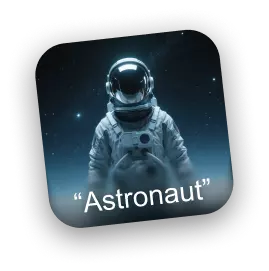
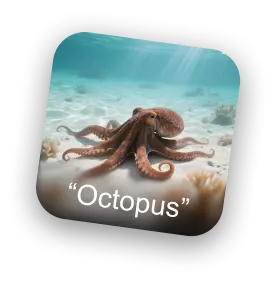
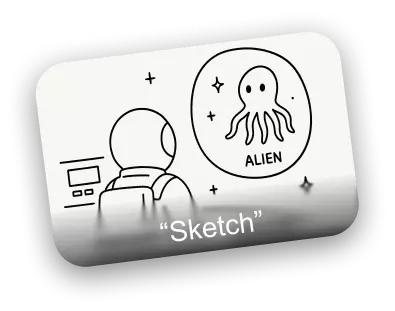
Astronaut reference image Octopus reference image Sketch composition reference
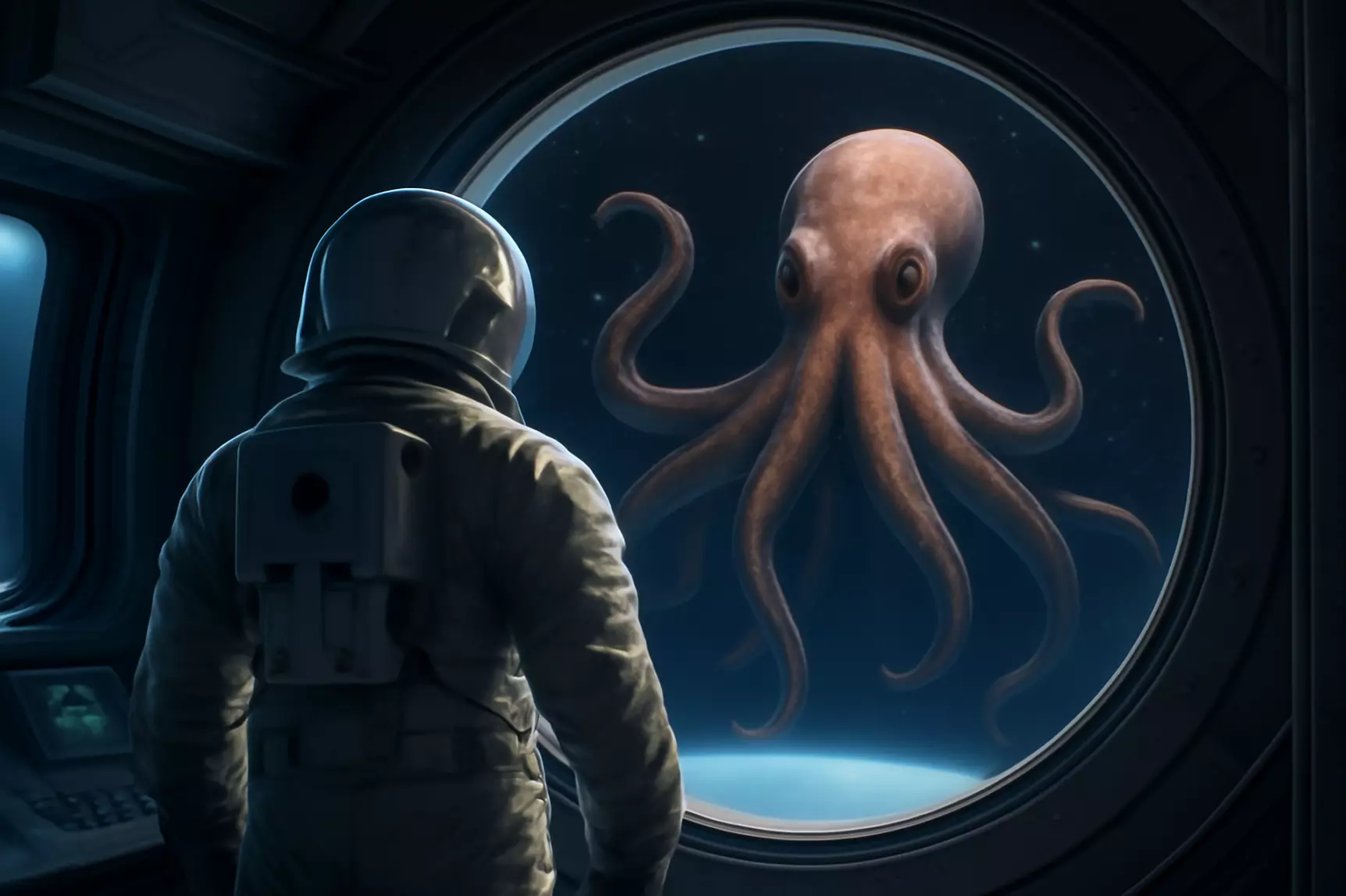
AI remixed astronaut and octopus scene
Composed result
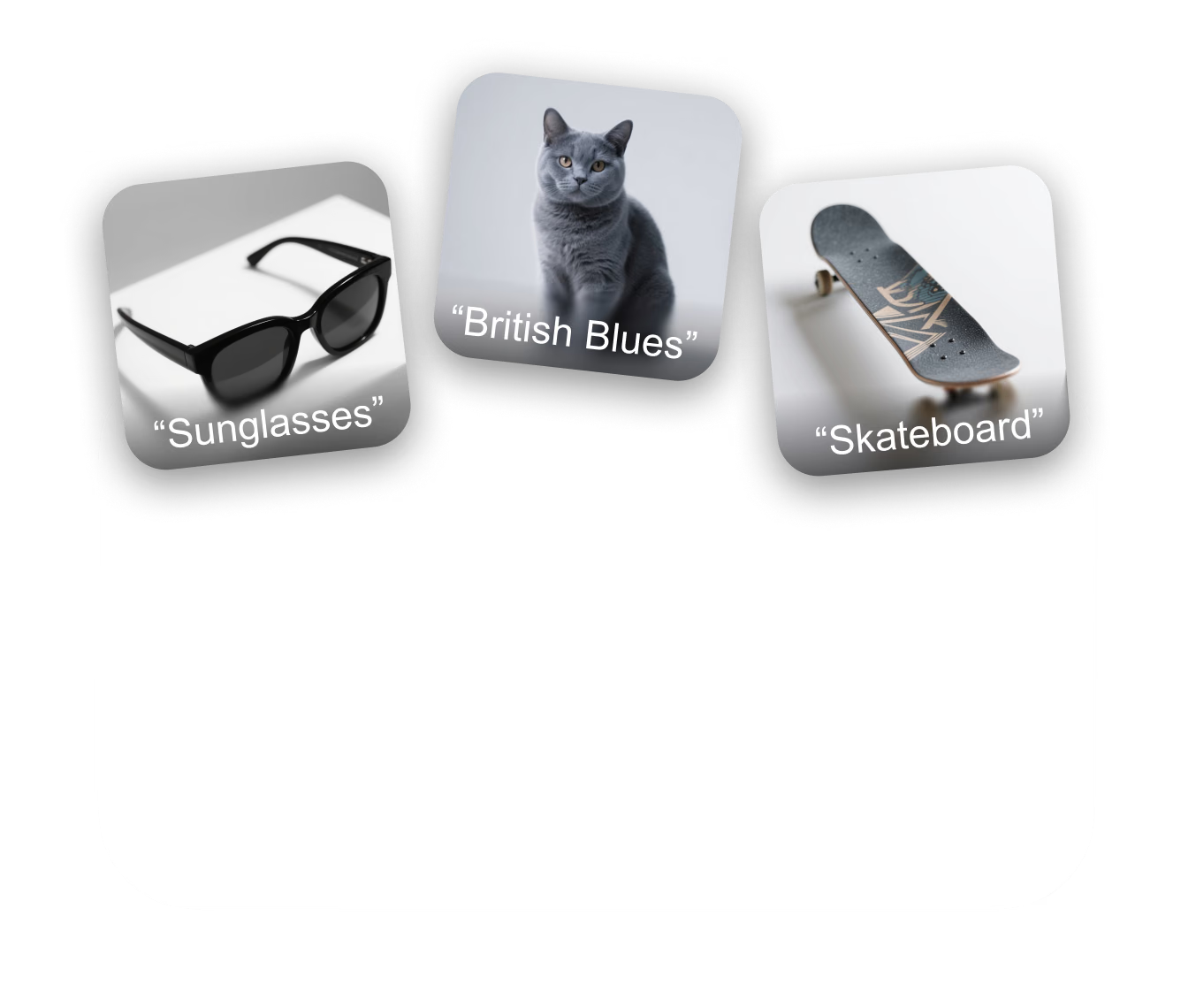
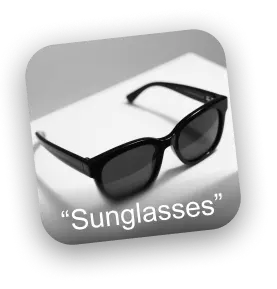
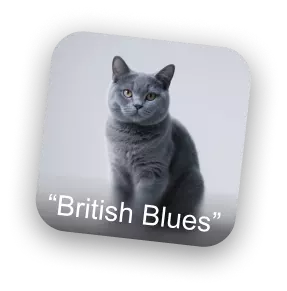
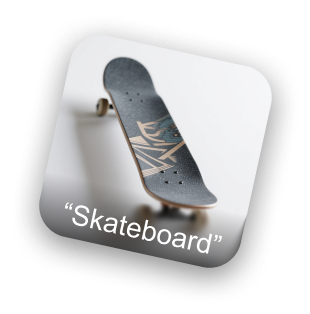
Sunglasses reference image British blue cat reference image Skateboard reference image
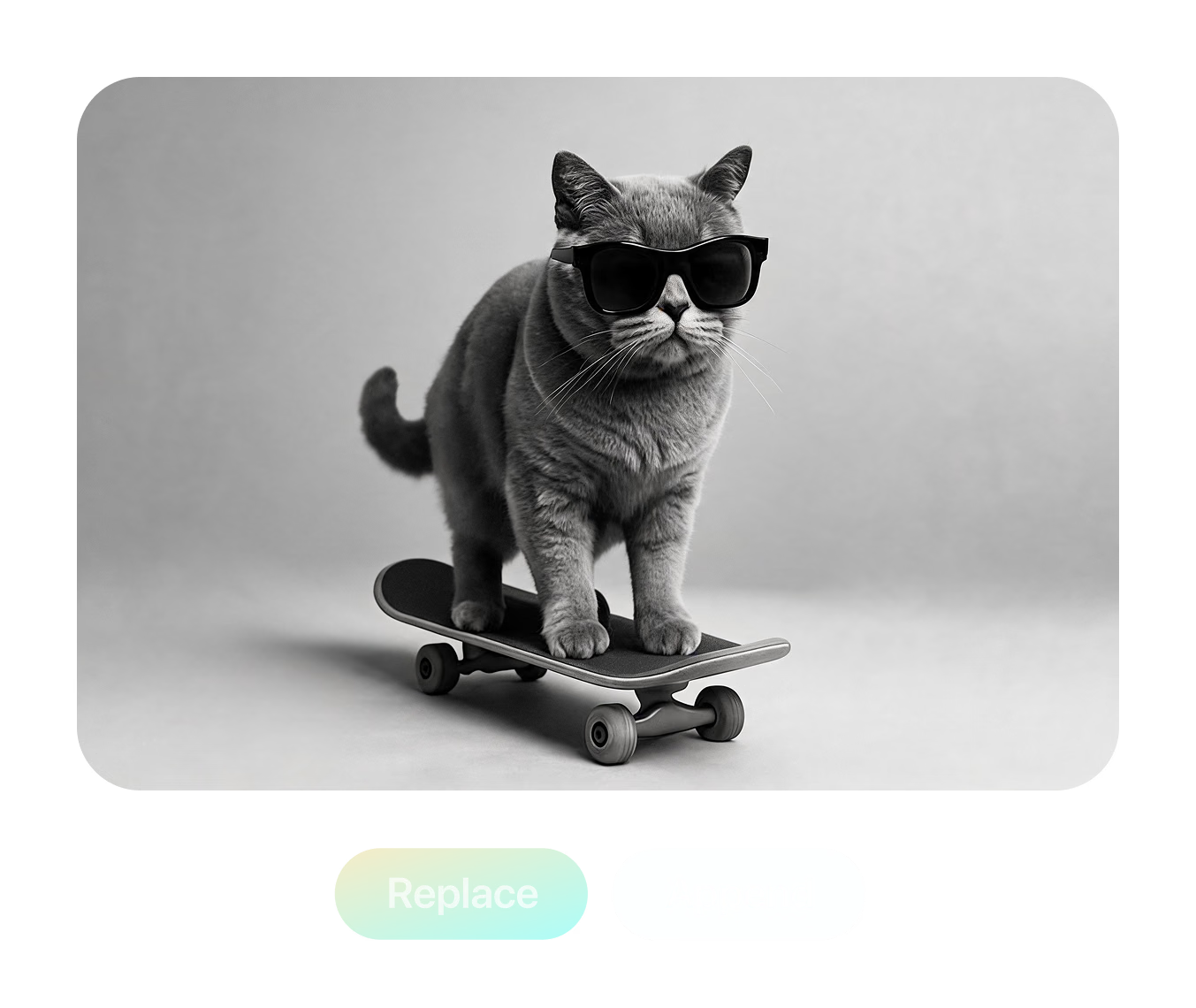
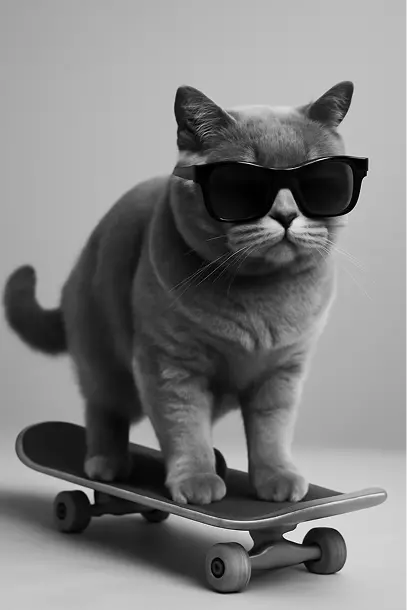
AI remixed cat wearing sunglasses on a skateboard
Edited result
Prompt

Merge @Astronaut and @Octopus into one scene, following @Sketch composition.

ريمكس في ثلاث خطوات

نفس التدفق الذي ستراه في مساحة عمل Remix — حمّل، واكتب المطالبة بالمنشن، ثم ولّد وقارن ونزّل.

  1. الخطوة 1 — الرفع
    Remix upload panel with a named IMG_1 reference slot and two empty add-image slots

    أضف حتى ثلاث صور مرجعية

    Click or drag JPG, PNG, or WebP files into the three slots. Each reference gets an editable name like IMG_1 — rename it to "Astronaut" or "Sketch".

    JPG / PNG / WebP · ≤3 MB each
  2. الخطوة 2 — المطالبة
    Prompt naming three references with @mentions: merge @Astronaut and @Octopus following @Sketch

    وجّه المطالبة إلى كل صورة

    Type @ to mention any reference by name and give it a role — which subject to keep, which style to copy, which layout to follow — or start from a preset.

    @Astronaut · @Octopus · @Sketch
  3. الخطوة 3 — التوليد
    Result panel with comparison thumbnails, style preset chips, and Redo and Replace buttons

    ولّد وقارن ونزّل

    Generate the remix, rate results, re-roll with the same prompt, or refine the winner in Edit mode — then download the finished image as a PNG.

    PNG output · re-roll · Edit mode

ثلاث صور مرجعية، مطالبة واحدة، مشهد واحد

This scene ships with the tool as a live demo: an "Astronaut" photo, an "Octopus" photo, and a hand-drawn "Sketch" that defines the layout. The prompt names each reference with an @mention and asks Remix to merge the two subjects into a single scene while strictly following the sketch composition — the finished image is what you see here.

جرّب هذا المزج
جرّب هذا المزج

Prompt used in the tool: "Please merge image @Astronaut and @Octopus into a single scene, strictly following the composition and layout described in @Sketch."

أدوات تحكم حقيقية خلف
كل عملية مزج

كل ما يلي موجود في الأداة اليوم — وضعا توليد، وتوليد نص-إلى-صورة داخل الخانة، ومكتبة إعدادات مسبقة مضبوطة لمخرجات جاهزة للأبعاد الثلاثية.
Multi-Reference Gen Mode

Multi-Reference Gen Mode

Blend up to three reference images in one generation. @mention each image to assign its role — merge subjects from two photos while a third sketch controls the composition and layout.

Conversational Edit Mode

Conversational Edit Mode

Load one image and edit it turn by turn — type an instruction, get a new version, and keep refining. Each result stacks into a scrollable history you can compare and branch from.

Turbo Gen References

Turbo Gen References

Missing a reference? Type a description into any empty image slot and Turbo Gen creates one from text on the spot — no need to leave the workspace to hunt for source material.

3D-Ready Style Presets

3D-Ready Style Presets

One-click prompts built for 3D workflows: Collectible figurine, Sculptural, Cinematic, four-view Turnaround, Back-view, Side-view, Clay, Anime, Brick, Voxel, and Toy — most tuned to output clean white backgrounds ready for image-to-3D.

إعادة مزج الصور بالذكاء الاصطناعي —
الأسئلة الشائعة

What is AI Image Remix?

Remix is a browser tool in Hyper3D's OmniCraft suite that regenerates images from your references. Upload up to three images, describe the blend or edit in plain language, and generate a new image — merging subjects, transferring styles, changing viewpoints, or restyling entirely.

How many reference images can I use?

Gen mode accepts up to three reference images at once, in JPG, JPEG, PNG, or WebP format. Uploads are compressed automatically, with a 3 MB per-file limit after compression. Edit mode works on a single image at a time.

How do @mentions work in the prompt?

Every uploaded image gets a name — IMG_1, IMG_2, IMG_3 by default — and you can rename each one, for example to "Astronaut" or "Sunglasses". Typing @ in the prompt opens a picker so you can assign each image a role: which subject to keep, which style to copy, which layout to follow.

What's the difference between Gen and Edit mode?

Gen mode combines up to three references into a new image from a single prompt. Edit mode is conversational: load one image, type an instruction, get a revision, and keep iterating — the whole edit history is preserved so you can step back to any version.

What is Turbo Gen?

Turbo Gen is a text-to-image shortcut built into the upload slots. If you don't have a reference on disk, type a description into an empty slot and Remix generates one for you, which then behaves like any uploaded image — you can name it, @mention it, and remix it.

Which style presets are included?

Multi-image presets cover Fuse (combine subjects), Style (transfer style between images), and Layout (regenerate one image following the layout of another). Single-image presets include Collectible figurine, Sculptural, Cinematic, four-view Turnaround, Back-view, Side-view, Clay, Anime, Brick, Voxel, and Toy — most designed to output clean white backgrounds.

What format are the results, and can I download them?

Generated images preview directly in the workspace and download as PNG files with one click. You can rate each result with thumbs up or down, regenerate with the same prompt, or continue refining a result in Edit mode.

Is AI Image Remix free to use?

You need a free Hyper3D account to generate. Remix generation is included for subscribers, while other accounts spend account credits per generation. If your balance runs out you can top up or subscribe at any time — browsing the workspace and demos costs nothing.

Can I use remixed images for 3D generation?

Yes — that's a core workflow. Presets like Turnaround, Back-view, Side-view, and the white-background styles are designed to produce clean source images for image-to-3D generation with Rodin, and remixed concepts feed directly into the rest of the OmniCraft toolset.

موثوق به من صناع أصول ثلاثية الأبعاد حقيقية

تستخدم فرق الإنتاج Hyper3D لتحويل مراجع الصور والمطالبات إلى نماذج ثلاثية الأبعاد قابلة للتحرير والتصدير بسرعة أكبر.

وصل الذكاء الاصطناعي ثلاثي الأبعاد إلى مستوى جديد. يوفر Rodin Gen-2.5 هندسة سريعة ودعمًا عالي التفاصيل وبنية نظيفة ومخرجات جاهزة للإنتاج.

Sabir Hussain

Sabir Hussain

مهتم بالذكاء الاصطناعي والتقنية

شبكات أنظف وتفاصيل سطح أوضح واتساق أقوى بين الزوايا. تبدو النتائج أقرب بكثير إلى سير عمل حقيقي.

BubbleBrain

BubbleBrain

مهتم بالذكاء الاصطناعي

وصل الذكاء الاصطناعي ثلاثي الأبعاد إلى مستوى جديد. يوفر Rodin Gen-2.5 هندسة سريعة ودعمًا عالي التفاصيل وبنية نظيفة ومخرجات جاهزة للإنتاج.

Sabir Hussain

Sabir Hussain

مهتم بالذكاء الاصطناعي والتقنية

شبكات أنظف وتفاصيل سطح أوضح واتساق أقوى بين الزوايا. تبدو النتائج أقرب بكثير إلى سير عمل حقيقي.

BubbleBrain

BubbleBrain

مهتم بالذكاء الاصطناعي

وصل الذكاء الاصطناعي ثلاثي الأبعاد إلى مستوى جديد. يوفر Rodin Gen-2.5 هندسة سريعة ودعمًا عالي التفاصيل وبنية نظيفة ومخرجات جاهزة للإنتاج.

Sabir Hussain

Sabir Hussain

مهتم بالذكاء الاصطناعي والتقنية

حوّل مراجعك إلى
صور جديدة

حمّل المراجع، واكتب مطالبة واحدة، ونزّل ملفات PNG جاهزة للإنتاج — ثم أرسل أفضل نتيجة مباشرة إلى توليد ثلاثي الأبعاد. لا حاجة لأي برنامج تصميم.