




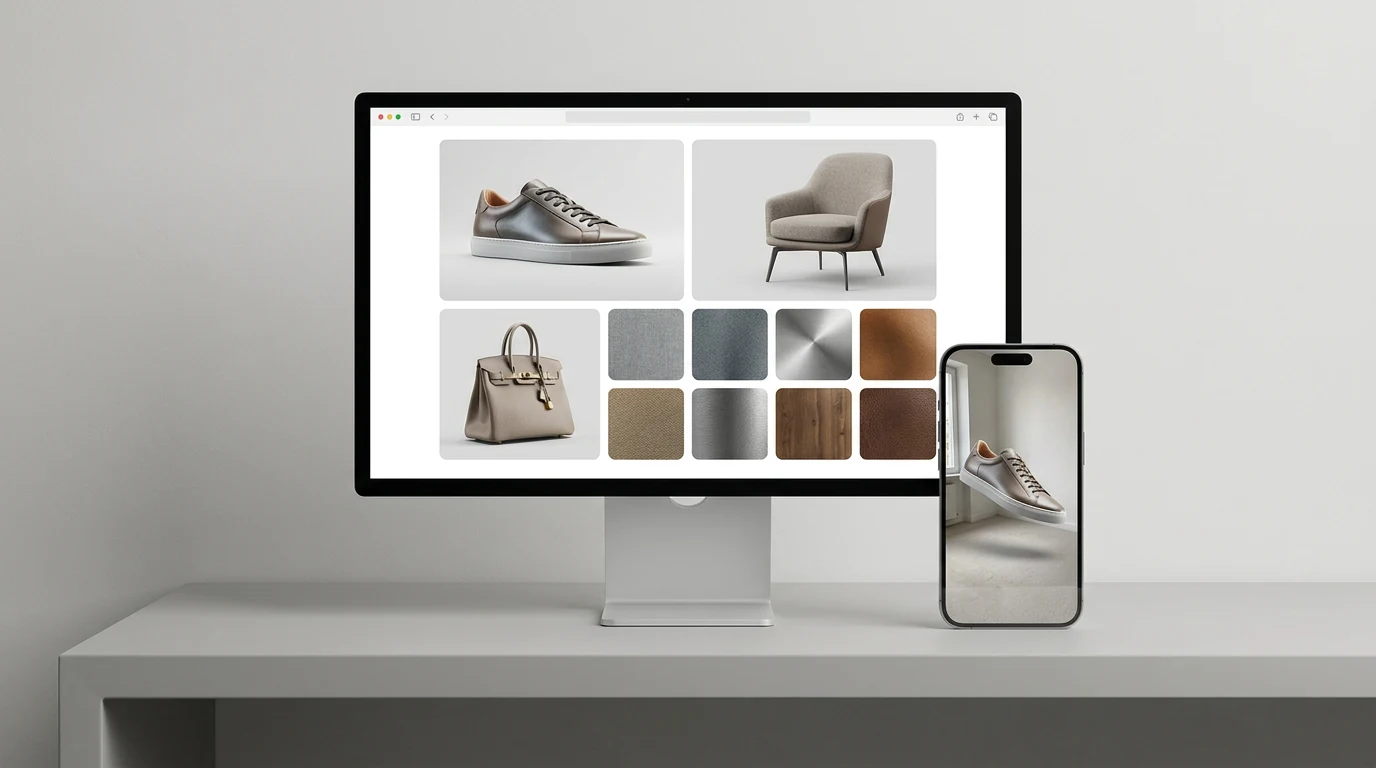
3D Product Models for E-commerce, from the Photos You Already Shot
Upload a catalog shot, get back a textured model with PBR materials. Export GLB for your product page viewer or USDZ for AR Quick Look — no reshoots.
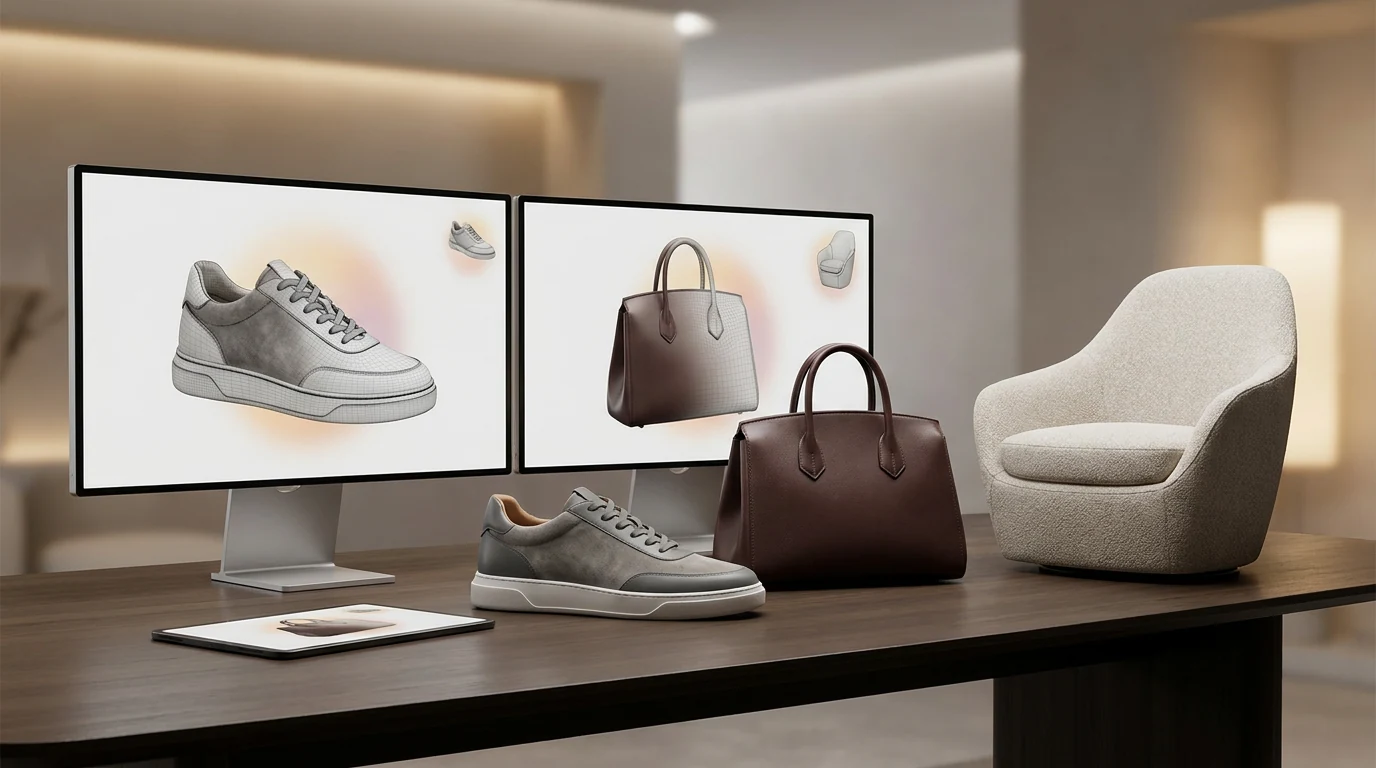
The product page is your new showroom
Rodin generates a complete 3D model from one image and reasonably infers unseen exterior surfaces, including the back and underside. Optional additional views can guide specific hidden details.
Formats your storefront actually accepts
Generate once and deliver polished 3D assets across web, AR, and creative channels.
GLB for web product viewers
Deliver a streamlined 3D file for interactive product media, storefront embeds, and modern product-detail viewers.
Flexible USDZ export for 3D assets.
Rodin creates nearly ready-to-use 3D assets with flexible export in standard formats.
PBR materials that read as real
High-quality PBR materials bring leather grain and brushed metal to life in 3D.
OBJ, FBX, STL when you need them
Round-trip through Blender for a retouch pass, hand FBX to your renderer, or convert an existing file with the free converter — no regeneration required.
How to make 3D product models for e-commerce
Three steps from the photo on your product page to a model you can publish there.
- Step 1 — Photo

Upload your catalog shot
One image is enough for Rodin to generate most objects. Optional additional views can provide more visual detail when you want extra control.
- Step 2 — Generate

Rodin builds mesh and textures
Rodin can turn photos into nearly ready-to-use 3D assets with geometry and PBR materials; retopology and UV re-unwrapping are optional.
- Step 3 — Publish

Export for your storefront
One workflow, every aisle
Product photo to 3D holds up across categories — these are the shelves where sellers lean on it most.
Furniture & home goods

Furniture & home goods
The 'will it fit my room' category. Export USDZ so shoppers place the sofa against their own wall in AR before they commit.
Footwear, bags & accessories

Footwear, bags & accessories
One image is enough for Rodin to generate most objects. Optional additional views can provide more visual detail when you want extra control.
Consumer electronics

Consumer electronics
Ports, hinges, vents, finishes — the details spec sheets promise and flat renders hide. Let shoppers zoom in on the real thing.
Jewelry & watches

Jewelry & watches
Small objects, high stakes on detail. Pair this workflow with the jewelry guide for close-up pieces and engraving-level passes.


Product photo to 3D, answered
The questions sellers ask before their first generation — formats, photos, page speed, and rights.
Ship your first 3D product model today
Rodin turns product photos into high-quality 3D commerce assets for supported interactive storefront workflows.