
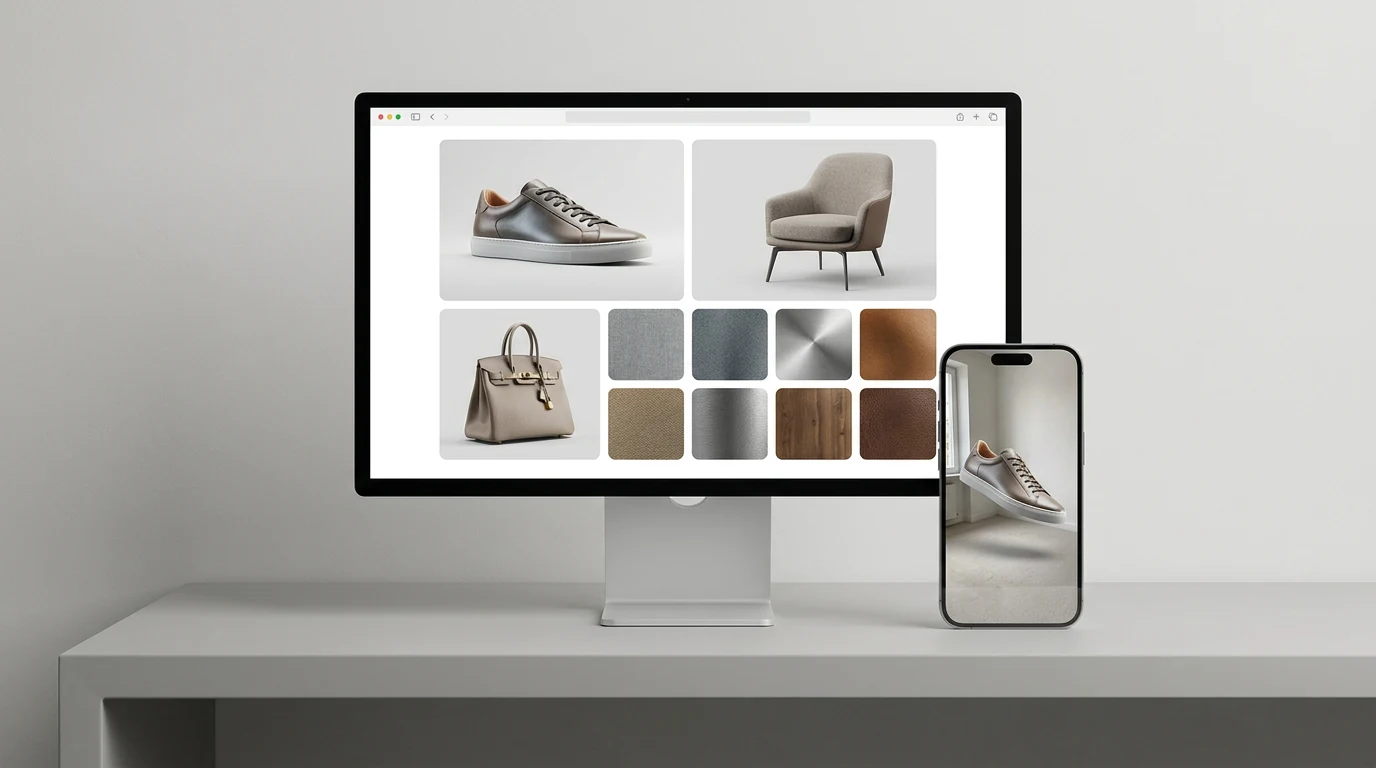
3D Product Models for E-commerce, from the Photos You Already Shot

Upload a catalog shot, get back a textured model with PBR materials. Export GLB for your product page viewer or USDZ for AR Quick Look — no reshoots.
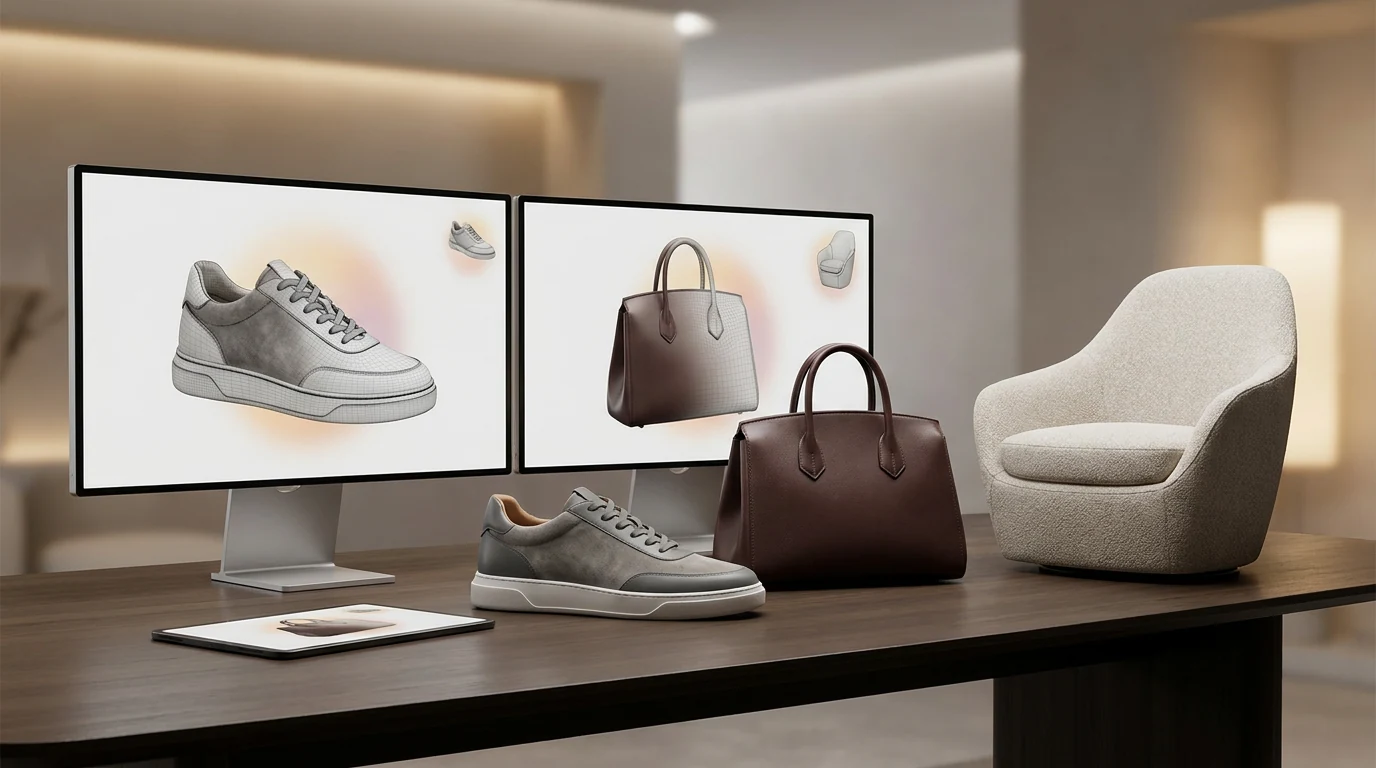
3D product model for e-commerce generated from a product photo with Hyper3D

The product page is your new showroom

Shoppers can't pick your product up, so let them spin it. An embedded 3D viewer answers the questions photos leave open — the back panel, the underside, the true depth — before the buyer has to guess.

Preview a GLB in the free viewer

Formats your storefront actually accepts

Generate once, then download whichever file each channel wants — the web viewer, the AR link, the DCC retouch pass.

GLB for web product viewers

One self-contained file with mesh and PBR textures baked in — the format Shopify product media, model-viewer embeds, and most PDP viewers expect.

USDZ for AR Quick Look

Apple's AR format. iPhone and iPad shoppers tap 'View in your space' straight from Safari — no app install between them and your product.

PBR materials that read as real

Base color, metallic, roughness, and normal maps come out with the mesh, so leather grain and brushed metal behave correctly under viewer lighting.

OBJ, FBX, STL when you need them

Round-trip through Blender for a retouch pass, hand FBX to your renderer, or convert an existing file with the free converter — no regeneration required.

How to make 3D product models for e-commerce

Three steps from the photo on your product page to a model you can publish there.

  1. Step 1 — Photo
    Uploading a product photo to generate a 3D model

    Upload your catalog shot

    One clean, well-lit photo on a plain background is enough for most products. Add more angles when the back of the product matters.

    JPG · PNG · one product per frame
  2. Step 2 — Generate
    AI reconstructing product geometry and PBR textures from a photo

    Rodin builds mesh and textures

    Rodin reconstructs geometry from the photo and textures it with PBR materials — no retopo scripts or manual UV pass to get a first result.

    textured mesh · PBR maps
  3. Step 3 — Publish
    Exporting a GLB and USDZ 3D product model for an online store

    Export for your storefront

    Download GLB for web product viewers, USDZ for AR Quick Look, or OBJ, FBX, and STL when a pipeline asks. Check size and look in the free viewer first.

    GLB · USDZ · OBJ · FBX · STL

One workflow, every aisle

Product photo to 3D holds up across categories — these are the shelves where sellers lean on it most.

Furniture & home goods

Furniture & home goods

The 'will it fit my room' category. Export USDZ so shoppers place the sofa against their own wall in AR before they commit.

Footwear, bags & accessories

Footwear, bags & accessories

Hero products people rotate before they commit. One clean side shot is usually enough input to generate from.

Consumer electronics

Consumer electronics

Ports, hinges, vents, finishes — the details spec sheets promise and flat renders hide. Let shoppers zoom in on the real thing.

Jewelry & watches

Jewelry & watches

Small objects, high stakes on detail. Pair this workflow with the jewelry guide for close-up pieces and engraving-level passes.

Доверие создателей реальных 3D-ассетов

Создатели используют Hyper3D, чтобы превращать референсы и промпты в редактируемые 3D-модели для экспорта.

AI 3D just hit a new threshold. Rodin Gen-2.5: Geometry in ~4s, full model in ~5s, 10M+ polygons, clean structure, production-ready outputs. This is the moment AI 3D becomes an actual pipeline tool.

Sabir Hussain

Sabir Hussain

AI & Tech Enthusiast

Tested Rodin Gen-2.5 from Hyper 3D. Cleaner meshes, sharper surface detail, stronger multi-angle coherence. The results feel much closer to something you’d actually keep iterating on inside a real workflow.

BubbleBrain

BubbleBrain

AI Enthusiast

Rodin Gen 2.5 is a game-changer. 10M+ polygons, 3D-native textures, and seriously good results on complex high-poly models. Production-ready assets just got a lot closer.

Lagerskoy

Lagerskoy

Hunter & Builder

Product photo to 3D, answered

The questions sellers ask before their first generation — formats, photos, page speed, and rights.

Can I really get a 3D model from one product photo?

Yes. One clean, well-lit shot on a plain background covers most products. For items where the back matters — a sculpted chair, a camera body — add two or three more angles and Rodin reconciles them into a single mesh.

How do I put a 3D model on my Shopify product page?

Export GLB. Shopify accepts GLB files as product media next to your photos, and model-viewer embeds on custom storefronts take the same file. Upload it the way you would an image and the interactive viewer appears on the page.

What do I need for AR Quick Look on iPhone?

A USDZ file — that's it. Export USDZ from Hyper3D, link it on your product page, and Safari on iPhone or iPad opens it in AR with no app install. Android's Scene Viewer uses the GLB you already exported.

Is this a replacement for 360 product photography?

For most catalogs, yes. A 360 spin is 24–36 stitched photos that lock the shopper to one axis. A 3D model gives free rotation and zoom from a single generation, and updates when the product does — no turntable reshoot.

Which product photos generate best?

Catalog-style shots: single product, plain background, even lighting. Avoid hard shadows, crops that cut the silhouette, and busy lifestyle scenes. If you shot for your product page, you almost certainly have usable input already.

Will 3D files slow my product page down?

Not if you keep them lean. Textures, not geometry, drive most of a GLB’s weight. Check size and look in the free GLB viewer before publishing, and lazy-load the viewer below the fold like any heavy media.

Do generated models need cleanup before they go live?

Usually a short pass. Check scale, spin the model under viewer lighting, confirm file weight. If a surface needs work, adjust it in the OmniCraft mesh editor or regenerate with a better reference — still faster than a reshoot.

Can I use the models commercially in my store?

Selling with them is the point. You supply the source photos, so make sure you hold the rights to them — your own product photography qualifies — and review your plan's terms before publishing final assets.

Ship your first 3D product model today

Generate from a photo you already have, check it in the viewer, and drop the GLB into your store. The whole loop fits inside a coffee break.


