Grátis Conversor de SVG para 3D
para logos, ícones e arte vetorial

Solte um SVG e veja-o virar um modelo 3D de verdade, direto no navegador. Grátis, sem login — seu arquivo nunca sai da sua máquina.

SVG to 3D Drop an SVG, export 3D
STL / GLB / GLTF / PNG

Três passos até o 3D sólido

O fluxo exato do editor: solte o arquivo, mova os controles, baixe o resultado. Nenhuma experiência em modelagem é necessária.

  1. Step 1 — Upload
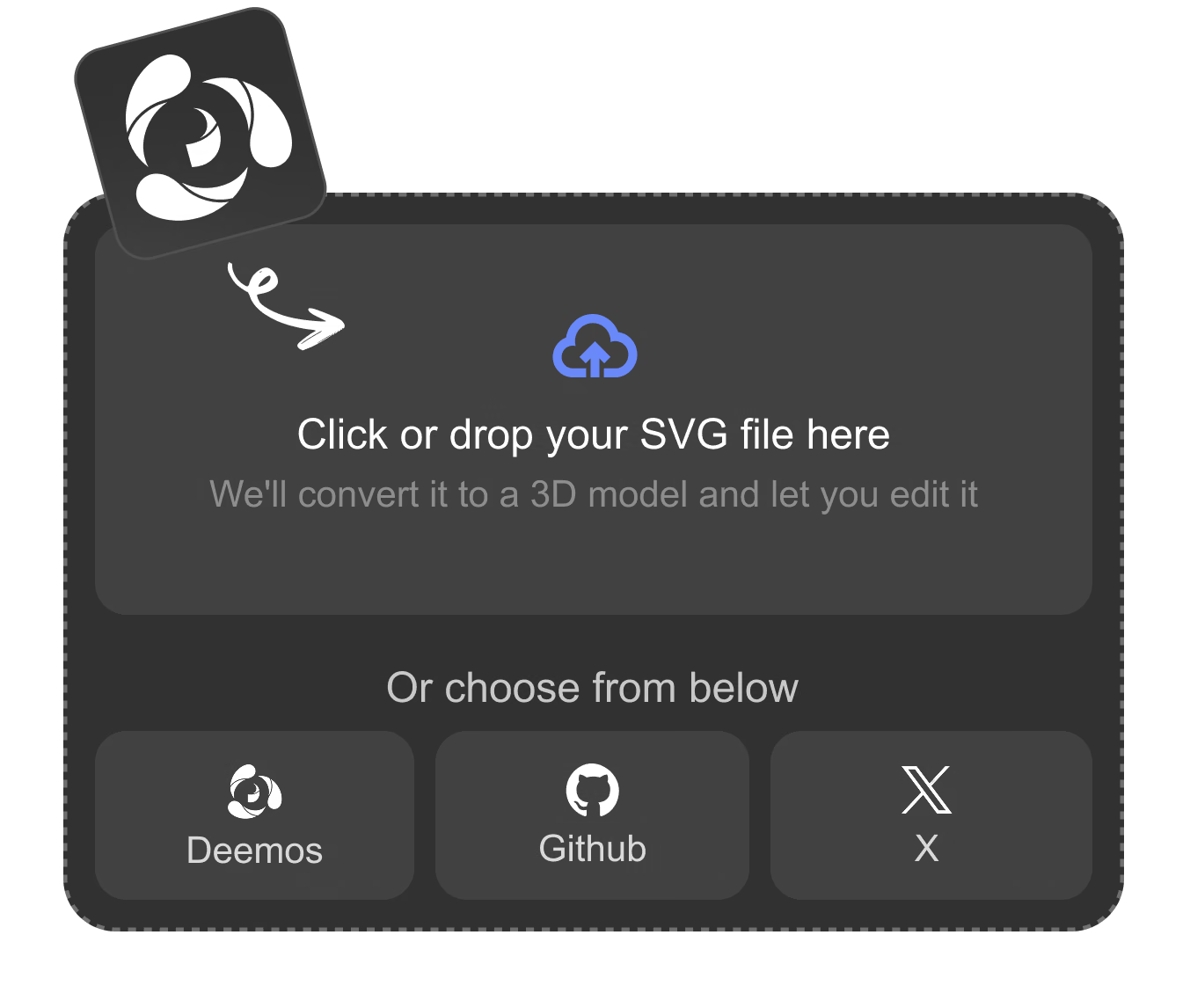
    Vecto3d upload screen with a dashed dropzone reading 'Click or drop your SVG file here' and built-in sample icons

    Drop Your SVG

    Click or drop any .svg — logo, icon, badge, or lettering — or start from a built-in sample icon. The file is read locally and never sent to a server.

    .svg only · stays in your browser
  2. Step 2 — Shape & style
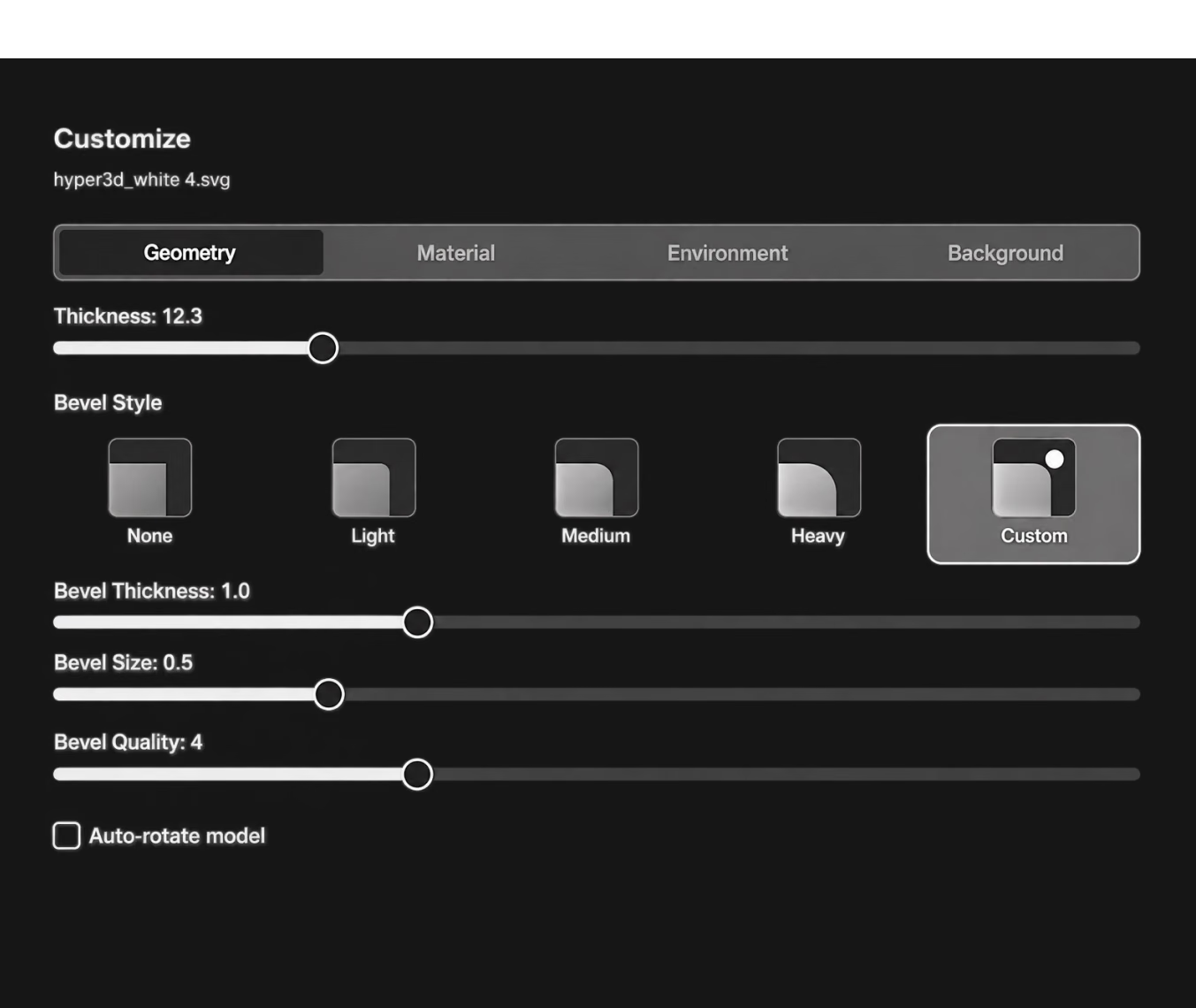
    Vecto3d geometry controls: thickness slider, bevel presets, and material presets

    Shape and Style It

    Set thickness from 0.1 to 50, pick a bevel from None to Heavy, choose Metallic, Clay, Plastic, or Glass, and light it with nine HDRI environments.

    Thickness 0.1–50 · bevel None–Heavy
  3. Step 3 — Export
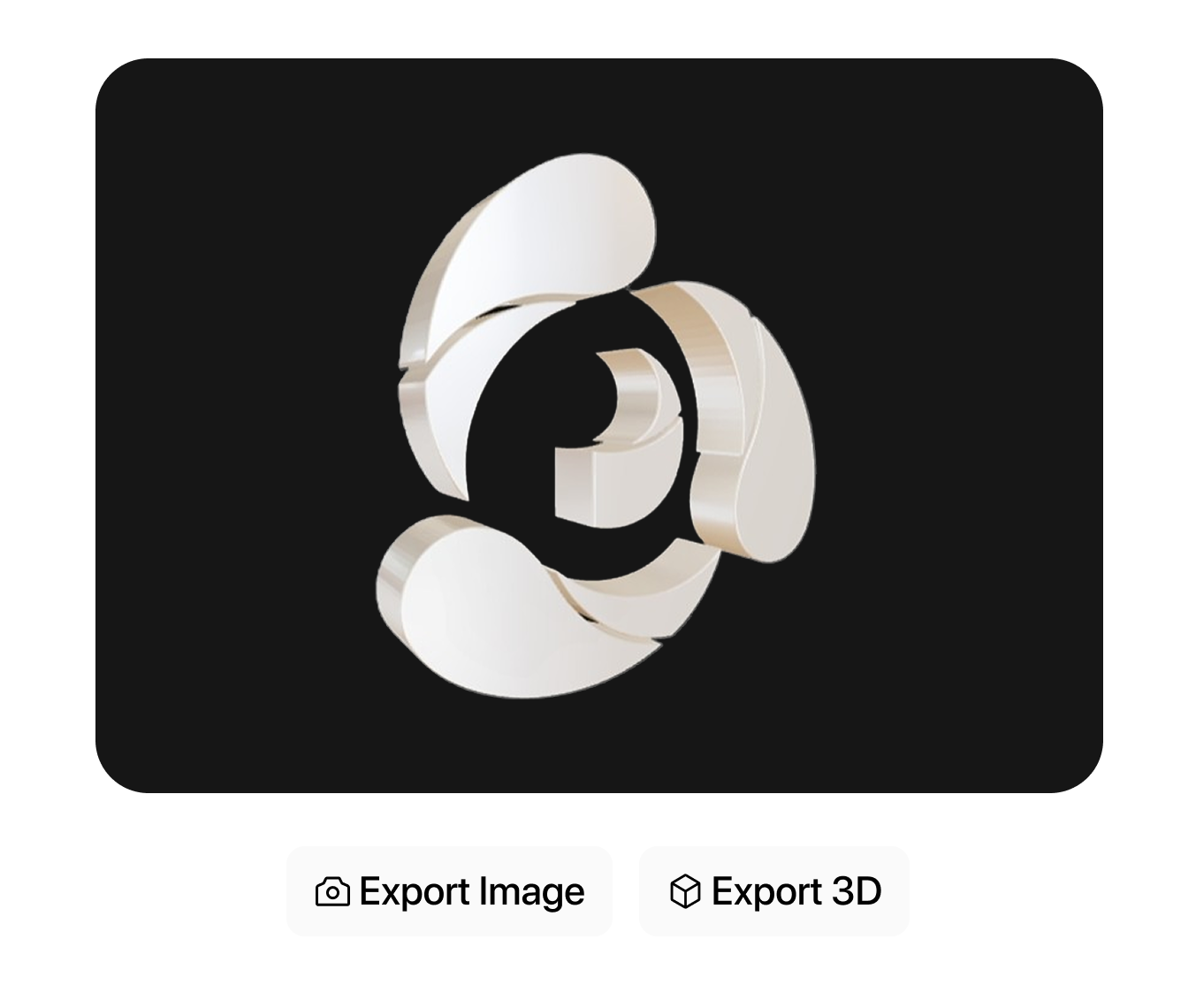
    Finished extruded 3D logo with beveled edges, ready to export

    Export in One Click

    Download binary STL for 3D printing, GLB or GLTF for game engines and DCC tools, or grab a PNG render at 1x, 2x, or 3x — all generated on your machine.

    STL · GLB · GLTF · PNG 1x–3x

Nothing Uploaded. No Login. Free to All.

Vecto3d runs the entire SVG-to-3D pipeline inside your browser with three.js — parsing, extrusion, materials, lighting, and export all happen locally, so your artwork never leaves your machine. It's built on the open-source MIT-licensed Vecto3d project and integrated into the OmniCraft toolbox, so a converted logo is one tab away from mesh editing, texturing, and HDRI tools.

Open Vecto3d
Open Vecto3d

Extrusion Depth and Bevel You Control

Pull the thickness slider from 0.1 to 50 and pick one of five bevel styles — None, Light, Medium, Heavy, or Custom with independent bevel thickness, size, and smoothness. An auto-rotate toggle spins the model while you tune it.

Extrusion Depth and Bevel You Control visual

Onde vetores extrudados
trabalham de verdade

The same three-format export — STL, GLB, GLTF — feeds four very different pipelines.

3D Printing

3D Printing

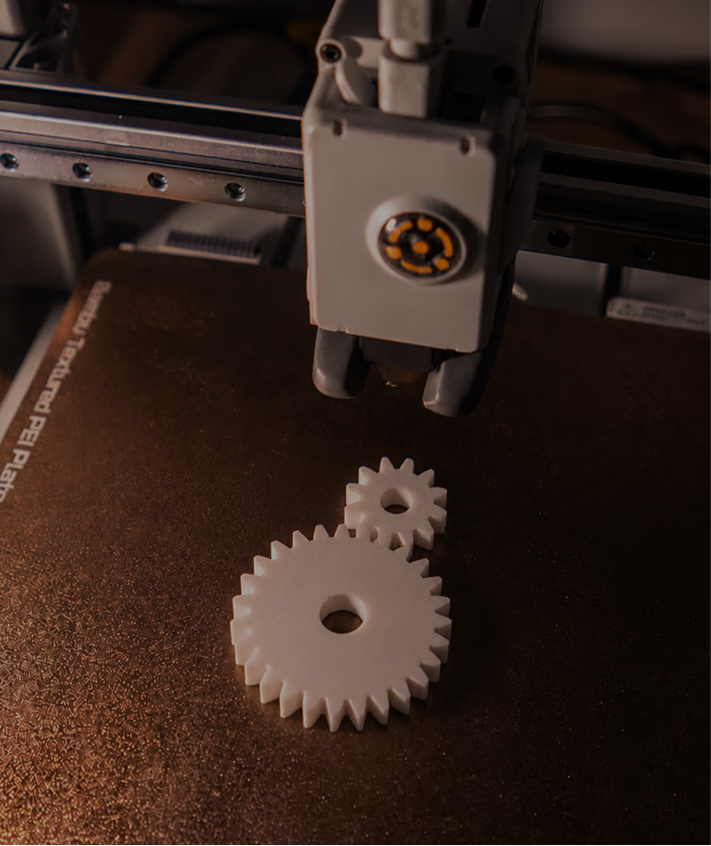
Export binary STL straight from the editor and slice logo plaques, nameplates, badges, and ornaments without touching a modeling tool.

Game Development

Game Development

Turn faction emblems, UI icons, and pickup symbols into GLB/GLTF meshes that import directly into Unity, Unreal, and Godot.

E-commerce & Branding

E-commerce & Branding

Give brand marks physical presence for product pages and campaigns — a metallic logo under studio HDRI reads instantly more premium than a flat file.

Presentation Renders

Presentation Renders

Skip the render farm for simple hero shots: light with an HDRI, flip on Vibe Mode glow, and export a PNG at up to 3x resolution for decks and social posts.

Conversor SVG para 3D —
perguntas frequentes

Answers grounded in how the editor actually behaves.

What files can I upload?

Only .svg files — the uploader validates the type and rejects anything else. If you don't have one handy, start from a built-in sample icon (Deemos, GitHub, or X) and explore the editor first.

Is it really free? Do I need an account?

Yes — the tool is free to all and requires no login. Open hyper3d.ai/omnicraft/vecto3d and start converting immediately.

Does my SVG get uploaded to a server?

No. The file is read locally and converted to 3D with three.js inside your browser — parsing, extrusion, preview, and every export are generated on your machine.

Which 3D formats can I export?

Binary STL, GLB, and GLTF from the Export 3D menu, plus PNG image snapshots at Low (1x), Medium (2x), or High (3x) quality from the Export Image menu.

Can I 3D print the result?

Yes. Export a binary STL and load it into any slicer. Extruded logos make great plaques, keychains, stamps, badges, and signage prototypes — increase thickness for sturdier prints.

How much control do I have over the 3D shape?

Thickness runs from 0.1 to 50 in 0.1 steps. Bevels come as None, Light, Medium, and Heavy presets, or a Custom mode with separate sliders for bevel thickness (0–3), size (0–2), and quality (1–10 segments).

Can I change the colors and materials?

The model keeps your SVG's original fill colors by default. Tick “Override SVG colors” to repaint everything with a custom color, and switch between Metallic, Clay/Matte, Plastic, Glass, or a fully Custom material with roughness, metalness, clearcoat, and transmission sliders.

Do lighting and background affect the exported model?

No — the editor states it directly: environment settings are for preview only. STL/GLB/GLTF exports carry the geometry with clean per-color materials; HDRI lighting, Vibe Mode glow, and background color only appear in PNG snapshots.

What kind of SVG works best?

Clean, closed vector shapes: logos, icons, badges, symbols, and bold lettering. The converter extrudes filled paths and respects holes (like letter counters); hairline strokes and extremely intricate paths are better simplified before converting.

Can I use my own environment image?

Yes — upload a JPG or PNG up to 10MB and it becomes the reflection environment for your model. Note that Vibe Mode's bloom effect is only available with the nine built-in HDRI presets, not custom images.

Confiado por criadores de ativos 3D reais

Equipes de produção usam o Hyper3D para transformar referências de imagem e prompts em modelos 3D editáveis e prontos para exportação com mais rapidez.

AI 3D chegou a um novo patamar. Rodin Gen-2.5 entrega geometria rápida, suporte high-poly, estrutura limpa e resultados prontos para produção.

Sabir Hussain

Sabir Hussain

Entusiasta de IA e tecnologia

Malhas mais limpas, detalhes de superfície mais nítidos e melhor coerência multiângulo. Os resultados parecem prontos para iterar em um fluxo real.

BubbleBrain

BubbleBrain

Entusiasta de IA

AI 3D chegou a um novo patamar. Rodin Gen-2.5 entrega geometria rápida, suporte high-poly, estrutura limpa e resultados prontos para produção.

Sabir Hussain

Sabir Hussain

Entusiasta de IA e tecnologia

Malhas mais limpas, detalhes de superfície mais nítidos e melhor coerência multiângulo. Os resultados parecem prontos para iterar em um fluxo real.

BubbleBrain

BubbleBrain

Entusiasta de IA

AI 3D chegou a um novo patamar. Rodin Gen-2.5 entrega geometria rápida, suporte high-poly, estrutura limpa e resultados prontos para produção.

Sabir Hussain

Sabir Hussain

Entusiasta de IA e tecnologia

Pronto para dar
profundidade aos seus vetores?

Drop an SVG, drag a few sliders, download a model. No account, no upload, no cost — your first 3D logo is about a minute away.