




Make your next creation.
Turn your ideas into 3D assets. Start creating with Hyper3D.
A Meshy-rigged boar is refined in Blender against a synchronized video reference over five iterations. The public prompt specifies a 144-frame, 24 fps comparison and detailed gait and contact checks.
Download unavailable. Open the original video to save it.
Use Blender MCP to refine an existing rigged boar animation against a side-view video reference (144 frames at 24 fps, 6 seconds). First inspect the scene, rig, rest pose, bone hierarchy, mesh weights, and existing animation. Create a verified backup before making changes. Set up a synchronized side-by-side comparison in Blender: reference on the left, model on the right, with matching frame numbers. Review all 144 frames and match the visible motion as closely as the model’s proportions allow. Explicitly identify any poses inferred because of occlusion or missing depth information. Animate complete leg chains from the shoulders and hips, with appropriate body movement and weight transfer. Preserve bone lengths. Match footfall timing, hoof placement and orientation, swing height, stride length, and joint bending. Avoid excessive bending of supporting legs, ground penetration, foot sliding, and unnatural hoof tilt. Validate the front and hind legs separately before smoothing. Previous attempts improved the front legs but left the hind legs with short strides, insufficient swing flexion, and trajectories poorly positioned relative to the pelvis. Smoothing preserved these errors instead of correcting them. Once the gait is correct, improve continuity without changing footfall timing or ground contact. Check interpolated and subframe poses using the deformed hoof mesh, not only bone positions. Treat numerical smoothness and contact checks as supporting evidence; also inspect the rendered motion. If working from v4, preserve the approved front legs, torso, head, and tail animation, and modify only the hind-leg chains. Use the reference to determine hind-leg timing; do not assume a fixed offset from the front legs. Deliver the updated .blend file and synchronized comparison video. Briefly report what changed, what failed and how it was fixed, what was verified, and any remaining mismatch. Do not claim an exact 1:1 match unless the comparison supports it.
Original promptTurn your ideas into 3D assets. Start creating with Hyper3D.
Follow us


State which objects must remain separate, named and editable; otherwise a visually convincing shell may still be unusable.
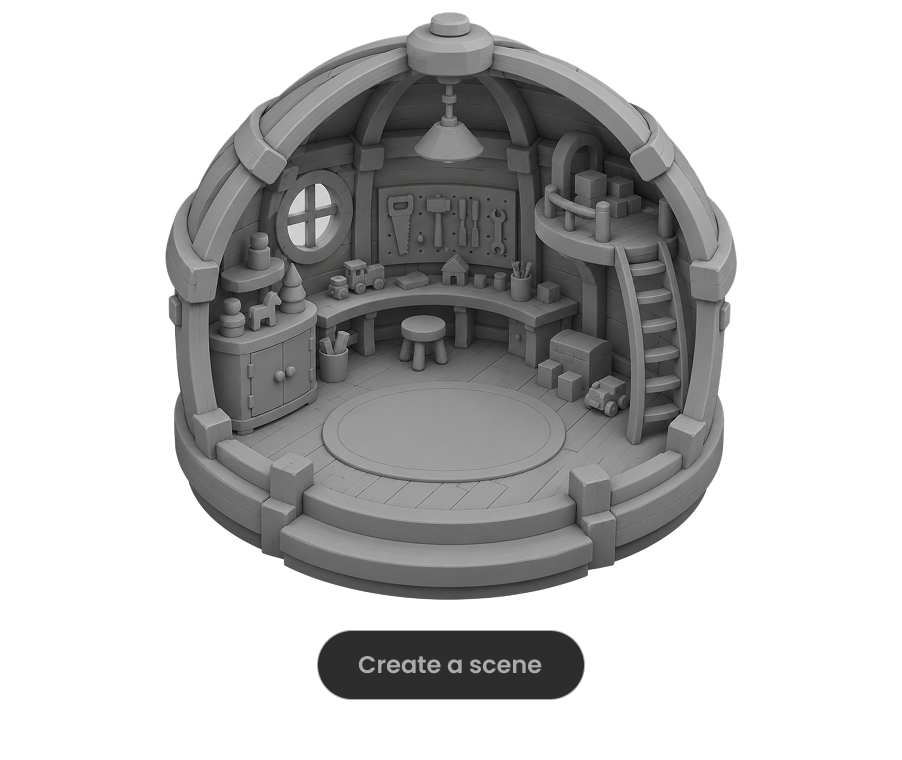
Ask the model to run the scene, inspect visible failures and repeat until concrete frame-rate, interaction and layout checks pass.

For large worlds, split the work into districts, assemblies or milestones and approve each section before expanding scope.

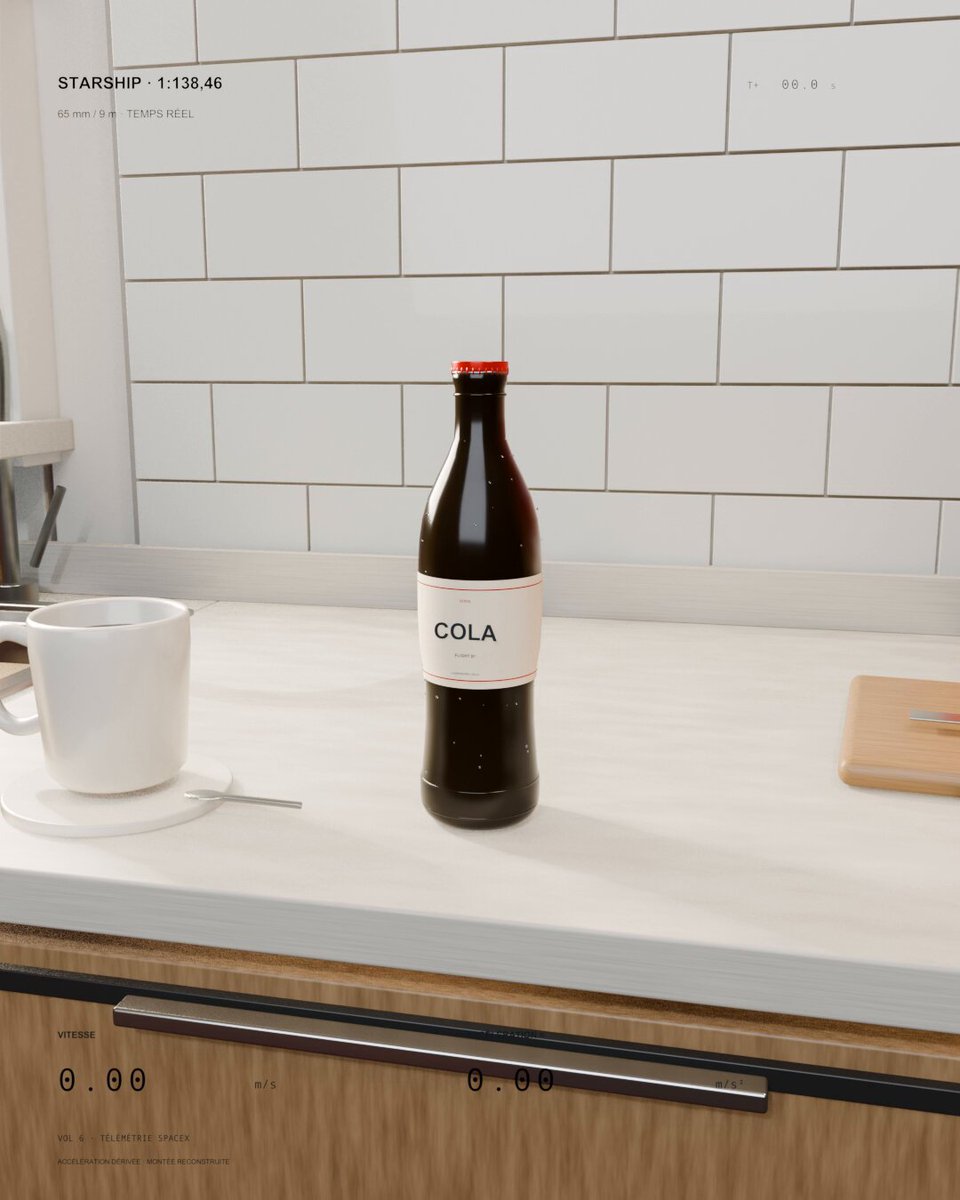
A kitchen soda bottle launches like a miniature Starship. Sol 6.1 was asked to scale real flight speed and acceleration to the bottle and keep everyday objects visible for scale.
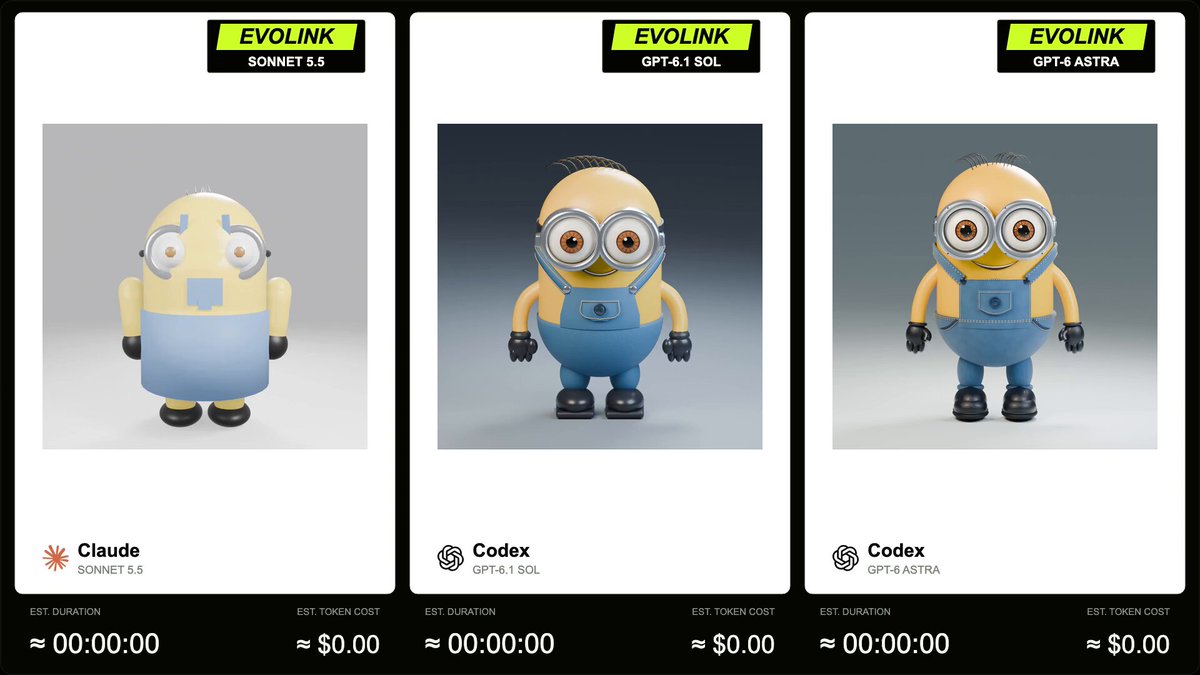
EvoLink compares GPT-6.1 Sol, Sonnet 5.5 and GPT-6 Astra on a Blender Minion model with a 5-second, square, 360-degree turntable animation. The author supplies the full prompt in a reply.
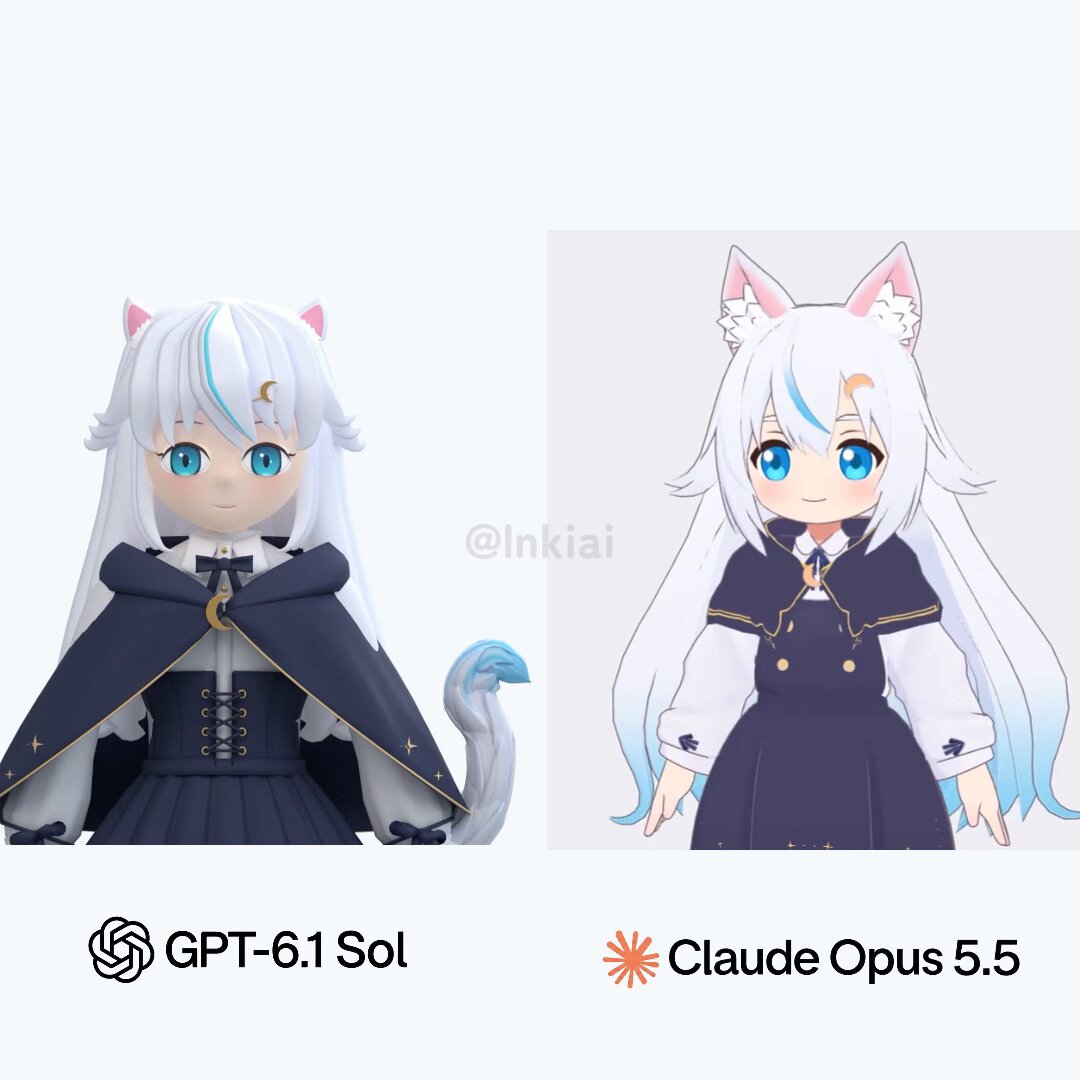
The post compares Codex with GPT-6.1 Sol, which creates a model from scratch in Blender, and Claude Code with Opus 5.5, which proposes combining and modifying existing models and parts.
