

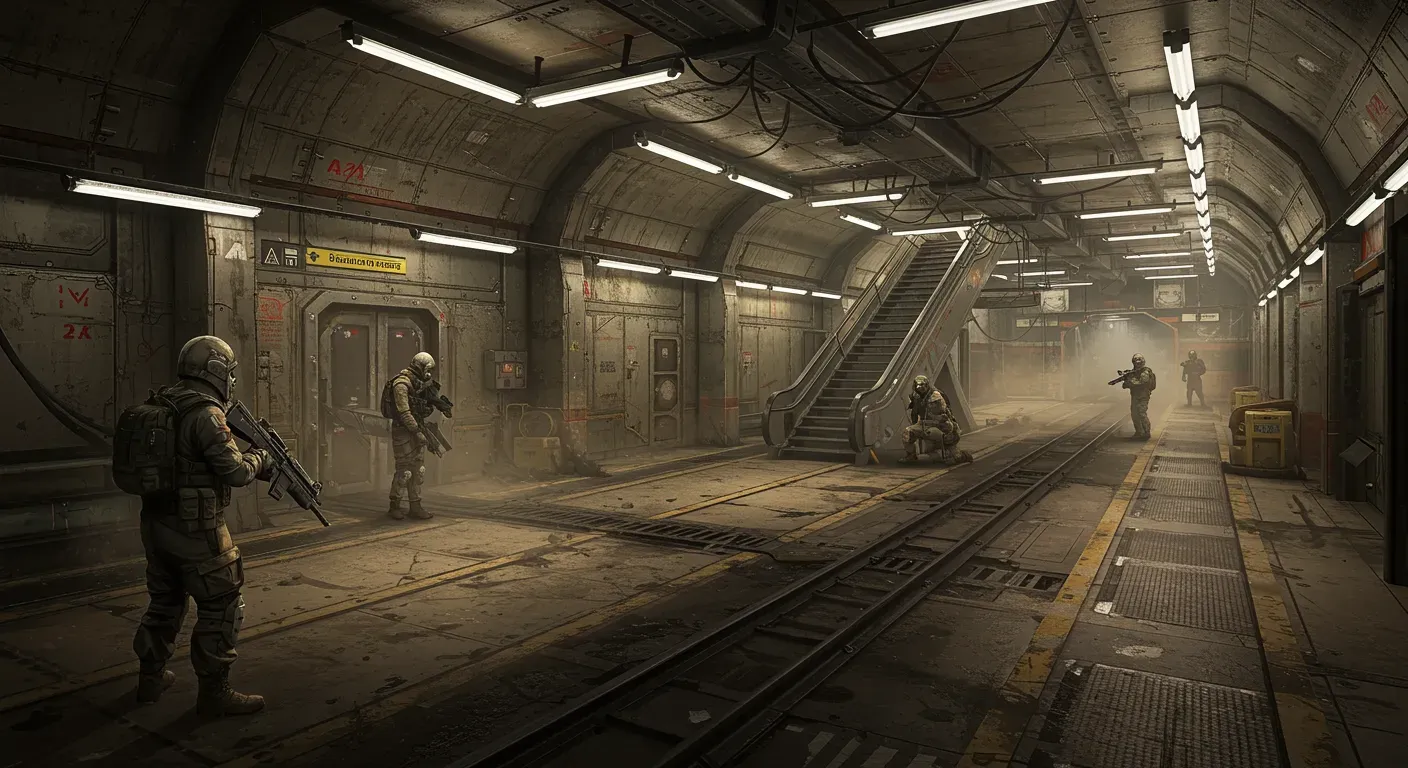
Metro Exodus Enhanced Edition is a visually stunning game that immerses players in a post-apocalyptic world filled with breathtaking environments and intense gameplay. However, to fully appreciate its beauty, you need to optimize your graphics settings appropriately. In this guide, we will explore effective strategies to enhance your gaming experience while maintaining performance.
Understanding Graphics Settings
Before diving into optimization, it's essential to understand what each graphics setting does. Here are some key settings you should be aware of:
1. Resolution
Resolution determines the clarity of the game. Higher resolutions (like 4K) provide better detail but require more powerful hardware. If your system struggles, consider lowering the resolution to maintain a smooth frame rate.
2. Texture Quality
Texture quality affects the details of surfaces in the game. Higher texture settings make environments look more realistic. If your VRAM is limited, you may want to balance quality with performance.
3. Anti-Aliasing
Anti-aliasing smooths out jagged edges on objects. While it improves visual quality, it can be demanding on your GPU. Experiment with different settings to find a balance that works for you.
4. Ray Tracing
One of the standout features of the Enhanced Edition is ray tracing, which simulates realistic lighting and shadows. While it enhances visuals, it can significantly impact performance. If your system cannot handle it, consider lowering or disabling this feature.
5. Shadow Quality
Shadows add depth to the game but can be taxing on performance. Adjusting shadow quality can help improve frame rates without sacrificing too much visual fidelity.
Steps to Optimize Your Settings
Now that you understand the graphics settings, let's discuss how to optimize them effectively:
Step 1: Benchmark Your Performance
Before making changes, benchmark your current performance. Use built-in tools or third-party software to measure frame rates and system performance. This will give you a baseline to compare against after adjustments.
Step 2: Adjust Resolution First
Start by adjusting the resolution. If you're experiencing low frame rates, consider lowering the resolution. A good compromise for many players is 1440p, which offers excellent visuals without overwhelming your system.
Step 3: Tweak Texture and Shadow Quality
Next, adjust the texture and shadow quality. If you have a powerful GPU, you can afford to crank these settings up. However, if you notice stuttering or frame drops, try lowering them to medium settings.
Step 4: Experiment with Anti-Aliasing
Try different anti-aliasing settings. Options like TAA (Temporal Anti-Aliasing) provide good quality with less performance impact compared to MSAA (Multisample Anti-Aliasing). Find what looks best for you while keeping an eye on performance.
Step 5: Optimize Ray Tracing
If your system supports ray tracing, experiment with its settings. Consider using a combination of ray tracing and DLSS (Deep Learning Super Sampling) if available, as it can improve performance while maintaining visual quality.
Ethical Considerations in Gaming Performance
As players, we often seek the best experience, but it's crucial to consider the environmental impact of gaming. High-performance gaming systems consume significant energy, contributing to carbon emissions. Opting for energy-efficient hardware and settings can help mitigate this impact. Additionally, supporting developers who prioritize sustainability can contribute to a more ethical gaming environment.
Optimizing your graphics settings in Metro Exodus Enhanced Edition can significantly enhance your gaming experience. By understanding the impact of each setting and making informed adjustments, you can enjoy stunning visuals without sacrificing performance.
As technology continues to evolve, we anticipate even more advanced graphics options in future games. Staying informed about new developments in graphics technology and optimization techniques will help you adapt and enhance your gaming experience in the years to come.
Remember, the key is to find a balance that works for your system while enjoying the rich, immersive world that Metro Exodus has to offer.