

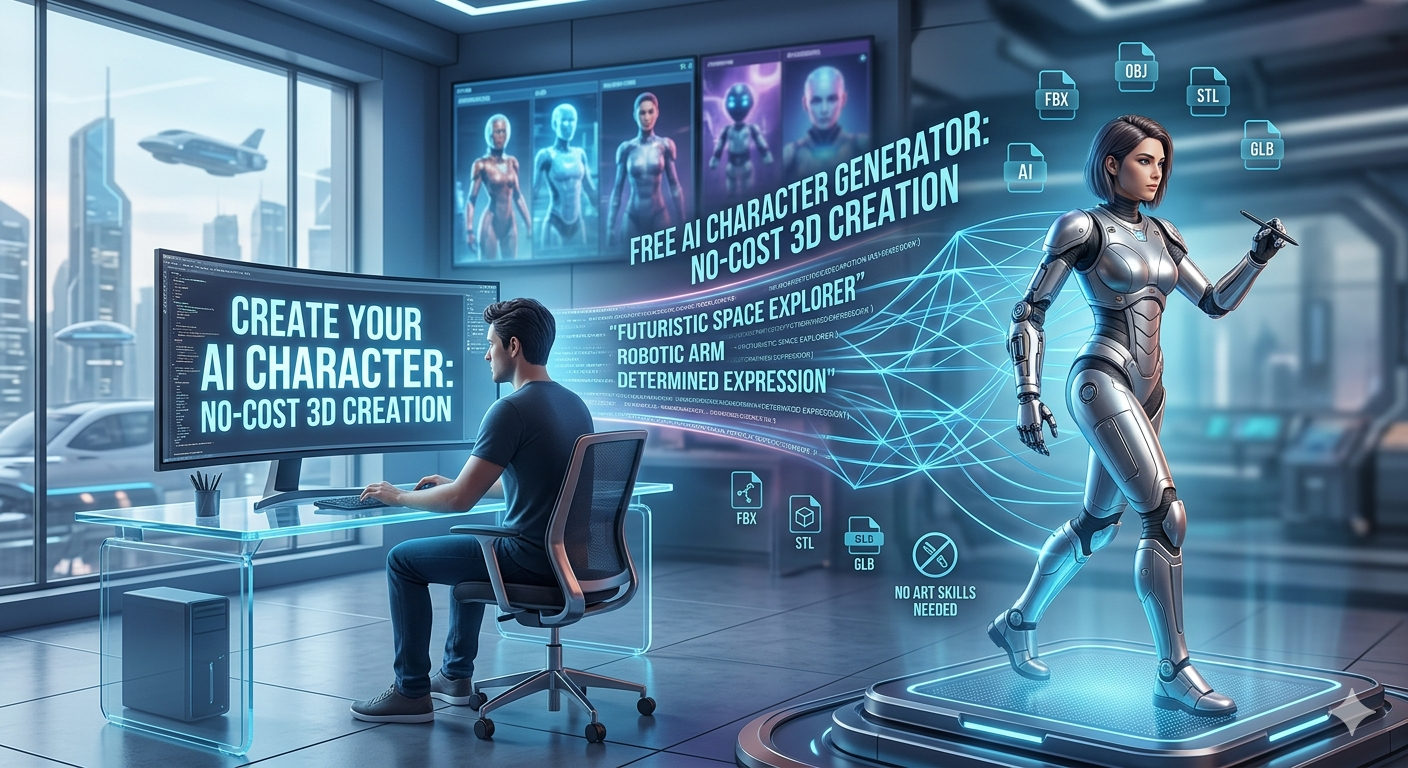
Free AI Character Generator: No-Cost 3D Character Creation
Creating compelling characters is no longer a luxury reserved for professional artists and designers. Thanks to the rise of AI character generators, anyone can bring their imaginative concepts to life. These tools are becoming increasingly popular for everything from game development and storytelling to marketing and social media. With a variety of platforms available, it can be challenging to know where to start. This article explores some of the best free options for AI character generation, helping you find the perfect tool for your creative projects.
What Are AI Character Generators and How Do They Work?
AI character generators are tools that use artificial intelligence to create character images from text descriptions or existing images. They have become incredibly popular because they allow anyone to create high-quality character art without needing any artistic skill. But how do they actually work?
The Technology Behind AI Character Creation
At the heart of these tools is a technology called generative AI. Specifically, they use models like text-to-image and image-to-image. These models are trained on massive datasets containing billions of images and their corresponding text descriptions. Through this training process, the AI learns the relationships between words and visual concepts. When you provide a prompt, the AI uses this knowledge to generate a new image that matches your description. The more detailed your prompt, the better the AI can understand your vision and create a character that aligns with it.
Benefits of Using a Free AI Character Generator
Using a free AI character generator offers several advantages. The most obvious is that it saves a significant amount of time and money. Instead of hiring an artist or spending hours learning to draw, you can generate a character in seconds. This is a huge benefit for independent game developers, writers, and small businesses with limited budgets. These tools also make it easy to quickly prototype and iterate on character designs. You can try out different styles, poses, and outfits without having to start from scratch each time. This flexibility allows for a more dynamic and creative design process.
Top Free AI Character Generator Tools
Now that we understand the basics of AI character generators, let's explore some of the best free tools available. While many platforms offer paid plans with advanced features, these free options provide a great starting point for anyone looking to create AI characters.
Hyper3D: Your All-in-One 3D Creation Suite
For those specifically interested in 3D character creation, Hyper3D's AI character design tool is an excellent choice. It?? more than just a character generator; it?? a comprehensive suite of tools for 3D asset creation. With Hyper3D, you can use Rodin for generating characters from text prompts, OmniCraft for editing and converting formats, and ChatAvatar for creating realistic face and avatar models. One of the standout features of Hyper3D is its wide range of export formats, including STL, FBX, OBJ, GLB, and USDZ, making it incredibly versatile for various applications, from 3D printing to game development. You can even convert images to 3D models using their image-to-3d tool.
Other Popular Free AI Character Generators
While Hyper3D excels at 3D character creation, there are many other fantastic 2D AI character generators to explore. Some of the most popular free options include:
- MyEdit: A user-friendly tool with a wide range of styles and customization options.
- Perchance: A simple, web-based generator that's great for sparking inspiration.
- Canva: Known for its easy-to-use interface and collaborative features.
- Leonardo AI: A powerful platform with a focus on high-quality image generation.
- Fotor: An all-in-one photo editor with a capable AI character generator.
- OpenArt: A community-focused platform with a vast library of user-generated art.
My First-Hand Experience with Free AI Character Generators
To get a better sense of what these tools can do, I spent some time experimenting with a few of them. I started with Hyper3D, as I was particularly interested in its 3D capabilities. I used the prompt "a futuristic space explorer with a robotic arm and a determined expression" in Rodin. The initial results were impressive, providing a solid base model. I then took the model into OmniCraft to refine the details and adjust the pose. The process was intuitive, and I was able to export the final character in GLB format, ready to be used in a game engine. The ability to go from a simple text prompt to a fully realized 3D model was remarkable.
Next, I tried MyEdit to create a 2D character. I used the prompt "a whimsical forest spirit with glowing mushrooms growing from its back." MyEdit?? strength lies in its artistic styles. I was able to generate several variations, from a realistic style to a more cartoonish one. The results were high-quality and visually appealing. I also experimented with Perchance, which is much simpler. It?? great for generating random ideas and concepts, but the quality can be inconsistent. It?? more of a brainstorming tool than a full-fledged character creator.
Objective Comparison of Free AI Character Generators
To help you choose the right tool, here?? a comparison of the free AI character generators we??e discussed. Each has its own strengths and is suited for different types of projects.
| Tool | Ease of Use | Quality of Results | Customization | Export Formats | Best For |
|---|---|---|---|---|---|
| Hyper3D | Intermediate | High (3D) | Excellent | STL, FBX, OBJ, GLB, USDZ | 3D modeling, game assets, and 3D printing. |
| MyEdit | Easy | High (2D) | Good | JPG, PNG | High-quality 2D character art and portraits. |
| Perchance | Very Easy | Variable | Low | PNG | Brainstorming and generating quick ideas. |
| Canva | Very Easy | Good | Good | JPG, PNG, PDF | Social media graphics and simple character designs. |
| Leonardo AI | Intermediate | Very High | Excellent | PNG | Detailed and artistic 2D character illustrations. |
| Fotor | Easy | Good | Good | JPG, PNG | Quick character creation and photo editing. |
| OpenArt | Easy | Good | Good | JPG, PNG | Exploring different art styles and community creations. |
Ultimately, the best tool for you will depend on your specific needs. If you're focused on 3D, Hyper3D is the clear winner with its comprehensive toolset and multiple export options. For high-quality 2D art, Leonardo AI and MyEdit are excellent choices. If you're a beginner looking for something easy to use, Canva and Fotor are great starting points. Perchance is perfect for those moments when you need a quick spark of inspiration, and OpenArt is a fantastic resource for discovering new styles.
How to Get the Most Out of Your AI Character Generator
Creating great characters with AI is not just about finding the right tool; it?? also about how you use it. Here are some tips to help you get the best results from your free AI character generator.
Crafting Effective Prompts
The quality of your output is directly related to the quality of your input. Vague prompts will lead to generic results. To create a unique and compelling character, your prompts need to be detailed and specific. Instead of just saying "a fantasy warrior," try something like "a stoic female knight with silver armor, a long flowing red cape, and a determined expression, standing on a windswept cliff." The more descriptive you are, the better the AI can understand your vision. Don't be afraid to include details about clothing, accessories, mood, and setting. You can also use negative prompts to exclude things you don't want to see, such as "-no helmet" or "-no sword."
Iterating and Refining Your Creations
Your first generation is rarely your last. The creative process with AI is all about iteration. Generate multiple variations of your character and then select the best ones to refine further. You might take a character you like and use it as an image reference for a new generation, or you might take it into an editing tool to make specific adjustments. For 3D models, a tool like Hyper3D's OmniCraft is invaluable for fine-tuning details, changing colors, and preparing the model for its final application. By combining generation with editing, you can achieve a much higher level of quality and control over your final character.
The Future of AI Character Generation
The world of AI character generation is constantly evolving. We can expect to see even more powerful and accessible tools in the near future. As the technology improves, the line between AI-generated and human-created art will continue to blur. We'll likely see more tools that offer real-time generation and editing, as well as more sophisticated 3D modeling capabilities. The increasing accessibility of these tools will empower more creators to bring their visions to life, leading to a new wave of creativity in gaming, film, and digital art.
Frequently Asked Questions (FAQ)
What is the best free AI character generator?
The "best" tool really depends on your needs. For 3D character creation, Hyper3D's AI character design tool is a top contender. For high-quality 2D art, Leonardo AI and MyEdit are excellent choices. It's best to experiment with a few different options to see which one works best for you.
Can I use AI-generated characters for commercial projects?
This depends on the terms of service of the specific AI tool you are using. Some free tools allow for commercial use, while others may have restrictions. Always check the licensing agreement before using any AI-generated content for commercial purposes.
How can I create a consistent character with AI?
Creating a consistent character across multiple images can be challenging. Some tools offer features to help with this, such as using a reference image or a specific seed number. You can also use a detailed prompt that describes the character's features consistently. For 3D models, once you have a base model from a tool like Hyper3D's Rodin, you can easily create consistent renders in different poses and environments.
Do I need any special skills to use an AI character generator?
No, you don't need any special artistic or technical skills to use most AI character generators. They are designed to be user-friendly and accessible to everyone. The most important skill is being able to write clear and descriptive prompts.
What are the limitations of free AI character generators?
These AI tools are incredibly powerful, but they do have some limitations. The quality of the output can sometimes be inconsistent, and you may have less control over the final result compared to paid tools. Free versions may also have restrictions on the number of images you can generate or the available features. However, they are still an excellent way to get started with AI character creation.