

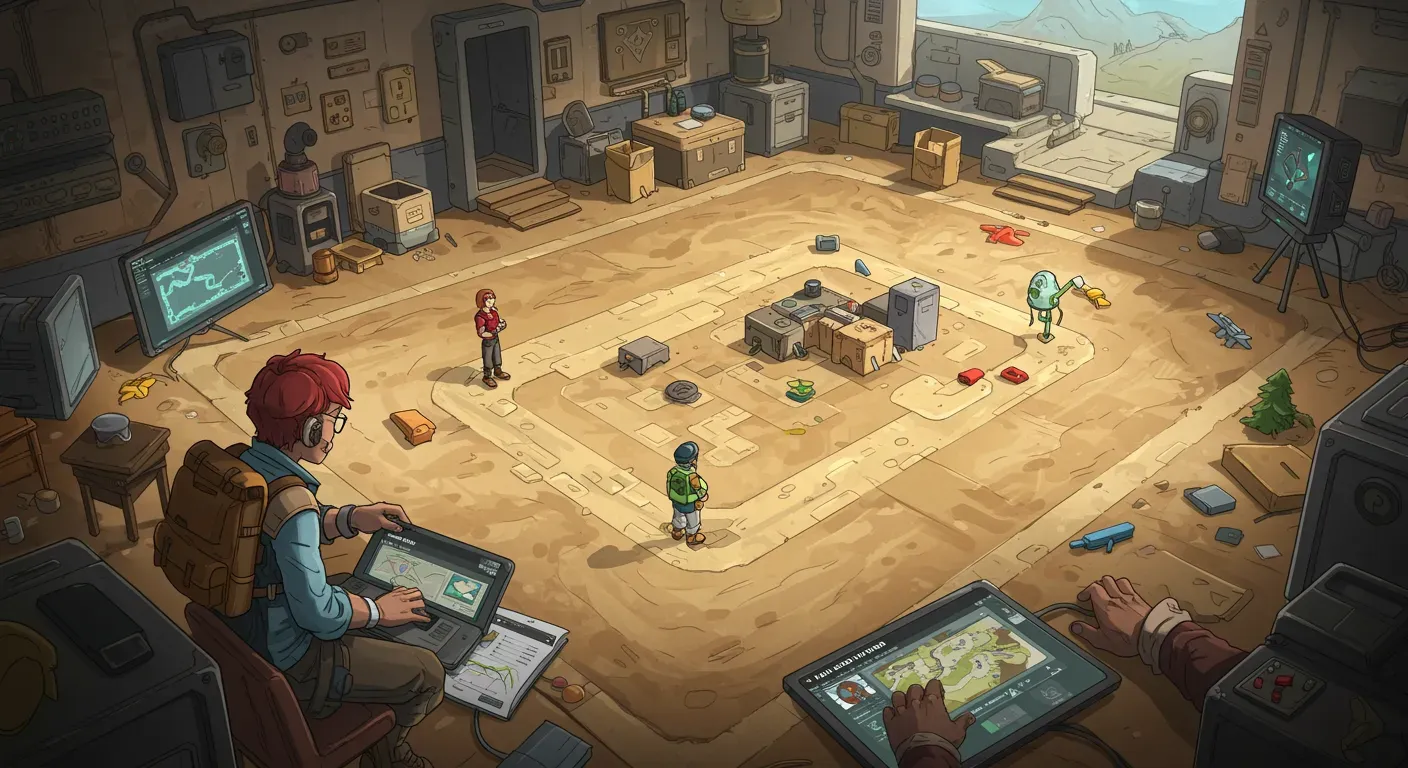
People Playground is a sandbox game that allows players to experiment with physics and creativity in a unique environment. One of the most exciting features of this game is the ability to create custom maps. In this guide, we’ll walk you through the steps to build your own custom maps in People Playground, explore the tools available, and discuss ethical considerations while creating content.
Getting Started with People Playground
Before diving into map creation, ensure that you have a solid understanding of the game mechanics. People Playground allows players to manipulate objects, create scenarios, and interact with a variety of elements. Familiarize yourself with the existing maps to gather inspiration and understand the possibilities.
1.1 Setting Up Your Workspace
To start building, you’ll need to access the map editor. Launch People Playground, navigate to the main menu, and select the “Map Editor” option. This is where the magic happens!
Understanding the Map Editor Tools
The map editor is equipped with various tools that allow you to customize your environment:
2.1 Object Placement
You can place a range of objects, including buildings, vehicles, and characters. Use the object tool to drag and drop items onto your map. Experiment with different placements to create an engaging landscape.
2.2 Terrain Editing
Modify the terrain using the terrain tool. You can raise or lower land, create water bodies, and add obstacles. Consider how these elements will affect gameplay and interaction within your map.
2.3 Scripting Events
For advanced users, scripting can add layers of complexity to your maps. Use the built-in scripting tool to create events that trigger under certain conditions. For example, you can script a building to explode when a player interacts with it.
Testing Your Map
Once you’ve built your map, it’s essential to test it thoroughly.
3.1 Playtesting
Enter play mode to experience your map from a player’s perspective. Check for any glitches, ensure object interactions work as intended, and adjust any elements that may disrupt gameplay.
3.2 Gathering Feedback
Share your map with friends or the People Playground community to gather feedback. Constructive criticism can help you refine your creation and enhance the overall player experience.
Ethical Considerations in Map Creation
While creating custom maps can be a fun and creative outlet, it’s crucial to consider ethical implications:
4.1 Content Sensitivity
Be mindful of the themes and scenarios you depict in your maps. Avoid creating content that may be deemed offensive or inappropriate. Respect the diverse audience of People Playground and aim to foster a positive community.
4.2 Intellectual Property
If you’re inspired by existing maps or media, ensure that your creations are original and do not infringe on others’ intellectual property. This practice not only shows respect for fellow creators but also enhances your credibility.
Looking to the Future: Expanding Your Skills
As you become comfortable with the basics of map creation, consider exploring advanced techniques such as:
5.1 Collaborating with Other Creators
Join forums or social media groups dedicated to People Playground. Collaborating with others can introduce you to new ideas and techniques, enhancing your skill set.
5.2 Learning from Tutorials
There are numerous tutorials available online that can help you master the art of map creation. Take advantage of these resources to learn new tips and tricks.
Building custom maps in People Playground is a rewarding experience that allows for endless creativity and experimentation. By understanding the tools available, considering ethical implications, and continuously expanding your skills, you can create engaging and unique maps that enhance the gameplay experience for yourself and others. So, gather your ideas, fire up the map editor, and start building your masterpiece today!