

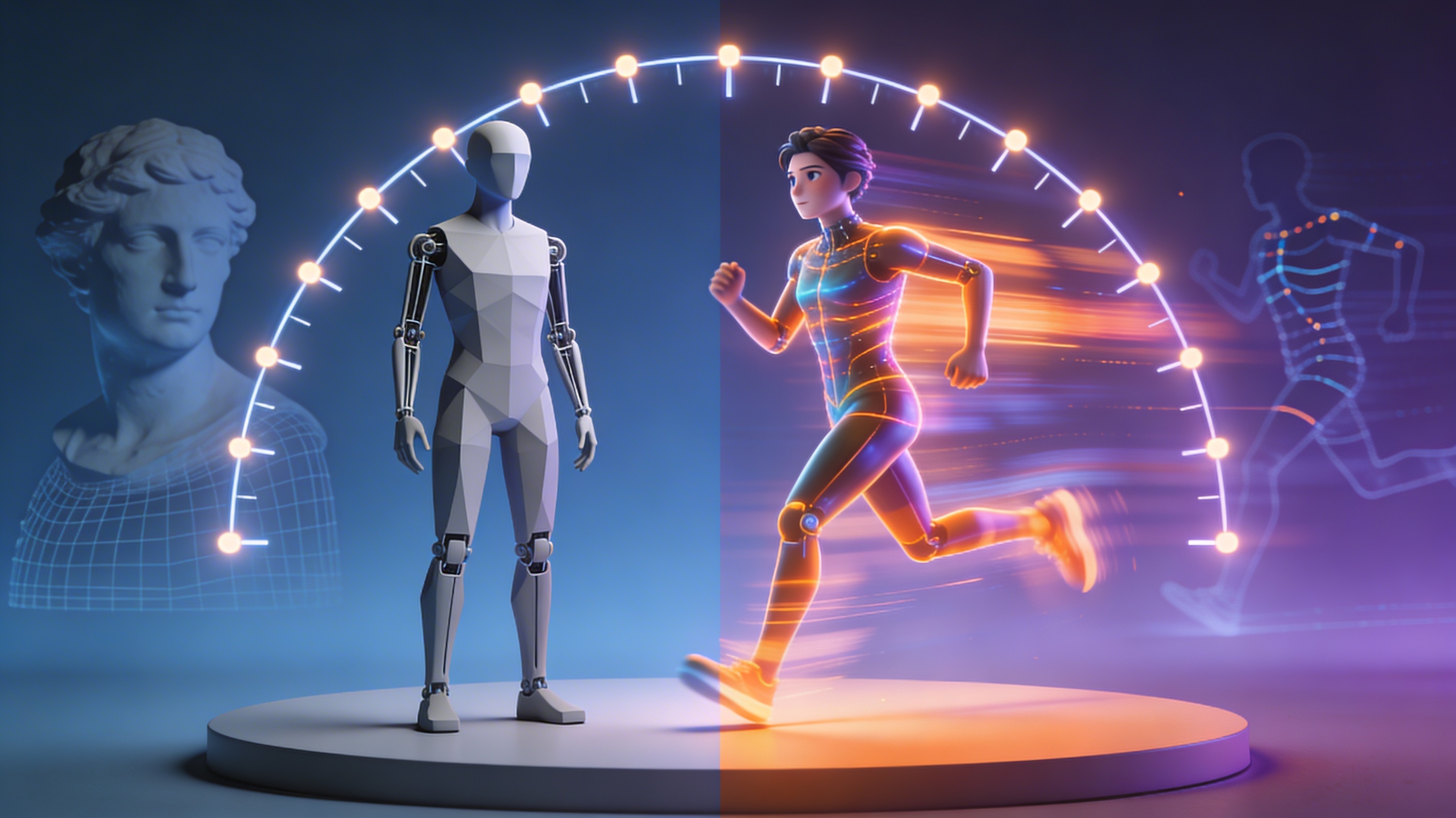
3D Character Animation: From Model to Motion in Minutes
3D character animation breathes life into the digital world. From the blockbuster films that captivate us to the immersive video games we explore, animated characters are at the heart of modern storytelling. The process of creating these animations has traditionally been complex and time-consuming, reserved for those with specialized skills and powerful hardware. However, the field is changing. With the advent of new tools and AI-powered platforms, creating stunning 3D character animations is more accessible than ever before.
The Core Concepts of 3D Character Animation
Before a character can take its first step, it must be built from the ground up. This foundational process involves several key stages that transform a static concept into a dynamic, animation-ready asset.
From Digital Sculpting to a Fully Realized Model
The journey of a 3D character begins with modeling. This is the digital equivalent of sculpting, where an artist shapes a character from a simple geometric form, like a sphere or a cube, into a detailed model. There are two primary techniques for this: polygonal modeling, which involves manipulating a mesh of vertices, edges, and faces; and digital sculpting, which allows for a more organic, clay-like approach. Tools like ZBrush and Blender are popular choices for this stage. For those looking to accelerate this process, an AI 3D model generator can create a base model in a fraction of the time.
Rigging: The Digital Skeleton
Once the model is complete, it needs a skeleton to move. This is where rigging comes in. A rigger creates a hierarchical structure of digital bones and joints, which is then placed inside the 3D model. This ??ig??acts as a puppet?? strings, allowing an animator to pose and move the character. A well-constructed rig is essential for creating believable and expressive movements. Without a solid rig, even the best-designed model will feel stiff and lifeless.
Skinning: Connecting the Model to the Skeleton
With the skeleton in place, the next step is to connect it to the character?? ??kin,??or mesh. This process, known as skinning or weight painting, involves assigning influence values to the vertices of the model. These values determine how much each bone affects the surrounding mesh as it moves. Proper skinning is crucial for achieving natural-looking deformations, such as the bend of an elbow or the crease of a smile. It?? a meticulous process that requires a good understanding of anatomy and kinematics.
Bringing Characters to Life: Animation Techniques
With a fully modeled, rigged, and skinned character, the real magic can begin. There are several techniques for bringing a character to life, each with its own strengths and applications.
Keyframe Animation: The Traditional Approach
Keyframe animation is the cornerstone of 3D animation. In this method, an animator sets key poses for the character at specific points in time. The software then interpolates the motion between these keyframes, creating the illusion of movement. This technique offers a high degree of control, allowing for precise and stylized animations. However, it can be a labor-intensive process, especially for complex movements.
Motion Capture: Realism in Motion
For those seeking a more realistic approach, motion capture (mocap) is a powerful tool. This technique involves recording the movements of a real actor and applying that data to a 3D character. Mocap can produce incredibly lifelike animations in a relatively short amount of time, making it a popular choice for film and video games. While it excels at realism, mocap can be expensive and may require some cleanup to refine the final performance.
The Rise of AI in 3D Character Animation
The latest evolution in 3D character animation is the integration of artificial intelligence. AI-powered tools are making it possible to create high-quality animations with unprecedented speed and ease. These platforms can automate many of the technical aspects of the animation process, allowing creators to focus on the artistic side of their work. An AI animation tool can generate complex movements from simple text prompts or video inputs, opening up a world of creative possibilities for artists of all skill levels.
My First-Hand Experience: Animating with AI
I recently had the opportunity to work with an AI-powered animation platform, and the experience was eye-opening. I started with a 3D model I had created in Blender and uploaded it to the platform. The rigging process, which would normally take me hours, was completed in minutes. From there, I was able to generate a variety of animations using different modes. The ??en-2??mode produced a highly realistic walking animation, while the ??ocal??mode allowed me to create a more stylized and expressive movement.
What impressed me most was the speed and flexibility of the workflow. I could quickly iterate on different animation ideas, tweaking the timing and posing with ease. When I was happy with the result, I exported the animation as an FBX file and imported it into my game engine. The platform also supported a wide range of other formats, including GLB and USDZ. For anyone needing to convert between different 3D formats, a dedicated 3D format converter is an invaluable tool.
A Quick Comparison of Modern Animation Tools
The world of 3D animation is filled with a diverse range of tools, each with its own strengths and weaknesses. Here?? a look at a few popular options:
Hyper3D?? Suite: A Comprehensive Toolkit
Hyper3D offers a suite of tools designed to cover the entire 3D creation pipeline. Rodin is used for generating 3D models, while OmniCraft provides powerful editing and format conversion capabilities. For creating realistic faces and avatars, there?? ChatAvatar. The main advantage of this suite is its integrated workflow, which allows for a smooth transition between modeling, editing, and animation. The variety of generation modes and export formats also makes it a very flexible option. However, the sheer number of features may present a learning curve for those who are completely new to 3D.
Mixamo: Free and Easy Rigging and Animation
Mixamo has been a go-to resource for many years, and for good reason. It offers a free and easy way to rig 3D characters and apply a wide range of pre-made animations. It?? a great starting point for beginners and a useful tool for quick prototyping. The main drawback of Mixamo is its limited customization options. The animations are not easily editable, and the interface, while functional, is beginning to show its age.
DeepMotion: AI-Powered Animation from Video
DeepMotion takes a unique approach to animation by using AI to generate 3D movements from video footage. This allows for a very intuitive workflow, where you can simply record a movement and have it translated into a 3D animation. It?? a fast and effective way to create realistic animations, but it can sometimes lack the precision of other methods. The generated animations may also require some manual cleanup to achieve a polished result.
Frequently Asked Questions about 3D Character Animation
What software is best for a beginner in 3D character animation?
For beginners, it?? often best to start with a tool that has a gentle learning curve. Blender is a great free and open-source option with a large and supportive community. For those who want to dive into AI-powered workflows, a platform with a user-friendly interface and a good selection of tutorials is a great choice.
How long does it take to animate a 3D character?
The time it takes to animate a 3D character can vary greatly depending on the complexity of the animation and the tools being used. A simple walk cycle might take a few hours to create using keyframe animation, while a complex action sequence could take days or even weeks. AI-powered tools can significantly speed up this process, allowing for rapid prototyping and iteration.
Do I need to be good at drawing to be a 3D animator?
While drawing skills can be helpful for storyboarding and concept art, they are not a strict requirement for 3D animation. The process of 3D animation is more technical than traditional 2D animation, and a good understanding of movement, timing, and posing is more important than the ability to draw.
What is the difference between 3D modeling and 3D animation?
3D modeling is the process of creating the 3D character or object, while 3D animation is the process of bringing that character or object to life. Modeling is about form and structure, while animation is about movement and performance.
Can I use my own characters with these animation tools?
Yes, most modern animation tools allow you to import your own 3D models. This is a great way to bring your own unique creations to life. If you??e looking to create your own characters from scratch, an AI character design tool can be a great way to get started.
Conclusion
The world of 3D character animation is more exciting and accessible than ever before. With a growing number of powerful and intuitive tools at our disposal, the ability to create stunning 3D animations is no longer limited to large studios and seasoned professionals. Whether you??e a seasoned animator or just starting your journey, there?? never been a better time to explore the incredible possibilities of 3D character animation and bring your own digital creations to life.