

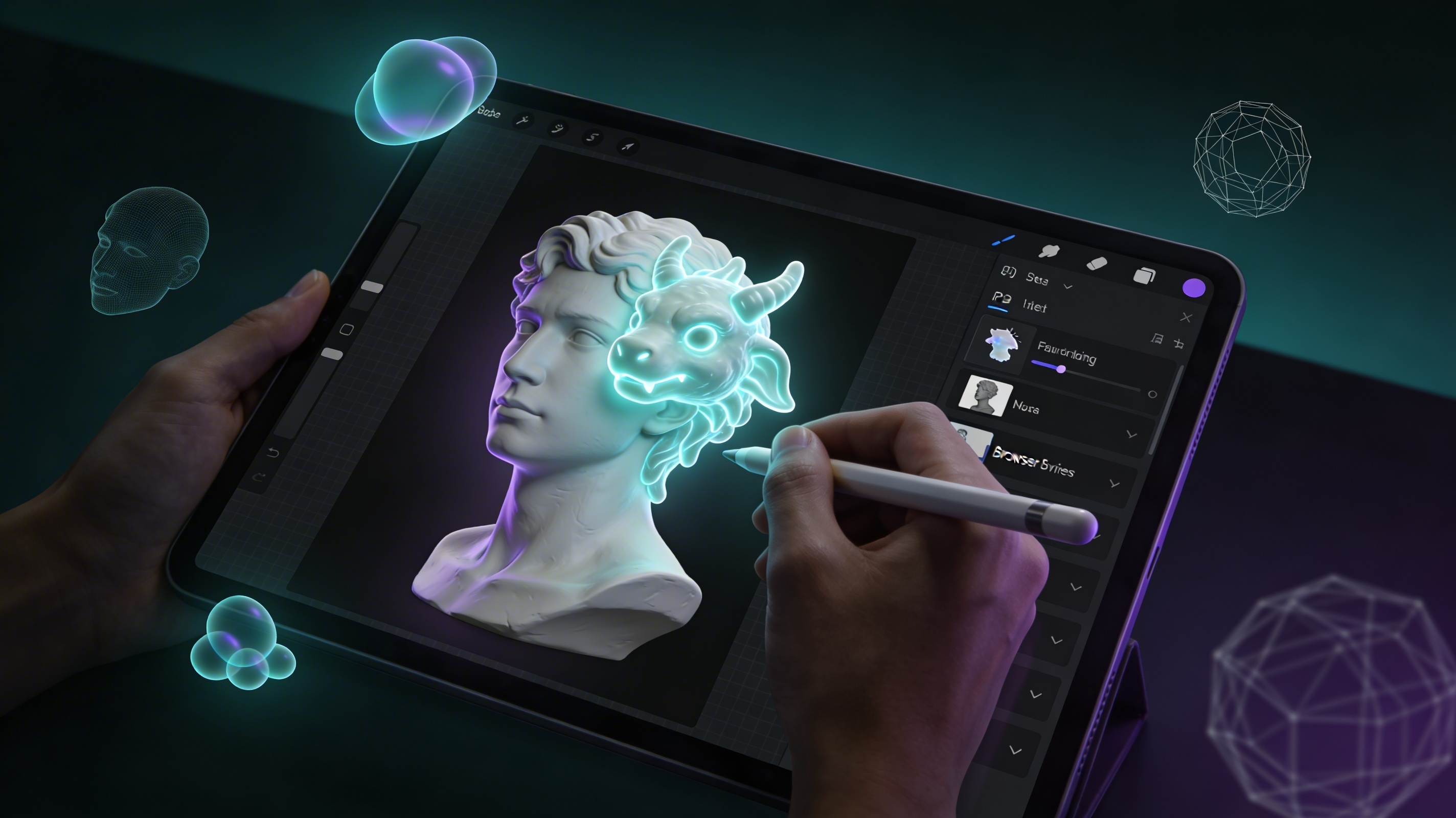
# Nomad Sculpt Alternative: AI 3D Modeling on iPad
Finding the right 3D sculpting app, or a nomad sculpt alternative, can be a major shift for artists and designers. Whether you're a seasoned professional or just starting, the tool you choose can significantly impact your workflow and creative output. While Nomad Sculpt has become a popular choice for many iPad artists, it's not the only option available. The world of 3D modeling is vast and diverse, with a range of applications available on different platforms, including powerful browser-based tools that are more accessible than ever. This article will explore some of the best Nomad Sculpt alternative options, helping you find the perfect fit for your artistic needs and preferences. We will look at a variety of tools, each with its own strengths, to help you find the best nomad sculpt alternative for you.
What is 3D Sculpting?
The Art of Digital Clay
3D sculpting is a form of digital art that mimics traditional sculpting. Instead of using clay or stone, artists use software to shape and mold a digital object. This process allows for a more intuitive and artistic approach to 3D modeling, and it's a key reason why people look for a nomad sculpt alternative. With the right tools, you can create anything from detailed characters to intricate abstract designs. Many artists find this method more natural than traditional polygon modeling, especially for creating organic shapes and characters. This is why finding a good nomad sculpt alternative is so important.
How Does It Work?
The process of 3D sculpting typically starts with a base mesh, which is a simple 3D shape like a sphere or a cube. The artist then uses a variety of digital brushes to push, pull, pinch, and smooth the mesh, much like working with clay. Each brush has a unique effect on the mesh, allowing for a wide range of creative possibilities. As the artist works, they can increase the level of detail in the mesh, adding fine details like wrinkles, pores, and textures. This process can be incredibly detailed and time-consuming, but the results can be stunningly realistic.
The Strengths of Nomad Sculpt
Nomad Sculpt has gained a loyal following among iPad artists for a reason, and it is often the benchmark when looking for a this option. It's a powerful and intuitive tool that offers a great balance of features and ease of use. Here are some of its key strengths:
Nomad Sculpt is known for its user-friendly interface, which makes it easy for beginners to get started with 3D sculpting. Despite its simplicity, it offers a solid set of tools that can handle complex sculpting tasks. From a wide range of brushes to dynamic topology and vertex painting, it has everything you need to create professional-quality models. Being an iPad app, Nomad Sculpt allows you to work on your creations anywhere, anytime. This is a huge advantage for artists who are always on the go. Compared to desktop sculpting software, Nomad Sculpt is incredibly affordable, making it accessible to a wider range of artists. When looking for a the format, these are the features to look for.
Top Nomad Sculpt Alternative Options
While Nomad Sculpt is a fantastic tool, it's always a good idea to explore other options to find the one that best suits your workflow. Here are some of the top this method options available today:
Forger: A Powerful Mobile Sculpting App
Forger is another excellent this approach for the iPad, and it has been around for a while. It was one of the first professional-grade sculpting apps on the App Store. It offers a comprehensive set of tools that are comparable to what you would find in desktop applications. Forger is a great choice for artists who want a powerful and feature-rich sculpting experience on their iPad.
Forger boasts a wide array of brushes, masking tools, and other advanced features that give you a lot of control over your sculpts. It has a unique multi-touch sculpting feature that allows for a more tactile and intuitive workflow. Forger is known for its smooth performance, even when working with high-polygon models. However, with its extensive feature set, Forger can be a bit overwhelming for beginners. Unlike Nomad Sculpt's one-time purchase, Forger has moved to a subscription model, which might not be ideal for everyone. This makes it a more expensive this file type in the long run.
ZBrush for iPad: The Industry Standard on Mobile
ZBrush is the undisputed king of digital sculpting on the desktop, and now it's available on the iPad, making it a powerful this format. ZBrush for iPad brings the power and precision of its desktop counterpart to a mobile platform. It's a professional-grade tool that's perfect for artists who are already familiar with the ZBrush ecosystem or who want to learn the industry-standard software.
ZBrush for iPad offers a level of power and control that is unmatched by any other mobile sculpting app. If you're a ZBrush user, you'll feel right at home with the iPad version. It integrates smoothly with the desktop version of ZBrush, allowing you to transfer your projects back and forth. However, ZBrush for iPad is the most expensive option on this list, which might be a barrier for some artists. The ZBrush interface is notoriously complex, and the iPad version is no exception. It can be a steep learning curve for new users, making it a less than ideal this option for beginners.
Hyper3D: An AI-Powered Nomad Sculpt Alternative
For those looking for a browser-based solution that brings the power of AI to 3D modeling, Hyper3D is an exciting option. Unlike traditional sculpting apps, Hyper3D uses AI to generate and edit 3D models, making it a unique and powerful tool for artists of all skill levels. It's a great the format for those who want to explore the creative possibilities of AI in 3D modeling.
With Hyper3D, you can use an AI 3D model generator to create complex models from simple text prompts. The platform also offers an image to 3D tool that can turn your 2D sketches and photos into 3D models. For even more creative freedom, you can use the text to 3D model feature to generate models from your imagination. Once you have a base model, you can use the AI 3D model editor to refine and customize it. And with the AI texture generator, you can create stunning, smooth textures for your models in seconds.
Hyper3D's AI tools can save you hours of manual work, allowing you to focus on the creative aspects of 3D modeling. Since it runs in your browser, you can access Hyper3D from any device with an internet connection, without having to install any software. From generation to editing and texturing, Hyper3D offers a complete suite of tools for 3D creation. Being a browser-based tool, you'll need a stable internet connection to use Hyper3D. The AI-driven workflow is different from traditional sculpting, so it might take some time to get used to. For those looking for a this method that embraces AI, Hyper3D is a top choice.
Meshy: Another Browser-Based AI Modeler
Meshy is another browser-based AI 3D modeler that offers a similar set of features to Hyper3D. It's a powerful tool for generating and editing 3D models using AI, and it's a great option for artists who want to explore the possibilities of AI in their workflow. Meshy is a strong contender in the browser-based 3D modeling space and a worthy this approach. If you are looking for a nomad sculpt alternative with a focus on AI, Meshy is a great choice.
Meshy's AI can create detailed 3D models from text prompts and images. It also offers features that allow you to collaborate with other artists on your projects. Like Hyper3D, Meshy is accessible from any device with an internet connection. However, Meshy is a relatively new tool, so it may not have all the features of more established software. The AI-driven workflow can be a bit different from traditional sculpting, so it may take some time to get used to. As a this file type, it is a great option for those who want to experiment with AI.
SculptGL: A Free and Open-Source Option
For those who are on a tight budget or who prefer to use open-source software, SculptGL is an excellent choice. It's a free, browser-based sculpting app that offers a surprisingly solid set of features. While it may not be as powerful as some of the paid options on this list, it's a great way to get started with 3D sculpting without any financial commitment.
SculptGL is completely free to use, and its open-source nature means that it's constantly being improved by the community. It has a simple and intuitive interface that makes it easy for beginners to get started. Since it runs in your browser, you can start sculpting right away without having to install any software. However, SculptGL doesn't have all the advanced features of more professional sculpting apps. It may not perform as well as native apps, especially when working with high-polygon models. For those looking for a free this format, SculptGL is a great place to start.
My First-Hand Experience with 3D Sculpting Apps
As a 3D artist, I've spent countless hours exploring different sculpting applications, including many this option options, and I've had the opportunity to work with many of the tools mentioned in this article. I started my journey with desktop applications like ZBrush and Blender, which are incredibly powerful but can feel a bit tethering at times. The freedom of mobile sculpting apps like Nomad Sculpt and Forger was a revelation. I could sketch out ideas on my iPad while sitting on the couch, which was a much more relaxed and intuitive way to work. This is the beauty of a good nomad sculpt alternative.
I found Nomad Sculpt to be the perfect balance of power and simplicity, and a great benchmark for any the format. The interface is clean and easy to navigate, but it still has all the tools I need to create detailed models. I especially love the dynamic topology feature, which allows me to add detail to my sculpts without worrying about the underlying geometry. Forger, on the other hand, felt a bit more like a traditional desktop application. It has a steeper learning curve, but it also offers a lot of advanced features that are not available in Nomad Sculpt. I found myself using Forger for more complex projects that required a higher level of precision.
More recently, I've been exploring the world of AI-powered 3D modeling with tools like Hyper3D and Meshy. These browser-based applications have completely changed my workflow. Instead of starting from scratch, I can now generate a base model from a text prompt or an image. This has been a huge time-saver, and it has allowed me to focus on the more creative aspects of 3D modeling. I've been particularly impressed with Hyper3D's AI 3D model generator, which can create stunningly detailed models from just a few words. The ability to quickly iterate on ideas and generate new variations has been a major shift for my creative process, and it's something I look for in a nomad sculpt alternative.
FAQ
What is the best Nomad Sculpt alternative for beginners?
For beginners looking for a this method, I would recommend starting with a tool that has a gentle learning curve. SculptGL is a great option because it's free, browser-based, and has a simple interface. This allows you to get a feel for 3D sculpting without being overwhelmed by complex features. Once you're comfortable with the basics, you can move on to a more powerful tool like Nomad Sculpt or Forger.
Can I use a nomad sculpt alternative for professional work?
Absolutely! Many of the this approachs mentioned in this article are used by professional artists in the film, gaming, and animation industries. ZBrush for iPad, for example, is the mobile version of the industry-standard desktop software. Tools like Forger and Nomad Sculpt are also capable of producing professional-quality work. The best nomad sculpt alternative for the job will depend on your specific needs and workflow.
Are there any free nomad sculpt alternative options?
Yes, there are several free this file types available. SculptGL is a fantastic free and open-source option that runs in your browser. Blender is another incredibly powerful and free open-source 3D suite that includes sculpting capabilities, although it has a much steeper learning curve. Many of the paid apps also offer free trials or limited free versions, so you can try them out before you buy.
What are the advantages of using a browser-based nomad sculpt alternative?
Browser-based tools like Hyper3D and Meshy offer several advantages. First, you don't need to install any software, so you can access them from any device with an internet connection. This makes them incredibly convenient and portable. Second, they often have collaborative features that allow you to work with other artists in real-time. Finally, they are often leading of new technologies like AI, which can open up new creative possibilities.
How does AI change the 3D sculpting workflow when using a nomad sculpt alternative?
AI is changing the 3D sculpting workflow in some exciting ways. With AI-powered tools like Hyper3D, you can generate 3D models from text prompts or images, which can be a huge time-saver. This allows you to quickly create a base model that you can then refine and customize. AI can also be used for tasks like texturing and retopology, which can further streamline the creative process. As AI technology continues to evolve, we can expect to see even more innovative tools that will change the way we create 3D art, making the search for the perfect this format even more exciting.