Free 3D Mesh Editor
& Sculpting Tool

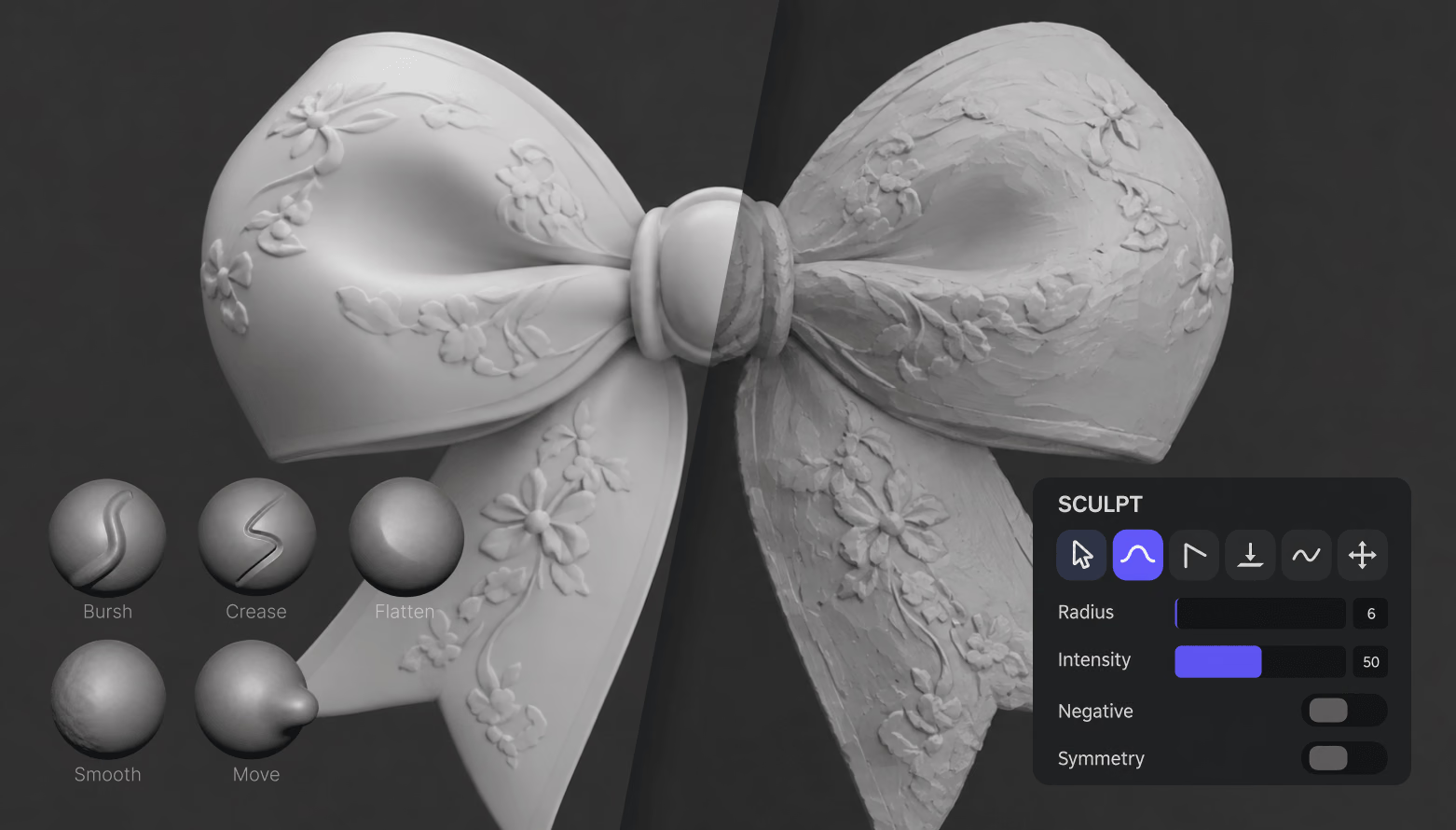
Sculpt, paint, and remesh 3D models right in your browser, or start from a base mesh. Free, no login — nothing is uploaded and your files stay on your device.
Mesh Editor Inspect topology
Wireframe and repair view
sample-mesh.obj 2
Loading GLB preview...

Import to Export in Three Steps

The Mesh Editor runs a full sculpting environment in your browser tab. Open it, load geometry, and keep working — no installs, no accounts, no uploads.

  1. Step 1 — Import
    Mesh Editor entry screen with Import button and sample clay models

    Import a model or start from a base mesh

    Import a compatible 3D model or start from built-in geometry to begin editing in OmniCraft Mesh Editor.
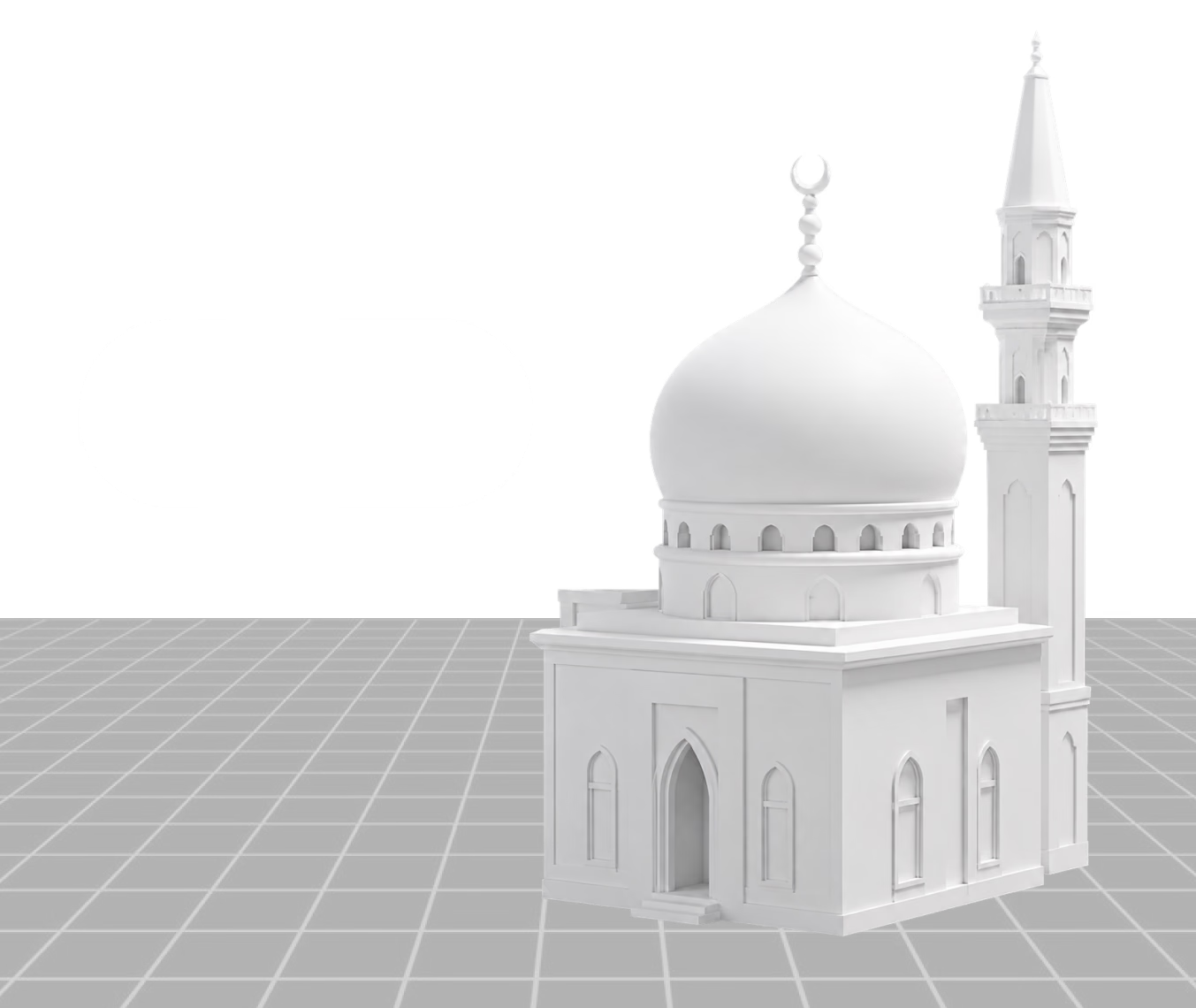
    .obj .fbx .glb .stl .ply .dae · ≤200 MB · stays local
  2. Step 2 — Sculpt & Paint
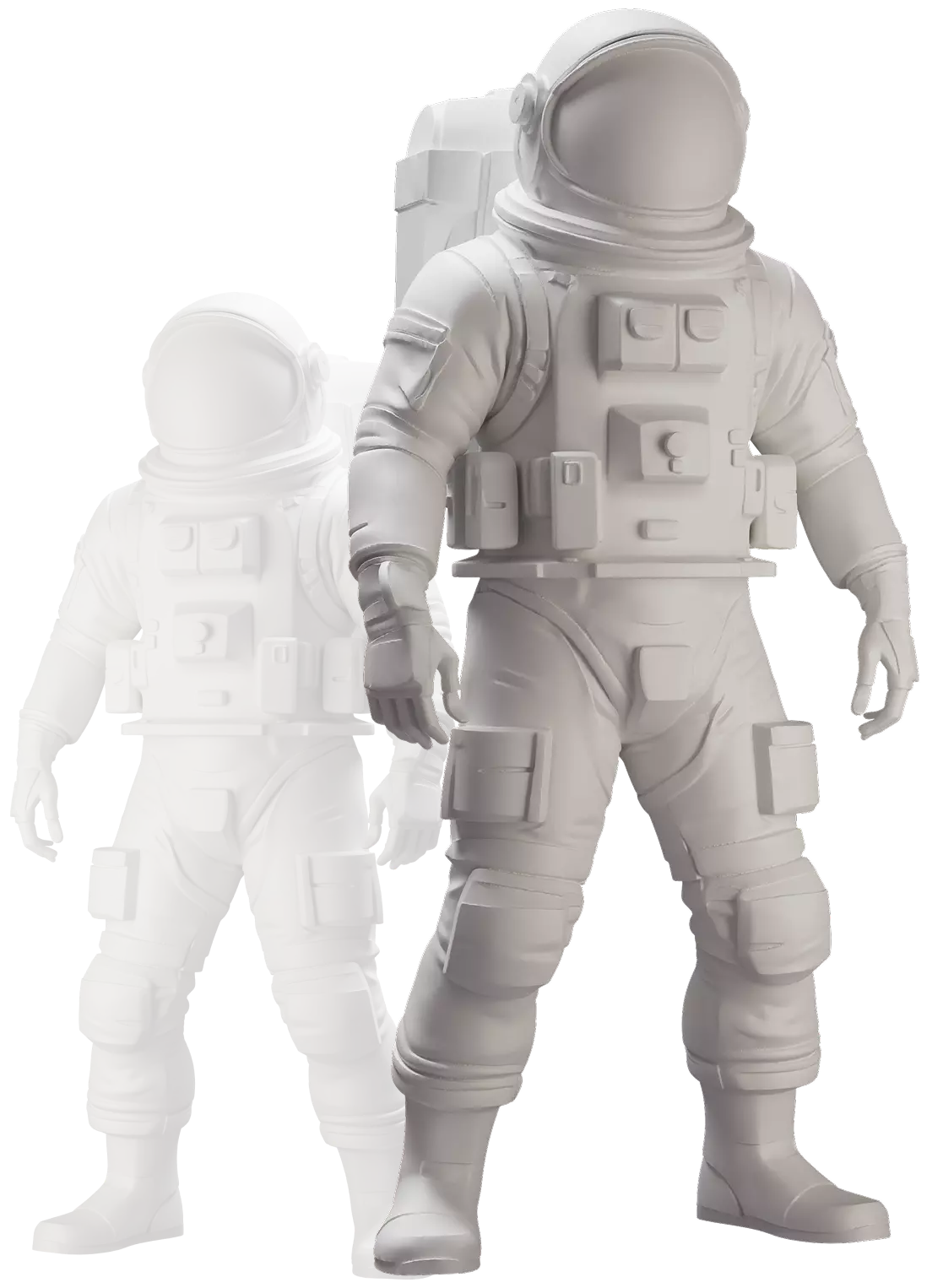
    Untextured clay-render astronaut model being sculpted in the editor

    Sculpt, paint, and mask the surface

    Shape the mesh with 11 tools like Brush, Inflate, and Smooth — symmetry is on by default. Paint PBR albedo, roughness, and metalness, and mask regions.
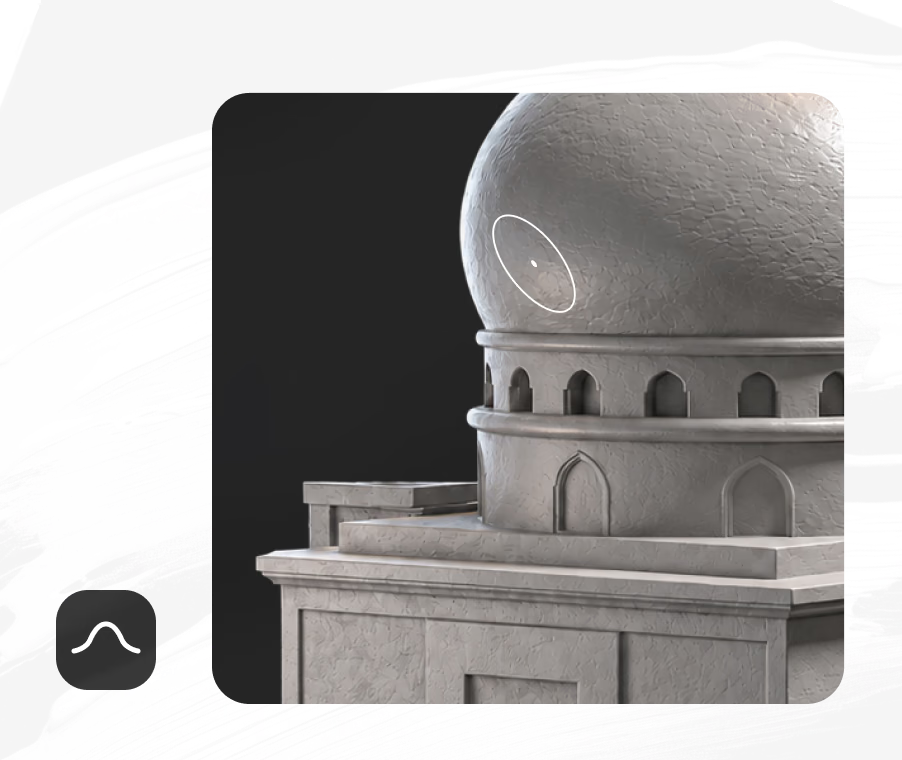
    11 sculpt tools · PBR paint · masking · symmetry on
  3. Step 3 — Export
    Matcap shading check on a sculpted sphere with Matcap, PBR, Curvature, and Wireframe modes

    Optional Remeshing and Export

    OmniCraft Mesh Editor offers optional density controls and live vertex counts for creative optimization.
    OBJ · PLY · STL · SGL · baked maps ≤4096 px

Optional Creative Control for Every Surface

Clay-style matcap shading strips away color so you can read the geometry itself — silhouettes, dents, and density jumps stand out immediately. Switch to curvature, normal, UV, or full PBR shading, toggle wireframe, and watch live vertex and face counts while you work.

Open the editor
Open the editor

Built for
Game, Print, and Product

One editor, four everyday jobs. Each card links to a deeper workflow guide.

Game Assets
Game Assets

OmniCraft Mesh Editor offers optional sculpting and density controls, with flexible export for supported 3D workflows.

3D Printing
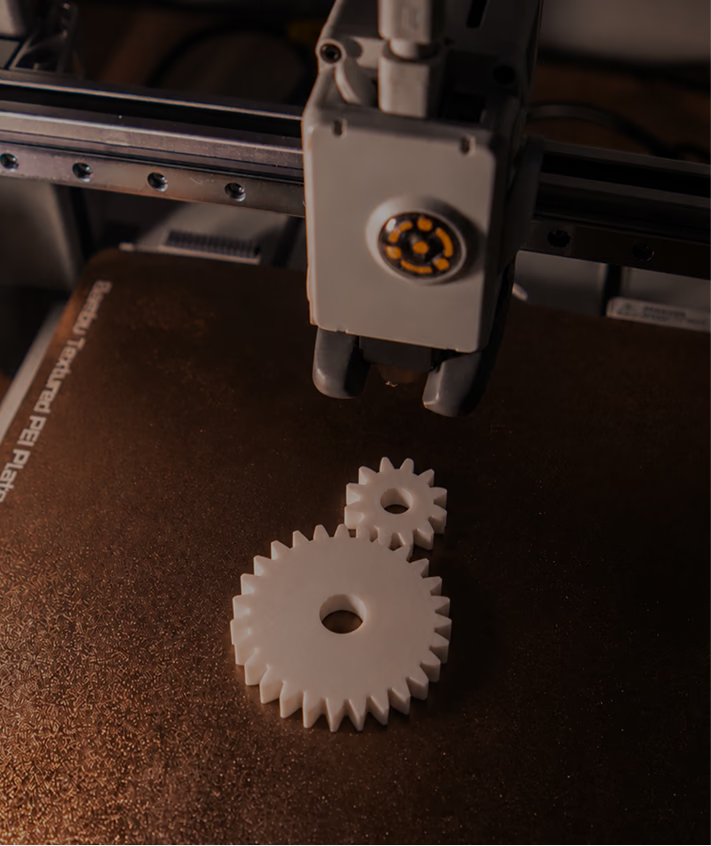
3D Printing

OmniCraft Mesh Editor offers optional remeshing, smoothing, and STL export controls for compatible 3D assets.

Product & E-Commerce
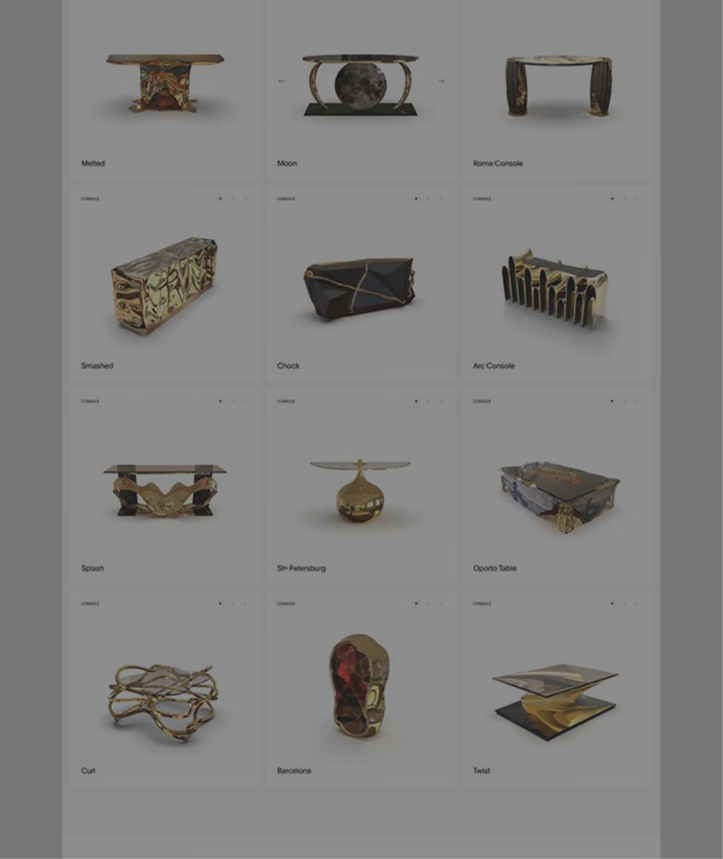
Product & E-Commerce

OmniCraft Mesh Editor offers optional sculpting, surface-shaping, and preview controls for creative edits to compatible 3D assets.

Format Conversion Handoff
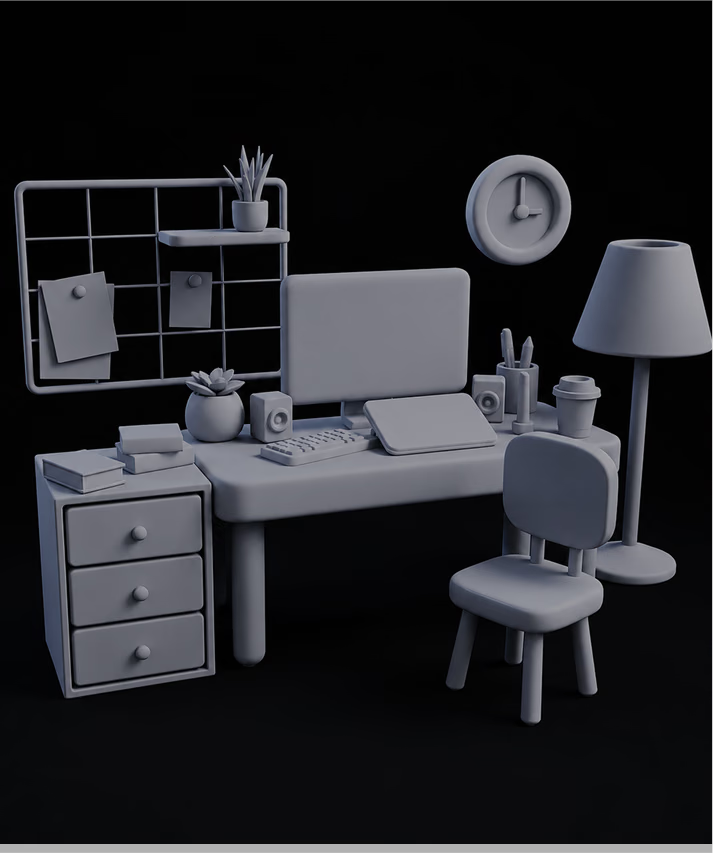
Format Conversion Handoff

Need FBX, GLB, or USDZ on the way out? Export clean OBJ from the Mesh Editor, then run it through the free Hyper3D converter for engine- or AR-specific delivery formats.

3D Mesh Editor
FAQ

What is the Hyper3D 3D Mesh Editor?

It is a browser-based sculpting and mesh editing app inside OmniCraft. You can import or create geometry, sculpt and paint it with a full brush set, rebuild topology, and export standard formats — without installing anything.

Can I edit existing 3D assets in OmniCraft Mesh Editor?

Yes. OmniCraft Mesh Editor accepts compatible 3D assets for browser-based editing, with optional creative controls and flexible export.

Which formats can I export?

OmniCraft Mesh Editor supports standard 3D formats including OBJ, PLY, STL, and SGL, with whole-scene or selected-mesh export and optional texture baking.

Is it really free? Do I need an account?

Yes. The tool is labeled “Free to all” and “No login required” in the app itself. You can open the editor, sculpt, and export without creating a Hyper3D account.

Are my models uploaded to a server?

No. Imported files are stored in your browser’s local storage and processed on your device — the tool is tagged “Nothing uploaded” and described as fully offline. Closing the tab leaves nothing on Hyper3D servers.

Can I start without a model file?

Yes. Click the “+” button on the entry screen to open the editor with a base mesh, or add a sphere, cube, cylinder, cone, or torus from inside the editor and sculpt from scratch — symmetry is enabled by default.

Can OmniCraft optionally edit AI-generated 3D models?

Yes. OmniCraft Mesh Editor offers optional remeshing, smoothing, topology, and export controls for compatible 3D assets.

Do I need sculpting experience or a tablet?

No. Mouse and touch input work fine, and the interface is available in ten languages. If you do have a pen tablet, pressure can drive brush radius and intensity for finer control — and unlimited undo/redo keeps experiments safe.

Start Sculpting in
Your Browser

Free to all, no login, nothing uploaded. Import a model up to 200 MB or start from a base mesh — and export OBJ, PLY, or STL when it’s ready.