

'''
# How to Create a 3D Avatar from a Photo (Free)
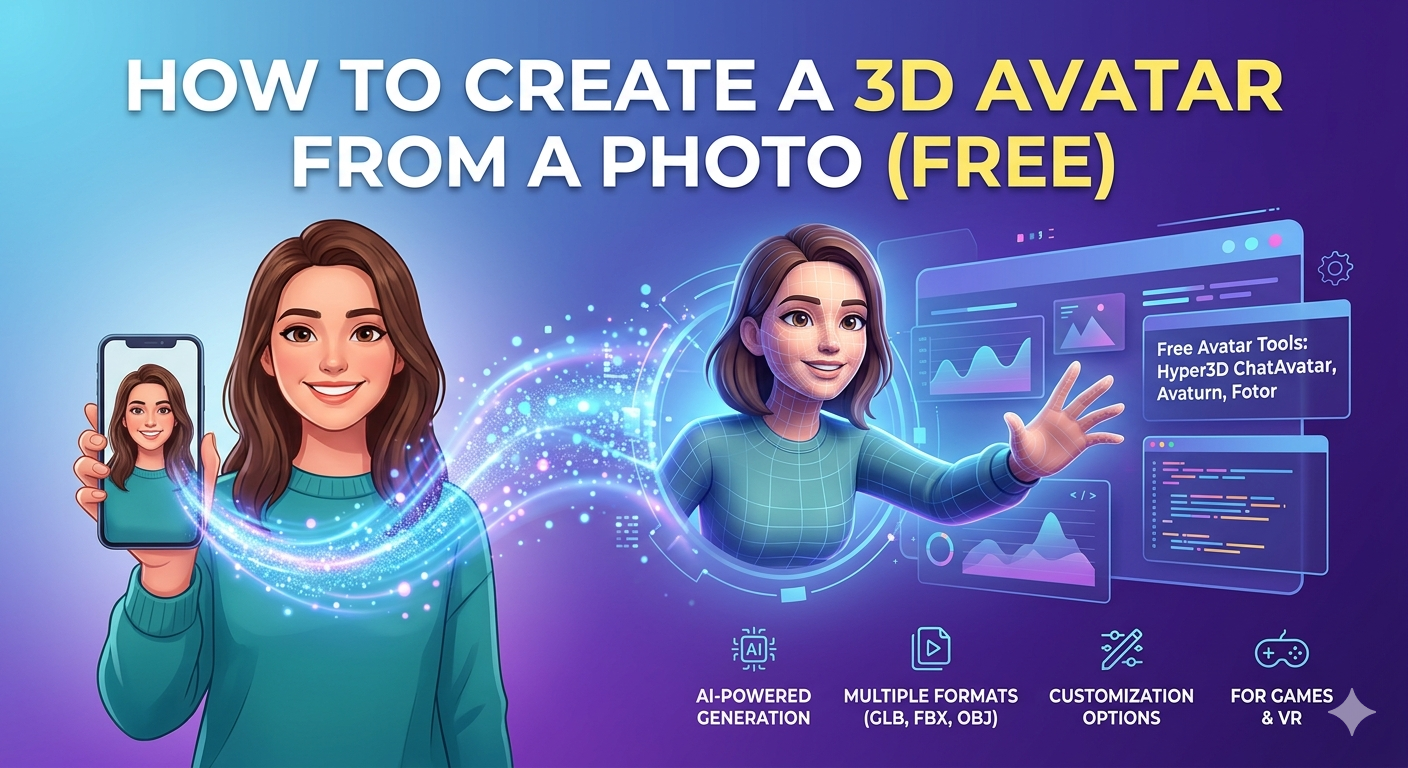
In recent years, the ability to create 3d avatar from photo has gone from a niche technical skill to something accessible to everyone. Thanks to a new wave of AI-powered tools, you can now generate a digital version of yourself with just a single picture. These avatars are not just static images; they are fully-realized 3D models that can be used in games, virtual reality, social media, and more. This article will guide you through how to create 3d avatar from photo** for free, exploring some of the best tools available and offering tips to get the best results.
What are 3D Avatars and Why are They Popular?
A 3D avatar is a digital representation of a person in a three-dimensional virtual space. Unlike 2D profile pictures, 3D avatars have depth and can be viewed from any angle, animated, and customized in countless ways. Their popularity has surged with the growth of the metaverse, online gaming, and virtual communication platforms where they allow users to interact in a more personal and expressive way. The appeal of creating an avatar from a personal photo lies in the ability to have a digital identity that is recognizably you, offering a unique blend of realism and creativity.
Top Free Tools to Create a 3D Avatar from a Photo
There are several excellent free tools available that let you create a 3D avatar from a photo. These platforms use sophisticated AI algorithms to analyze your facial features and generate a 3D model that captures your likeness. While many options exist, we will focus on a few of the most popular and effective ones.
Hyper3D's ChatAvatar: Your AI Avatar Generator
One of the most powerful and user-friendly tools is Hyper3D's ChatAvatar AI avatar generator. This tool simplifies the process of creating a high-quality 3D avatar. You start by uploading a clear, well-lit photo of your face. The AI then gets to work, generating a 3D model that you can customize. You can choose from different generation modes like Default, Focal, or Speedy to get the look you want. Once you are happy with your avatar, you can export it in various formats, including STL, FBX, OBJ, GLB, and USDZ, making it compatible with a wide range of 3D software and game engines. For further customization, you can use Hyper3D's OmniCraft for editing and format conversion.
Other Free Avatar Creation Tools
Besides ChatAvatar, other tools like Avaturn and Fotor also offer free avatar creation from photos. Avaturn is known for its realistic avatars and offers extensive customization options for clothing and accessories. Fotor provides a quick and easy way to generate stylized 3D avatars in different artistic styles. Each tool has its own strengths, so it's worth trying a few to see which one best suits your needs.
My First-Hand Experience: Creating My Own 3D Avatar
To give you a real sense of how to create 3d avatar from photo, I decided to create my own 3D avatar using Hyper3D's ChatAvatar. I started by choosing a recent photo where my face was clearly visible and well-lit. I uploaded it to the AI avatar generator, and within a minute, the AI had generated a base model.
The initial result was impressively accurate, but I wanted to personalize it further. I experimented with the different generation modes. The 'Focal' mode gave my avatar a more stylized, artistic look, while the 'Default' mode was more realistic. I settled on the default and then moved on to the customization options. I was able to tweak the hairstyle, and even add accessories. The whole process was intuitive and fun.
Finally, I exported my avatar as a GLB file, which is a versatile format for web-based 3D applications. I was also able to use the 3D format converter to get an OBJ file for another project. The ability to get multiple formats is a huge plus. I also explored the character design generator for more advanced character creation.
Objective Comparison of 3D Avatar Generators
To help you choose the right tool, here is a comparison of some of the top free 3D avatar generators:
| Feature | Hyper3D ChatAvatar | Avaturn | Fotor |
|---|---|---|---|
| Ease of Use | Very High | High | Very High |
| Realism | High | Very High | Medium |
| Customization | Good | Excellent | Limited |
| Export Formats | STL, FBX, OBJ, GLB, USDZ | GLB, FBX | JPG, PNG |
| Price | Free | Freemium | Free |
Hyper3D's ChatAvatar is an excellent all-around choice, especially if you need a variety of professional 3D formats. Avaturn excels in realism and clothing options, making it great for fashion or social applications. Fotor is perfect for creating quick, stylized avatars for profile pictures or social media posts.
Tips for Creating the Best 3D Avatar
To get the best results when you create a 3D avatar from a photo, keep these tips in mind:
- Use a good photo: Choose a high-quality, well-lit photo where your face is clearly visible. Avoid shadows, hats, or anything that obscures your features.
- Experiment with settings: Don't be afraid to try different generation modes and customization options to get the look you want.
- Understand the formats: Different 3D formats are used for different purposes. For example, FBX is common in game development, while GLB is great for web applications. You can learn more about converting between formats with tools like a 3D format converter.
- Consider the context: Think about where you will be using your avatar. A professional-looking avatar might be best for work-related virtual meetings, while a more stylized one could be fun for gaming or social media.
The Future of 3D Avatars
The world of 3D avatars is constantly evolving. We can expect to see even more realistic and expressive avatars in the future, with advancements in AI and real-time animation. As the metaverse continues to grow, our digital avatars will become an increasingly important part of our online identity. From image to 3D to text to 3D model, the possibilities are expanding every day.
FAQ Section
HHow do I create 3d avatar from photo for free??
You can use free online tools like Hyper3D's ChatAvatar, Avaturn, or Fotor. Simply upload a photo, and the AI will generate a 3D avatar for you to customize and download.
What is the best free 3D avatar creator?
The "best" tool depends on your needs. Hyper3D's ChatAvatar is great for its versatility and professional export formats. Avaturn is excellent for realistic avatars with lots of clothing options. Fotor is ideal for quick, stylized avatars.
Can I use my 3D avatar in games and social media?
Yes! Most 3D avatar creators allow you to export your avatar in formats that are compatible with game engines like Unity and Unreal Engine, as well as social VR platforms.
What file formats work when you create 3D avatar from photo?
Common file formats for 3D avatars include FBX, OBJ, GLB, and USDZ. The format you choose will depend on where you plan to use your avatar.
How to create 3D avatar from photo and customize it?
Most avatar creation tools offer a range of customization options, including hairstyles, clothing, accessories, and even facial expressions. You can also use external 3D modeling software for more advanced customization.
Conclusion
To create 3d avatar from photo** has never been easier or more accessible. With a host of free, AI-powered tools at your fingertips, you can create a personalized digital identity that is both realistic and expressive. Whether you're a gamer, a social media enthusiast, or just curious about the metaverse, we encourage you to try creating your own 3D avatar and explore the exciting possibilities. With tools like Hyper3D's AI 3D model generator, the creative potential is limitless.
'''