

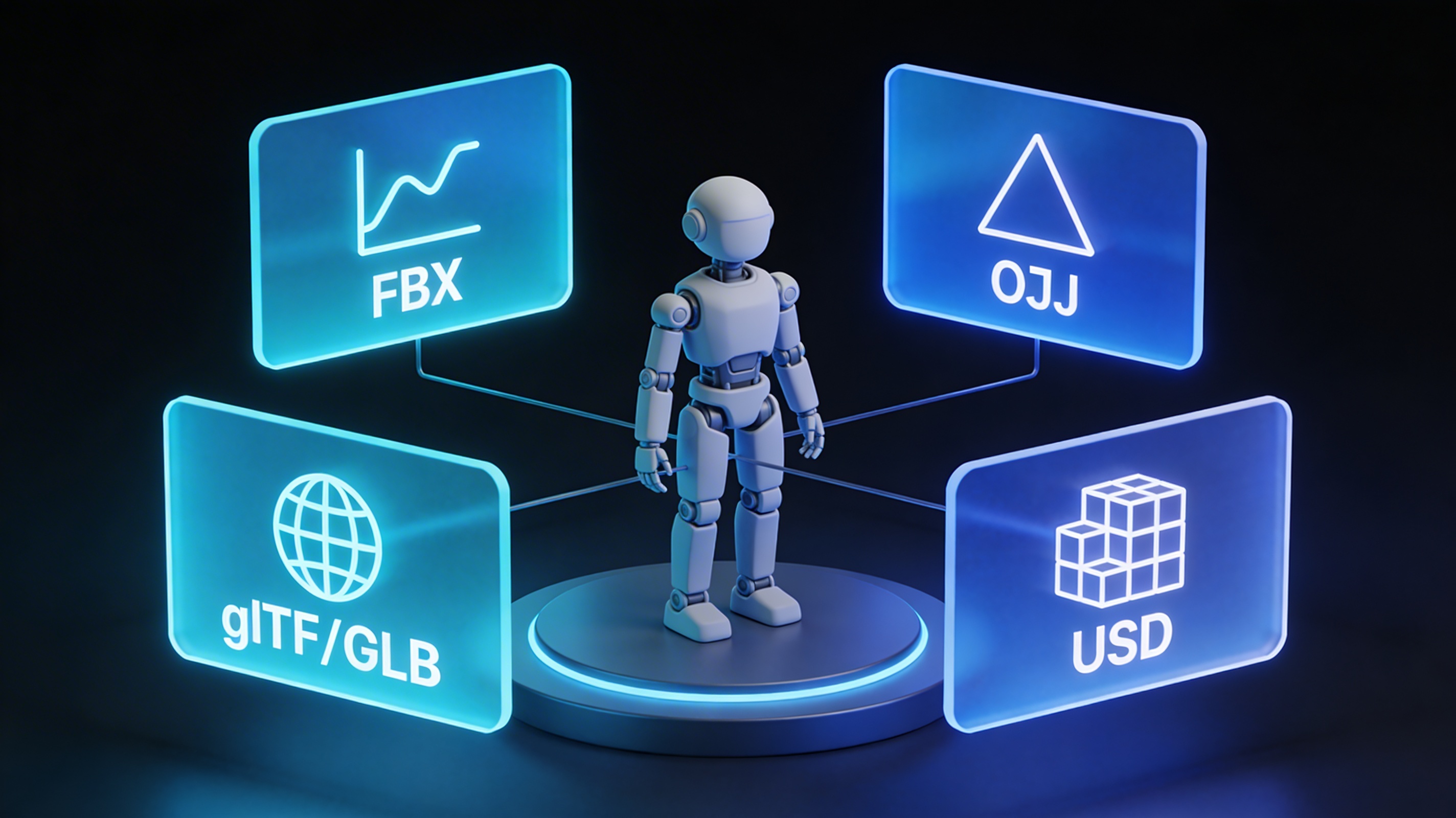
3D Models for Unity & Unreal: A Practical File Format Guide
Choosing the right 3D model file format for your game can feel like a small decision, but it has a big impact on your development workflow, game performance, and even your ability to collaborate with other artists. Whether you're building for a high-end PC with Unreal Engine or a mobile device with Unity, the format you choose matters. This guide will walk you through the most common 3d model file formats for games, helping you understand the pros and cons of each so you can make the best choice for your project.
We'll be looking at the big four 3d model file formats for games: FBX, OBJ, glTF/GLB, and USD. Each has its own strengths and is suited for different tasks. By the end of this, you'll have a much clearer picture of which format to use and when.
The Core 3D Model File Formats for Game Developers: 3D Model File Formats For Games
Let's get straight into the details of the most popular 3d model file formats for games you'll encounter. We'll examine what they are, what they're good at, and where they fall short.
FBX (.fbx): The Industry Workhorse
FBX is a format developed by Autodesk, and it has become a standard in the game development and visual effects industries. If you've worked with 3D models before, you've almost certainly come across an FBX file. It's known for being a comprehensive format that can handle a lot more than just the model's geometry.
What FBX Excels At
One of the biggest advantages of FBX is its ability to store a wide range of data within a single file. This includes not just the 3D model itself, but also animations, materials, textures, lights, and cameras. This makes it incredibly convenient for transferring complex scenes between different software packages, like from Maya or Blender to Unity or Unreal Engine. The animation support is particularly solid, handling skeletal animations, blend shapes, and more, which is essential for character models.
Where FBX Can Be Tricky
While powerful, FBX is a proprietary format owned by Autodesk. This can sometimes lead to compatibility issues when moving files between different versions of software or between Autodesk and non-Autodesk products. The files can also be quite large and complex, which might be overkill for simpler, static models. You might find that importing an FBX file results in unexpected changes to materials or animations if the settings aren't just right.
OBJ (.obj): The Universal Translator
OBJ is one of the oldest and most widely supported 3D model formats. It was originally developed by Wavefront Technologies, and its simplicity is both a strength and a weakness. Think of it as a plain text file for 3D models; it's easy to read and almost every 3D application can open it.
The Simplicity of OBJ
The main benefit of the OBJ format is its universality. You can be pretty confident that any 3D software you use will be able to import and export OBJ files without any major issues. The format itself is human-readable, which can be helpful for debugging problems. It's a reliable choice for static models where you just need to transfer the geometry.
The Limitations of OBJ
That simplicity comes at a cost. OBJ files don't support animations, lights, or cameras. Material information is stored in a separate file with a .mtl extension, which can be a bit of a hassle to manage. If you have a character model with complex animations, OBJ is not the right choice. It's best suited for things like environmental assets, props, or models for 3D printing.
glTF/GLB: The Modern Web Standard
glTF (GL Transmission Format) is often called the "JPEG of 3D," and for good reason. It's an open-source, royalty-free format designed to be a compact and efficient way to deliver 3D models, particularly for web-based applications and mobile games. It comes in two flavors: .gltf, which is a JSON-based text file, and .glb, which is a binary file that packages everything into a single file.
Why glTF/GLB is Gaining Popularity
The biggest advantage of glTF/GLB is its performance. The files are small and load quickly, which is crucial for web and mobile experiences. It supports modern features like Physically Based Rendering (PBR) materials, which allow for more realistic-looking models. It also supports animations, making it a versatile format for a wide range of applications. Being an open standard means it has strong community support and is constantly evolving.
The Adoption Curve
As a newer format, glTF/GLB isn't as universally supported as OBJ or FBX, especially in older software. However, its adoption is growing rapidly, and most modern game engines and 3D tools have excellent support for it. For any new project targeting web or mobile, glTF/GLB should be a top consideration.
USD/USDZ: The Future of 3D Collaboration
USD (Universal Scene Description) is an open-source format developed by Pixar. It's more than just a file format; it's a framework for describing, composing, and collaborating on 3D scenes. USDZ is a zipped version of USD that's designed for sharing and experiencing AR content on Apple devices.
The Power of USD
USD's main strength is its flexibility and scalability. It's designed for large, complex scenes and allows for non-destructive editing, meaning multiple artists can work on different parts of a scene at the same time without overwriting each other's work. It's a powerful tool for large-scale productions. The format is extensible, so it can be adapted to new workflows and technologies.
The Current State of USD
While USD is incredibly powerful, it's still a relatively new technology, and its adoption is not as widespread as the other formats on this list. The learning curve can be steep, and it may be more than what's needed for smaller projects. However, with backing from major companies like Apple, Nvidia, and Adobe, USD is poised to become a major player in the future of 3D content creation.
Comparing the Top 3D Model File Formats for Games
To make it easier to see the differences at a glance, here's a table comparing the key features of the formats we've discussed:
| Feature | FBX | OBJ | glTF/GLB | USD/USDZ |
|---|---|---|---|---|
| Animation Support | Excellent | None | Good | Excellent |
| PBR Materials | Yes | Limited | Excellent | Excellent |
| Open Standard | No | Yes | Yes | Yes |
| Web Optimized | No | No | Yes | Yes |
| Best For | AAA Games, Complex Animations | Static Models, Max Compatibility | Web, Mobile, AR/VR | Large-Scale, Collaborative Projects, AR |
My First-Hand Experience with These Formats
In my own work, I've found that the best format really depends on the project. For a recent mobile game I worked on, we started with FBX files for our character animations because our animators were most comfortable with that workflow. However, the file sizes were a concern for a mobile release. We used a 3D format converter to change our models to GLB, and the performance improvement was immediate. The app loaded faster, and the memory usage was significantly lower.
I've also spent a lot of time using a game 3D model generator to quickly create assets. These tools often export to multiple formats, and I've found that having an FBX to OBJ converter or an OBJ to GLB converter is incredibly useful. It gives you the flexibility to choose the right format for each specific situation, which is a key skill when dealing with the variety of 3d model file formats for games. For anyone looking to get into 3D modeling, I'd recommend trying an AI 3D model generator to get a feel for how these different formats work in practice.
How to Choose the Right 3D Model File Format
So, how do you decide which of these 3d model file formats for games is right for you? Here are a few questions to ask yourself:
- What kind of project are you working on? A high-end PC game has different requirements than a mobile AR app.
- Do your models need to be animated? If so, OBJ is not a good choice.
- How important is performance? For web and mobile, glTF/GLB is likely the best option.
- Are you collaborating with a large team? USD might be worth looking into for its collaboration features.
- What software are you and your team using? Make sure the format you choose is well-supported by your tools.
Ultimately, there's no single "best" format. The right choice is the one that best fits the needs of your project. Don't be afraid to use a mix of formats for different purposes.
Frequently Asked Questions
What is the best 3D model file format for Unity?
Unity has excellent support for FBX files, making it a very popular choice, especially for models with complex animations. However, Unity also has good support for glTF/GLB, which is a great option for mobile games where performance is a priority.
What is the best 3D model file format for Unreal Engine?
Similar to Unity, Unreal Engine has solid support for FBX. It's the recommended format for most use cases in Unreal. The engine is also investing heavily in USD, so that's a format to watch for future projects.
Can I use Blender files directly in Unity or Unreal?
While you can technically import .blend files directly into Unity, it's generally not recommended. It's better to export your models from Blender as FBX or glTF/GLB to ensure compatibility and avoid any unexpected issues.
How do I convert between different 3D model file formats?
There are many tools available for converting between formats. Some 3D modeling software, like Blender, has built-in export options for multiple formats. There are also dedicated conversion tools, like Hyper3D's 3D format converter, that can handle a wide range of formats.
What is the difference between glTF and GLB?
A glTF file is a JSON-based text file that references other files for things like textures and animations. A GLB file is a binary format that packages everything into a single, self-contained file. GLB is generally preferred for its simplicity and ease of use.
Final Thoughts
Understanding the different 3d model file formats for games is a fundamental skill for any game developer. By choosing the right format for your project, you can improve your workflow, boost performance, and ensure that your game looks and runs its best. While FBX and OBJ have been the standards for a long time, modern formats like glTF/GLB and USD are pushing the boundaries of what's possible in real-time 3D. The next time you start a new project, take a moment to consider which format will serve you best. It's a small step that can make a big difference in the long run.