

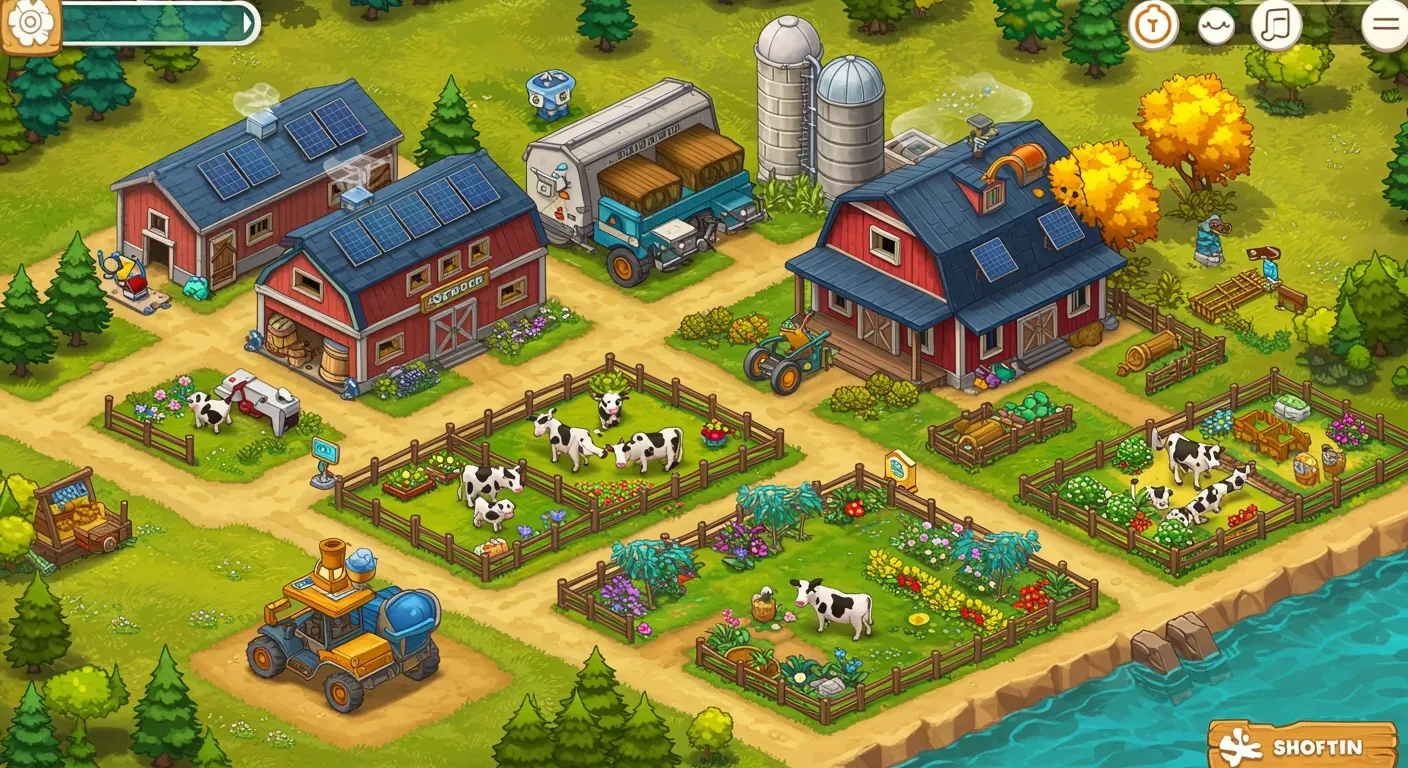
# Top Mods to Upgrade Your Ranch Simulator Experience
Ranch Simulator offers a captivating farming experience, blending ranch management, hunting, and crafting. While the core game is rich, mods can significantly improve your gameplay with new mechanics, visual upgrades, and better quality of life. This article explores some of the best mods for Ranch Simulator that will transform your farming adventure and keep you engaged for hours.
Why Use Mods in Ranch Simulator?
Mods enrich your gameplay by:
- Adding New Features: Many mods introduce new crops, animals, or tools not found in the base game.
- Improving Graphics: Some mods enhance the visual quality, making your ranch look more vibrant.
- Enhancing Quality of Life: Mods can simplify gameplay tasks, making them more enjoyable.
Always ensure the mods you choose come from trusted sources to avoid game stability or performance issues.
Top Mods to Consider
Ranch Life Expansion Mod
The Ranch Life Expansion Mod is a favorite among players. It adds new animals, such as horses and goats, and introduces unique farming mechanics like animal breeding. This mod helps create a more diverse and lively ranch, improving the overall experience.
For those looking to further customize their game, consider using AI to generate 3D models of animals and equipment for custom mods. This approach allows for truly unique additions to your ranch, from exotic livestock to specialized farming tools, bringing your creative visions to life within the game.
Realistic Weather Mod
If you desire a more immersive experience, the Realistic Weather Mod is essential. This mod changes in-game weather patterns, introducing dynamic weather that impacts your farming activities. Rain can affect crop growth and hunting, making strategic planning more important.
Visual Enhancement Pack
Players wanting to improve their ranch's appearance will appreciate the Visual Enhancement Pack. This mod upgrades textures, lighting, and environmental details, making your farming experience visually appealing.
Auto-Farm Mod
For a more relaxed approach, the Auto-Farm Mod automates various farming tasks. This mod lets you set up routines for planting, watering, and harvesting crops, freeing you to explore other game aspects without the constant work.
Community Tools Mod
The Community Tools Mod connects players to a wealth of community-created content. It provides easy access to various mods, ensuring you can find and install the latest improvements. This mod fosters community interaction and keeps the game fresh with new content.
Mod Installation Guide
Installing mods for Ranch Simulator typically involves a few straightforward steps. While specific instructions may vary by mod, here's a general guide to get you started:
1. Locate Your Game Directory: Find where Ranch Simulator is installed on your computer. This is usually in your Steam library (e.g., `Steam/steamapps/common/Ranch Simulator`).
2. Download Mods: Obtain mods from reputable sources like Nexus Mods or the official modding community forums. Always check comments and reviews.
3. Extract Mod Files: Most mods come in compressed archives (like `.zip` or `.rar`). Use a program like 7-Zip or WinRAR to extract the contents.
4. Place Mod Files: Copy the extracted mod files into the appropriate folder within your Ranch Simulator directory. This is often a `Mods` folder, or sometimes specific subfolders like `Content/Paks` for Unreal Engine games. Refer to the mod's documentation for exact placement.
5. Launch Game: Start Ranch Simulator. Some mods may require activation through an in-game mod manager, if available.
6. Troubleshoot: If you encounter issues, double-check the mod's installation instructions, ensure compatibility with your game version, and consider installing one mod at a time to identify conflicts.
Always back up your save files before installing new mods to prevent data loss.
Ethical Considerations in Modding
While mods can improve your gaming experience, it's important to consider the ethical aspects. Always respect the intellectual property of mod creators and download mods only from trusted sources. Also, be aware of how mods might affect multiplayer games; some mods could create unfair advantages or disrupt game balance.
Future of Mods in Ranch Simulator
As the gaming community grows, the future of modding in Ranch Simulator looks promising. Developers are increasingly recognizing the value of community-created content, which could lead to official support for mods. This change might result in more solid modding tools and a thriving ecosystem of user-generated content.
Conclusion
Mods can greatly enhance your Ranch Simulator experience, offering new features, better visuals, and smoother gameplay. Whether you want to expand your ranch, enjoy realistic weather, or automate farming tasks, there's a mod for you. As you explore the world of mods, remember to practice ethical modding and support the creators who make our gaming experiences richer. You can even find free 3D models for modding to create your own unique content. Happy farming!