

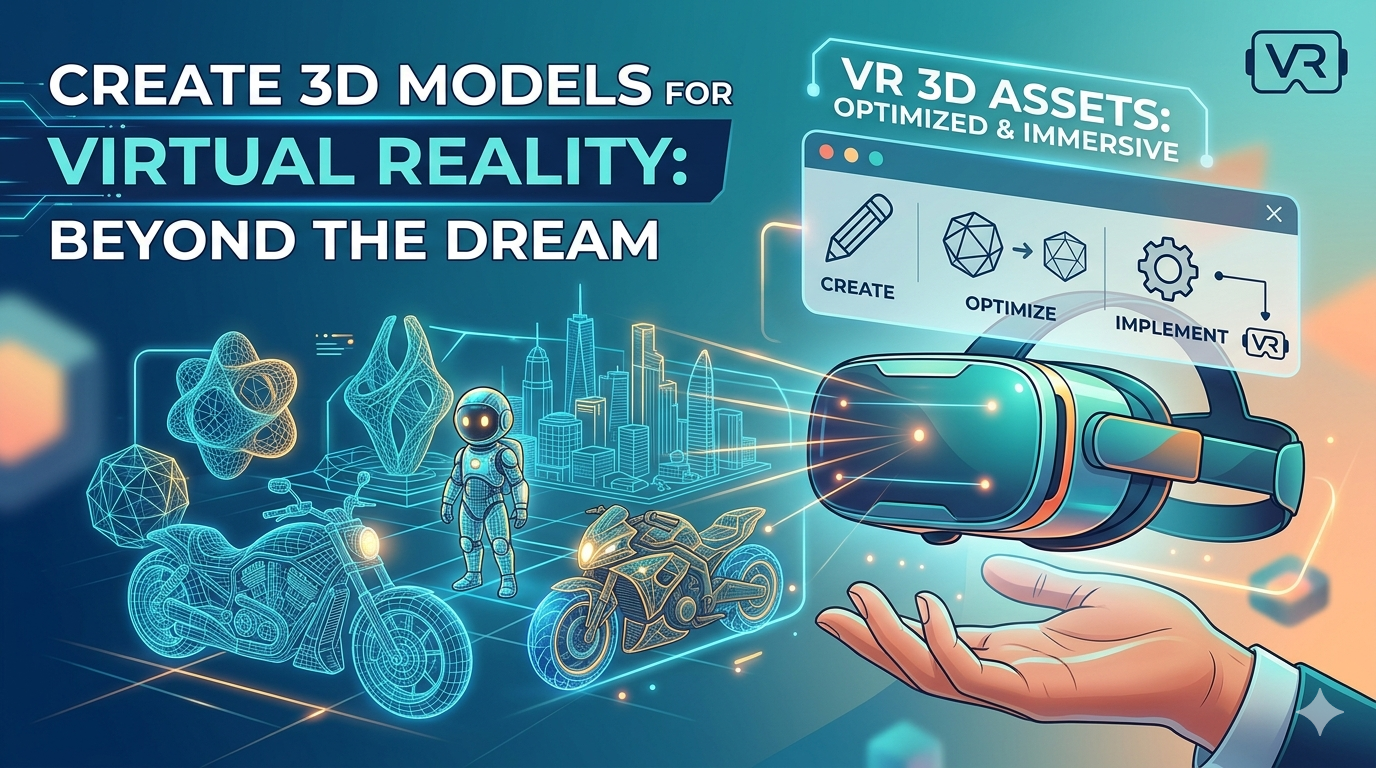
VR 3D Assets: Create Models for Virtual Reality
Virtual reality (VR) is no longer a futuristic dream; it's a rapidly growing platform for gaming, training, and social interaction. At the heart of these immersive experiences are 3D models for VR, the digital objects and environments that bring virtual worlds to life. Whether you're a seasoned developer or a curious hobbyist, understanding how to create and optimize these assets is crucial. This article explores the world of VR 3D assets, from creation to implementation, and introduces you to the tools that can help you build your own virtual realities.
What are VR 3D Models?
VR 3D models are digital assets specifically designed for use in virtual reality environments. Unlike traditional 3D models, they need to be highly optimized for performance to ensure a smooth and immersive experience for the user. This means paying close attention to factors like polygon count, texture size, and file format. A high-polygon model that looks stunning on a powerful PC might cause significant performance issues on a standalone VR headset, leading to dropped frames and a jarring experience for the user. The goal is to strike a balance between visual fidelity and performance, ensuring that the virtual world is both beautiful and responsive.
Key Characteristics of VR Assets
- Low Polygon Count: To maintain a high frame rate, assets for VR should have a low polygon count. This is often achieved through techniques like baking high-poly details onto a low-poly model. This process, known as creating normal maps, allows for the illusion of high detail on a low-polygon surface.
- Optimized Textures: Textures are a major consumer of video memory. For VR, textures should be as small as possible without sacrificing too much visual quality. Using texture atlases, which combine multiple textures into a single image, can also help to reduce the number of draw calls and improve performance.
- Efficient File Formats: The choice of file format can have a big impact on performance. Formats like GLB and glTF are popular for VR because they are designed for efficient transmission and loading. You can use a 3D format converter to switch between different formats, ensuring compatibility with your chosen platform.
How to Create 3D Models for VR
There are several ways to create assets for virtual reality, each with its own set of advantages and disadvantages. The best method for you will depend on your skill level, budget, and the specific requirements of your project.
Traditional 3D Modeling Software
Software like Blender, Maya, and 3ds Max are the industry standard for 3D modeling. They offer a powerful set of tools for creating high-quality models, but they also have a steep learning curve. If you're new to 3D modeling, you might find these programs overwhelming. However, the level of control and precision they offer is unmatched, making them the preferred choice for professional game developers and artists.
VR 3D Modeling Software
VR 3D modeling software, such as Shapelab and Gravity Sketch, allows you to create models directly within a VR environment. This can be a more intuitive and immersive way to work, especially for organic shapes. The feeling of sculpting and manipulating a model with your own hands is a unique experience that can lead to more natural and expressive creations. However, these tools may not have all the features of traditional 3D modeling software, so they are often used in conjunction with other programs.
AI-Powered 3D Model Generation
AI-powered tools are changing the game for 3D model creation. With an AI 3D model generator, you can create 3D models from text prompts or even a single image to 3D. These tools are incredibly fast and easy to use, making them a great option for beginners or for quickly prototyping ideas. The ability to generate a variety of models in a short amount of time can significantly speed up the creative process.
My First-Hand Experience with a VR 3D Model Generator
As a writer exploring the world of VR, I was curious to see how easy it would be to create my own assets. I decided to try out a VR 3D model generator to see what it was capable of. I was immediately impressed by how simple the process was. I started with a simple text prompt: "a futuristic motorcycle with glowing blue wheels." Within seconds, the AI had generated a detailed 3D model that was ready to be used in a VR environment.
I then experimented with different generation modes, such as "Focal" and "Speedy," to see how they would affect the final result. The "Focal" mode produced a highly detailed model with intricate parts, perfect for a close-up shot in a cinematic experience. The "Speedy" mode generated a more stylized version that was optimized for performance, making it ideal for use as a background element in a game. I was also able to export the model in various formats, including GLB and FBX, which made it easy to import into my VR project. The ability to quickly iterate on ideas and generate multiple variations of a model was a huge time-saver, allowing me to focus on the creative aspects of my project rather than getting bogged down in the technical details of 3D modeling.
Objective Comparison of VR 3D Modeling Tools
| Tool | Pros | Cons | Best For |
|---|---|---|---|
| Blender | Free and open-source, powerful and versatile, large community | Steep learning curve, can be overwhelming for beginners | Experienced 3D artists and those on a budget |
| Shapelab | Intuitive and immersive, great for organic modeling, feels like real sculpting | Limited feature set compared to traditional software, best for initial concepts | Artists who want to sculpt directly in VR and create organic shapes |
| Hyper3D Rodin | Incredibly fast and easy to use, great for beginners, excellent for rapid prototyping | Less control over the final model than traditional software, may require cleanup | Beginners, hobbyists, and professionals who need to quickly prototype ideas |
Optimizing 3D Models for VR
Once you've created your assets, it's important to optimize them for performance. This will ensure that your VR experience runs smoothly and doesn't cause motion sickness for the user.
Polygon Reduction
One of the most important optimization techniques is polygon reduction. This involves reducing the number of polygons in your model without sacrificing too much visual quality. Most 3D modeling software has tools for automatic polygon reduction, or you can do it manually for more control. A good rule of thumb is to aim for a polygon count that is as low as possible while still maintaining the desired level of detail.
Texture Optimization
As mentioned earlier, textures can have a big impact on performance. Make sure to use the smallest possible texture size that still looks good, and consider using texture atlases to reduce the number of draw calls. A GLTF viewer can be a useful tool for inspecting your models and identifying areas for optimization. By analyzing the texture usage of your models, you can make informed decisions about how to best optimize them for your target platform.
Level of Detail (LOD)
Level of Detail (LOD) is a technique where you create multiple versions of a model with different levels of detail. The version that is displayed depends on the distance of the model from the camera. This can be a very effective way to improve performance, especially in large and complex scenes. For example, a high-detail model can be used when the player is close to an object, while a low-detail model can be used when the object is far away. This technique is essential for creating large, open-world VR experiences.
FAQ
How do I get started with creating 3D models for VR?
If you're a beginner, I recommend starting with an AI-powered tool like a VR 3D model generator. It's the easiest way to get started and will allow you to create your own models in minutes. From there, you can explore more advanced tools as your skills develop.
What is the best file format for VR assets?
GLB and glTF are the recommended file formats for 3D models for VR. They are designed for efficient transmission and loading, and they are supported by most VR platforms. These formats are lightweight and include all the necessary data, such as geometry, materials, and animations, in a single file.
How can I optimize my 3D models for VR?
There are several ways to optimize your models, including polygon reduction, texture optimization, and using Level of Detail (LOD). A 3D format converter can also be a useful tool for optimizing your models by converting them to more efficient formats.
Can I use 3D models from the internet in my VR project?
Yes, there are many websites where you can download free and paid 3D models. However, make sure to check the license of the model before using it in your project. Some models may have restrictions on commercial use, so it's important to read the terms and conditions carefully.
What is the difference between a VR 3D model and a regular 3D model?
The main difference is that assets for VR need to be highly optimized for performance. This means they typically have a lower polygon count and smaller texture sizes than regular 3D models. The goal is to create a smooth and immersive experience, which requires careful attention to performance.
What are some common challenges when creating 3D models for VR?
One of the biggest challenges is finding the right balance between visual quality and performance. It's easy to create a beautiful model that runs poorly in VR, so it's important to constantly test your assets on your target hardware. Another challenge is creating models that feel natural and intuitive to interact with in a VR environment.
How does the creation of 3D models for VR differ from creating them for other platforms?
When creating models for VR, you need to be much more mindful of scale and proportion. In VR, the user is fully immersed in the environment, so objects that are the wrong size can feel jarring and break the sense of presence. It's also important to consider the user's perspective and how they will be interacting with the model.