

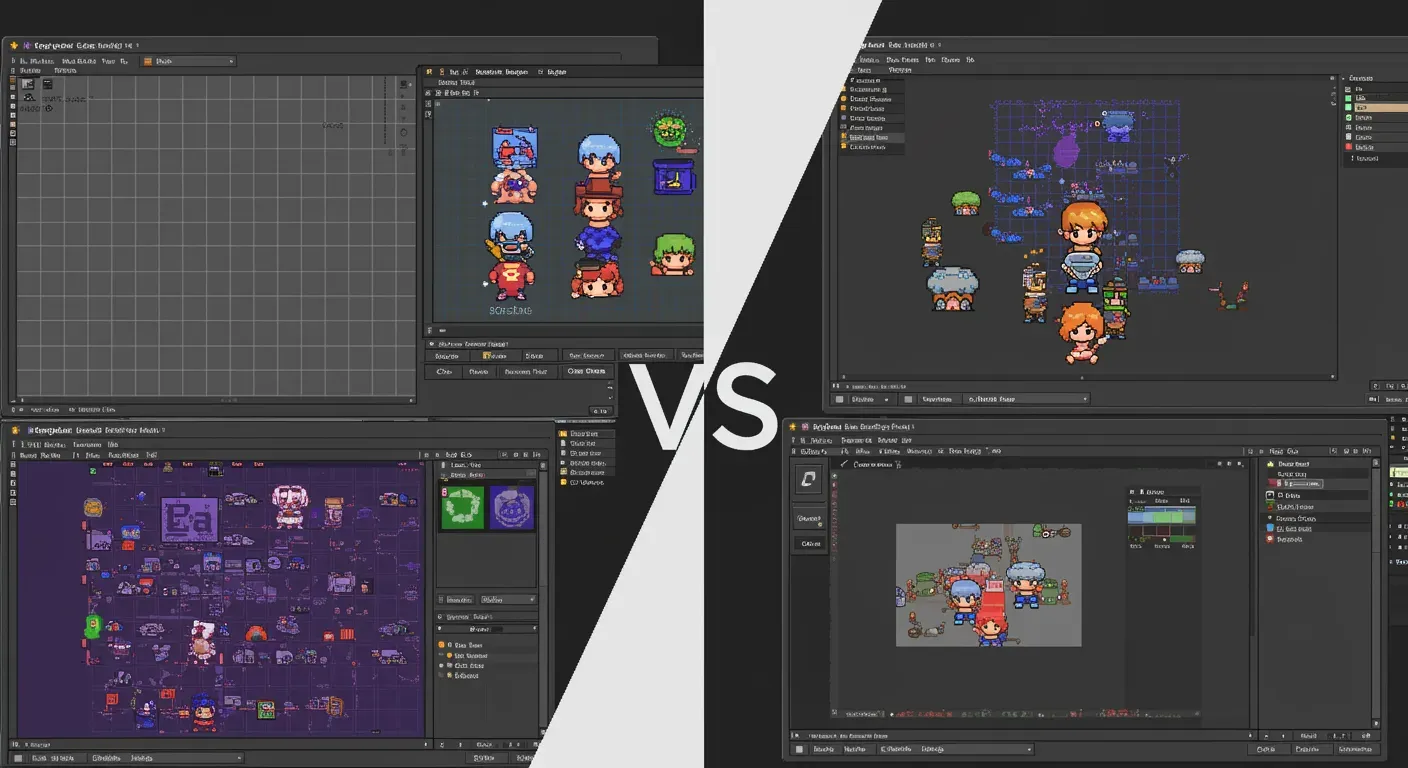
Creating pixel art can be a rewarding and creative endeavor, whether you're designing characters for a game, crafting animations, or simply expressing your artistic vision. With various software options available, two of the most popular choices are Aseprite and Photoshop. In this post, we will compare these two powerful tools to help you decide which one is better suited for your pixel art needs.
Overview of Aseprite and Photoshop
Aseprite
Aseprite is a dedicated pixel art tool that has gained popularity among indie game developers and artists. Its user-friendly interface, combined with features tailored for pixel art creation, makes it an excellent choice for those focused on this specific art form. Aseprite supports layers, animations, and has a variety of tools specifically designed for pixel art.
Photoshop
Photoshop, on the other hand, is a comprehensive graphic design software that offers a vast array of features for all types of digital art. While it is not specifically designed for pixel art, its powerful capabilities allow artists to create intricate designs, including pixel art, with the right adjustments and settings.
User Interface and Experience
Aseprite
One of Aseprite's standout features is its intuitive user interface. The layout is simple, allowing artists to easily access the tools they need without unnecessary distractions. The timeline feature for animations is straightforward, making it easier for artists to create frame-by-frame animations.
Photoshop
Photoshop's interface is more complex due to its extensive features. While it offers a customizable workspace, newcomers may find it overwhelming. However, for experienced users, the flexibility and control that Photoshop provides can lead to impressive results.
Features and Tools for Pixel Art
Aseprite
Aseprite includes numerous pixel art-specific features such as:
- Onion Skinning: Helps in creating smooth animations by displaying the previous and next frames.
- Palette Management: Easily create and manage color palettes.
- Pixel Perfect Tools: Tools designed for precise pixel placement.
Photoshop
Photoshop is equipped with powerful tools but requires more setup for pixel art:
- Grid and Snap to Grid: Helps in aligning pixels.
- Pencil Tool: Allows for precise pixel placement, but users need to adjust settings for optimal use.
- Custom Brushes: Users can create brushes tailored for pixel art, though it may take time to perfect.
Pricing and Accessibility
Aseprite
Aseprite is relatively affordable, with a one-time purchase fee of around $19.99. It is available for Windows, macOS, and Linux, making it accessible to a wide range of users.
Photoshop
Photoshop operates on a subscription model, with monthly fees starting at approximately $20.99 for a single app. While it offers extensive features, the recurring cost can be a barrier for some users, especially those who are just starting.
Ethical Considerations in Art Creation
When creating pixel art, it's essential to consider ethical practices:
- Copyright: Ensure the art you create is original or properly licensed. Using others' work without permission can lead to legal issues.
- Cultural Sensitivity: Be mindful of cultural representations in your art. Misrepresentation can perpetuate stereotypes and cause harm.
Ultimately, the choice between Aseprite and Photoshop depends on your specific needs and experience level. If you are focused solely on pixel art and are looking for a tool that is easy to use, Aseprite is likely the better choice. Its dedicated features for pixel art make it a favorite among artists in the indie game community.
On the other hand, if you require a versatile tool that can handle a wide range of graphic design tasks beyond pixel art, Photoshop may be worth the investment.
As technology continues to evolve, we may see improvements and new features in both software options, enhancing the pixel art creation experience. Embrace your creativity, and choose the tool that best aligns with your artistic vision!