

Best Game Engines 2025: Unity, Unreal, Godot Ranked
Choosing the right game engine is one of the most key decisions a game developer can make. This choice is the bedrock of your project, shaping everything from your daily workflow and the game's ultimate performance to its visual aesthetics. With a multitude of options available, each presenting a unique set of advantages and disadvantages, navigating this landscape can be a formidable task. This article offers a detailed comparison of three of the best game engines currently dominating the market: Unity, Unreal Engine, and Godot. We will explore the distinctive characteristics of each engine, identify the types of developers and projects they are best suited for, and illustrate how they can help you to realize your creative ambitions. The goal is to provide a clear and impartial overview to help you select the best game engine for your specific needs.
A Deeper Look at the Leading Game Engines
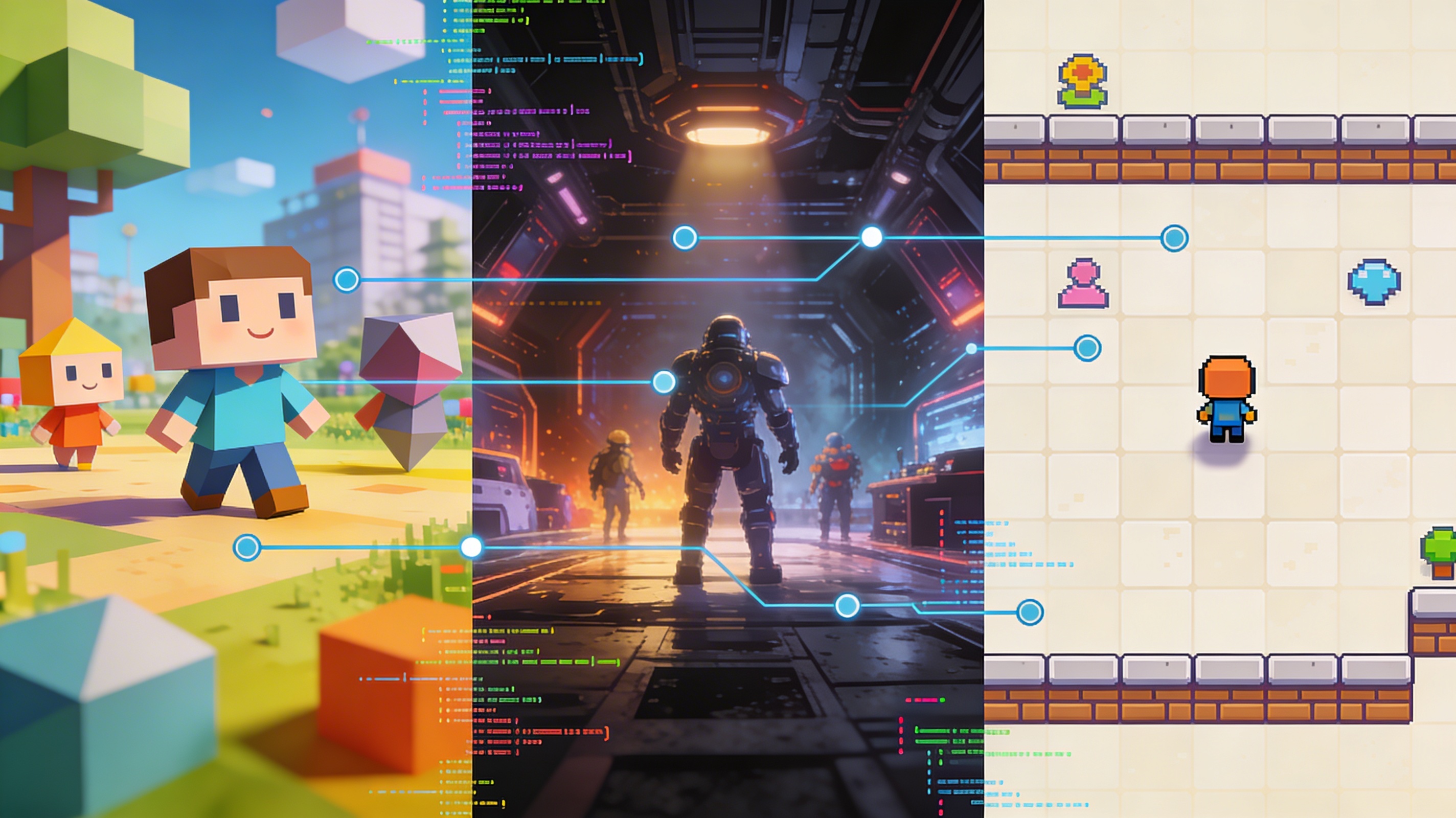
When discussing the best game engines, three names consistently surface as the top contenders. Unity has long been celebrated for its user-friendliness and adaptability, establishing it as a favored choice among indie developers and for mobile game creation. In contrast, Unreal Engine is lauded for its extraordinary visual output, making it the preferred engine for AAA titles that aim to push the envelope of graphical capabilities. Then there is Godot, the open-source challenger that has been steadily gaining momentum due to its lightweight architecture and developer-centric features. We will now take a closer look at what makes each of these one of the best game engines available today.
Unity: The Versatile Workhorse
Unity has solidified its position as a multifaceted and approachable game engine, adeptly handling a wide spectrum of projects, from elementary 2D mobile games to intricate 3D worlds. Its intuitive user interface and comprehensive documentation serve as an excellent entry point for newcomers to game development. A significant draw for many developers is the Unity Asset Store, which hosts an expansive collection of pre-designed assets that can dramatically accelerate the development timeline. For developers aiming to populate their games with unique assets, using a game 3D model generator can be an effective method for creating content for the Asset Store or for direct integration into a game. Unity's C# scripting language is also a major plus, as it is a widely used and relatively easy-to-learn language. This makes it one of the best game engines for those who are new to programming.
Unreal Engine: The Visual Powerhouse
in the area of graphical prowess, Unreal Engine stands in a class of its own. Famed for its stunning visuals and sophisticated rendering technologies, it is the engine of choice for developers aspiring to create visually breathtaking, high-fidelity games. Although it presents a steeper learning curve compared to Unity, its Blueprint visual scripting system empowers non-programmers to construct complex game mechanics without writing a single line of code. The engine's capacity to manage vast and intricately detailed environments solidifies its status as one of the best game engines for ambitious open-world and AAA productions. The powerful C++ backend allows for deep customization and performance optimization, making it a favorite among experienced developers. For those looking to create truly newer experiences, Unreal Engine is often the top choice.
Godot: The Open-Source Champion
Godot has carved out a niche as a potent and adaptable open-source alternative to the established commercial engines. It is characterized by its speed, lightweight nature, and a node-based architecture that is both intuitive and powerful. The 2D workflow in Godot is particularly acclaimed for its elegance and efficiency. As an open-source project, it is entirely free to use, devoid of any royalty obligations or licensing fees. This financial freedom makes it a highly appealing option for independent developers and hobbyists who desire complete autonomy over their development tools. The built-in scripting language, GDScript, is very similar to Python, making it easy to pick up for those with a background in the language. The active and passionate community is constantly contributing to the engine's development, making it an exciting and rapidly evolving option. For many, the freedom and flexibility of Godot make it one of the best game engines for personal projects and indie games.
My First-Hand Experience with the Engines
My journey through the field of game development has given me the opportunity to work with each of these three engines, and in doing so, I've developed a nuanced understanding of their individual strengths and weaknesses. My initial foray into game development was with Unity, and its gentle learning curve proved to be an invaluable asset. I was able to construct a basic prototype within a few short hours, a testament to the engine's accessibility. The vast repository of tutorials and the vibrant community provided a safety net that caught me every time I stumbled. During this time, I discovered that using an AI 3D model generator and subsequently converting the file format with a utility like an OBJ to GLB converter was a remarkably efficient workflow for asset creation. This allowed me to quickly create and iterate on ideas without getting bogged down in the technical details of 3D modeling.
My experience with Unreal Engine was a different kind of challenge. The initial setup was more complex, and I dedicated a considerable amount of time to simply navigating the user interface. However, as I grew more comfortable with the engine, I began to appreciate the immense power it offered. The level of visual fidelity I could achieve, even with my nascent skills, was nothing short of astounding. I also explored the process of generating 3D models from still images using an image to 3D tool, which I found to be an engaging method for producing unique game assets. The ability to create high-quality assets from simple images and then bring them into a powerful engine like Unreal is a testament to how far game development tools have come.
Godot was a delightful discovery. I was immediately impressed by its speed and efficiency. The node-based scene system felt incredibly natural and promoted a well-organized project structure. I found the 2D workflow to be particularly streamlined, surpassing the experience in both Unity and Unreal. For developers who prioritize a rapid and orderly development process, Godot is an exceptional choice. To manage the various 3D file formats I was working with, a dedicated 3D format converter became an essential part of my toolkit. The ability to smoothly convert between formats like OBJ, FBX, and GLB is crucial for a flexible and efficient workflow, especially when working with assets from different sources. This is why I believe that a good 3D format converter is an essential tool for anyone working with the best game engines.
An Objective Comparison of the Best Game Engines
| Feature | Unity | Unreal Engine | Godot |
|---|---|---|---|
| Best For | Beginners, mobile games, indie developers | AAA titles, high-fidelity graphics | 2D games, open-source enthusiasts, indie developers |
| Pricing | Subscription-based with a free tier | Royalty-based on game revenue | Completely free and open-source |
| Learning Curve | Gentle | Steep | Moderate |
| Visuals | Good, but requires more effort for high fidelity | Industry-leading, stunning out-of-the-box | Good, with a focus on performance |
| Scripting | C# | C++, Blueprint visual scripting | GDScript (Python-like), C#, C++ |
| Community | Massive and very active | Large and professional | Growing and very passionate |
FAQ
What is the best game engine for a beginner?
For individuals just starting their game development journey, Unity is frequently the top recommendation. Its intuitive design, comprehensive documentation, and a large, active community create a supportive environment for learning and problem-solving. It is one of the best game engines to start with.
Can I make a 2D game in Unreal Engine?
Yes, it is entirely possible to create 2D games in Unreal Engine. While the engine is renowned for its 3D capabilities, it includes a solid suite of tools specifically for 2D development, such as a sprite editor and a dedicated 2D physics engine. However, many developers find that other engines, like Godot or Unity, have a more streamlined 2D workflow.
Is Godot a viable option for professional game development?
Absolutely. Godot has been successfully used to develop and ship numerous commercial games. Its lightweight design and powerful feature set make it a strong contender for professional game development, particularly for 2D titles and smaller-scale 3D projects. As the engine continues to mature, we are seeing more and more professional studios adopt it as their engine of choice.
Is coding a prerequisite for using a game engine?
Not necessarily. Unreal Engine's Blueprint system provides a visual scripting interface that allows you to create intricate game logic without writing traditional code. Unity also offers visual scripting solutions. However, acquiring coding skills will ultimately provide you with greater control and flexibility in your projects. Even with visual scripting, understanding the fundamentals of programming will make you a more effective developer.
Which game engine offers the most impressive graphics?
Unreal Engine is widely acknowledged as the frontrunner in terms of graphical fidelity. Its state-of-the-art rendering and lighting systems enable the creation of exceptionally realistic and visually captivating games. If your primary goal is to create a game with stunning visuals, Unreal Engine is likely the best choice for you.
How do the best game engines handle asset management?
All three of these engines have solid asset management systems. Unity's asset pipeline is very flexible, allowing you to simply drag and drop assets into your project. Unreal Engine has a more structured approach, with a content browser that helps you keep your assets organized. Godot's system is also very straightforward, with a file system-based approach that is easy to understand and manage. The choice of which is