

How to Generate 3D Game Assets with AI (No Art Skills)
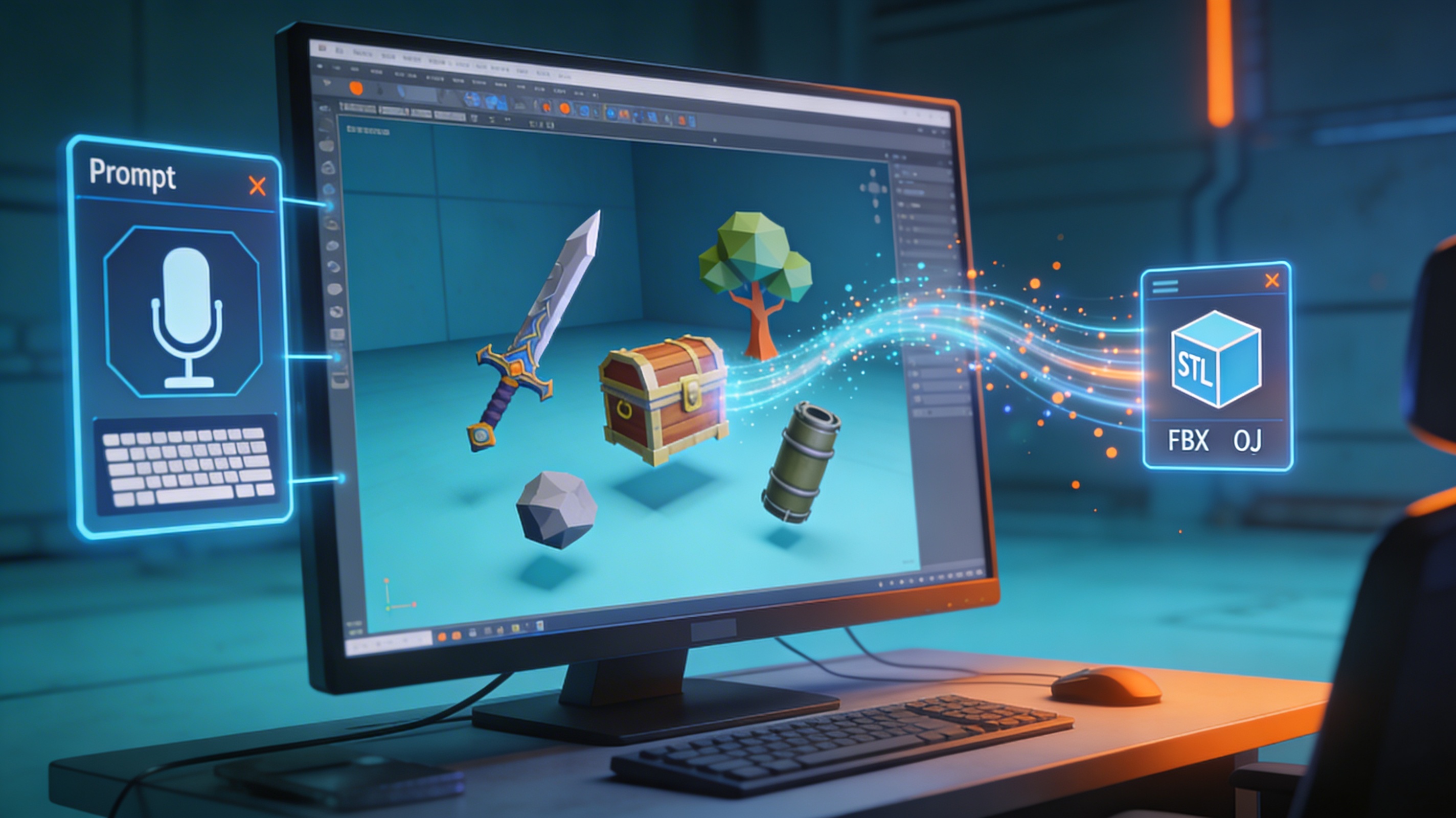
Creating 3D assets for your game can be a major bottleneck. Traditionally, you either needed to be a skilled 3D artist or have a budget to hire one. But what if you're an indie developer or a small team with limited resources? This is where AI-powered tools come in, changing how we generate 3D game assets. In this article, I'll explore how you can use AI to create stunning 3D models for your games, even if you have no prior art experience. We'll look at some of the top tools available, including our own game 3D model generator, and I'll even walk you through my first-hand experience of generating an asset from scratch.
Why Use AI to Generate 3D Game Assets?
The traditional 3D asset creation pipeline is time-consuming and expensive. It involves several stages, from concept art and modeling to texturing and rigging. AI-powered tools can significantly speed up this process, allowing you to create assets in a fraction of the time. This means you can iterate on your game's design more quickly and get your project to market faster.
For solo developers and small teams, the cost savings can be substantial. Instead of spending thousands of dollars on asset packs or hiring freelance artists, you can use affordable AI tools to create custom assets that perfectly match your game's style. This democratization of 3D asset creation is a huge win for the indie game development community.
Also, these tools help developers who lack traditional art skills. You no longer need to be a master of Blender or Maya to create high-quality 3D models. With a simple text prompt or a 2D image, you can generate a wide variety of assets, from characters and props to environments and vehicles. This opens up a world of creative possibilities for developers who were previously limited by their artistic abilities.
Top AI Tools to Generate 3D Game Assets
Several AI-powered tools have emerged to help developers generate 3D game assets. Here's a look at some of the most popular options:
Hyper3D
At Hyper3D, we offer a suite of tools designed to streamline your 3D asset creation workflow. Our AI 3D model generator, Rodin, can generate high-quality 3D models from text prompts. We also have OmniCraft, a powerful tool for editing and converting 3D models, and ChatAvatar, which specializes in creating realistic 3D faces and avatars. Our tools support a wide range of export formats, including STL, FBX, OBJ, GLB, and USDZ, making it easy to integrate our assets into your game engine of choice.
Meshy
Meshy is another popular AI 3D model generator that allows you to create assets from text and images. It's known for its ease of use and fast generation times. Meshy is a great option for quickly prototyping ideas and creating simple props for your game.
Ludo.ai
Ludo.ai offers a 3D generator as part of its broader suite of game development tools. It's designed to help you create custom 3D models for characters, props, and environments without any prior modeling experience. Ludo.ai is a good choice if you're looking for an all-in-one solution for game development.
Sloyd
Sloyd is an AI-powered 3D asset generator that focuses on creating game-ready models. It offers a large library of customizable assets and allows you to generate new assets from text prompts. Sloyd is a strong contender if you need a lot of assets quickly and want to maintain a consistent art style.
My First-Hand Experience: Generating a 3D Asset with AI
To give you a better idea of how these tools work, I decided to use Hyper3D's Rodin to generate a 3D game asset from scratch. I wanted to create a stylized, low-poly sword for a fantasy-themed game. I started by entering the text prompt "a magical sword with a glowing blue gem in the hilt, low-poly, stylized".
I experimented with a few of the generation modes. The 'Default' mode gave me a good starting point, but the 'Focal' mode produced a more detailed and interesting result. I was impressed by the quality of the generated model, especially the intricate details on the hilt and the glowing effect of the gem. The 'Speedy' mode was great for quick iterations, but for the final asset, I stuck with 'Focal'.
Once I was happy with the model, I used OmniCraft, our 3D format converter, to export it as an FBX file. The entire process, from writing the prompt to exporting the model, took less than 10 minutes. I was able to import the FBX file directly into my game engine, and it was ready to use. I also tried the image to 3D feature, which was equally impressive.
Objective Comparison of AI 3D Asset Generation Tools
To help you choose the right tool for your needs, here's a comparison of the tools we've discussed:
| Feature | Hyper3D | Meshy | Ludo.ai | Sloyd |
|---|---|---|---|---|
| Ease of Use | Easy | Easy | Moderate | Easy |
| Model Quality | High | Medium | Medium | High |
| Export Formats | STL, FBX, OBJ, GLB, USDZ | OBJ, FBX, GLB | FBX, GLB | OBJ, FBX, GLB |
| Pricing | Freemium | Freemium | Subscription | Subscription |
Hyper3D is a great all-around choice, with a powerful suite of tools and high-quality model generation. It's particularly well-suited for developers who want to create custom assets and have more control over the final result. Our AI character design tool is also a popular choice for creating unique characters.
Meshy is a good option for beginners and those who need to create simple assets quickly. Its ease of use makes it a great starting point for anyone new to AI 3D asset generation.
Ludo.ai is a good choice for developers who are already using its other game development tools. It provides a convenient, all-in-one solution for creating and managing game assets.
Sloyd is a strong contender for developers who need a large number of assets with a consistent art style. Its library of customizable assets can save you a lot of time and effort.
FAQ: Generating 3D Game Assets with AI
Can I use AI-generated 3D assets in commercial games?
Yes, most AI 3D asset generation tools allow you to use the assets you create in commercial projects. However, it's always a good idea to check the terms of service for the specific tool you're using.
What are the limitations of AI 3D asset generation?
While AI 3D asset generation has come a long way, it still has some limitations. The quality of the generated models can vary, and you may need to do some manual cleanup or editing to get the results you want. Additionally, AI-generated models may not always be optimized for real-time performance, so you may need to do some optimization work yourself.
How can I improve the quality of my AI-generated models?
There are a few things you can do to improve the quality of your AI-generated models. First, be as specific as possible with your text prompts. The more detail you provide, the better the AI will be able to understand what you're looking for. Second, experiment with different generation modes and settings. Each tool has its own unique set of options, so it's worth taking the time to see what works best. Finally, don't be afraid to do some manual editing and cleanup after the fact. A little bit of touch-up work can go a long way.
What are the best AI tools for generating animated 3D models?
While most of the tools we've discussed focus on static models, some are starting to incorporate animation features. For example, Sloyd offers auto-rigging and animation for some of its assets. As the technology continues to evolve, we can expect to see more AI tools that can generate fully animated 3D models.
Can I convert a 2D image to a 3D model using AI?
Yes, many AI 3D asset generation tools, including Hyper3D, allow you to convert a 2D image to a 3D model. This is a great way to create 3D assets from concept art or reference images.
Conclusion
AI-powered tools are making it easier than ever to generate 3D game assets. Whether you're a solo developer or part of a small team, these tools can help you save time and money, and help you to create custom assets that bring your game to life. While the technology is still evolving, it's already having a major impact on the game development industry. So why not give it a try? You might be surprised at what you can create. Ready to start? Try our game 3D model generator today!