

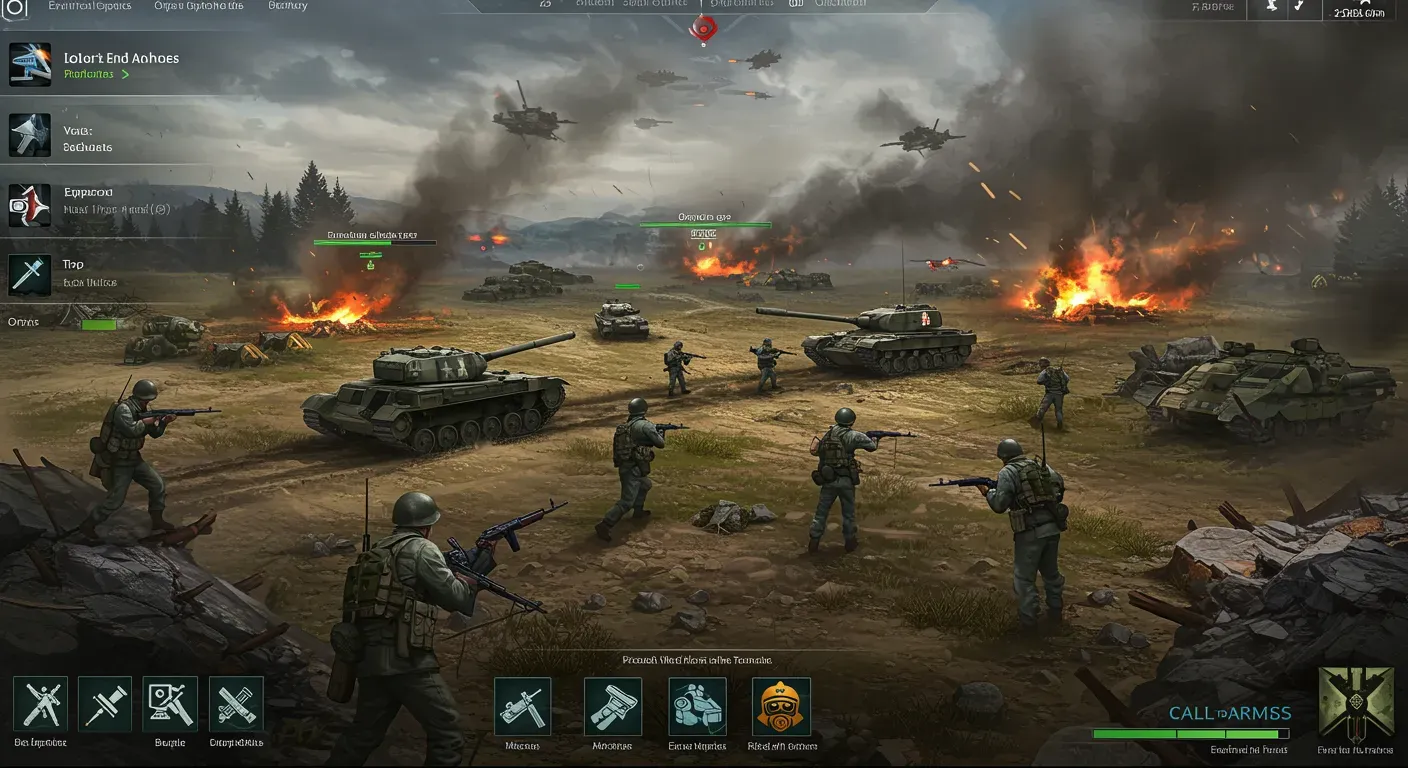
If you're diving into the intense tactical warfare of Call to Arms - Gates of Hell: Ostfront, you'll want to ensure your graphics settings are optimized for the best gaming experience. Whether you're a seasoned veteran or a newcomer, understanding how to adjust these settings can significantly enhance your gameplay, improve frame rates, and provide a more immersive experience. In this guide, we'll walk through various aspects of graphics optimization, including settings adjustments, hardware considerations, and ethical aspects of gaming performance.
Understanding Graphics Settings
Before we jump into optimization, it's essential to understand what each graphics setting does. Here are some key settings you may encounter:
- Resolution: Determines the clarity of the game. Higher resolutions offer better visuals but require more processing power.
- Texture Quality: Affects the detail of surfaces in the game. Higher quality textures make environments look more realistic but can slow down performance on lower-end systems.
- Anti-Aliasing: Smooths out jagged edges. While it enhances visual quality, it can also reduce frame rates.
- Shadows: Adds realism but can be resource-intensive. Adjusting shadow quality can lead to significant performance improvements.
Understanding these settings will help you make informed decisions on how to adjust them for your system.
Adjusting Graphics Settings for Performance
Finding the Right Balance
To optimize your graphics settings, you need to find a balance between visual fidelity and performance. Here's a step-by-step approach:
1. Start with Resolution: Set your resolution to your monitor's native setting. If performance is lacking, consider lowering it slightly.
2. Texture Quality: If you have a powerful GPU, set this to high. Otherwise, medium may be a better option.
3. Anti-Aliasing: Start with a lower setting and gradually increase it. If you notice a drop in frame rates, dial it back.
4. Shadows: Set shadows to medium or low to improve performance without sacrificing too much visual quality.
Real-World Example
For instance, a player using a mid-range GPU like the NVIDIA GTX 1660 may find that setting the resolution to 1080p, texture quality to medium, and shadows to low provides a smooth experience while still looking good.
Utilizing In-Game Benchmarking Tools
Many modern games, including Gates of Hell: Ostfront, offer in-game benchmarking tools. These tools allow you to test your current settings and see how they affect performance.
Steps to Use Benchmarking Tools:
1. Access the Benchmark: Usually found in the graphics settings menu.
2. Run the Test: Follow the prompts to run the benchmark.
3. Analyze Results: Check the average frame rates and any dips during the test. Use this information to adjust your settings accordingly.
Hardware Considerations
Optimizing graphics settings also involves understanding your hardware capabilities. Here are some tips:
- Upgrade Your GPU: If you're consistently experiencing low frame rates, consider upgrading to a more powerful graphics card.
- Check RAM: Ensure you have enough RAM for smooth gameplay. 16GB is generally recommended for modern gaming.
- Cooling Solutions: Overheating can throttle performance. Invest in good cooling solutions to maintain optimal performance.
Ethical Considerations in Gaming Performance
As gamers, we must consider the ethical implications of our gaming habits. This includes being aware of the environmental impact of gaming hardware and the potential for overconsumption.
Sustainable Gaming Practices:
- Energy Consumption: Opt for energy-efficient components whenever possible.
- Responsible Upgrading: Before upgrading hardware, consider if it's truly necessary. Sometimes, optimizing settings can extend the life of your current setup.
Optimizing graphics settings in Call to Arms - Gates of Hell: Ostfront is essential for enhancing your gaming experience. By understanding your settings, utilizing benchmarking tools, and considering your hardware capabilities, you can achieve a balance that suits your gameplay style. As technology evolves, so will the options available for optimizing performance, making it an exciting time to be a gamer.
In the future, we can expect advancements in AI-driven optimization tools that will make it even easier for players to achieve the best settings for their systems. Until then, follow these guidelines, and enjoy the immersive tactical experiences that Gates of Hell has to offer.