

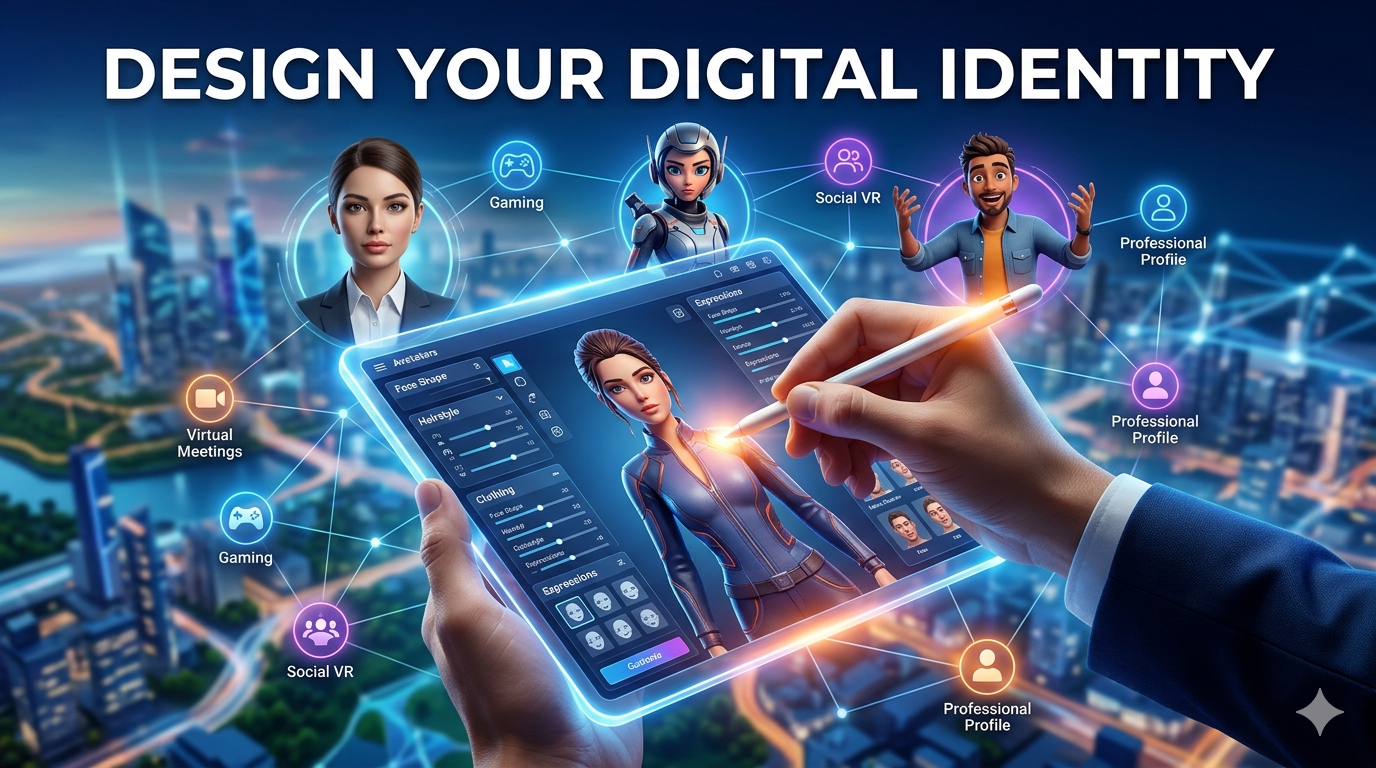
3D Avatar Creator: Design Your Digital Identity
In the ever-expanding digital universe, your virtual representation is your new handshake. From immersive gaming and the burgeoning metaverse to professional online profiles, a unique 3D avatar has become a cornerstone of digital identity. A 3D avatar creator is a tool that empowers you to craft this digital persona, offering a range of customization from hyper-realistic portrayals to stylized characters. These creators are becoming increasingly accessible, with platforms like Hyper3D, Avaturn, and Ready Player Me offering diverse approaches to bring your virtual self to life.
Whether you're starting from a simple selfie, a text description, or building from scratch, the right 3D avatar creator can unlock a new level of personal expression online. These tools are no longer just for game developers; they are for anyone looking to establish a consistent and recognizable presence across various digital platforms.
Top 3D Avatar Creator Tools for Every Need
The market for 3D avatar creation is rich with options, each catering to different needs and skill levels. Some focus on generating realistic avatars from photos, while others provide extensive tools for manual customization or smooth integration into multiple games. Let's explore some of the leading platforms that are shaping how we create and use digital identities.
Hyper3D's ChatAvatar: Your AI 3D Avatar Creator
Hyper3D offers a suite of powerful tools for 3D content creation, and its ChatAvatar AI avatar solution stands out for its versatility and quality. This AI-powered 3D avatar creator can generate production-ready, realistic 3D facial models from either a text prompt or a single photograph. This makes it incredibly easy to get started, whether you have a clear vision in mind or just a reference image.
What sets ChatAvatar apart is its integration within the broader Hyper3D ecosystem. Once you've created your avatar's face, you can use the character design generator to build a full-body model. For further refinement, Hyper3D?? OmniCraft tool allows for advanced editing, texture adjustments with the AI texture generator, and format conversion to ensure your avatar is ready for any application. You can easily export your creation to standard formats like FBX, OBJ, and GLB.
Avaturn: Realistic Avatars from a Selfie
Avaturn has gained popularity for its straightforward approach to creating realistic 3D avatars. The process is simple: you upload a selfie, and the platform's AI generates a 3D head that uncannily resembles you. From there, you can customize body shape, clothing, and accessories to complete your digital look.
The platform is web-based and designed for ease of use, making it accessible to a broad audience. Avaturn is particularly appealing for users who want a quick and accurate representation of themselves for use in virtual reality applications, social platforms, or games. The focus is on realism and simplicity, offering a fast track from photo to fully-realized 3D avatar.
Ready Player Me: A Cross-Game Avatar Platform
Ready Player Me addresses a common pain point for gamers and metaverse explorers: avatar interoperability. Instead of creating a new avatar for every game or platform, Ready Player Me provides a single avatar that can be used across thousands of supported apps and games. This makes it a central hub for your digital identity.
The creation process is similar to other platforms, starting from a selfie to generate a customizable avatar. However, the main strength of Ready Player Me lies in its extensive developer network and SDK. This focus on integration makes it a favorite among developers looking to incorporate a versatile avatar system into their projects, and for users who want a consistent identity across their digital experiences.
My First-Hand Experience with 3D Avatar Creators
To get a real feel for the current state of 3D avatar creation, I decided to test two of the platforms mentioned: Hyper3D's ChatAvatar and Avaturn. My goal was to create a digital version of myself and see how the process differed between a multi-faceted creation suite and a dedicated selfie-to-avatar tool.
I started with Hyper3D. I navigated to the ChatAvatar AI avatar page and chose the image-to-avatar option. I uploaded a clear, front-facing photo of myself. The AI processed the image quickly, and within a minute, I was presented with a 3D head that was impressively accurate. The texture and likeness were spot-on. From there, I moved over to the character design generator to build out the rest of my avatar. I experimented with a few different body types and outfits before settling on a casual look. The whole process felt connected and fluid. For a final touch, I sent the model to OmniCraft to convert it to a USDZ file for viewing on my phone, using the 3D format converter. The ability to move between different tools within the same ecosystem was a huge plus.
Next, I tried Avaturn. The experience was more direct. I uploaded the same selfie, and the platform generated a full-body avatar. The facial likeness was good, though perhaps a little less detailed than the Hyper3D result. The customization options for clothing and hair were plentiful, and I was able to create a decent-looking avatar very quickly. The platform is clearly optimized for speed and simplicity, which is great for users who want a no-fuss solution.
Overall, both tools delivered on their promises. Hyper3D offered a more in-depth and powerful creation experience, allowing for more fine-tuning and integration with other 3D tools like its AI 3D model generator. Avaturn provided a fast and easy way to get a realistic avatar with minimal effort. The choice between them really comes down to the user's specific needs and desired level of control.
Objective Comparison of 3D Avatar Creators
Choosing the right 3D avatar creator depends on your specific goals. Are you a developer needing an integrated solution, a gamer wanting a cross-platform identity, or a creative professional looking for a high-fidelity model? Here?? a breakdown of how Hyper3D, Avaturn, and Ready Player Me compare.
| Feature | Hyper3D (ChatAvatar) | Avaturn | Ready Player Me |
|---|---|---|---|
| Creation Method | Text-to-Avatar, Image-to-Avatar | Selfie-to-Avatar | Selfie-to-Avatar |
| Realism | High, with PBR textures | High | Stylized to Semi-Realistic |
| Customization | Extensive (face, body, clothing, textures) | Good (body, clothing, accessories) | Extensive (clothing, accessories, hair) |
| Interoperability | High (exports to standard formats) | Good (exports to GLB, FBX) | Very High (thousands of integrations) |
| Best For | Creative professionals, developers, users wanting high control | Casual users, social VR, quick setup | Gamers, metaverse explorers, developers |
Pros and Cons
Hyper3D:
- Pros: Extremely versatile with a full suite of creation and editing tools. High-quality, realistic outputs. Supports both text and image inputs.
- Cons: Might have a steeper learning curve for absolute beginners due to the number of features.
Avaturn:
- Pros: Incredibly easy and fast to use. Generates realistic avatars from a single selfie. Web-based and accessible.
- Cons: Less control over fine details compared to more advanced suites. Customization is good but not as deep.
Ready Player Me:
- Pros: Unmatched interoperability across a vast network of games and apps. Strong developer support and easy SDK integration.
- Cons: Avatars have a more stylized look, which may not suit users seeking photorealism.
Ultimately, if you need a high-fidelity, fully customized avatar for professional use or detailed projects, Hyper3D's ecosystem provides the most comprehensive toolset. If you want a quick, realistic digital double for social VR or casual use, Avaturn is an excellent choice. For gamers who want a single, persistent identity across their favorite titles, Ready Player Me is the clear winner.
How to Create Your Own 3D Avatar with Hyper3D
Creating a personalized 3D avatar is a straightforward process with Hyper3D's integrated tools. Here?? a simple workflow to get you from a basic idea to a fully-realized digital identity.
1. Generate the Face with ChatAvatar: Start by visiting the ChatAvatar page. You can either type a description of the face you want to create (e.g.,
"a male with sharp jawline, blue eyes, and short brown hair") or upload a photo using the image to 3D feature. The AI will generate a high-quality 3D facial model in minutes.
2. Design the Body: Once you are happy with the face, it's time to give your avatar a body. Use Hyper3D's character design generator to select a body type, customize clothing, and adjust proportions. You can create anything from a fantasy warrior to a modern-day professional.
3. Refine and Export with OmniCraft: With your full avatar assembled, you can bring it into OmniCraft for final touches. Here, you can use the AI texture generator to create unique materials for clothing or accessories. When you're ready to export, the 3D format converter will help you save your model in the format you need, whether it's GLB, FBX, OBJ, or USDZ.
This smooth workflow, from a simple text to 3D model prompt to a fully exportable 3D asset, is what makes Hyper3D a powerful 3D avatar creator for users of all skill levels.
FAQ about 3D Avatar Creators
What is the best 3D avatar creator?
The "best" 3D avatar creator really depends on your needs. For maximum control and professional quality, a comprehensive suite like Hyper3D is ideal. For speed and simplicity, a tool like Avaturn is excellent. For gaming across multiple platforms, Ready Player Me is the top choice.
Can I create a 3D avatar for free?
Yes, many platforms offer free versions or trials. For example, you can start creating with Hyper3D's tools for free. While some advanced features or export options might require a subscription, you can get a great feel for the creation process without any cost.
How do I use my 3D avatar in games?
This depends on the game and the avatar platform. If you create an avatar with Ready Player Me, you can use it directly in thousands of supported games. For avatars created with tools like Hyper3D, you would typically export the model in a format like FBX and import it into a game engine like Unity or Unreal Engine if the game supports custom models.
What are the benefits of a realistic 3D avatar?
A realistic 3D avatar can enhance social presence in virtual meetings, create a more immersive experience in VR, and provide a consistent, professional identity across digital platforms. It allows for a more personal and authentic connection in virtual spaces.
Can I create a full body 3D avatar?
Absolutely. Most modern 3D avatar creator platforms, including Hyper3D, Avaturn, and Ready Player Me, allow you to create and customize full-body avatars, not just faces. Hyper3D's character design generator is specifically designed for this purpose.
Your Digital Identity Awaits
In a world that is becoming more virtual by the day, your digital identity is more important than ever. A 3D avatar creator is your gateway to crafting a persona that is uniquely you. Whether you prioritize realism, cross-platform compatibility, or creative freedom, there is a tool available to bring your vision to life.
Platforms like Hyper3D are pushing the boundaries of what's possible, offering not just an avatar maker, but a complete ecosystem for 3D creation. From generating a face with ChatAvatar to designing a full character and exporting it for any application, the power to shape your digital self is at your fingertips. So why wait? Start designing your digital identity today and explore the endless possibilities of the virtual world.