

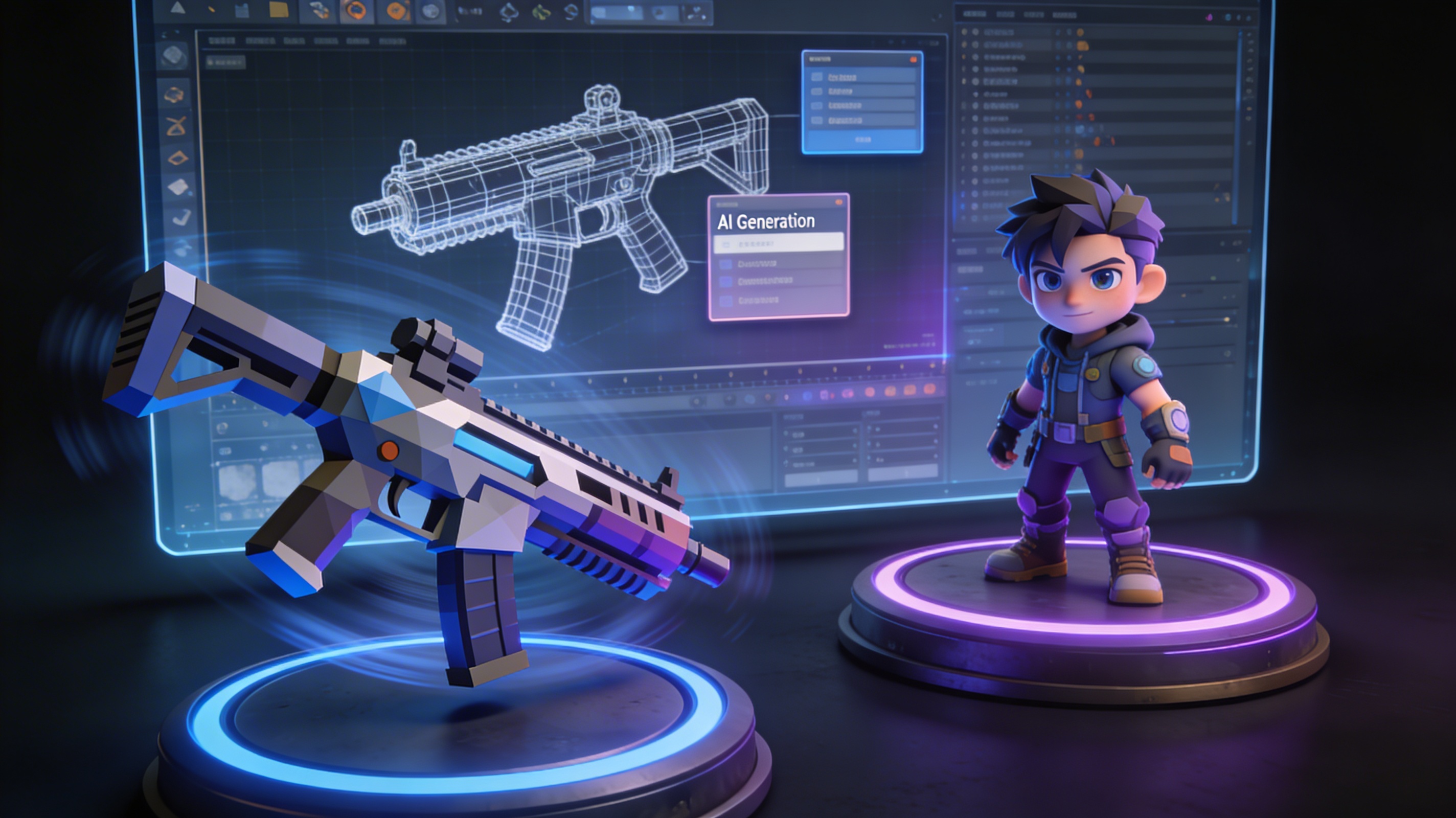
AI 3D Models for Game Development: The Complete Guide
Creating immersive and visually stunning games requires a tremendous amount of high-quality 3D assets. The traditional process for creating these assets has been manual, time-consuming, and often expensive. But what if you could generate 3d models for game development in a fraction of the time? The emergence of AI-powered 3D model generation is opening up new possibilities for game developers, from solo indie creators to large studios. This article provides a look at how AI is changing the field of 3D asset creation for games, exploring the tools, techniques, and workflows that are shaping the future of the industry. We will look at a variety of tools, including Hyper3D, ZBrush, and Blender, to provide a balanced view of the options available.
The Traditional Workflow of Creating 3D Models for Games: 3D Models For Game Development
Before we explore the world of AI-generated assets, it's important to understand the traditional workflow for creating 3d models for game development. This process is a blend of artistic creativity and technical skill, and it typically involves several distinct stages, from conceptualization and high-poly modeling to retopology, UV mapping, texturing, and rigging.
The Rise of AI in 3D Model Generation
The traditional workflow, while effective, is a significant bottleneck in game development. The time and resources required to create custom 3D assets can be a major hurdle, especially for smaller teams. This is where AI comes in, offering a new approach for creating 3d models for game development.
How AI is Changing the Game for Developers
AI-powered tools are democratizing 3D asset creation, making it faster, cheaper, and more accessible than ever before. With AI, developers can generate high-quality 3D models in minutes, rather than days or weeks. This allows for rapid prototyping and iteration, and it frees up artists to focus on more creative tasks. For indie developers, AI can be a powerful tool for creating the assets they need to bring their visions to life, without the need for a large team of artists.
Different AI-Powered Techniques
There are several different AI-powered techniques for generating 3D models, each with its own strengths and weaknesses.
- Text-to-3D: This technique allows you to generate a 3D model from a simple text prompt. You can describe the object you want to create, and the AI will generate a 3D model based on your description.
- Image-to-3D: With this technique, you can create a 3D model from a 2D image. This is a powerful way to turn concept art or photographs into fully realized 3D assets. You can even use an image to 3D converter for this.
- Procedural Generation: This technique uses algorithms to generate 3D assets automatically. This is often used to create large numbers of assets, such as trees, rocks, and other environmental objects.
A Deep Dive into AI 3D Model Generators
With the rise of AI in 3D modeling, a number of powerful tools have emerged. These platforms offer a range of features and capabilities, from text-to-3D generation to advanced editing and format conversion. Let's take a closer look at some of the key players in this space.
Hyper3D's Toolset
Hyper3D offers a suite of tools designed to streamline the creation of 3D assets for game development. Their game 3D model generator is a great starting point.
- Rodin: At the core of Hyper3D's offering is Rodin, an AI 3D model generator that can create a wide variety of assets. It features several generation modes, including Gen-2, Default, Focal, Zero, and Speedy, allowing you to choose the best option for your specific needs.
- OmniCraft: Once you've generated a model, you can use OmniCraft to edit it and convert it to the format you need. It supports a range of industry-standard formats, including STL, FBX, OBJ, GLB, and USDZ. You can use their 3D format converter for this.
- ChatAvatar: For character creation, Hyper3D offers ChatAvatar, an AI character design tool that can generate faces and avatars.
Other Notable AI Tools
While Hyper3D offers a comprehensive suite of tools, there are other notable players in the market as well. Tools like ZBrush and Blender, traditionally used for manual 3D modeling, are also incorporating AI features. The open-source nature of Blender, in particular, has led to the development of a wide range of community-driven AI plugins and add-ons.
My First-Hand Experience: Creating a Game Asset with AI
To get a real sense of what it's like to use an AI 3D model generator, I decided to create a game asset from scratch. I used Hyper3D's Rodin to generate a sci-fi pistol. My goal was to create a unique and detailed weapon. I started with a simple text prompt: "a futuristic sci-fi pistol, sleek design, glowing blue accents, detailed grip." The initial results were promising, but not quite what I was looking for. I iterated on my prompt, adding more specific details: "a sleek, angular sci-fi pistol, ergonomic grip, glowing blue energy coils, emissive sights, weathered metal texture." This time, the result was much closer to my vision. The AI had picked up on the keywords "angular" and "ergonomic," creating a pistol with a much more dynamic and interesting silhouette. The whole process, from initial prompt to final model, took less than 15 minutes. In a traditional workflow, creating a model of this quality would have taken several days.
Objective Comparison: AI vs. Traditional Modeling
Both AI-powered generation and traditional 3D modeling have their own unique advantages and disadvantages. The best approach for your project will depend on your specific needs, budget, and timeline.
Pros and Cons of AI Generation
| Pros | Cons |
|---|---|
| Speed: Generate models in minutes, not days. | Lack of Fine Control: Less direct control over the final model. |
| Accessibility: Lower barrier to entry for beginners. | Generic Results: Can sometimes produce generic or uninspired designs. |
| Iteration: Quickly create and compare multiple variations. | Prompt Engineering: Requires skill to write effective prompts. |
Pros and Cons of Traditional Modeling
| Pros | Cons |
|---|---|
| Complete Control: Full control over every aspect of the model. | Time-Consuming: Can take days or weeks to create a single asset. |
| High Detail: Can achieve a very high level of detail and realism. | High Skill Requirement: Requires a high level of artistic and technical skill. |
| Industry Standard: The established workflow in the game industry. | Expensive Software: Professional 3D modeling software can be expensive. |
When to Use Which Method
For rapid prototyping and creating a large number of assets quickly, AI generation is an excellent choice. It allows you to quickly explore different ideas and get a feel for how your game will look and play. For final, "hero" assets that require a high level of detail and artistic control, traditional modeling is still the preferred method. Many studios are now exploring hybrid workflows that combine the speed of AI with the control of traditional modeling, using AI to generate a base mesh that is then refined and detailed by an artist.
FAQ: Your Questions Answered
What are the best AI 3D model generators for beginners?
For beginners, it's best to start with a tool that has a user-friendly interface and a gentle learning curve. Hyper3D's Rodin is a great option, as it allows you to get started with simple text prompts. Blender also has a number of AI-powered add-ons that are relatively easy to use.
Can I use AI-generated models in commercial games?
The answer to this question depends on the terms of service of the specific AI tool you are using. Some tools allow for commercial use of the models you generate, while others may have restrictions. It's important to read the terms of service carefully before using any AI-generated assets in a commercial project.
How much detail can AI 3D models have?
The level of detail in an AI-generated model can vary depending on the tool you are using and the complexity of your prompt. While AI is capable of generating some impressive detail, it may not always match the level of fine control and intricate detail that can be achieved with traditional modeling techniques.
Do I need to know how to code to use AI 3D model generators?
No, you do not need to know how to code to use most AI 3D model generators. The vast majority of these tools are designed to be used with simple text prompts or by providing an input image. This makes them accessible to artists and designers who may not have a technical background.
What are the most common file formats for 3D models in games?
The most common file formats for 3D models in games are FBX and OBJ. These formats are supported by most game engines and 3D modeling software. Other common formats include GLB, USDZ, and STL.
The Future of 3D Models for Game Development
The integration of AI into game development workflows is still in its early stages, but the potential is clear. As AI technology continues to evolve, we can expect to see even more powerful and intuitive tools for creating 3D models. The future of game development is likely to be a hybrid one, where AI and traditional techniques are used in tandem to create stunning and immersive experiences.
Conclusion
The world of 3d models for game development is undergoing a significant transformation. AI-powered tools are making it easier than ever to create high-quality assets, and this is having a profound impact on the way games are made. Whether you are a seasoned professional or just starting out, now is the time to explore the exciting possibilities of AI in 3D asset creation.