

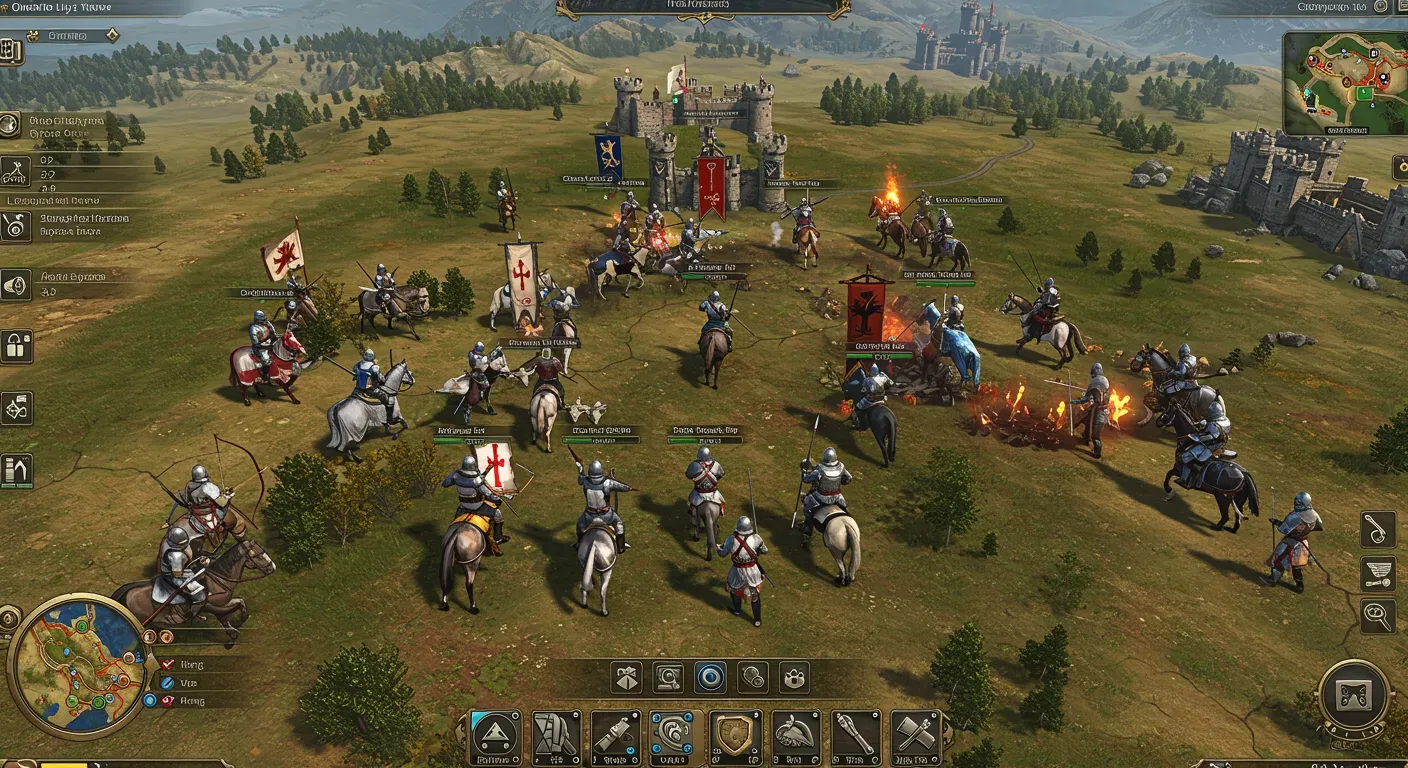
Conqueror's Blade is a unique blend of strategy and action, offering players the chance to command their armies on the battlefield. To truly excel in this game, optimizing your gameplay settings is crucial. In this post, we will explore various strategies to enhance your gaming experience, improve performance, and ultimately lead your troops to victory.
Understanding Your Hardware
Before diving into the settings, it's essential to understand the capabilities of your gaming rig. Your hardware plays a significant role in how well Conqueror's Blade performs.
Key Hardware Components:
- CPU: A powerful processor can handle complex calculations and AI behavior.
- GPU: A dedicated graphics card ensures smoother visuals and higher frame rates.
- RAM: At least 8GB is recommended for optimal performance.
Example: If you have a high-end gaming PC with an NVIDIA RTX 3070, you can afford to crank up the graphics settings without sacrificing performance.
Adjusting In-Game Settings
Once you know your hardware, it's time to tweak the in-game settings.
Graphics Settings:
- Resolution: Set your resolution to match your monitor for the best clarity.
- Texture Quality: High textures can enhance visual fidelity but may affect performance. Adjust according to your GPU capability.
- Anti-Aliasing: This setting smoothens jagged edges. If you have a powerful GPU, consider using MSAA or FXAA.
Performance Settings:
- Frame Rate Limit: Uncapping your frame rate can enhance responsiveness but may lead to screen tearing. Use V-Sync if you experience this issue.
- Field of View (FOV): Increasing your FOV can give you a broader view of the battlefield, helping you strategize better.
Tip: Regularly benchmark your settings to find the perfect balance between performance and visuals.
Network Configuration
A stable internet connection is vital for multiplayer games like Conqueror's Blade.
Improving Your Connection:
- Wired Connection: Use an Ethernet cable instead of Wi-Fi for a stable connection.
- Quality of Service (QoS): Configure your router to prioritize gaming traffic.
- Ping Test: Use tools like PingPlotter to monitor your connection quality.
Ethical Considerations:
While optimizing your network, ensure you're not disrupting others in your household. Fair usage policies are essential to maintain a healthy online environment.
Customizing Controls and Keybindings
Every player has their unique playstyle, and customizing your controls can significantly enhance your gameplay.
Keybinding Tips:
- Accessibility: Ensure your keybindings are comfortable and easily accessible.
- Group Commands: If you frequently use group commands, assign them to easily reachable keys.
- Practice: Spend time in practice mode to get used to your new layout.
Example: Many professional players use customized keybindings that allow them to react quickly in high-pressure situations.
Staying Updated
Conqueror's Blade regularly receives updates that can affect gameplay settings.
Keeping Up with Changes:
- Patch Notes: Always read the patch notes to understand new features or changes.
- Community Forums: Engage with the community to share insights and learn from others' experiences.
Forward-Looking Perspective: As the game evolves, so will the optimal settings. Stay adaptable and be willing to modify your configurations as new patches are released.
Optimizing your gameplay settings in Conqueror's Blade is an ongoing process that can significantly enhance your gaming experience. By understanding your hardware, adjusting in-game settings, improving your network, customizing controls, and staying updated, you can ensure that you are always ready for battle. Remember, the key to becoming a conqueror lies not only in strategy but also in how effectively you can utilize your resources.