

What Is an FBX File? Autodesk Format Explained
In the world of 3D modeling and animation, you'll encounter a variety of file formats, each with its own strengths and weaknesses. One of the most common and versatile formats you'll come across is FBX. Whether you're creating assets for a video game, working on an animated film, or developing an augmented reality experience, understanding what is fbx file and how to use it is essential. While other popular formats like OBJ and GLTF have their place, FBX has become a go-to choice for many artists and developers due to its ability to store a wide range of data within a single file. This makes it an invaluable tool for transferring complex 3D scenes between different software applications.
What is an FBX file? And what is fbx file?
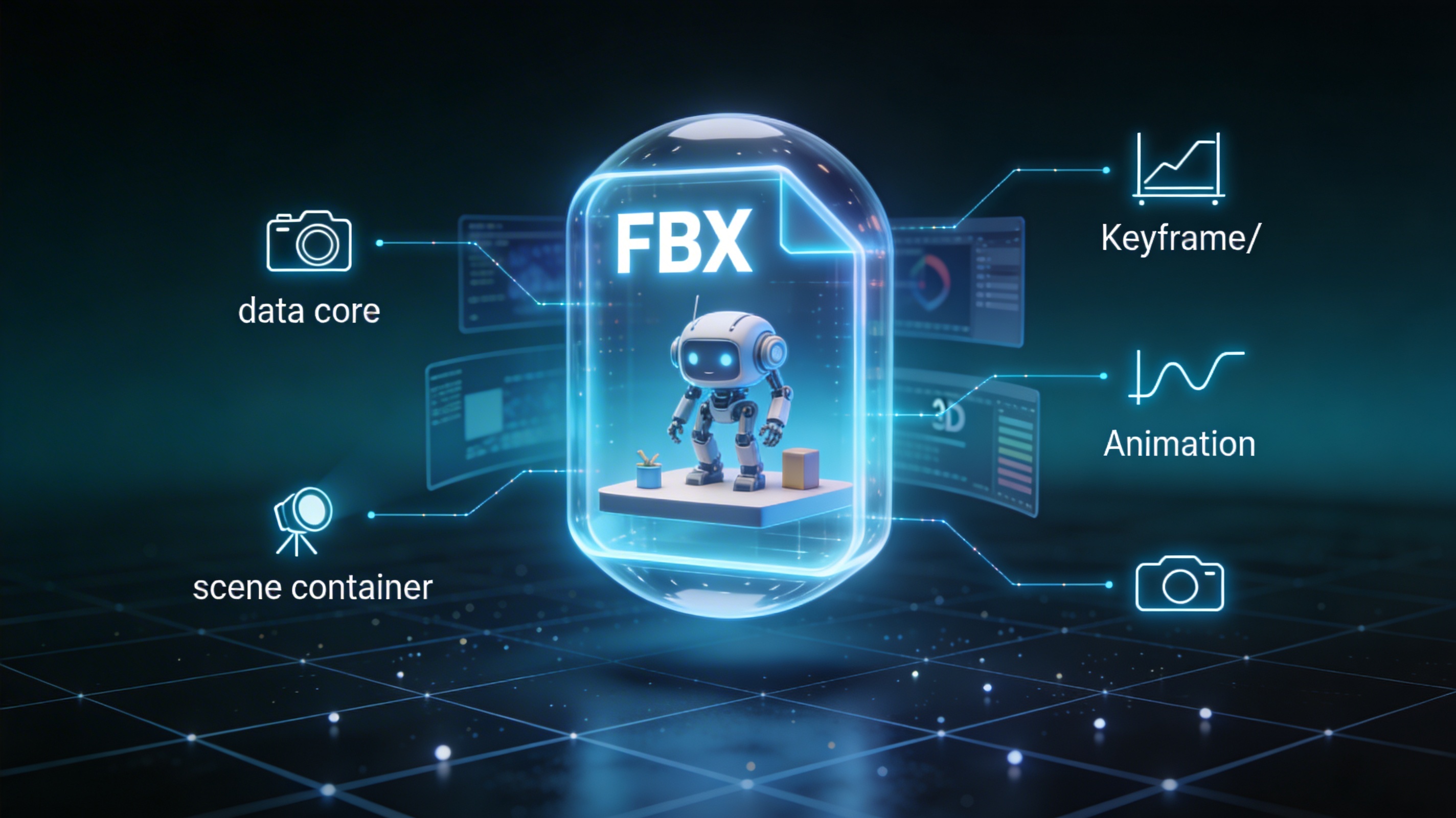
FBX, which stands for Filmbox, is a proprietary file format developed by Kaydara and now owned by Autodesk. It was created to facilitate interoperability between various 3D content creation applications. Think of it as a universal container that can hold all the different elements of a 3D scene in one place. This includes not just the 3D model's geometry (the shape of the object), but also its materials, textures, animations, lighting, and even camera information. This comprehensive data storage is what makes the FBX format so powerful and widely adopted in the entertainment industry.
The Origins of the FBX Format
The FBX format has a rich history that dates back to the mid-1990s. It was originally created for a program called Filmbox, which was designed for recording data from motion capture devices. As the need for a more solid and versatile file format grew, FBX evolved to support a wider range of 3D data. In 2006, Autodesk acquired Kaydara and the FBX format, further solidifying its position as an industry standard. Today, FBX is supported by a vast ecosystem of 3D software, making it a reliable choice for any 3D artist's workflow.
So, what is fbx file used for?
So, what is an FBX file used for in a practical sense? The primary use of the FBX format is to transfer 3D data between different software packages. For example, you might create a character model in a program like Blender, then use the FBX format to export it to a game engine like Unity or Unreal Engine. Because the FBX file can contain everything from the model's shape to its animations, you can be confident that your creation will look and behave as intended in the new application. This smooth transfer of data is what makes FBX an essential part of modern 3D production pipelines.
How Do FBX Files Work?
FBX files can be saved in either a binary or ASCII format. The binary format is more common as it results in smaller file sizes, which is crucial when dealing with large and complex 3D scenes. The ASCII format, on the other hand, is human-readable, which can be useful for debugging and educational purposes. Regardless of the format, an FBX file is structured in a hierarchical manner, with different sections dedicated to storing different types of data. This organized structure is what allows the FBX format to store such a wide variety of information in a single, self-contained file.
The Anatomy of an FBX File
An FBX file is composed of several key components. fundamentally is the 3D model's geometry, which defines the shape of the object. Then there are the materials, which determine how the surface of the model looks, and the textures, which are the images applied to the model's surface. If the model is animated, the FBX file will also contain the animation data, including the skeletal rig and the keyframes that define the movement. Finally, the FBX file can also store information about the scene's lighting and cameras, allowing you to transfer the entire setup from one application to another.
Why Choose FBX Over Other Formats?
While other formats like OBJ and STL are great for storing simple 3D models, they lack the ability to store complex data like animations and materials. This is where the FBX format shines. By packaging all the different elements of a 3D scene into a single file, FBX simplifies the process of transferring assets between different software applications. This not only saves time but also reduces the risk of errors and inconsistencies. For a more detailed comparison of different 3D file formats, you can use a 3D format converter to see how they differ in terms of features and file size, which helps in understanding what is fbx file in context.
Top Tools for Working with FBX Files
There are many software applications that support the FBX format, each with its own set of features and capabilities. Here's a comparison of some of the most popular tools for working with FBX files:
| Tool | Pros | Cons | Best For |
|---|---|---|---|
| Autodesk Maya | Industry-standard for animation, powerful modeling and rigging tools. | Expensive, steep learning curve. | Professional animators and large studios. |
| Blender | Free and open-source, large and active community, full 3D creation suite. | Can be overwhelming for beginners. | Indie developers, hobbyists, and professionals on a budget. |
| Cinema 4D | User-friendly interface, excellent motion graphics tools. | Can be expensive, not as feature-rich as Maya for character animation. | Motion graphics artists and designers. |
| Hyper3D | Cloud-based, easy to use, includes an AI 3D model generator. | Limited offline functionality. | Quick prototyping, concept art, and users who want to create 3D models from images. |
In addition to these full-featured 3D creation suites, there are also specialized tools for viewing and converting FBX files. For example, you can use an online FBX file viewer to quickly inspect a model without having to open a large 3D application. If you need to convert an FBX file to another format, an FBX to OBJ converter can be a real time-saver.
Step-by-Step Guide to Using FBX Files
Here?? a simple guide to exporting an FBX file from Blender and importing it into Unity.
Exporting from Blender
1. Select the objects you want to export in your Blender scene.
2. Go to File > Export > FBX (.fbx).
3. In the export settings, you can choose to include or exclude certain data types, such as animations and materials.
4. Give your file a name and click Export FBX.
Importing into Unity
1. Drag and drop the FBX file into your Unity project?? Assets folder.
2. Unity will automatically import the file and create a prefab.
3. You can then drag the prefab into your scene to start working with it.
My First-Hand Experience with FBX Files
I remember working on a project where I had to create a character for a mobile game. I modeled and animated the character in Blender, and then I needed to get it into the Unity game engine. I initially tried using another file format, but I ran into issues with the animations not transferring correctly. After some research, I decided to try using the FBX format. I was amazed at how smoothly the process went, all because I took the time to learn what is fbx file. I exported the character from Blender as an FBX file, and when I imported it into Unity, everything was there ??the model, the materials, and all the animations. It was a real "aha!" moment for me, and since then, FBX has been my go-to format for transferring animated characters between different applications. It all came down to knowing what is fbx file.
Advanced Tips for Working with FBX Files
- Optimize your models: Before exporting to FBX, make sure to optimize your models by removing any unnecessary geometry. This will help to keep your file sizes small and improve performance in real-time applications.
- Use consistent naming conventions: When working with complex scenes, it's important to use consistent naming conventions for your objects and materials. This will make it easier to find and work with your assets in other applications.
- Bake your textures: If you're using complex materials with multiple layers, it's a good idea to bake your textures into a single image file. This will ensure that your materials look the same in different applications.
- Consider using an image to 3D tool: For a quick and easy way to create 3D models, you can use an image to 3D tool to generate a model from a single image. You can then export the model as an FBX file and use it in your projects.
FAQ
What is the difference between FBX and OBJ?
When people ask what is fbx file, they often compare it to OBJ. OBJ is a simpler format that primarily stores 3D geometry. FBX, on the other hand, can store a much wider range of data, including animations, materials, and lighting. This makes FBX a more suitable choice for transferring complex 3D scenes.
Can I open an FBX file in any 3D software?
A common question is what is fbx file support like. While FBX is widely supported, not all 3D software can open FBX files. It's always a good idea to check the documentation of your software to see if it supports the FBX format.
Are FBX files good for 3D printing?
Another aspect of what is fbx file is its use in 3D printing. While you can use FBX files for 3D printing, other formats like STL and 3MF are generally preferred. These formats are specifically designed for 3D printing and are better at representing the geometry of a model in a way that is suitable for printing.
How do I reduce the size of an FBX file?
You can reduce the size of an FBX file by optimizing your models, using lower-resolution textures, and excluding any unnecessary data from the export.
Is FBX a good format for web-based 3D?
For web-based 3D, formats like glTF and USDZ are generally preferred. These formats are specifically designed for the web and are optimized for fast loading and rendering in a browser.