

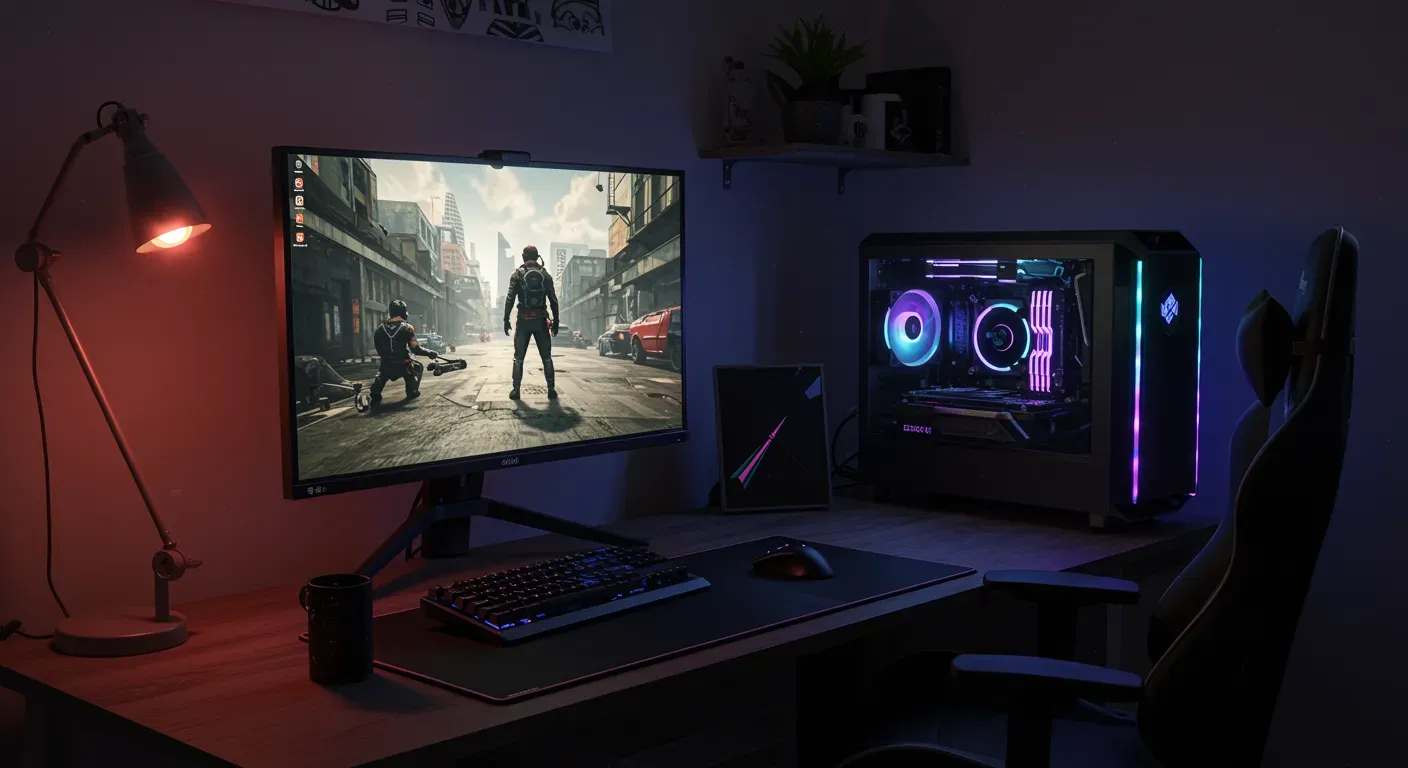
Killing Floor 2 is an exhilarating cooperative first-person shooter that pits players against waves of terrifying Zeds. While the game is designed to offer intense gameplay and stunning graphics, players may sometimes experience performance issues that can detract from the fun. In this guide, we will explore various settings and optimizations to enhance your Killing Floor 2 experience, ensuring smoother gameplay and better performance.
Understanding Your System Requirements
Before diving into the settings, it’s crucial to understand the minimum and recommended system requirements for Killing Floor 2. Here’s a quick overview:
- Minimum Requirements:
- OS: Windows 7/8/10 (64-bit)
- Processor: Dual-core from Intel or AMD at 2.4 GHz
- Memory: 4 GB RAM
- Graphics: NVIDIA GeForce 660 or ATI Radeon 7850
- DirectX: Version 10
- Recommended Requirements:
- OS: Windows 7/8/10 (64-bit)
- Processor: Quad-core from Intel or AMD at 2.5 GHz
- Memory: 8 GB RAM
- Graphics: NVIDIA GeForce 770 or ATI Radeon R9 280
- DirectX: Version 11
If your system meets or exceeds the recommended requirements, you should be able to run the game smoothly. However, if you’re facing lag or frame drops, it’s time to tweak some settings.
Adjusting Graphics Settings
The graphics settings in Killing Floor 2 can significantly impact performance. Here are some adjustments you can make:
a. Resolution and Display Mode
- Resolution: Lowering your resolution can help improve frame rates. While 1920×1080 is ideal for many players, reducing it to 1600×900 or even 1280×720 can provide a noticeable boost.
- Display Mode: Switching from Fullscreen to Windowed or Borderless Window can sometimes improve performance, especially on systems with multiple monitors.
b. Texture Quality
- Texture Quality: Setting this to “Medium” or “Low” can help improve performance without sacrificing too much visual fidelity. High textures can consume a lot of video memory, leading to slowdowns.
c. Anti-Aliasing
- Anti-Aliasing: Disabling or setting it to “Low” can significantly enhance performance. While anti-aliasing smooths out jagged edges, it can be demanding on your GPU.
Optimizing Gameplay Settings
Beyond graphics, adjusting gameplay settings can also enhance your performance.
a. Field of View (FOV)
Increasing the FOV can provide a better view of your surroundings, but it can also strain performance. Experiment with a FOV of around 90 to balance visibility and performance.
b. V-Sync
- V-Sync: While V-Sync can eliminate screen tearing, it can also introduce input lag. If you’re experiencing performance issues, consider disabling it to improve responsiveness.
Updating Drivers and Software
Keeping your system updated is essential for optimal performance. Ensure that your graphics drivers are up-to-date:
- NVIDIA Users: Use GeForce Experience to check for driver updates.
- AMD Users: Visit the AMD website to download the latest drivers.
Additionally, ensure your operating system is updated to the latest version, as updates can include performance improvements and bug fixes.
Ethical Considerations in Gaming Performance
While optimizing your game settings is essential, it’s important to consider the ethical implications of using third-party software or cheats to gain an unfair advantage. Engaging in fair play not only enhances your gaming experience but also fosters a healthier gaming community. Always aim to optimize your settings within the game’s guidelines.
As gaming technology continues to evolve, so too will the methods for optimizing performance. Future updates to Killing Floor 2 may introduce new settings and features that could further enhance gameplay. Staying informed about the latest patches and community recommendations will help you maintain optimal performance.
In conclusion, optimizing your Killing Floor 2 settings for better performance involves a combination of adjusting graphics and gameplay settings, keeping your system updated, and adhering to ethical gaming practices. By implementing these tips, you can enjoy a smoother, more immersive gaming experience that allows you to focus on what truly matters—surviving the Zed onslaught!