

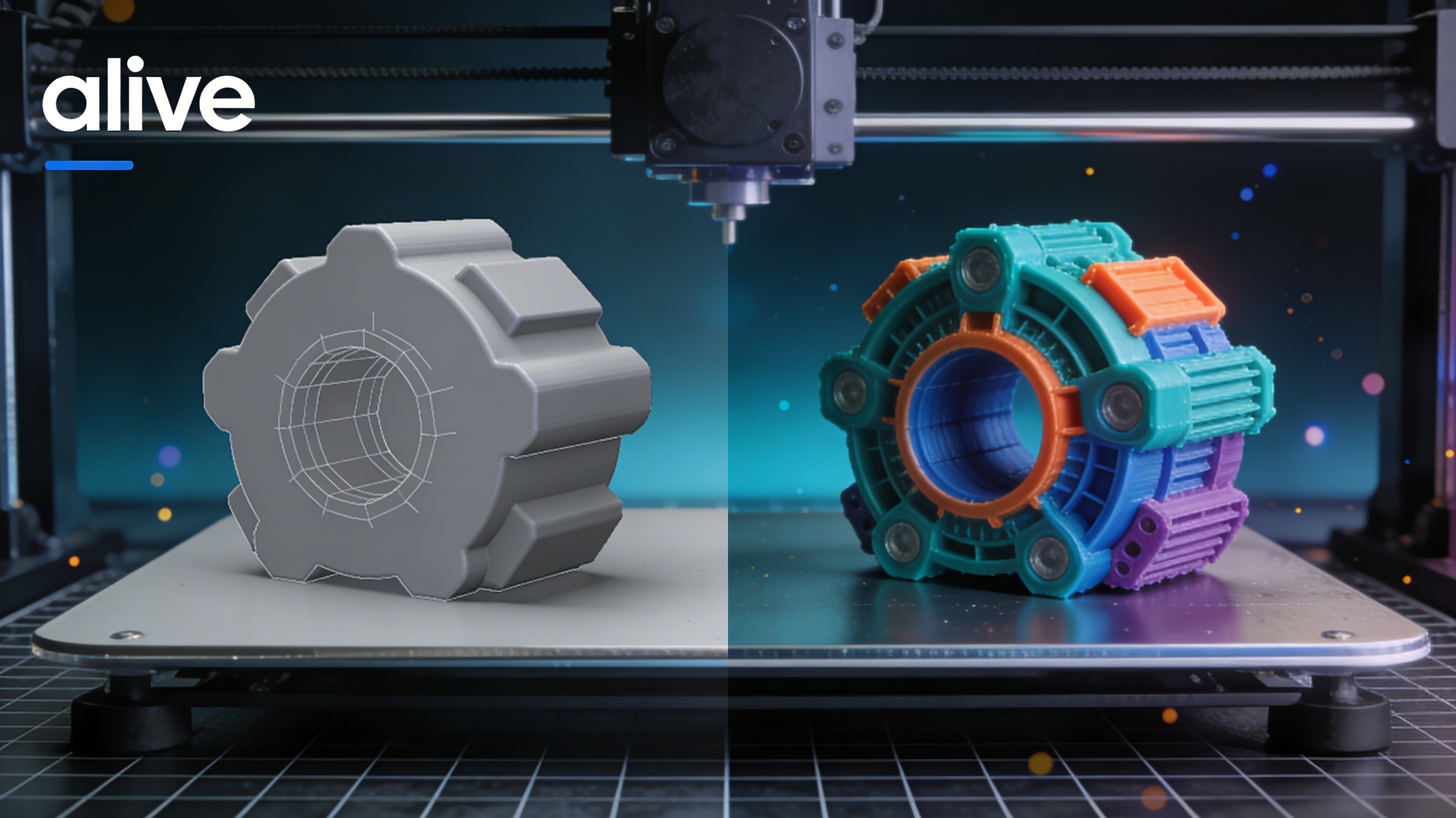
3MF vs STL: Which Is Better for 3D Printing?
The world of 3D printing is filled with different file formats, but two of the most common are 3MF and STL. For years, STL has been the standard, but 3MF is gaining popularity as a more modern and capable alternative. This article explores the 3mf vs stl debate, comparing the two formats to help you decide which is better for your 3D printing projects. We will look at their features, benefits, and how they are used in popular 3D modeling software and platforms like Hyper3D, Autodesk Fusion 360, and SolidWorks.
What is a 3MF File?
3MF (3D Manufacturing Format) is an open-source file format developed and maintained by the 3MF Consortium, which includes companies like Microsoft, HP, and Autodesk. It was created to be a more modern and efficient alternative to the aging STL format. A single 3MF file can bundle all the information needed for a 3D print, including the 3D model, materials, colors, and even print settings.
Technical Advantages of 3MF
The 3MF format is based on XML, which makes it both machine-readable and human-readable. This structure allows for a more organized and extensible file that can store a wide range of data beyond just the model's geometry. Unlike STL, which only supports a triangular mesh, 3MF can handle more complex geometric shapes and even multiple objects within a single file, known as assemblies.
Key Features of 3MF
One of the biggest advantages of 3MF is its ability to store color and material information directly within the file. This is a significant improvement over STL, which requires separate files or complex workarounds to handle multi-color or multi-material prints. Additionally, 3MF files are typically much smaller than their STL counterparts, thanks to more efficient data compression. This makes them easier to store and share, which is a significant advantage in professional environments where storage and bandwidth are important considerations. The format also includes thumbnail images, which can be displayed in file explorers, making it easier to identify and manage files without opening them.
What is an STL File?
STL (stereolithography) is one of the oldest and most widely used file formats in 3D printing. It was created in the 1980s for the first commercial 3D printers. The format represents a 3D model's surface geometry using a mesh of interconnected triangles. Its simplicity and long history have made it the de facto standard for many years.
The Simplicity of STL
The main reason for STL's enduring popularity is its simplicity. The file format is straightforward, containing only the coordinates of the vertices of the triangles that make up the model's surface. This simplicity means that almost every 3D modeling software and slicer can read and write STL files, ensuring broad compatibility across different platforms and devices. You can easily view your models with an STL file viewer. This broad compatibility is a primary reason why STL has remained so prevalent in the 3D printing community for such a long time, despite its technical limitations. However, this simplicity also means that there is no way to enforce manifoldness, which can lead to models with holes or other geometric errors that need to be repaired before printing.
Limitations of STL
However, the simplicity of STL is also its biggest drawback. The format does not support color, material, or any other data beyond the basic geometry. This means that for multi-color prints, you need to use separate files for each color, which can be cumbersome. STL files can also be quite large, especially for complex models, as they store the information for each triangle individually without any compression.
3MF vs STL: A Detailed Comparison
When it comes to 3mf vs stl, the choice often depends on the specific needs of your project. For simple, single-color models, STL is often sufficient. However, for more complex projects involving multiple colors, materials, or intricate details, 3MF offers significant advantages. The choice between 3MF and STL is a key consideration for anyone serious about 3D printing. The 3mf vs stl debate is not just about features, but also about workflow and efficiency.
File Size and Compression
In the 3mf vs stl comparison, file size is a major differentiator. 3MF files are generally much smaller than STL files of the same model. This is because 3MF uses a more modern compression algorithm and a more efficient way of storing data. The smaller file size makes 3MF files easier to store, share, and process, which can be a significant advantage, especially when working with large and complex models.
Color and Material Support
Another key aspect of the 3mf vs stl discussion is support for color and materials. 3MF was designed from the ground up to support multiple colors and materials within a single file. This makes it an ideal choice for modern 3D printers that can handle multi-material and multi-color printing. STL, on the other hand, has no native support for color or material information, which is a major limitation.
Complexity and Assemblies
When comparing 3mf vs stl for complex projects, 3MF comes out on top. The format can handle complex geometries and even store multiple objects within a single file as an assembly. This is useful for projects with many individual parts that need to be printed together. STL files, in contrast, can only store a single object, and complex geometries can result in very large file sizes.
My First-Hand Experience with 3MF vs STL
I've worked with both 3MF and STL files extensively in my 3D printing projects. For a long time, I relied on STL for its simplicity and universal support. However, as my projects became more complex, I started running into the limitations of the format. I was designing a multi-part model with different colors, and managing all the separate STL files was a real headache.
That's when I decided to give 3MF a try. I used Hyper3D's 3D format converter to convert my existing STL files to 3MF, and the difference was immediately noticeable. The file size was significantly smaller, and I could manage all the parts and colors in a single file. The ability to bundle everything together made my workflow much more efficient. Now, whenever I start a new project, I always consider the 3mf vs stl question and choose the format that best fits my needs. For anything beyond a simple, single-color print, I now default to 3MF. The efficiency and feature set of 3MF make it a superior choice for complex and professional projects, and I expect its adoption to continue to grow. The 3mf vs stl decision is now a standard part of my project planning process.
Top Tools for 3MF and STL
Several tools support both 3MF and STL formats, allowing you to choose the best one for your project. Here are a few of the most popular options:
Hyper3D (OmniCraft)
Hyper3D's OmniCraft is a powerful tool for working with 3D models. It supports a wide range of formats, including both 3MF and STL. You can use OmniCraft to edit your models, convert between formats, and prepare them for printing. Hyper3D also offers a powerful AI 3D model generator and an image to 3D tool, making it a complete solution for your 3D printing needs.
Autodesk Meshmixer
Meshmixer is a free tool from Autodesk that is great for editing and repairing STL files. It has a range of features for sculpting, stamping, and combining 3D models. While its primary focus is on STL, it also has some support for other formats, including 3MF.
Ultimaker Cura
Cura is a popular open-source slicer that is used to prepare 3D models for printing. It supports both 3MF and STL files and has a range of settings for optimizing your prints. Cura is a great choice for both beginners and advanced users, and its support for 3MF makes it a versatile tool for any 3D printing workflow.
The Future of 3D Printing Formats
As 3D printing technology continues to advance, the need for a more modern and capable file format is becoming increasingly apparent. While STL has served the industry well for many years, its limitations are becoming more pronounced. The 3mf vs stl discussion is a reflection of this changing landscape. Many believe that 3MF, with its support for color, materials, and complex assemblies, is well-positioned to become the new standard. The backing of major industry players in the 3MF Consortium also lends significant weight to its future prospects. As printers become more advanced and multi-material printing becomes more common, the advantages of 3MF will become even more compelling, likely leading to its wider adoption across the industry.
FAQ about 3MF vs STL
Is 3MF replacing STL?
While STL is still widely used, 3MF is gaining traction as a more modern and capable alternative. Many in the industry believe that 3MF will eventually replace STL as the standard file format for 3D printing, but for now, both formats coexist.
Which format is better for color 3D printing?
For color 3D printing, 3MF is the clear winner. It was designed to support multiple colors and materials in a single file, making it much easier to work with than STL, which has no native color support.
Can I convert 3MF to STL?
Yes, you can easily convert between 3MF and STL using a variety of tools. Many 3D modeling software and online converters, like Hyper3D's 3MF to STL converter, can handle this conversion for you.
What are the disadvantages of STL files?
The main disadvantages of STL files are their lack of support for color and materials, their large file sizes for complex models, and their inability to store multiple objects in a single file. The discussion around which format is superior often centers on these limitations. The ongoing 3mf vs stl debate highlights the need for a more modern and capable file format for the 3D printing industry.
Does Hyper3D support both 3MF and STL?
Yes, Hyper3D provides solid support for both 3MF and STL formats. You can import, edit, and export models in either format using the OmniCraft tool, and convert between them as needed for your projects.