

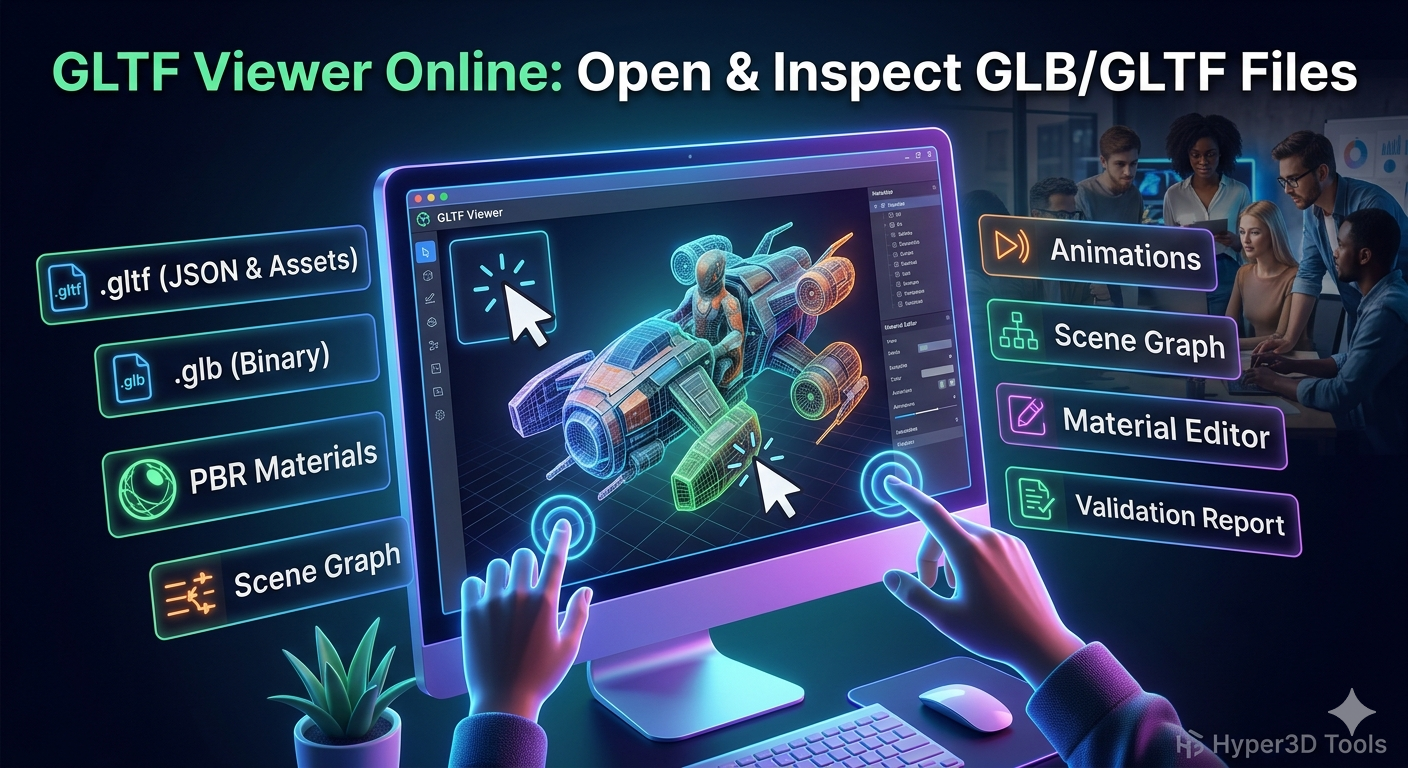
GLTF Viewer Online: Open & Inspect GLB/GLTF Files
As 3D models become more common across e-commerce, gaming, and design, the need for a quick and easy way to view them has grown. The glTF format, often called the "JPEG of 3D," is a popular choice for sharing 3D assets on the web. But if you've ever received a .gltf or .glb file, you might have wondered how to open it without installing specialized software. That's where a GLTF viewer online comes in handy. These browser-based tools let you open, inspect, and sometimes even edit 3D models directly, making them accessible to everyone from artists to clients.
There are many options available, ranging from simple drag-and-drop viewers to more advanced platforms with extensive features. Whether you need to quickly check a model's appearance or dive deep into its technical properties, there is an online tool that fits your needs. This article will explore some of the best online GLTF viewers, compare their features, and help you find the right one for your workflow.
What is a GLTF File?
Before we dive into the viewers, let's quickly cover what a glTF file is. Developed by the Khronos Group, the same consortium behind OpenGL and Vulkan, glTF (GL Transmission Format) is an open standard for efficiently transmitting 3D models. It's designed to be compact and fast to load, which is why it's so popular for web and mobile applications.
You'll typically encounter two types of glTF files:
- .gltf: A JSON file that contains the model's structure, including information about its scenes, nodes, meshes, and materials. This file often comes with separate files for textures and other binary data.
- .glb: A binary version of the glTF file that packages everything??he JSON structure, textures, and other assets??nto a single file. This makes it easier to share and is often preferred for its portability.
The format supports PBR (Physically-Based Rendering) materials, animations, and skeletal structures, allowing for rich and realistic 3D scenes. Its efficiency and feature set have made it a go-to format for developers and artists working with real-time 3D graphics.
Top GLTF Viewer Online Options
When you need to find a good gltf viewer online, you have several excellent online tools at your disposal. Here are a few of the most popular and reliable choices:
Gltf Viewer Online: 1. Babylon.js Sandbox
A powerful and versatile viewer that supports a wide range of formats, including glTF, GLB, OBJ, and more. It's not just a viewer; it's a testing ground for the Babylon.js framework, offering extensive debugging and inspection tools. You can explore the model's hierarchy, inspect materials, and even debug animations.
2. glTF-Viewer by Don McCurdy
This is a straightforward, no-frills GLTF viewer online that does one thing and does it well. You can drag and drop your files, and the viewer provides a clean interface for inspecting the model. It offers various rendering options and a helpful validation report to check for issues in your glTF file.
3. Meshy AI GLTF Viewer
Meshy AI provides a simple and free online viewer for GLTF files. It's a good option for quick previews and doesn't require any registration. While it's more basic than some other viewers, it gets the job done for simple viewing tasks.
4. Hyper3D's Online GLTF Viewer
Of course, we have to mention our own GLTF viewer online. It's part of our suite of free tools designed to make 3D modeling more accessible. It offers a clean interface and reliable performance for viewing both .gltf and .glb files. It's a great choice if you're already working within the Hyper3D ecosystem.
My First-Hand Experience with Online GLTF Viewers
To get a better feel for how a reliable gltf viewer online performs, I spent some time working with a few of them. I tested them with a variety of models, from simple objects to more complex scenes with animations and PBR materials.
My first stop was the Babylon.js Sandbox. As someone who appreciates having a lot of information at my fingertips, I was immediately impressed. I dragged in a .glb file, and it loaded almost instantly. The inspector panel on the right side of the screen was a treasure trove of data. I could see the entire scene graph, click on individual meshes to see their properties, and even tweak material settings in real-time. The animation controls were also a nice touch, allowing me to play, pause, and scrub through the timeline. It felt less like a simple viewer and more like a lightweight debugging tool for 3D models.
Next, I tried glTF-Viewer by Don McCurdy. The experience was quite different, but in a good way. The interface is much more minimalist, focusing entirely on the model itself. I dropped the same .glb file, and it appeared in the center of the screen. While it doesn't have the extensive inspector panel of the Babylon.js Sandbox, it offers a very useful validation report. This feature is incredibly helpful for artists and developers who need to ensure their models conform to the glTF specification. I also appreciated the various rendering options, which let me view the model with different lighting setups.
Both tools were excellent, but they serve slightly different purposes. The Babylon.js Sandbox is perfect for developers who need to debug and inspect models in detail. Don McCurdy's glTF-Viewer is a fantastic choice for artists who want to quickly preview their work and validate their files.
Objective Comparison of GLTF Viewers
To help you choose the right tool, here's a comparison of the viewers I tested:
| Feature | Babylon.js Sandbox | glTF-Viewer (Don McCurdy) | Hyper3D GLTF Viewer |
|---|---|---|---|
| Supported Formats | glTF, GLB, OBJ, STL, and more | glTF, GLB | glTF, GLB |
| Ease of Use | Easy, but with a learning curve for advanced features | Very easy, drag-and-drop interface | Very easy, clean and simple interface |
| Inspection Tools | Extensive (scene graph, material editor, etc.) | Basic, with a focus on validation | Basic, focused on viewing |
| Best For | Developers and technical artists | Artists and anyone needing quick validation | Quick previews and users of the Hyper3D ecosystem |
| Pros | Powerful debugging tools, supports many formats | Fast, excellent validation report, minimalist design | Simple to use, integrated with other Hyper3D tools |
| Cons | Can be overwhelming for new users | Lacks advanced inspection features | Fewer features than more specialized viewers |
Ultimately, the best GLTF viewer online for you will depend on your specific needs. For in-depth technical analysis, the Babylon.js Sandbox is hard to beat. For quick, reliable previews and validation, Don McCurdy's viewer is an excellent choice. And for a simple, integrated experience, the Hyper3D 3D model viewer is a solid option.
Beyond Viewing: Editing and Converting GLTF Files
Sometimes, you need to do more than just view a model. You might need to make a few tweaks, change the format, or prepare it for another application. While most online viewers are focused on, well, viewing, some platforms offer more advanced capabilities.
At Hyper3D, we've built a suite of tools to handle the entire 3D workflow. Our OmniCraft tool, for example, is a powerful format converter that lets you convert your glTF files to other formats like STL, FBX, OBJ, and USDZ. This is incredibly useful when you need to move assets between different software or platforms.
If you're looking to create 3D models from scratch, our Rodin tool offers advanced generation capabilities. And for those who want to turn 2D images into 3D models, our Image to 3D tool is a great starting point.
FAQ Section
What is the best free GLTF viewer?
The "best" viewer depends on your needs. For technical users, the Babylon.js Sandbox is a top contender. For artists who need validation, glTF-Viewer by Don McCurdy is excellent. For simple, no-fuss viewing, the Hyper3D viewer is a great choice.
Can I view GLTF files on my phone?
Yes, many of these online viewers are mobile-friendly. You can open them in your phone's browser and drag and drop files just as you would on a desktop. Additionally, both Android and iOS have native 3D viewing capabilities.
How do I open a GLB file online?
Opening a GLB file online is simple. Just navigate to your chosen online viewer, such as the Hyper3D GLTF viewer online, and drag the .glb file from your computer into the browser window. The model will then load automatically.
What is the difference between GLTF and GLB?
A .gltf file is a JSON file that describes the 3D model's structure, while a .glb file is a binary file that packages the JSON and all associated data (like textures) into a single file. GLB files are generally easier to share.
Can I edit a GLTF file online?
While most of the tools discussed here are primarily viewers, some platforms, like gltf.report, offer basic editing capabilities. For more advanced editing, you would typically use a desktop application like Blender or a web-based editor like Hyper3D's OmniCraft.
Conclusion
Having a good GLTF viewer online in your toolkit is essential for anyone working with 3D models. Whether you're a developer debugging a complex scene, an artist checking your latest creation, or a client reviewing a model, these browser-based tools provide a quick and convenient way to interact with 3D assets. By understanding the strengths and weaknesses of each viewer, you can choose the right gltf viewer online that best fits your workflow. And when you need to go beyond simple viewing, remember that tools like Hyper3D's OmniCraft are there to help you with editing, converting, and more.