
Free 3D Model Search Engine
Ask by Text, Image, or Model

Type an idea, drop a reference image, or upload a 3D file — matching models from four libraries land in one results grid. Free to all, no login required.

3D Search Find by intent
4 model libraries
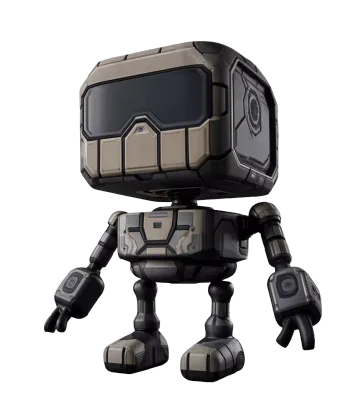
Sci-fi armor robot 3D model result from Sketchfab Sketchfab Download
Sci-fi armor robot
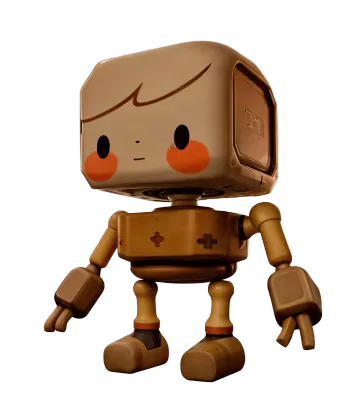
Wooden toy robot 3D model result from Free3D Free3D Download
Wooden toy robot
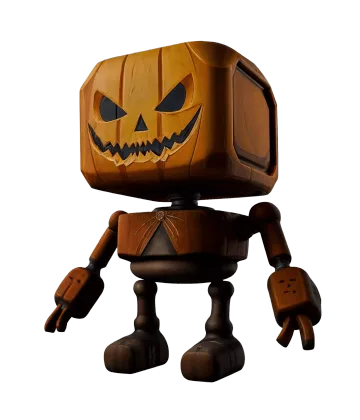
Pumpkin robot 3D model result from BlendSwap BlendSwap Download
Pumpkin robot
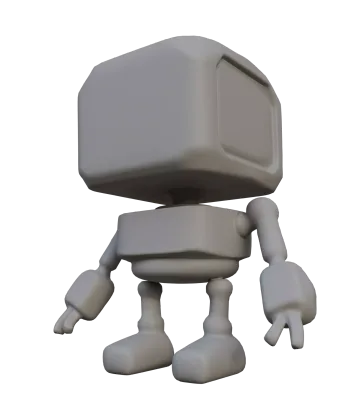
Robot base mesh 3D model result from Rodin Rodin Download
Robot base mesh

How Rodin Search Works

Three steps from idea to asset — exactly how the tool behaves in the browser today.

  1. Step 1 — Ask
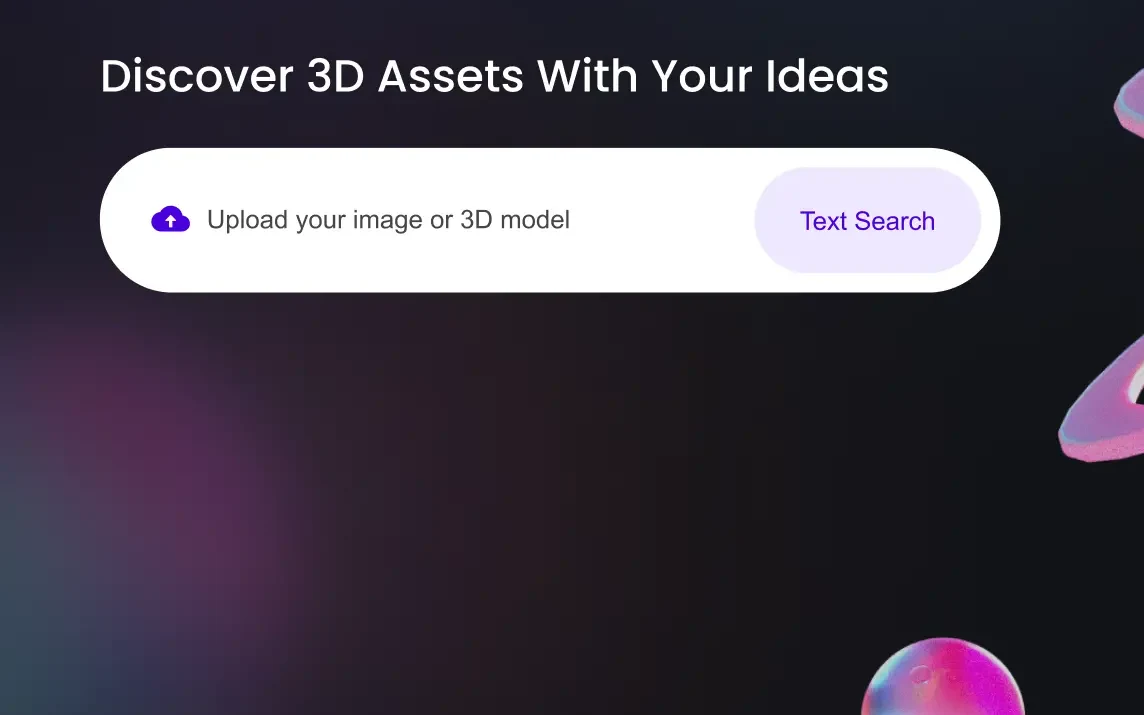
    Rodin Search bar with the tagline 'Discover 3D Assets With Your Ideas', an upload field for images or 3D models, and a Text Search button

    Ask With Text, Image, or Model

    Type what you need, or drag a reference straight onto the search bar — images and 3D models up to 10 MB are both valid queries.

    JPG · PNG · HEIC · OBJ · FBX · GLB · ≤10 MB
  2. Step 2 — Confirm
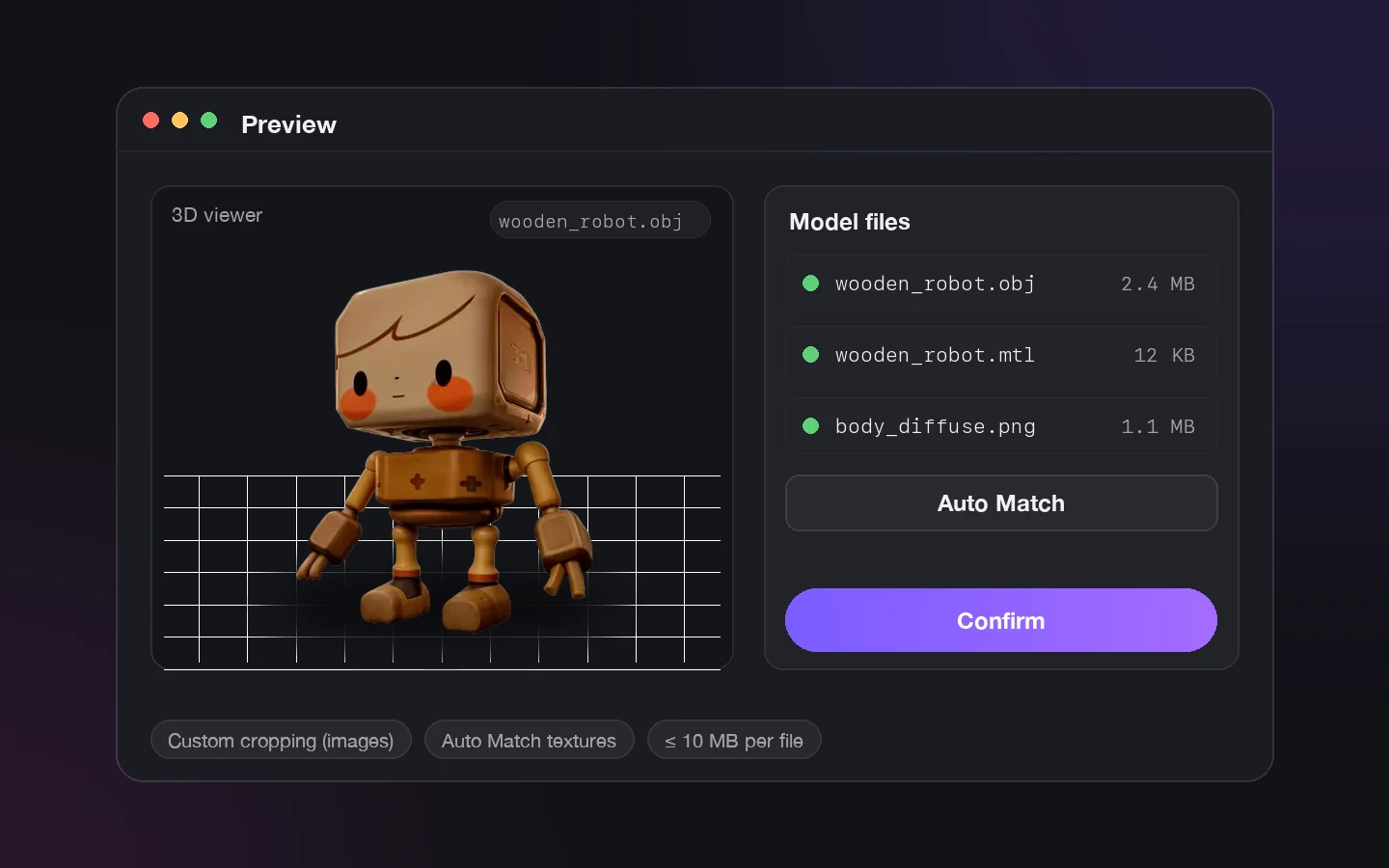
    Preview dialog with a wooden toy robot in a 3D viewer, matched .obj, .mtl, and texture files, an Auto Match button, and a Confirm button

    Preview and Confirm

    Uploads open in a preview: crop images to the exact subject, or check models in a real 3D viewer while Auto Match pairs .mtl, texture, and .bin files.

    Crop · 3D viewer · Auto Match
  3. Step 3 — Download
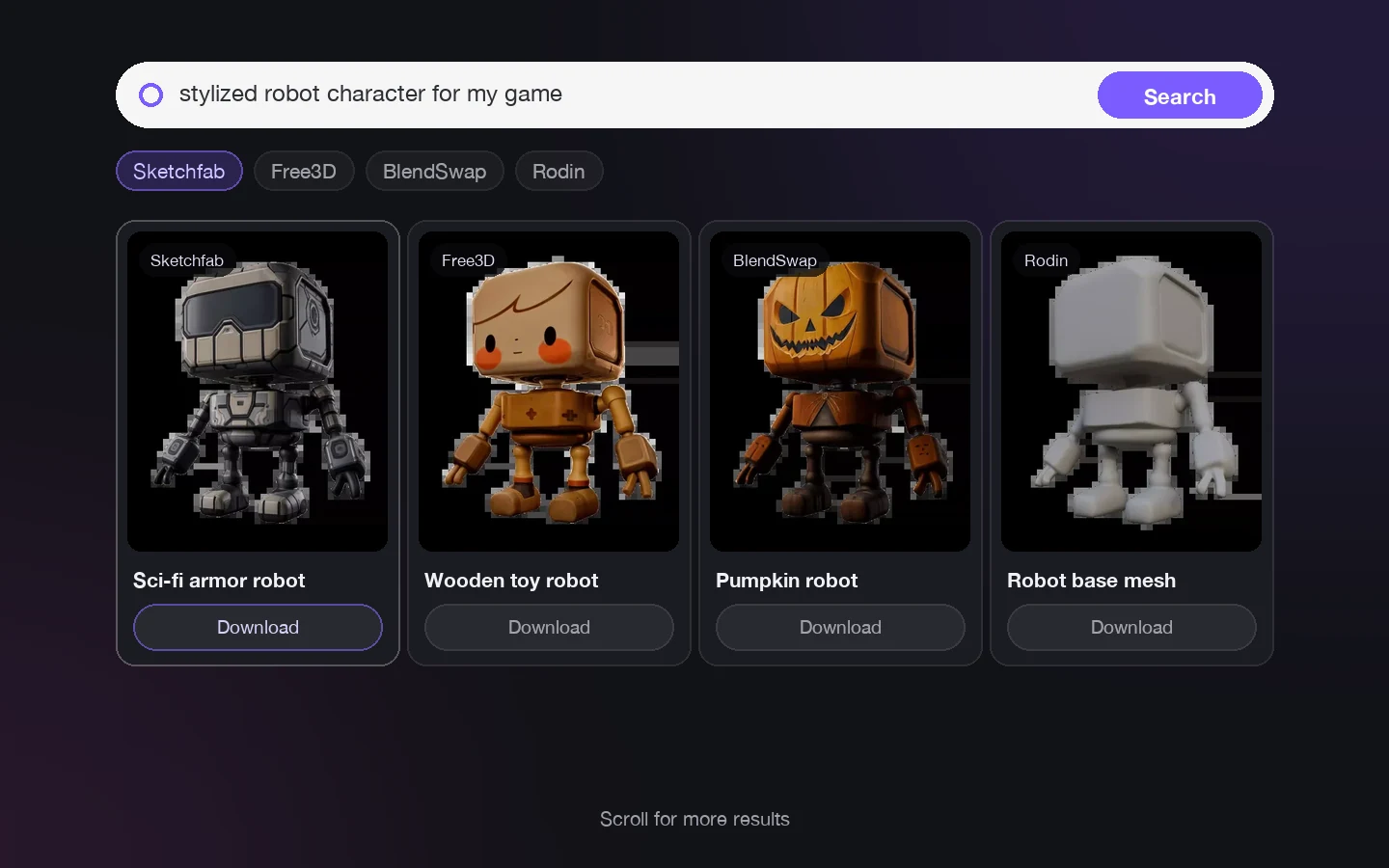
    Search results for 'stylized robot character for my game' shown as four model cards with library badges and Download buttons

    Browse and Download

    Results stream in as you scroll — orbit interactive embeds, hover for 3D previews, then use Download and Share right on the card.

    4 libraries · Download · Share

Describe It, Don't Keyword It

The live interface asks for ideas, not tags — its tagline reads "Discover 3D Assets With Your Ideas." Write the sentence you'd tell a teammate and let the engine do the matching.

Open Rodin Search
Open Rodin Search

Full sentences are valid queries — the text field literally asks you to describe the model you want. When shape or style is hard to phrase, the reference does the talking: an image query matches what it sees, not what you typed. Already holding a placeholder mesh? Upload it as the query and pull up similar and replacement assets across the public libraries.

Built for Fast-Moving Teams

Use search when speed, references, and fit matter more than browsing endless libraries.

Game Prototyping

Game Prototyping

Pull props, vehicles, creatures, and environment references into greyboxes before committing modeling time.

Product & E-commerce

Product & E-commerce

Find comparable product models and shape references for visualization, mockups, and listing content.

AR / VR Scenes

AR / VR Scenes

Source reference meshes and style candidates for immersive scenes, from single props to full environments.

Creator Research

Creator Research

Collect visual directions for collectibles, portfolio pieces, and experimental 3D art from four libraries at once.

Frequently Asked Questions

Straight answers about how Rodin Search behaves — limits, formats, and results included.

What is Rodin Search?

It is OmniCraft's 3D model search engine. Describe an asset in text, or upload an image or 3D model, and it returns matching assets from Sketchfab, Free3D, BlendSwap, and the Rodin community gallery.

Is it free? Do I need an account?

Searching is free to all and requires no login — those two badges sit right on the tool. Only the Rodin community gallery tab requires signing in.

What file types can I search with?

Images: JPG, JPEG, PNG, and HEIC. 3D models: OBJ, FBX, glTF, GLB, DAE, and PLY. Uploads are capped at 10 MB, and images are automatically compressed to under 3 MB before the query runs.

Can I crop the image before searching?

Yes. The upload preview includes a Custom cropping checkbox, so you can isolate the exact object you want to match before confirming.

What happens when I upload a model with materials?

The preview panel lists the model's material slots. Add .mtl, texture, and .bin companion files by hand or use Auto Match to pair them by filename — up to 20 MB in total. Required maps are flagged and must be added before Confirm runs the search.

How do the search results appear?

It depends on the tab: Sketchfab results load as interactive embedded 3D viewers with Prev/Next pagination; Free3D and BlendSwap results are preview cards with Download and Share buttons; Rodin results show community renders with hover 3D previews and infinite scroll.

Can I download the models I find?

Free3D and BlendSwap cards have a Download shortcut that opens the asset's source page, and Share copies its link. Sketchfab embeds link back to the model on Sketchfab. Licensing always follows the source library's terms.

When should I search by image instead of text?

When the shape, style, or category is easier to show than describe. Drag the reference onto the search bar or click the upload cloud, crop to the subject, and confirm.

Do all input types work with every library?

Text and image queries work across all four tabs. 3D-model queries search the public libraries — when a model is the input, the Rodin tab hands over to Sketchfab automatically.

Which OmniCraft tools pair well with Rodin Search?

Open downloaded assets in the 3D Mesh Editor to inspect and clean them, generate new surfaces with the AI Texture Generator, build lighting with the AI HDRI Generator, or remix reference images with AI Image Remix before searching again.

Still have questions? Chat with our team.

Trusted by Creators Building Real 3D Assets

Production teams use Hyper3D to turn image references and prompts into editable, export-ready 3D models faster.

AI 3D just hit a new threshold. Rodin Gen-2.5 delivers fast geometry, high-poly support, clean structure, and production-ready outputs. This is where AI 3D becomes a real pipeline tool.

Sabir Hussain

Sabir Hussain

AI & Tech Enthusiast

Cleaner meshes, sharper surface detail, and stronger multi-angle coherence. The results feel much closer to something you would keep iterating on in a real workflow.

BubbleBrain

BubbleBrain

AI Enthusiast

AI 3D just hit a new threshold. Rodin Gen-2.5 delivers fast geometry, high-poly support, clean structure, and production-ready outputs. This is where AI 3D becomes a real pipeline tool.

Sabir Hussain

Sabir Hussain

AI & Tech Enthusiast

Cleaner meshes, sharper surface detail, and stronger multi-angle coherence. The results feel much closer to something you would keep iterating on in a real workflow.

BubbleBrain

BubbleBrain

AI Enthusiast

AI 3D just hit a new threshold. Rodin Gen-2.5 delivers fast geometry, high-poly support, clean structure, and production-ready outputs. This is where AI 3D becomes a real pipeline tool.

Sabir Hussain

Sabir Hussain

AI & Tech Enthusiast

Find Your Next Asset in Seconds

Type it, drop it, or upload it — Rodin Search digs through four libraries while you stay in one browser tab. Free to all, no login required.