

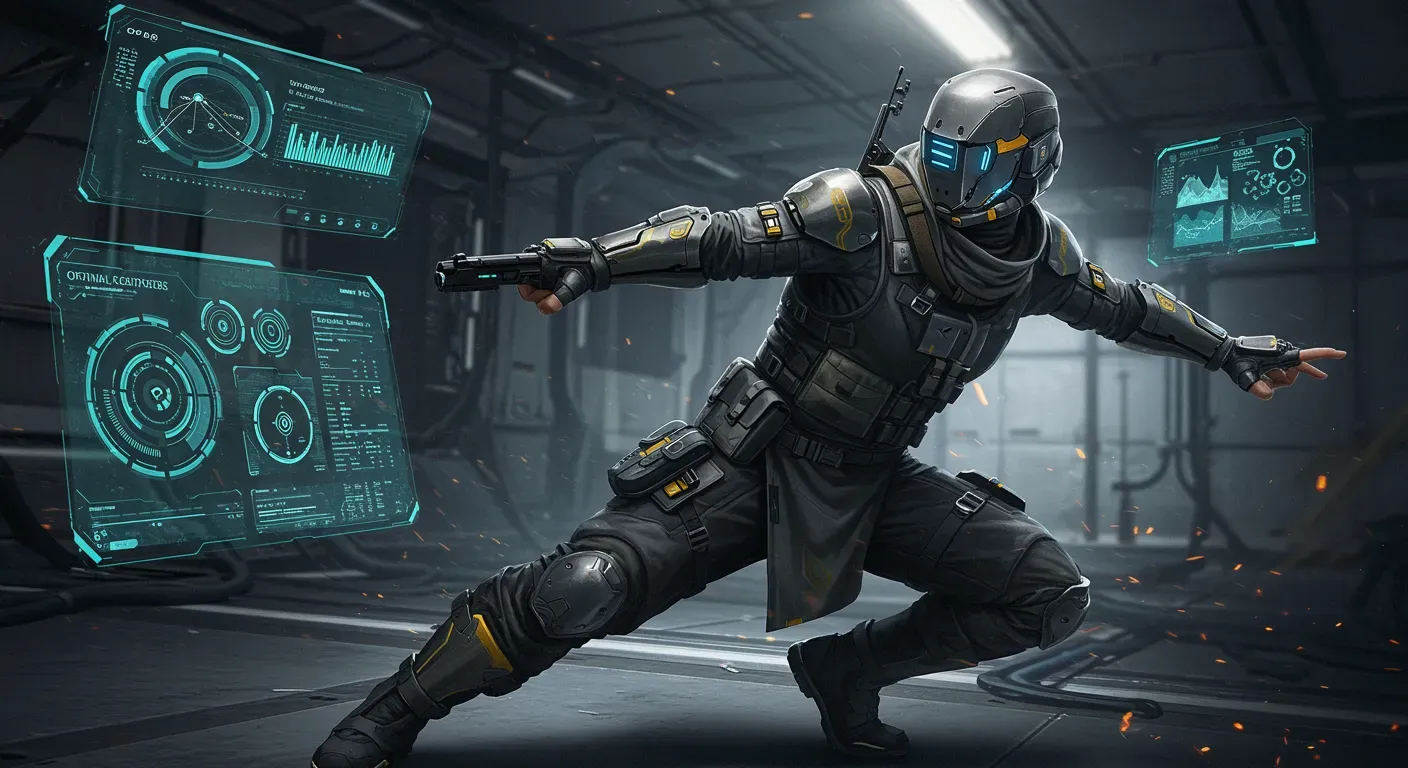
Combat Master has become a sensation in the gaming community, offering fast-paced action and intense multiplayer battles. However, to truly excel in this competitive environment, players must optimize their settings for maximum performance. In this guide, we'll explore various ways to enhance your gaming experience, ensuring you stay ahead of the competition.
Understand Your Hardware
Choosing the Right Equipment
Before diving into settings, it's crucial to understand the hardware you're working with. High-performance gaming requires a capable PC or console. Here are some key components to consider:
- Graphics Card (GPU): A robust GPU can significantly improve frame rates and visual quality.
- Processor (CPU): A powerful CPU ensures smooth gameplay, especially in complex scenarios.
- RAM: At least 8GB of RAM is recommended for a seamless experience.
Real-World Example
For instance, a gamer using an NVIDIA RTX 3060 will experience smoother graphics and higher frame rates compared to someone with an older GTX 1050. Always ensure your hardware meets or exceeds the game's recommended specifications.
In-Game Settings Adjustments
Graphics Settings
Adjusting your graphics settings can lead to improved performance. Here are some recommendations:
- Resolution: Lowering the resolution can boost frame rates. While 1920�1080 is standard, consider 1600�900 for smoother gameplay.
- Texture Quality: Set textures to medium or low if your hardware struggles with high settings.
- Anti-Aliasing: Disabling or reducing anti-aliasing can enhance performance without sacrificing too much visual quality.
Performance Mode
Many games, including Combat Master, offer a performance mode. Activating this can optimize settings automatically for better frame rates.
Network Optimization
Stable Internet Connection
A stable and fast internet connection is crucial for online gaming. Here are some tips:
- Wired Connection: Use an Ethernet cable instead of Wi-Fi for a more stable connection.
- Close Background Applications: Ensure no other applications are using bandwidth while you play.
Real-World Example
A player in a competitive match may notice significant lag if their roommate is streaming videos simultaneously. By closing unnecessary applications and ensuring a direct connection, players can minimize latency.
Monitor and Adjust Your Controls
Customizing Controls
Customizing your control settings can enhance your responsiveness in combat. Consider these adjustments:
- Sensitivity Settings: Experiment with mouse sensitivity to find what feels comfortable and responsive.
- Key Bindings: Customize key bindings to suit your playstyle. For example, placing critical actions within easy reach can improve reaction times.
Ethical Considerations
While customizing controls is essential, avoid using macros or scripts that provide an unfair advantage over other players. Fair play is crucial for maintaining the integrity of the gaming community.
Regular Updates and Maintenance
Keep Software Updated
Regularly updating your game and hardware drivers is vital for optimal performance. Developers often release patches that improve gameplay and fix bugs.
Real-World Example
A gamer who neglects updates may experience crashes or performance issues that could have been resolved with a simple update. Regular maintenance ensures a smooth gaming experience.
As technology continues to evolve, so will the gaming landscape. Staying informed about new hardware, game updates, and community tips can help you maintain a competitive edge in Combat Master. By optimizing your settings and embracing ethical gaming practices, you can not only enhance your performance but also contribute positively to the gaming community.
In summary, optimizing your settings is not just about enhancing your gameplay; it's about fostering a better gaming environment for everyone. So gear up, adjust your settings, and get ready to dominate in Combat Master!