

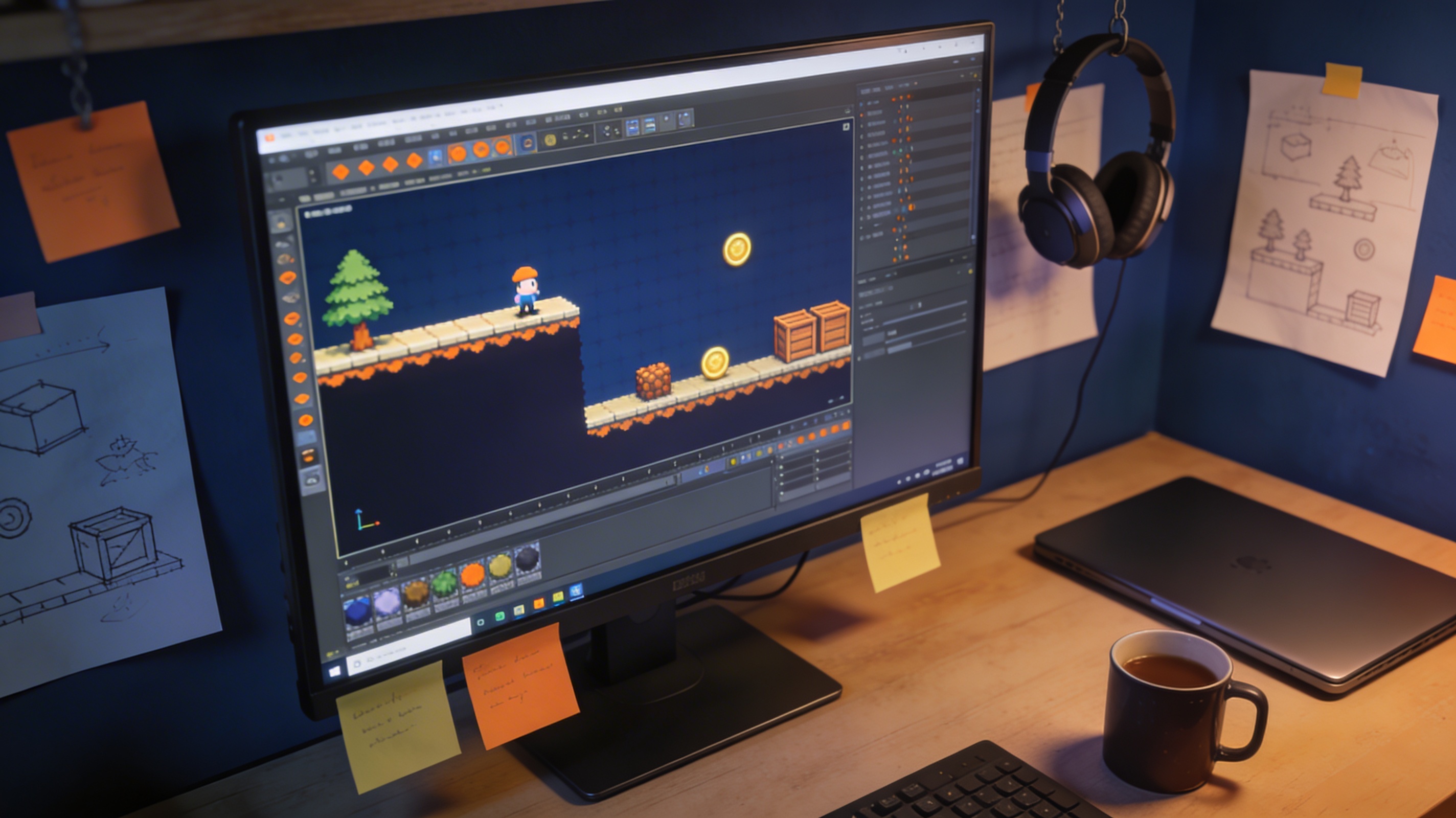
Indie Game Development: Complete Beginner Guide 2025
Indie game development has exploded in popularity, with developers creating unique and innovative games across various platforms. Whether you're a seasoned programmer or a complete beginner, the world of indie games offers a chance to bring your creative visions to life. This guide will walk you through the essential steps to start your journey in indie game development, from generating your initial idea to marketing your finished product. We'll explore popular tools like Unity and Unreal Engine, as well as specialized software for creating assets, such as a game 3D model generator.
What is Indie Game Development?
Indie game development refers to the process of creating video games by individuals or small teams without the financial and technical support of a large publisher. This independence allows for a high degree of creative freedom, often resulting in games that are more personal, experimental, and artistic than their AAA counterparts. The rise of digital distribution platforms like Steam, Itch.io, and the Epic Games Store has made it easier than ever for indie developers to publish and sell their games to a global audience.
The Rise of the Indie Developer
The past decade has seen a significant increase in the number of successful indie games, with titles like *Stardew Valley*, *Hollow Knight*, and *Celeste* achieving critical acclaim and commercial success. This has been fueled by the accessibility of powerful and free game engines, a wealth of online learning resources, and a growing community of developers willing to share their knowledge and experiences. The line between indie and mainstream is blurring, with many indie titles rivaling the quality and polish of big-budget productions.
Getting Started with Indie Game Development
Embarking on your indie game development journey can be both exciting and daunting. Breaking the process down into manageable steps can help you stay focused and motivated.
Step 1: Find Your Game Idea
Every great game starts with a compelling idea. Don't worry about being completely original; many successful games are a unique twist on an existing concept. Brainstorm ideas that you're passionate about and that are achievable with your current skills and resources. Start with a small, manageable scope for your first project. A simple puzzle game or a short narrative experience is a great way to learn the ropes before tackling a more ambitious project.
Step 2: Choose Your Game Engine
A game engine is the foundation of your game, providing the tools and framework to build your world, create gameplay mechanics, and render graphics. There are many excellent game engines available, each with its own strengths and weaknesses. For beginners, Unity and Unreal Engine are popular choices due to their extensive documentation, large communities, and vast asset stores. Godot is another fantastic open-source option that is gaining popularity.
Step 3: Create a Prototype
Once you have an idea and an engine, it's time to build a prototype. A prototype is a small, playable version of your game that demonstrates the core gameplay mechanics. The goal is to test your idea and see if it's fun to play. Don't worry about polished graphics or sound at this stage; focus on getting the core loop of your game working. This is also a good time to get feedback from other developers and potential players.
Step 4: Find or Create Your Assets
Assets are the visual and audio elements of your game, including characters, environments, sound effects, and music. You can either create your own assets or acquire them from online marketplaces. If you're not an artist, there are many high-quality, free, and paid asset packs available. For 3D models, you can use tools like an AI 3D model generator to create custom assets quickly and easily.
Essential Tools for Indie Game Development
Beyond a game engine, there are many other tools that can help you in your indie game development journey. Here are a few essentials to consider:
Art and Animation: Blender, Aseprite
For creating your own 2D and 3D art, Blender is an incredibly powerful and free 3D modeling and animation tool. For pixel art, Aseprite is a popular and affordable choice with a user-friendly interface. Learning to use these tools can give you more creative control over the look and feel of your game.
Sound and Music: Audacity, FMOD
Sound and music are crucial for creating an immersive experience. Audacity is a free and open-source audio editor that is perfect for recording and editing sound effects. FMOD is a popular audio middleware that gives you more control over how sound is implemented in your game.
3D Model Generation: Using a game 3D model generator
Creating 3D models can be a time-consuming process, especially for solo developers. A game 3D model generator can be a huge time-saver, allowing you to generate high-quality 3D models from text prompts or images. This can be a great way to quickly populate your game world with unique assets.
Choosing Your Game Engine: A Comparison
Selecting the right game engine is a critical decision in indie game development. Here?? an objective look at the most popular choices to help you decide.
Unity
Pros: Unity is famous for its user-friendly interface and gentle learning curve, making it a favorite among beginners. Its Asset Store is massive, offering a vast library of pre-made assets that can significantly speed up development. It's also highly versatile, with strong support for both 2D and 3D games and easy deployment to a wide range of platforms, including mobile, PC, and consoles.
Cons: Unity's subscription model, which charges fees based on revenue and installation thresholds, has been a point of contention for some developers. While powerful, achieving the same level of graphical fidelity as Unreal Engine can require more effort and optimization.
Unreal Engine
Pros: Unreal Engine is the go-to choice for developers who want to create visually stunning, high-fidelity 3D games. Its Blueprint visual scripting system allows non-programmers to create complex gameplay logic without writing code. The engine is free to use, with royalties only due after your game earns its first $1 million in revenue.
Cons: Unreal Engine has a steeper learning curve than Unity, and its interface can be intimidating for new users. It is also more resource-intensive, requiring a powerful computer to run smoothly. While it can be used for 2D games, its toolset is primarily focused on 3D development.
Godot
Pros: Godot is a free and open-source engine that has been gaining traction in the indie community. It is incredibly lightweight and has a simple, intuitive scene-based architecture. Its dedicated 2D workflow is considered one of the best available. Being open-source means you can modify the engine to suit your needs, and it has a passionate and growing community.
Cons: As a smaller engine, Godot has a less extensive asset library compared to Unity and Unreal. While its 3D capabilities are improving rapidly, they are not yet as mature as those of Unreal Engine. Finding experienced Godot developers can also be more challenging.
My First-Hand Experience: Creating 3D Assets with AI
I decided to put some of the AI-powered tools to the test to see how they could streamline the asset creation process for an indie developer. I was particularly interested in exploring how an AI 3D model generator could help me create custom assets for a prototype I was working on.
Exploring an AI 3D Model Generator
I started by using an AI 3D model generator to create some simple props for my game world. I experimented with different generation modes like Gen-2, Focal, and Speedy to get a feel for the results. I was impressed by how easy it was to generate a variety of objects, from furniture to foliage, with just a few text prompts. The quality of the models was surprisingly good, and with a little bit of tweaking, they were ready to be imported into my game engine in formats like GLB and FBX using a 3D format converter.
From Image to 3D Model
Next, I tried the image to 3D feature. I uploaded a few concept sketches of a creature I had designed, and the AI was able to generate a 3D model that was remarkably close to my original vision. This was a huge time-saver, as it would have taken me hours to model the creature from scratch.
Designing Characters with an AI Character Design Tool
Finally, I experimented with an AI character design tool to create the protagonist for my game. I was able to generate a variety of character designs by specifying different attributes like clothing, hairstyle, and accessories. The ability to quickly iterate on character designs was invaluable, and it helped me to find the perfect look for my hero.
Marketing Your Indie Game
Once you have a finished game, you need to let the world know about it. Marketing is a crucial part of indie game development, and it's something you should be thinking about from the very beginning.
Building a Community
Start building a community around your game as early as possible. Share your progress on social media, start a Discord server, and engage with potential players. A strong community can provide valuable feedback, help you build hype for your game, and become your biggest advocates.
Creating a Compelling Store Page
Your store page is your game's digital storefront, so it's important to make a good first impression. Use high-quality screenshots and a compelling trailer to showcase your game. Write a clear and concise description that highlights what makes your game unique.
using Social Media
Social media platforms like Twitter, TikTok, and Reddit are powerful tools for marketing your indie game. Share behind-the-scenes content, run contests, and interact with other developers and players. Find the platforms where your target audience hangs out and focus your efforts there.
The Business of Indie Games
If you're hoping to make a living from your indie games, you need to treat it like a business. This means thinking about funding, monetization, and the long-term sustainability of your studio.
Funding Your Project
There are many ways to fund your indie game, from self-funding to crowdfunding to finding a publisher. Each option has its own pros and cons, so it's important to do your research and choose the path that's right for you. Many developers start by funding their first project themselves, using savings or a part-time job.
Monetization Strategies
How will you make money from your game? The most common monetization strategies for indie games are premium (pay-to-play), free-to-play with in-app purchases, and advertising. The right strategy will depend on your game, your target audience, and your goals.
FAQ about Indie Game Development
How much does it cost to make an indie game?
The cost of making an indie game can vary dramatically, from a few hundred dollars to hundreds of thousands. It all depends on the scope of your project, the size of your team, and the tools and assets you use. Many successful indie games have been made on a shoestring budget.
Do I need to know how to code to make an indie game?
While knowing how to code is a valuable skill for a game developer, it's not strictly necessary. Many game engines, like Unity and Unreal Engine, have visual scripting tools that allow you to create gameplay mechanics without writing any code. There are also many no-code game development platforms available.
How long does it take to make an indie game?
The development time for an indie game can range from a few months to several years. It depends on the complexity of the game, the size of the team, and the experience of the developers. It's important to set realistic goals and to be prepared for a long and challenging journey.
Can one person make an indie game?
Absolutely! Many of the most beloved indie games were created by a single person. Solo development can be a rewarding experience, but it's also a lot of work. You'll need to be a jack-of-all-trades, handling everything from programming and art to sound design and marketing.
Where can I find a 3D format converter for my game assets?
When working with 3D assets, you'll often need to convert them between different file formats. A 3D format converter can be a lifesaver, allowing you to easily convert files to formats like FBX, OBJ, and GLB, which are compatible with most game engines.