

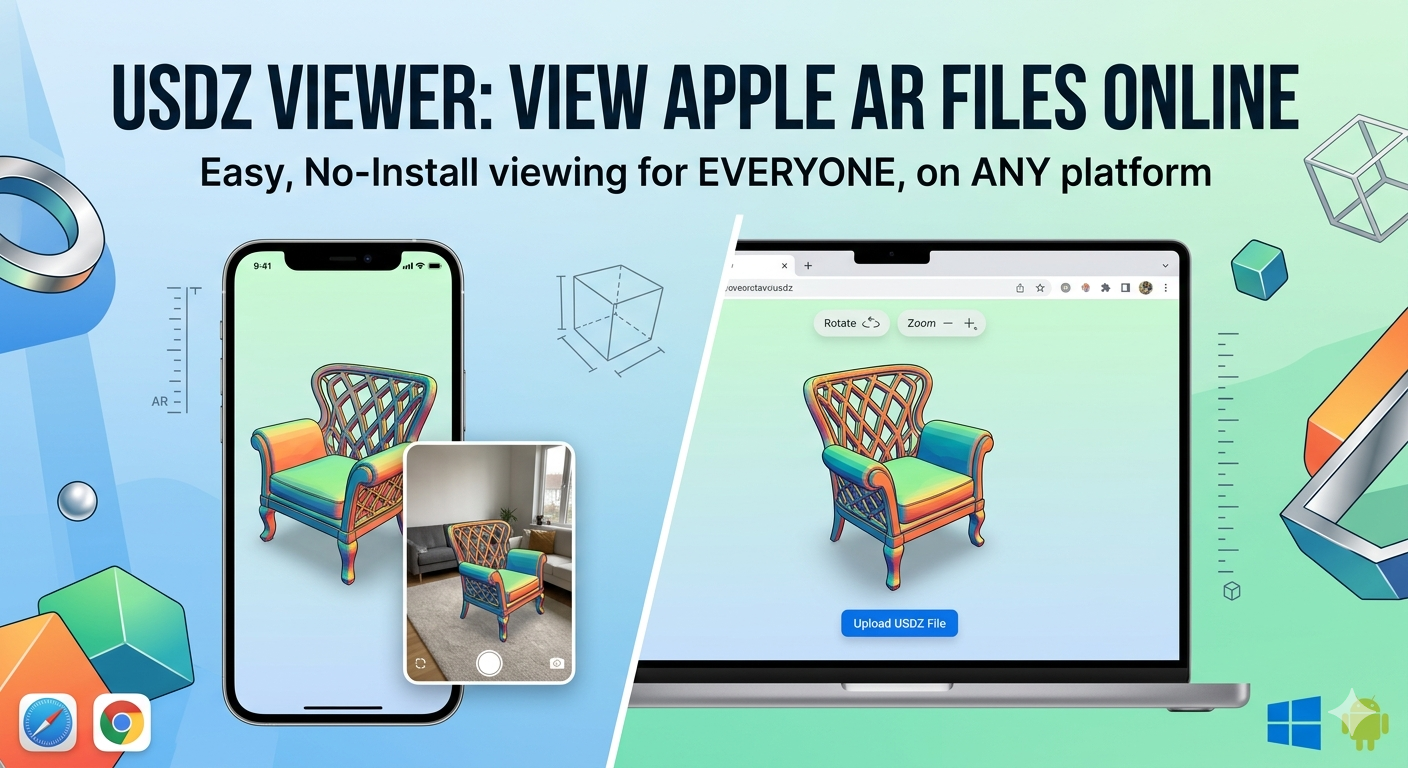
USDZ Viewer: Open Apple AR Files Online
Augmented reality is no longer a futuristic concept; it's a part of our daily lives. From trying on virtual sneakers to placing 3D furniture in our homes before buying, AR is changing how we interact with the digital and physical worlds. At the heart of many of these experiences, especially on Apple devices, is the USDZ file format. But what if you're not an Apple user, or you need a quick way to view a USDZ file without downloading hefty software? That's where a USDZ viewer comes in. This article explores the world of USDZ viewers, with a special focus on online tools that make viewing these files a breeze for everyone, on any platform.
What is a USDZ file?
Think of a USDZ file as a self-contained package for a 3D model or scene. It bundles everything needed to display the 3D content ??the geometry, materials, textures, and even animations ??into a single, compressed file. This makes it incredibly efficient for sharing and for use in applications where performance is key, like AR.
The Technical Lowdown on USDZ
USDZ is built on Pixar's Universal Scene Description (USD) technology. The 'Z' in USDZ signifies that it's a zipped, or compressed, archive. Specifically, it's a zero-compression, unencrypted zip archive. This might sound counterintuitive, but it means that while the individual files within the archive (like images) can be compressed, the archive itself is not. This allows for a neat trick: applications can read the contents of the USDZ file without having to decompress the entire archive, leading to faster loading times. A USDZ file can contain not just static 3D models, but also complex scenes with multiple objects, animations, and even sound.
Why USDZ is a Big Deal for Augmented Reality and Beyond
Apple's decision to make USDZ the cornerstone of its ARKit platform catapulted the format into the mainstream. When you see a product on a shopping website and can instantly view it in your room through your iPhone's camera, you're almost certainly interacting with a USDZ file. This has made USDZ an essential tool for e-commerce, allowing customers to visualize products in their own space before making a purchase. But the utility of USDZ extends beyond just AR. Its efficiency and versatility make it a great format for displaying 3D content on the web in general, from interactive product showcases to educational models.
How to Open USDZ Files
So you have a USDZ file. How do you open it? The answer depends on your device and what you want to do with the file.
The Native Apple Experience
If you're on an iPhone, iPad, or Mac, you're in for a smooth ride. Apple has integrated USDZ support directly into the operating system. You can preview USDZ files in a variety of apps, including Safari, Messages, Mail, and Notes. A simple tap on the file will open it in an AR Quick Look view, allowing you to place and interact with the 3D model in your real-world environment.
The Convenience of Online USDZ Viewers
For those not in the Apple ecosystem, or for anyone needing a quick and hassle-free way to view a USDZ file, online viewers are the perfect solution. These web-based tools allow you to upload a USDZ file and view it directly in your browser, no software installation needed. Many of these viewers, like the USDZ viewer online from Hyper3D, are free and offer a simple, intuitive interface.
Dedicated Software for Windows and Android
While online viewers are great for quick peeks, dedicated 3D viewing software for Windows and Android often provides more advanced features. These applications might include tools for taking precise measurements, controlling animations, or adjusting lighting and rendering settings. Some popular 3D model viewer apps that support USDZ include Adobe Aero and Sketchfab.
A Tour of the Top Online USDZ Viewers in 2024
Let's dive into some of the best online USDZ viewers available today.
Hyper3D's USDZ Viewer
Hyper3D offers a free and incredibly user-friendly USDZ viewer online. Its clean, drag-and-drop interface makes viewing a USDZ file as simple as can be. The viewer provides all the essential controls for rotating, panning, and zooming the model, making it an excellent choice for quick previews and for those who value a no-fuss experience. Beyond just viewing, Hyper3D's platform also offers a suite of other tools, like an image to 3d converter, that can be useful for 3D content creators.
Other Notable Online Viewers
Beyond Hyper3D, several other platforms offer solid USDZ viewing capabilities. Meshy.ai and Trellis3D, for example, also provide free online viewers with similar feature sets for basic model inspection. Some platforms may offer more advanced features like animation playback or different rendering modes, so it's worth exploring a few options to find the one that best suits your needs.
My First-Hand Experience with USDZ Viewers
To give you a practical perspective, I put a few online USDZ viewers to the test. I started with a 5MB USDZ file of a detailed armchair. With Hyper3D's viewer, the file uploaded in just a couple of seconds. The model appeared crisp and clear, and I could smoothly rotate and zoom to inspect every stitch of the upholstery. The lighting was neutral and even, providing an accurate representation of the model's textures. I then tried another popular online viewer. The upload was slightly slower, and I noticed a subtle difference in the way the materials were rendered. The fabric of the armchair had a slightly more pronounced sheen in the second viewer. This is a good reminder that rendering can vary between viewers, a key consideration if color and material fidelity are crucial for your work. I also tested a GLB to USDZ converter, and the process was seamless, converting my file in under a minute.
An Objective Comparison of USDZ Viewers
| Feature | Hyper3D USDZ Viewer | Other Online Viewers | Dedicated Software |
|---|---|---|---|
| Price | Free | Mostly Free | Free to Paid |
| Platform | Web | Web | Windows, macOS, Android, iOS |
| Ease of Use | Very Easy | Easy | Varies |
| Advanced Features | Basic | Basic to Intermediate | Often includes advanced rendering, animation, and measurement tools |
| Animation Support | Basic | Varies | Full animation controls |
| Lighting Control | Limited | Varies | Advanced lighting setups |
| Pros | Quick, easy, no installation | Accessible, multiple options | Powerful features, offline access |
| Cons | Limited features | Rendering can vary | Requires installation, can be complex |
From Other Formats to USDZ: The Conversion Process
What if your 3D model is in a different format, like GLB, FBX, or OBJ, and you need to get it into USDZ for an AR application? This is a common task for 3D artists and developers. Thankfully, there are plenty of tools to help. Hyper3D, for instance, offers a handy GLB to USDZ converter. For more complex conversion needs, you can turn to a tool like OmniCraft, which supports a wider range of formats. The conversion process is typically straightforward: you upload your source file, select USDZ as the output format, and the tool handles the rest, providing you with a downloadable USDZ file.
The Road Ahead for USDZ
What does the future hold for USDZ? While it's firmly entrenched in the Apple ecosystem, its adoption on other platforms is still growing. The open-source nature of the underlying USD technology is a positive sign, and as AR and 3D content on the web become more ubiquitous, we may see broader support for USDZ across different devices and platforms. We can also expect to see advancements in the format itself, with potential for even greater compression, more advanced material properties, and richer interactive capabilities.
Frequently Asked Questions (FAQ)
Can I view USDZ files on Windows?
Yes, you can view USDZ files on Windows using online viewers in your web browser, or by installing third-party 3D viewing software that supports the USDZ format.
Are online USDZ viewers free to use?
Many online USDZ viewers offer a free tier for basic model viewing. Some platforms may charge for more advanced features or for high-volume use.
What's the difference between USD and USDZ?
USD (Universal Scene Description) is the foundational scene description format, while USDZ is a compressed archive that bundles the USD file and all its dependencies, like textures and animations, into a single file for easy sharing and distribution.
Can I edit a USDZ file with a viewer?
Most USDZ viewers are designed for viewing only and do not offer editing capabilities. To edit a USDZ file, you would need a 3D modeling and editing tool that supports the USD format, such as Hyper3D's Rodin.
How do I create my own USDZ files?
You can create USDZ files using a variety of 3D modeling software and conversion tools. Some applications allow you to export directly to USDZ, while others may require you to convert from another format using a tool like a GLB to USDZ converter.
Is USDZ only for AR?
While USDZ is widely used for AR, its efficiency and versatility make it a great format for any application that requires fast-loading, high-quality 3D content on the web.
Can USDZ files have animations?
Yes, the USDZ format supports animations, allowing for dynamic and interactive 3D experiences.
Conclusion
Whether you're a seasoned 3D professional, a developer venturing into AR, or simply someone curious about the world of 3D, having a reliable USDZ viewer is a must. Online viewers have democratized access to the USDZ format, making it easy to view these files on any device, without the need for specialized software. While dedicated applications offer more advanced functionality, the simplicity and accessibility of online viewers make them an ideal choice for the vast majority of users. The next time you encounter a USDZ file, you'll be well-equipped to open it and explore the 3D world within.