

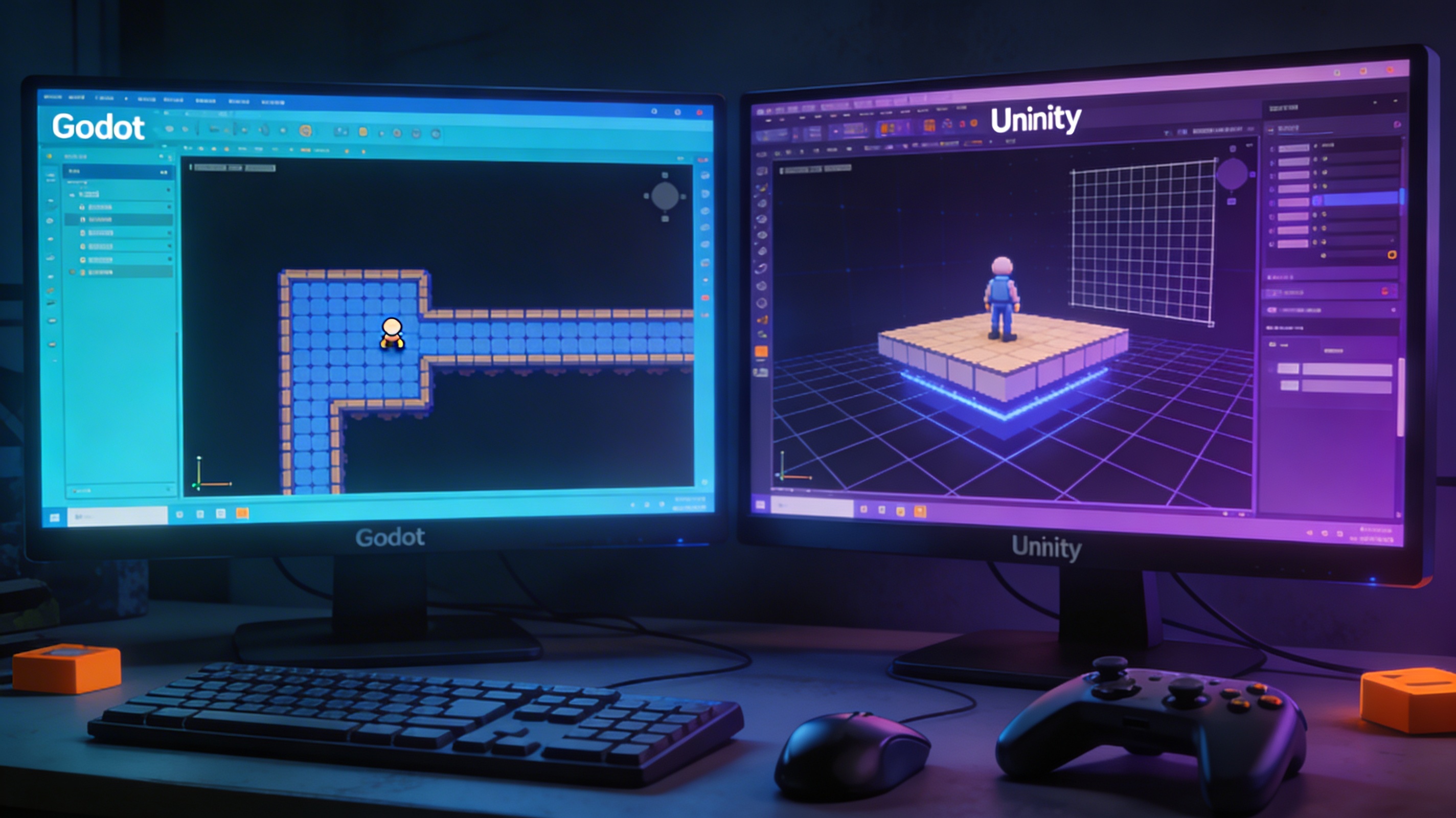
Godot vs Unity: Which Engine Is Better in 2025?
Choosing the right game engine is a critical decision for any developer. It can impact your workflow, the quality of your game, and your overall success. Two of the most talked-about engines today are Godot and Unity. Both are powerful tools, but they cater to different needs and preferences. In this article, we'll take a close look at the Godot vs Unity debate to help you decide which engine is the better fit for your projects in 2025. The Godot vs Unity discussion is a hot topic in the game development community, and for good reason.
A Head-to-Head Comparison: Godot vs Unity
Let's break down the key differences between these two engines to understand their strengths and weaknesses.
Ease of Use & Learning Curve
For many developers, especially those just starting, the learning curve of an engine is a major factor. The Godot vs Unity learning curve is a key consideration for new developers. Godot is often praised for its intuitive design. It uses a scene-based architecture where everything is a node. This structure is very clear and can make it easier for beginners to grasp the fundamentals of game development. The editor is lightweight and the overall experience is very smooth.
Unity, on the other hand, has a component-based system. This is a very powerful and flexible approach, but it can be more intimidating for newcomers. The Unity editor is packed with features, which is great for complex projects, but can also feel overwhelming at first. While there are tons of tutorials and resources available for Unity, Godot's simpler approach might be more appealing to those who want to get up and running quickly.
Programming Languages: GDScript vs. C#: Godot Vs Unity
The choice of programming language is a significant factor in the Godot vs Unity comparison. Godot's primary scripting language is GDScript, which is very similar to Python. If you have any experience with Python, you'll feel right at home with GDScript. It's a high-level language that's easy to read and write, which speeds up development time. For those who prefer other languages, Godot also supports C# and C++, as well as visual scripting.
Unity exclusively uses C#, a powerful and versatile language developed by Microsoft. C# is an industry-standard language used for a wide range of applications beyond game development. This means that learning C# for Unity can open up other career opportunities. For large and complex games, the performance and strong typing of C# can be a significant advantage.
2D and 3D Capabilities
When considering Godot vs Unity for your project, the 2D and 3D capabilities are a major deciding factor. When it comes to 2D game development, Godot truly shines. It has a dedicated 2D engine with features like a 2D physics engine, a tilemap editor, and a 2D lighting system. These tools make it incredibly easy to create beautiful and performant 2D games. Many indie developers prefer Godot for their 2D projects because of its simplicity and power.
Unity is a powerhouse for 3D game development. It has a highly advanced rendering pipeline, a sophisticated physics engine, and a wide range of tools for creating stunning 3D worlds. While Unity also has excellent 2D capabilities, its main strength lies in the 3D realm. If you're planning to build a high-fidelity 3D game, Unity is a very strong contender.
Asset Store & Ecosystem
The Unity Asset Store is a massive marketplace with millions of assets, including 3D models, textures, scripts, and tools. This can be a huge time-saver for developers, as they can purchase ready-made assets instead of creating everything from scratch. The quality and variety of assets on the Unity Asset Store are unmatched.
Godot has its own Asset Library, which is much smaller than Unity's. However, it's constantly growing, and you can find a good selection of free and open-source assets. While it may not have the same breadth as the Unity Asset Store, the Godot community is very active in creating and sharing resources. For developers who prefer to create their own assets or work with a smaller, more curated selection, the Godot Asset Library is a great resource. And for those who need custom 3D models, a game 3D model generator can be a great alternative.
Performance & Optimization
Both Godot and Unity are capable of producing high-performance games. However, there are some differences to consider. Godot is known for being very lightweight. The engine itself is small, and games built with Godot tend to have a smaller footprint. This can be an advantage for mobile games or games intended to run on lower-end hardware.
Unity has a reputation for being more resource-intensive, but it also offers a wide range of optimization tools. With Unity, you have a lot of control over the rendering pipeline and other performance-critical settings. This allows you to fine-tune your game for different platforms and achieve the best possible performance.
Pricing & Licensing
The pricing models are a stark contrast in the Godot vs Unity debate. This is one of the biggest differences between Godot and Unity. Godot is completely free and open-source, released under the MIT license. This means you can use it for any purpose, commercial or non-commercial, without any fees or royalties. You can even modify the engine's source code to fit your specific needs. For indie developers and hobbyists, this is a huge advantage.
Unity has a more complex pricing structure. It offers a free Personal plan for individuals and small teams with revenue or funding below a certain threshold. For larger teams and businesses, there are paid plans with additional features and support. Unity also has a controversial runtime fee based on game installs. This has been a point of contention for many developers and is something to consider when choosing an engine.
Community & Support
The community aspect of Godot vs Unity is another important consideration. Both engines have large and active communities. Unity has been around for longer and has a massive user base. You can find an endless supply of tutorials, documentation, and forums for Unity. No matter what problem you encounter, chances are someone has already solved it and shared the solution online.
Godot's community is smaller but incredibly passionate and welcoming. The community is very active on platforms like Reddit, Discord, and the official Godot forums. You can get help and support from fellow developers, and the core developers are also very accessible. The open-source nature of Godot also means that you can contribute to the engine's development and help shape its future.
My First-Hand Experience
I decided to put both engines to the test by creating a simple 3D platformer. I'm not a professional game developer, but I have some experience with both engines. For my project, I needed a few simple 3D models, so I used an AI 3D model generator to create them quickly. I then used an OBJ to GLB converter to get them into a format that both engines could easily handle.
My experience with Godot was very pleasant. The editor felt snappy and responsive, and I was able to get a basic prototype up and running in just a few hours. The scene and node system made a lot of sense to me, and I found GDScript to be very intuitive. I did run into some issues when trying to implement more advanced features, and I had to do a bit of digging to find the right solutions.
With Unity, the initial setup took a bit longer. The editor is more complex, and I had to spend some time familiarizing myself with the interface. However, once I got the hang of it, I was able to make progress quickly. The vast amount of documentation and tutorials was a huge help. I also found the Unity Asset Store to be a great resource for finding placeholder assets and scripts. For more complex models, I used an image to 3D tool to generate them from reference images.
Objective Comparison
| Feature | Godot | Unity |
|---|---|---|
| Best for | 2D games, indie developers, beginners, open-source enthusiasts | 3D games, large teams, cross-platform development, commercial projects |
| Pros | Free and open-source, easy to learn, great for 2D, lightweight | Powerful 3D capabilities, large asset store, strong community, industry standard |
| Cons | Smaller 3D feature set, smaller asset library, less mature than Unity | Can be expensive, steeper learning curve, controversial pricing model |
FAQ
Is Godot or Unity better for beginners?
For absolute beginners, Godot is often recommended because of its simpler interface and easier-to-learn scripting language. However, Unity has a wealth of tutorials and resources that can also make it a good choice for beginners.
Can I make 3D games with Godot?
Yes, you can definitely make 3D games with Godot. While it's more known for its 2D capabilities, Godot's 3D engine is constantly improving and is more than capable of creating beautiful 3D games.
Is C# in Godot as good as in Unity?
Godot's C# support is very good, but it's not as mature as Unity's. Unity has been built around C# for many years, so the integration is smooth. In Godot, you might encounter some rough edges when using C#, but it's a viable option for those who prefer the language.
Which engine has better performance?
Both engines can deliver excellent performance, but it depends on the project. Godot is generally more lightweight, which can be an advantage for certain types of games. Unity provides more advanced optimization tools, which can be crucial for high-end games.
Is it easy to switch from Unity to Godot?
Switching from Unity to Godot is a common move for many developers. The concepts are similar, but the implementation is different. You'll need to learn a new API and a new way of thinking about game architecture. However, with some effort, the transition can be quite smooth.
Conclusion
The Godot vs Unity debate doesn't have a clear winner, as the best engine for you depends on your specific needs and goals. Ultimately, the Godot vs Unity decision comes down to a careful evaluation of your project's requirements and your personal preferences. The best engine for you depends on your specific needs and goals. If you're an indie developer working on a 2D game or a hobbyist who wants a free and open-source engine, Godot is an excellent choice. If you're a professional developer working on a large-scale 3D game, Unity's power and ecosystem are hard to beat.
No matter which engine you choose, you'll need high-quality 3D assets. Tools like Hyper3D's 3D format converter can help you manage your assets and ensure they are compatible with your engine of choice. Ultimately, the best way to decide is to try both engines for yourself and see which one you prefer. Happy developing!