

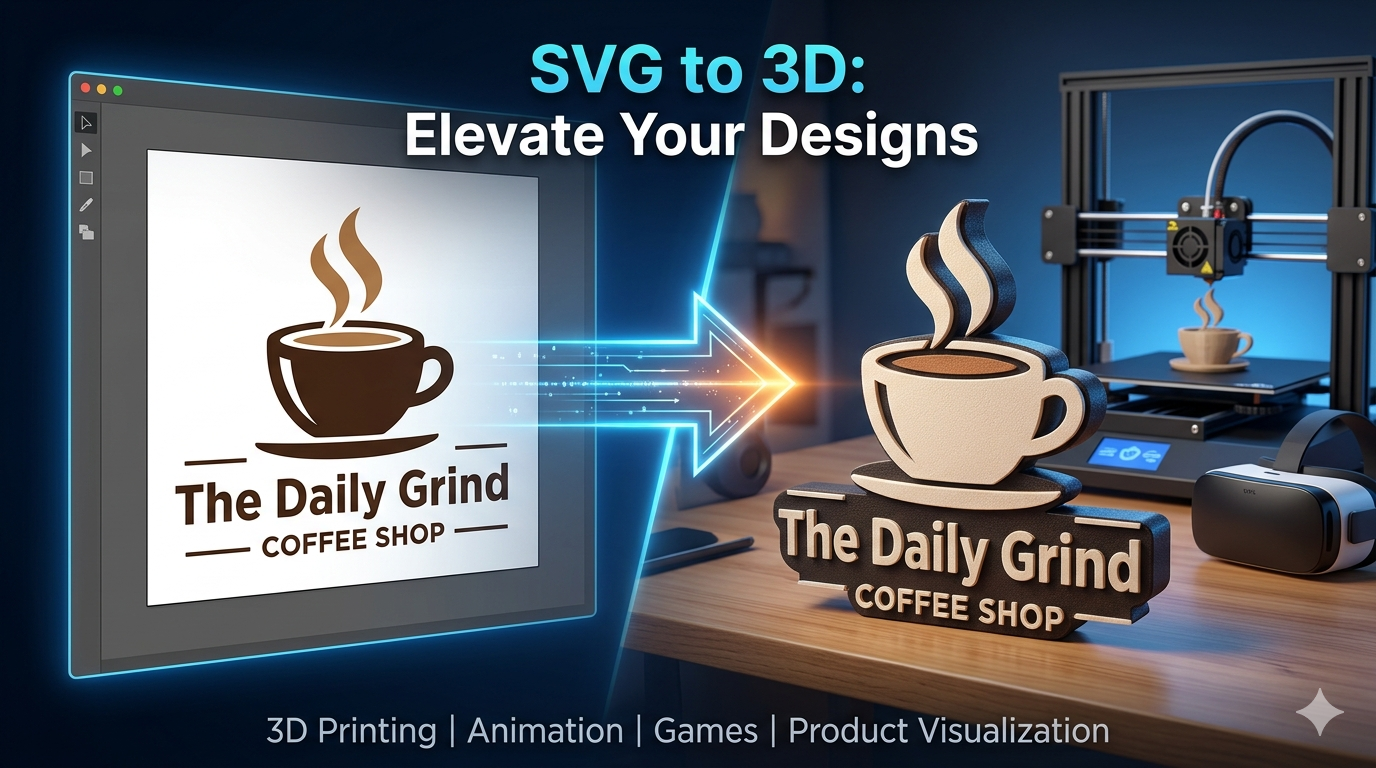
# SVG to 3D: Turn Flat SVG Files Into 3D Objects
Scalable Vector Graphics (SVGs) are a versatile and popular format for web-based graphics. Unlike raster images like JPEGs or PNGs, SVGs are based on XML, which means they can be scaled to any size without losing quality. This makes them ideal for logos, icons, and other illustrations on the web. But what if you could take these flat, two-dimensional designs and give them a whole new dimension? That's where SVG to 3D conversion comes in. A variety of tools, from powerful desktop software like Blender to convenient online converters and specialized platforms like Hyper3D, can transform your SVGs into tangible 3D objects. This opens up a world of possibilities for designers, artists, and creators.
Why Convert SVG to 3D?
Bringing your 2D SVG designs into the third dimension can be incredibly useful for a range of creative and practical applications. It's not just about adding depth; it's about unlocking new ways to interact with and use your designs.
3D Printing
One of the most popular reasons to convert an SVG to a 3D model is for 3D printing. Imagine turning your company logo into a physical object for your office, creating custom cookie cutters from a design you drew, or even producing intricate jewelry from a vector illustration. The process from a flat design to a printable STL file is more accessible than ever.
Animation and Motion Graphics
Animated logos and graphics are a great way to add a professional touch to videos and presentations. By converting your SVG to a 3D object, you can create dynamic animations that are far more engaging than a static 2D image. You can make your logo spin, fly through the scene, or even have its different parts move independently.
Game Development
In game development, 3D assets are essential. While complex character models require dedicated 3D modeling software, many in-game items, icons, and environmental details can start as simple SVG designs. Converting them to 3D can be a quick way to populate your game world with unique assets.
Product Visualization
For product designers, visualizing a design in 3D is a critical part of the process. If you're designing a product with a logo or a specific pattern, converting that SVG design to 3D allows you to see how it will look on the final product. This is invaluable for everything from packaging design to industrial manufacturing.
How to Convert SVG to 3D: Popular Tools
There are many ways to approach SVG to 3D conversion, each with its own strengths. The right tool for you will depend on your specific needs, technical skills, and the complexity of your project. Let's explore some of the most popular options.
Hyper3D's Vecto3D
For those looking for a streamlined and powerful solution, Hyper3D offers an SVG to 3D tool as part of its OmniCraft suite. This tool is designed to make the conversion process as simple as possible, without sacrificing quality. You can upload your SVG file and quickly generate a 3D model, which can then be exported in various formats like STL, FBX, OBJ, GLB, and USDZ. Hyper3D also provides other useful tools, such as an image to 3D converter and a text-to-3D model generator, making it a comprehensive platform for 3D content creation. You can further refine your models with tools like Rodin for generative edits or OmniCraft for format conversion.
Blender
Blender is a free and open-source 3D creation suite that is incredibly powerful and versatile. While it has a steeper learning curve than some other options, it offers unparalleled control over the conversion process. To convert an SVG in Blender, you simply import the SVG file, and Blender will automatically convert the vector paths into curves. From there, you can extrude, bevel, and manipulate the object to your heart's content. Blender is an excellent choice for those who want to create highly customized and detailed 3D models from their SVGs.
Online Converters
A quick web search will reveal a wide range of free online SVG to 3D converters. Tools like 3DAIStudio and SVG2STL offer a simple and straightforward way to get a 3D model from your SVG file. Typically, you just upload your file, adjust a few settings like the extrusion depth, and then download the resulting 3D model. While these tools may not offer the same level of customization as Blender or Hyper3D, they are a great option for quick and easy conversions, especially for 3D printing.
My First-Hand Experience with SVG to 3D Conversion
To get a real feel for the process, I decided to take a simple SVG logo and run it through a couple of the tools I've mentioned. I wanted to create a 3D-printable version of a fictional coffee shop logo, "The Daily Grind." The logo was a simple coffee cup with some steam rising from it, saved as an SVG file.
First, I tried a free online converter. The process was as simple as advertised. I uploaded my SVG file, and a preview of the 3D model appeared almost instantly. I had a slider to adjust the extrusion depth, which is how "thick" the 3D model would be. I played around with this setting until I found a thickness that looked good. With a single click, I downloaded the STL file, ready for 3D printing. The whole process took less than a minute. The result was a clean, simple 3D model that perfectly matched my original design. For a quick and easy conversion, this was a fantastic experience.
Next, I imported the same SVG into Blender. As expected, this was a more involved process, but it also offered a lot more creative freedom. Once imported, the SVG appeared as a set of curves. I was able to select individual parts of the logo-the cup, the handle, the steam-and extrude them to different depths. This allowed me to create a more dynamic and interesting 3D model. I could also add a bevel to the edges to give them a softer, more rounded look. While it took me about 20 minutes to get the result I wanted, the level of control was impressive. I could see how this would be the go-to choice for anyone wanting to create a more polished and customized 3D model.
Objective Comparison of SVG to 3D Tools
Choosing the right tool for converting your SVG files to 3D models depends on your specific needs and technical comfort level. Here's a breakdown of the options to help you decide.
| Feature | Hyper3D Vecto3D | Blender | Online Converters |
|---|---|---|---|
| Ease of Use | Very easy | Difficult | Very easy |
| Learning Curve | Minimal | Steep | Minimal |
| Key Features | Fast conversion, multiple export formats, part of a larger 3D toolkit | Full 3D modeling suite, advanced customization, animation, rendering | Basic extrusion, limited settings |
| Cost | Freemium | Free | Mostly Free |
| Best For | Quick, high-quality conversions with options for further editing | Detailed and customized 3D models, professional 3D artists | Simple, one-off conversions for 3D printing |
Recommendations
- For beginners and those who need a quick, reliable conversion: Hyper3D's SVG to 3D tool is an excellent choice. It's fast, easy to use, and provides high-quality results with plenty of export options.
- For professional artists and those who need maximum control: Blender is the undisputed champion. The learning curve is significant, but the creative possibilities are virtually limitless.
- For hobbyists and quick prints: Free online converters are a great starting point. They are perfect for simple projects where you just need a basic 3D model for printing.
Frequently Asked Questions (FAQ)
What is the best software for converting SVG to 3D?
There is no single "best" software, as it depends on your needs. For ease of use and quick results, a dedicated tool like Hyper3D's Vecto3D is a great option. For maximum control and advanced features, Blender is the top choice for professionals. For simple, free conversions, online tools are very effective.
Can I convert any SVG file to a 3D model?
For the most part, yes. However, the complexity of the SVG can affect the result. Very intricate designs with many overlapping paths may require some cleanup before conversion to ensure a clean 3D model. It's always a good idea to start with a well-structured SVG file.
How do I prepare my SVG file for 3D conversion?
To get the best results, make sure your SVG file is clean and simple. This means ungrouping all objects, converting text to paths, and ensuring there are no open or overlapping paths. The simpler and cleaner your SVG, the better the 3D conversion will be.
What are the common issues when converting SVG to 3D?
The most common issues are related to the complexity of the SVG file. Overlapping paths can create non-manifold geometry, which can be a problem for 3D printing. Also, very thin lines or small details in the SVG may not translate well into a 3D model, so you may need to adjust your design accordingly.
Can I add color and texture to my 3D model after conversion?
Yes! Once you have your 3D model, you can use software like Blender or other 3D painting tools to add colors, materials, and textures. This is where you can really bring your 3D creation to life. Some advanced converters may even allow you to retain some color information from the original SVG.
Conclusion
Turning your 2D SVG designs into 3D objects is a powerful way to expand your creative possibilities. Whether you're a designer looking to 3D print a logo, an animator creating motion graphics, or a game developer building assets, the tools available today make it easier than ever to make the leap from two dimensions to three. From the simplicity of online converters to the power of Blender and the efficiency of platforms like Hyper3D, there's a solution for every need. So why not take one of your own SVG files and see what you can create? You might be surprised at how easy it is to bring your designs to life in a whole new way.