

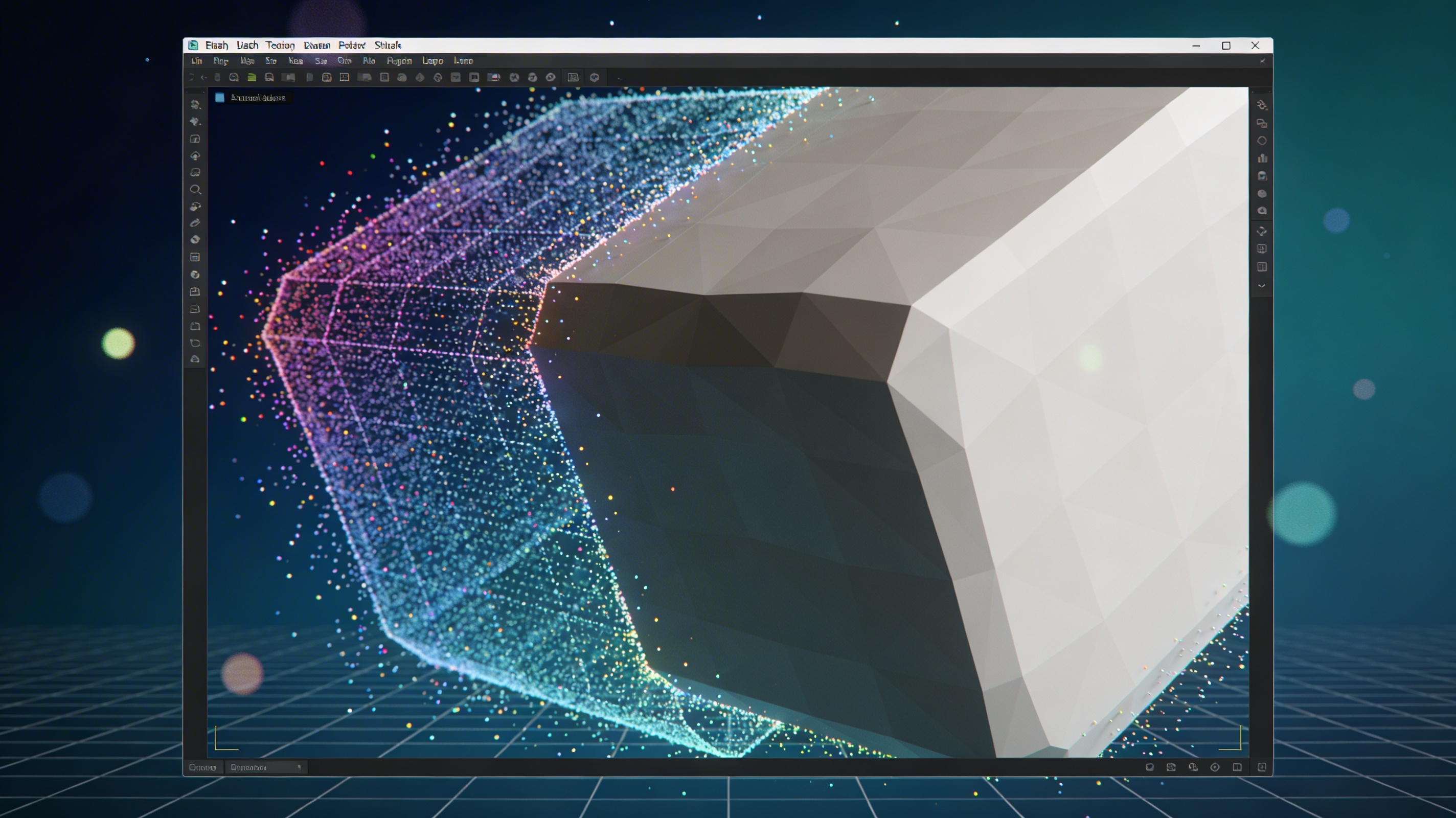
What Is PLY File? Point Cloud 3D Format Guide
The world of 3D modeling and printing is built on data. To create, share, and manipulate 3D objects, we need standardized ways to describe their geometry. While formats like STL and OBJ are common, the PLY format holds a special place, particularly for data from 3D scanners and other sensors. If you've ever worked with point cloud data, you've likely encountered this format. But for many, the question remains: what is PLY file and what is it used for? It?? a versatile format designed to store three-dimensional data from various sources, and understanding its structure is key to working with 3D graphics effectively. Platforms like Hyper3D, Blender, and MeshLab all support PLY, making it a widely accessible format for both hobbyists and professionals.
What is PLY file and what is it used for?
PLY stands for Polygon File Format, and it was developed at the Stanford University graphics lab in the mid-90s. Its primary purpose was to create a simple, flexible file format for storing the 3D data that came from range scanners. Unlike other formats that might focus only on the mesh structure, the PLY format is excellent at storing a collection of points, known as a point cloud, along with other properties like color, surface normals, and texture coordinates. This makes it incredibly useful for capturing the fine details of real-world objects.
The core use of a PLY file is to represent 3D geometry. This can be a simple list of vertices (points in 3D space) or a more complex polygonal mesh made up of faces that connect those vertices. Because it can store additional data, it?? a preferred format in scientific visualization, medical imaging, and reverse engineering. When someone asks what is PLY file, the simplest answer is that it's a digital snapshot of a 3D object's surface data. This is its essence.
Key Features of the PLY Format
What is PLY file? The PLY format?? design offers a balance of simplicity and power. It has a few defining features that have contributed to its longevity and widespread adoption in the 3D graphics community.
Storing 3D Data
What is PLY file exactly? A PLY file is structured with a header and a body. The header defines the elements contained within the file??ypically 'vertex' and 'face'??nd the properties associated with each element. For example, a vertex element will have x, y, and z properties. It can also include properties for color (red, green, blue) and transparency (alpha). The body of the file lists the actual data according to the structure defined in the header. This clear separation makes the format easy to parse and work with.
ASCII vs. Binary
One of the most practical features of the PLY format is that it can be saved in two different encodings: ASCII and binary. An ASCII PLY file is human-readable. You can open it in a text editor and see the coordinates and face definitions written out in plain text. This is great for learning the format, debugging files, and making small manual edits. The downside is that ASCII files can be very large and slow for software to read.
The binary version stores the same data in a much more compact form, resulting in smaller file sizes and significantly faster loading times. Most 3D applications will default to exporting in binary format for efficiency. Hyper3D?? 3D format converter, for instance, handles both ASCII and binary PLY files, allowing you to convert them to other formats like STL or GLB as needed.
What is PLY file in terms of flexibility?
The format is also extensible. The header can include user-defined elements and properties. This means if you have a special type of data you need to associate with your 3D model, you can add it to the PLY file without breaking compatibility with standard parsers. This flexibility is one reason why it remains a popular choice in academic and research settings where custom data is often part of the workflow.
How to Open and View a PLY File
Opening a PLY file is straightforward, as many 3D software packages support it. It is a widely supported format. Open-source tools like MeshLab and CloudCompare are specifically designed for processing point clouds and meshes, and they offer solid support for the PLY format. Mainstream 3D modeling applications like Blender can also import and export PLY files, allowing you to integrate them into a larger animation or rendering pipeline.
For those who need a quick and easy way to see their models, a web-based tool is often the best option. You can use a dedicated PLY file viewer to upload and inspect your models directly in your browser. This saves you the trouble of installing heavy software just to check a file. These viewers often provide simple controls for rotating, panning, and zooming the model.
My First-Hand Experience with PLY Files
I first started working with PLY files when I got into 3D scanning. I was trying to create a digital model of a small, intricate sculpture. I used a structured-light scanner, which captured millions of points on the object's surface and saved the raw output as a massive PLY file. At first, the file was just a dense, messy point cloud. It was fascinating to see the raw data, but it wasn't a usable 3D model yet.
My next step was to clean up the data. I used MeshLab to filter out stray points and reduce the density of the cloud to a more manageable size. This is where I really began to appreciate the format. I could see all the vertex data, including color information captured by the scanner's cameras. After cleaning the point cloud, I used the software's reconstruction tools to generate a mesh from the points, which I then saved as a new PLY file, this time with face elements.
However, my final goal was to 3D print the sculpture, and my printer's software worked best with STL files. This meant I had to convert the file. I used a PLY to STL converter to handle the conversion. The process was smooth, and the resulting STL file was ready for printing. This experience showed me the entire lifecycle of a 3D model, from raw scan data to a physical object, and the PLY format was a critical part of that journey. It also made me wonder, what is PLY file's role in modern AI-driven workflows? The question became even more relevant. This led me to explore tools that could generate 3D models from text or images, like Hyper3D's AI 3D model generator.
PLY vs. Other 3D Formats
When working in 3D, you'll encounter many file formats. Understanding how PLY compares to others helps you choose the right one for your project. The answer also lies in its comparison with other formats.
PLY vs. STL
STL (Stereolithography) is one of the oldest and most widely supported 3D file formats, especially in 3D printing. Its main limitation is its simplicity. An STL file only describes the surface geometry of a 3D object using a collection of triangular faces. It cannot store information about color, texture, or materials. A PLY file, on the other hand, can store all of that and more. If you need to preserve color data from a 3D scan, PLY is a better choice than STL.
PLY vs. OBJ
OBJ is another popular and versatile format. Like PLY, it can store color and texture information. OBJ files are widely supported and are a common choice for exporting models between different 3D applications. A key difference is that OBJ often stores texture information in a separate material file (MTL), whereas PLY can embed color data directly with each vertex. This can make PLY files more self-contained. The choice between PLY and OBJ often comes down to the specific requirements of your software or workflow.
PLY vs. FBX/GLB
FBX and GLB are more complex formats designed for rich, interactive 3D scenes. They can contain not just models and materials but also animations, lighting, and camera information. FBX is a proprietary format from Autodesk, while GLB (the binary form of glTF) is an open standard designed for efficient transmission of 3D scenes on the web. While a PLY file is excellent for storing static geometry and point cloud data, FBX and GLB are better suited for animated models or entire 3D environments. Hyper3D's platform, for example, supports exporting to GLB and FBX for use in real-time applications and game engines.
FAQ Section
What is PLY file in simple terms?
A PLY file is a 3D file format that stores graphical objects described as a collection of polygons. If you are asking what is PLY file, think of it as a digital blueprint for a 3D object.
What is PLY file used for in 3D printing?
While STL is more common, PLY files can be used for 3D printing, especially if the model includes color data and you have a multi-color 3D printer. The PLY file would contain the vertex colors, allowing the printer to create a full-color object. However, for single-color printing, most people convert PLY to STL first.
Can a PLY file contain animation?
No, the standard PLY format is not designed to store animation data. It is focused on static geometry and its associated properties. For animated models, you would need to use a format like FBX, GLB, or Alembic.
Is PLY a good format for web-based 3D?
For displaying static 3D models on the web, PLY can work, but it's not the most efficient choice. Formats like GLB/glTF are specifically optimized for the web. They offer better compression and include features that browsers can render more efficiently. Many workflows involve converting PLY files to GLB for web deployment. You can even create 3D models from photos using an image to 3D tool and then convert them for web use.
How large can a PLY file be?
PLY files, especially those from high-resolution 3D scanners, can be very large. A binary-encoded PLY file containing a dense point cloud with millions of points can easily reach hundreds of megabytes or even gigabytes. The ASCII version would be even larger. This is why efficient processing and viewing tools are so important.
What is the future of the PLY format?
the PLY format? The PLY format remains relevant due to its simplicity and effectiveness at storing point cloud data. As 3D scanning and reality capture technologies continue to advance, the need for a reliable format to handle this raw data persists. While newer formats emerge, PLY's established role in research and data acquisition ensures it will be around for a long time. The fundamental question of what is PLY file will continue to be one of the first that newcomers to 3D scanning ask, and understanding what is PLY file is crucial for them.