

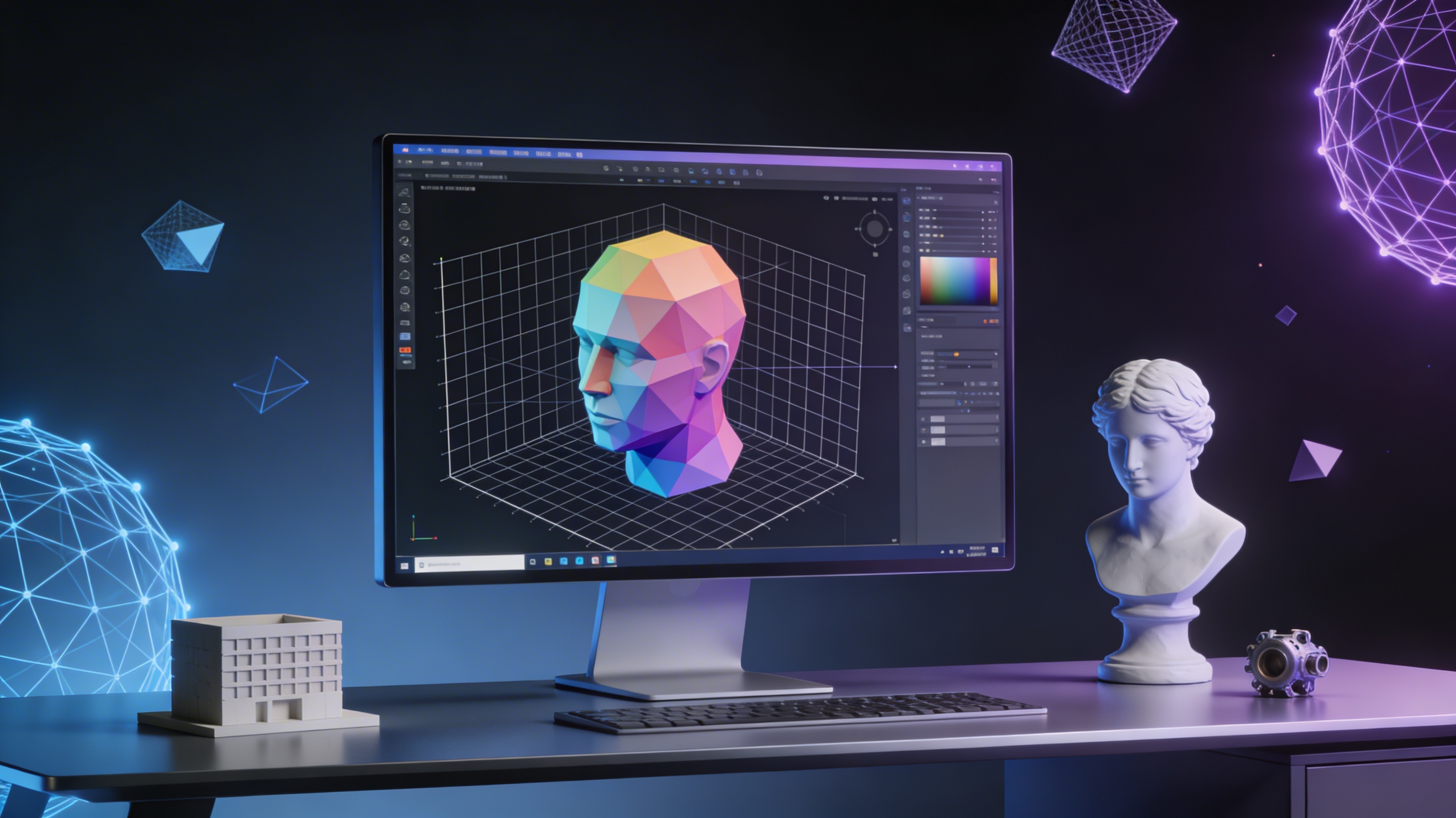
Best Free 3D Modeling Software 2025 (No Cost Options)
In the world of 3D design, powerful software is no longer exclusively for those with deep pockets. A growing number of high-quality, free 3D modeling software now offer incredible features for hobbyists, students, and even professionals on a budget. Whether you are creating assets for a game, designing a product for 3D printing, or just exploring a new creative outlet, there is a no-cost option available for you. This article explores some of the best free 3D modeling software in 2025, comparing their strengths and weaknesses to help you find the perfect fit for your projects.
What is 3D Modeling Software and How Does It Work?
3D modeling software is used to create a digital representation of a three-dimensional object. Artists use it for games and films, while engineers use it for product prototypes. It's like digital sculpting, allowing you to create and edit shapes, add textures, and light scenes.
The Basics of 3D Creation
3D modeling creates a mesh of virtual polygons to form a 3D object. More polygons mean more detail. The process starts with a basic shape and refines it using techniques like polygonal modeling, NURBS modeling, and digital sculpting.
From Model to Reality
Completed 3D models can be rendered as 2D images, used in animations, or 3D printed. Free software offers various export formats like STL for 3D printing or FBX/GLB for game engines.
Top Free 3D Modeling Tools in 2025
Choosing the right software depends on your specific needs and skill level. Some tools are perfect for beginners, while others offer professional-grade features for more complex projects. Here is a comparison of some of the best free 3d modeling software available today.
Blender: The All-in-One Powerhouse
Blender is a free, open-source 3D suite for the entire 3D pipeline, from modeling to rendering and animation. Its pro-level capabilities make it a top choice for artists. While its comprehensive feature set and large community are major pros, the steep learning curve can be a con for beginners. It's also not a parametric CAD program, making it less ideal for engineering design.
Hyper3D Free Tier: AI-Powered Creation
Hyper3D?? free tier offers AI-powered 3D creation, including a powerful AI 3D model generator, image to 3D conversion, and a text to 3D model tool. Its intuitive web-based interface and versatile toolset, including an AI 3D model editor and AI texture generator, are significant advantages. The main drawbacks are the limited direct control over the AI-generated mesh and the credit-based system of the free tier.
TinkerCAD: The Beginner-Friendly Option
TinkerCAD is a free, web-based 3D modeling app from Autodesk, perfect for beginners. Its simple drag-and-drop interface makes it easy to learn and great for 3D printing. However, its functionality is limited, and it offers less control than more advanced software, making it unsuitable for complex or organic models.
FreeCAD: The Parametric Modeler for Engineers
FreeCAD is a powerful, open-source parametric 3D modeler for engineers and product designers. Its parametric modeling capabilities and modular architecture are major strengths. However, it has a steep learning curve and is less suited for organic modeling than artistic tools like Blender.
SketchUp Free: The Architect's Sketchpad
SketchUp Free is a web-based 3D modeling tool for architects and interior designers, known for its intuitive push-pull interface. Its large 3D Warehouse and suitability for architectural visualization are key advantages. The free version has limited features compared to the Pro version and, being web-based, can be less responsive with large models.
Meshy Free Tier: The AI Toolkit for 3D Artists
Meshy?? free tier provides a suite of AI-powered tools for 3D artists, including texture generation and re-meshing. It?? a web-based, easy-to-use platform that?? great for collaboration. However, it?? not a full modeling application and operates on a credit-based system for its free tier.
Wings 3D: The Subdivision Modeler
Wings 3D is a free, open-source subdivision modeler focused on polygonal modeling. Its intuitive interface, powerful modeling tools, and lightweight nature make it a great choice for creating organic models. Its scope is limited to modeling, and it has a smaller community than Blender.
My First-Hand Experience with Free 3D Modeling Software
As a 3D artist, I can attest to the power of modern free 3D modeling software. I began with Blender, and despite a steep learning curve, its capabilities are vast, and the community is a huge help. For rapid prototyping, I use Hyper3D's AI 3D model generator and image to 3D tool, which quickly turn ideas into models. For simple 3D printing tasks, TinkerCAD is my go-to for its speed and ease of use.
A Step-by-Step Guide to Your First 3D Model
Creating your first 3D model is easier than you think. Using a tool like TinkerCAD, you can sign up for a free account and start a new design. From there, it's a matter of adding and manipulating basic shapes, combining them to create more complex objects, and using 'holes' to cut out sections. Once you're done, you can export your model in various formats like STL or OBJ.
Advanced Tips for Using the Best Free 3D Modeling Software
Once you have mastered the basics, there are many techniques you can use to take your 3D modeling skills to the next level. Here are a few advanced tips to help you create more professional and detailed models.
Master Topology and Edge Flow
Good topology is essential for creating clean, deformable models, especially for animation. Pay attention to the flow of your polygons, ensuring that they follow the natural curves of your object. This will make it easier to animate your model and will result in smoother deformations.
Learn to Use Modifiers
Most 3D modeling software includes a set of modifiers that can be used to non-destructively alter your model. For example, you can use a subdivision surface modifier to smooth out your model, or a mirror modifier to create symmetrical objects. Learning to use these modifiers effectively can save you a lot of time and effort.
Practice Digital Sculpting
Digital sculpting is a technique that allows you to create highly detailed, organic models by pushing and pulling the virtual clay. It is a more intuitive and artistic way of modeling, and it is perfect for creating characters, creatures, and other natural forms. Many free 3D modeling software options, such as Blender, include powerful digital sculpting tools. To get started, focus on learning the basic brushes, like the draw, clay, and grab brushes. As you get more comfortable, you can explore more advanced features like dynamic topology, which automatically adds and removes polygons as you sculpt, allowing you to focus on the creative process without worrying about the underlying geometry.
Understand Lighting and Rendering
A great model can look mediocre without good lighting and rendering. Spend time learning the basics of three-point lighting (key, fill, and rim lights) to make your models look more professional. Experiment with different rendering engines, such as Blender?? Cycles and Eevee, to understand their strengths and weaknesses. Even small adjustments to lighting and materials can have a huge impact on the final image.
Frequently Asked Questions
What is the best free 3d modeling software for beginners?
For absolute beginners, TinkerCAD is often the top recommendation. Its simple, web-based interface and focus on combining basic shapes make it incredibly easy to learn. You can create your first 3D model in minutes without any prior experience. SketchUp Free is another great option for beginners, especially those interested in architectural and interior design.
Can I use free 3D modeling software for professional work?
Yes, absolutely. Blender is a prime example of a free tool that is used by professionals and studios for creating feature films, video games, and visual effects. While it has a steeper learning curve, its powerful features are on par with expensive commercial software. FreeCAD is another excellent choice for professional engineers and designers who need a parametric CAD tool.
What is the difference between polygonal modeling and digital sculpting?
Polygonal modeling is a more traditional approach where you create a 3D model by manipulating a mesh of polygons. It is a very precise and controlled way of modeling, often used for creating hard-surface objects like buildings and vehicles. Digital sculpting, on the other hand, is more like working with digital clay. You push, pull, and smooth the virtual surface to create organic shapes, such as characters and creatures. Many modern 3D modeling applications, like Blender, offer both polygonal modeling and digital sculpting tools.
Do I need a powerful computer to run 3D modeling software?
It depends on the software and the complexity of your projects. Web-based applications like TinkerCAD and SketchUp Free can run on most modern computers with a decent internet connection. More demanding software like Blender can also run on a wide range of hardware, but you will see better performance with a more powerful computer, especially when it comes to rendering and working with high-polygon models. A dedicated graphics card is highly recommended for serious 3D work.
How can I turn a 2D image into a 3D model for free?
There are several ways to do this. Some software, like Blender, have built-in tools that can help you trace an image and extrude it into a 3D shape. However, a more modern and increasingly popular method is to use an AI-powered tool. Hyper3D's image to 3D tool, for example, can automatically convert a 2D image into a 3D model, saving you a significant amount of time and effort.