

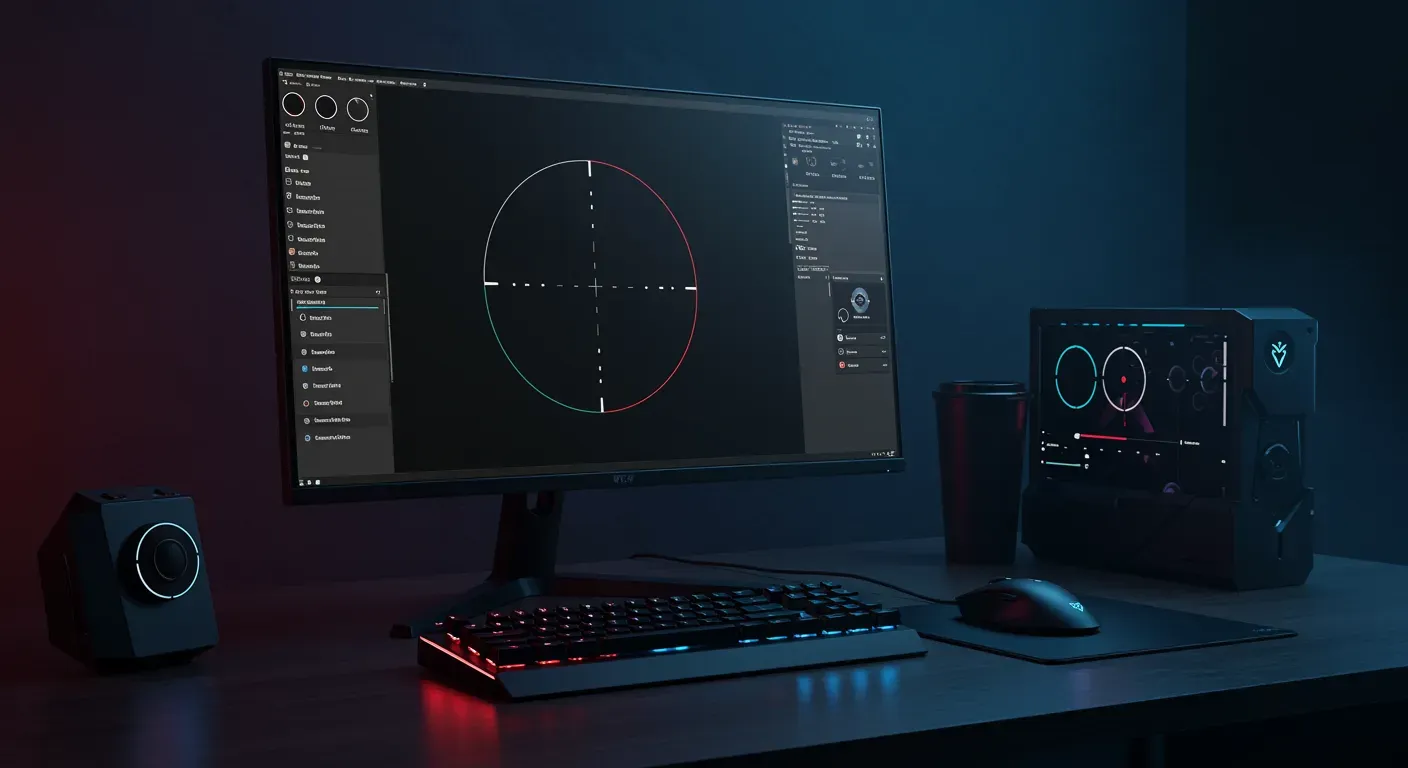
In the fast-paced world of competitive gaming, every tiny detail can make a significant difference in your performance. One of the most crucial aspects of gameplay is your crosshair settings. With the introduction of Crosshair V2, players have more control than ever over how their crosshair appears and functions. In this guide, we'll explore how to optimize your settings for Crosshair V2 to enhance your performance and gain that competitive edge.
Understanding Crosshair V2
Crosshair V2 is the latest iteration of customizable crosshairs designed for first-person shooters (FPS). It offers a plethora of options to adjust the appearance, behavior, and functionality of your crosshair. From color and thickness to dynamic versus static styles, understanding these features is the first step in optimizing your settings.
Why Crosshair Customization Matters
Customization is not just about aesthetics; it directly impacts your gameplay. A well-optimized crosshair can improve your accuracy, enhance your reaction time, and reduce eye strain. For instance, a contrasting color can help you spot your crosshair quickly against various backgrounds, leading to faster targeting.
Step-by-Step Guide to Optimize Your Crosshair V2 Settings
1. Choose the Right Color
The right crosshair color is essential. It should stand out against the game's environment. For example, if you're playing a game with dark backgrounds, a bright color like neon green or yellow can be beneficial. Conversely, if the environment is bright, consider darker hues.
2. Adjust Thickness and Length
The thickness and length of your crosshair should be tailored to your personal preference. A thicker crosshair can be easier to see, while a thinner crosshair can offer more precision. As a rule of thumb, start with a medium thickness and adjust based on your comfort level during gameplay.
3. Dynamic vs. Static Crosshairs
Dynamic crosshairs expand when you move and shoot, providing visual feedback on your movement. Static crosshairs remain the same size but can be harder to gauge accuracy while moving. Experiment with both styles to determine which one feels more comfortable and aids your aiming.
4. Experiment with Outline and Center Gap
Adding an outline to your crosshair can help it stand out even more, especially in busy environments. Additionally, adjusting the center gap can help with precision aiming. A smaller gap allows for more accurate shots, while a larger gap can help with visibility.
5. Test and Iterate
Once you've set your initial preferences, it's crucial to test them in actual gameplay. Spend time in practice modes or casual matches to see how your crosshair performs. Don't hesitate to iterate on your settings based on your experiences.
Ethical Considerations in Crosshair Customization
While optimizing your crosshair settings can enhance your performance, it's important to remember that fairness in gaming is paramount. Avoid using any third-party software that provides an unfair advantage, such as aim assist or auto-aim programs. Stick to the in-game settings to ensure a level playing field.
The Future of Crosshair Customization
As gaming technology continues to evolve, we can expect even more advanced customization options for crosshairs. Developers are likely to introduce features that adapt based on player performance or environmental conditions. Staying updated with these changes will be key to maintaining your competitive edge.
Optimizing your Crosshair V2 settings can significantly enhance your gaming performance. By carefully selecting colors, thickness, styles, and testing your settings, you can ensure that your crosshair works for you rather than against you. Remember to maintain ethical standards in your gaming practices to promote a fair and enjoyable experience for all players. With these tips in mind, you're well on your way to boosting your performance and dominating the competition!