

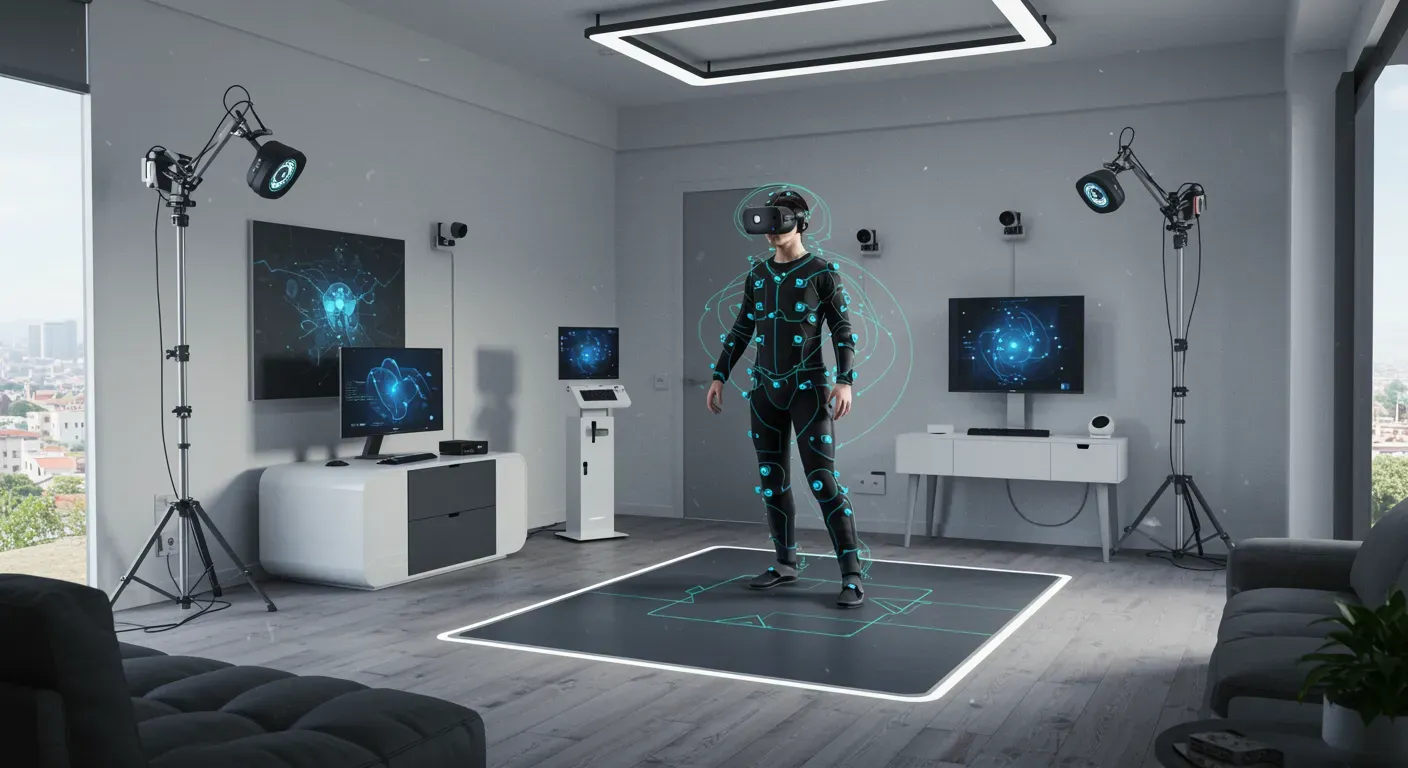
Virtual Reality (VR) has transformed the way we experience games, training, and social interactions. However, to fully immerse yourself in these experiences, having an optimized VR setup is crucial, especially when it comes to full-body estimation in standable VR. This guide will walk you through the steps to enhance your VR setup for the best possible experience.
Understanding Full Body Estimation in VR
Full body estimation refers to the technology that allows VR systems to track the entire body, not just the head and hands. This is particularly important for standable VR experiences where users are expected to move freely around a physical space. Technologies like inverse kinematics (IK) and motion capture play a significant role in achieving realistic body tracking.
Real-World Example:
Consider the game *Boneworks*, which utilizes full-body tracking to create an immersive experience. Players can interact with their environment using their entire body, making the gameplay feel more natural and engaging.
Setting Up Your Physical Space
A. Choose the Right Environment
To optimize your VR setup, start by selecting an appropriate space. A room with ample space and minimal obstacles is ideal. Ensure that the area is well-lit to enhance tracking accuracy.
B. Clear the Area
Remove any furniture or objects that could obstruct your movements. This not only prevents accidents but also allows for better tracking by the VR sensors.
Hardware Considerations
A. VR Headset Selection
Choose a VR headset that supports full-body tracking. Popular options include the HTC Vive Pro and the Oculus Quest 2 with additional tracking accessories. These headsets provide a robust tracking system that can accurately capture your movements.
B. Tracking Accessories
Consider investing in additional tracking sensors or accessories. For instance, the Vive Trackers can be attached to your feet or waist to enhance body tracking capabilities.
Software Optimization
A. Calibration
Proper calibration of your VR system is essential for accurate full-body estimation. Follow the manufacturer's guidelines to calibrate your headset and tracking devices. This often involves marking your play area and ensuring that the sensors are positioned correctly.
B. Adjusting Settings
Explore the settings in your VR software to fine-tune the tracking sensitivity and responsiveness. Many platforms allow you to customize these settings based on your preferences and the physical space.
Ethical Considerations
While optimizing your VR setup, it's important to consider the ethical implications of full-body tracking. Ensure that your setup respects privacy and avoids capturing unnecessary personal data. Always use trusted software and hardware that prioritize user security.
As technology continues to advance, the potential for full-body estimation in VR will only improve. Future developments may include enhanced tracking accuracy, reduced latency, and even more immersive experiences. By optimizing your current setup, you can stay ahead of the curve and enjoy the best that VR has to offer today.
In summary, optimizing your VR setup for standable full-body estimation involves careful consideration of your physical space, hardware choices, software settings, and ethical practices. With the right approach, you can create an engaging and immersive VR experience that feels incredibly lifelike.