

OBJ Viewer Online: Open 3D Object Files in Browser
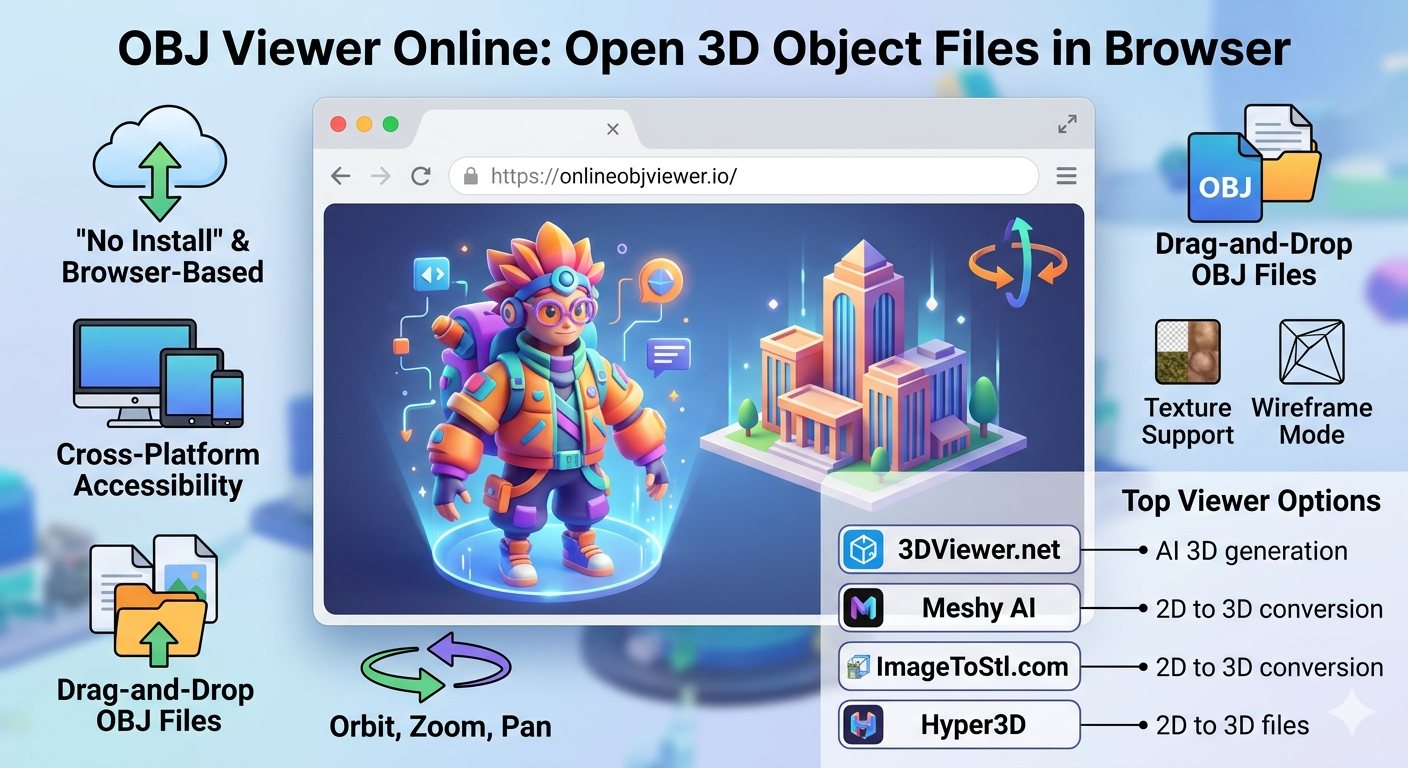
Whether you're a seasoned 3D artist or just starting, you've likely encountered OBJ files. They are a common format for 3D models, but viewing them can sometimes be a hassle if you don't have the right software installed. That's where an OBJ viewer online comes in handy. These browser-based tools let you open and inspect 3D object files directly, without any downloads or installations. In this article, we'll explore some of the best obj viewer online options available, from simple drag-and-drop solutions to more advanced platforms, so you can find the perfect tool for your needs. An obj viewer online is an essential tool for any 3D artist.
What is an OBJ file?
The OBJ file format, first developed by Wavefront Technologies, is a widely used file format for representing 3D geometry. It's a simple, text-based format that can store information about vertices, faces, normals, and texture coordinates. Because it's text-based, you can even open an OBJ file in a simple text editor and see the raw data that makes up the 3D model. This simplicity has made it a popular choice for exporting and importing models between different 3D software packages.
However, the text-based nature of OBJ files also means they can become quite large, especially for complex models with millions of polygons. This is in contrast to binary formats like STL or compressed formats like GLB, which are often smaller in size. Despite this, the OBJ format remains a staple in the 3D world due to its broad compatibility and ease of use.
Why Use an Online OBJ Viewer?
Using an OBJ viewer online offers several advantages over traditional desktop software. The most obvious benefit is convenience. There's no need to download and install heavy software on your computer. You can simply open your web browser, navigate to an online viewer, and upload your file. This is particularly useful when you're working on a computer that isn't your primary workstation or when you just need to quickly check a model.
Another key advantage of an obj viewer online is accessibility. Online viewers work on any device with a modern web browser, including desktops, tablets, and even smartphones. This makes it easy to share your 3D models with clients or colleagues who may not have specialized 3D software. Many online viewers also offer collaboration features, allowing multiple users to view and comment on a model in real-time.
Top OBJ Viewer Online Options
There are many online OBJ viewers to choose from, each with its own set of features. Here are a few of the most popular options:
3DViewer.net
3DViewer.net is a free and open-source web solution that supports a wide range of 3D file formats, including OBJ, STL, FBX, and GLTF. It has a simple drag-and-drop interface, making it incredibly easy to use. While it may not have the advanced features of some other viewers, it's a great option for quick and simple model viewing.
Meshy AI
Meshy AI offers a free OBJ viewer online as part of its suite of 3D tools. It supports various formats and provides a high-quality rendering of your models. Meshy also offers AI-powered 3D model generation and texturing, making it a more comprehensive platform for 3D creators.
ImageToStl.com
ImageToStl.com provides a free online tool to view 3D OBJ files. It offers pan and zoom controls, allowing you to inspect your model from any angle. The platform also provides a wealth of information about the OBJ file format and offers other conversion tools.
My First-Hand Experience
To get a better sense of how these online viewers perform, I decided to test them out with a few of my own OBJ files. I started with a simple model of a coffee cup and then moved on to a more complex architectural visualization. With 3DViewer.net, the process was as simple as advertised. I dragged my OBJ file onto the page, and it loaded almost instantly. The viewing controls were intuitive, and I was able to rotate and zoom around my model with ease.
Next, I tried Meshy AI's viewer. The upload process was just as smooth, and I was impressed by the rendering quality. The lighting and materials on my architectural model looked particularly good. I also explored some of Meshy's other AI tools and was intrigued by the text-to-3D generation feature. It's a powerful tool that I can see myself using in future projects.
Finally, I tested ImageToStl.com. The viewer worked well, and I appreciated the detailed information provided about the OBJ format. I also tried out their 2D to 3D conversion tool, which was a fun and easy way to turn a simple logo into a 3D model.
Objective Comparison of Online OBJ Viewers
To help you choose the right online OBJ viewer for your needs, here's a comparison of the top options:
| Feature | 3DViewer.net | Meshy AI | ImageToStl.com | Hyper3D |
|---|---|---|---|---|
| Supported Formats | 3dm, 3ds, 3mf, amf, bim, brep, dae, fbx, fcstd, gltf, ifc, iges, step, stl, obj, off, ply, wrl | OBJ, FBX, STL, GLTF, USDZ, and more | OBJ, STL, and other 3D formats | STL, FBX, OBJ, GLB, USDZ |
| File Size Limit | Not specified | 200MB | 100MB | Not specified |
| Viewing Controls | Rotate, zoom, pan | Rotate, zoom, pan | Rotate, zoom, pan | Advanced controls in OmniCraft |
| Security | Not specified | Client-side processing, files are not uploaded | Files deleted after 1 hour | Secure cloud infrastructure |
| Additional Features | Online 3D converter | AI 3D generation, texturing | 2D to 3D conversion | AI generation (Rodin), advanced editing (OmniCraft) |
How to Use an Online OBJ Viewer
Using an online OBJ viewer is a straightforward process. Here are the basic steps:
1. Upload your file: Most online viewers have a drag-and-drop interface or an upload button. Simply select the OBJ file you want to view from your computer.
2. Navigate the model: Once the file is loaded, you can use your mouse to rotate, zoom, and pan around the 3D model. The specific controls may vary slightly between different viewers, but they are generally quite intuitive.
3. Explore additional features: Many online viewers offer additional features, such as changing the lighting, viewing the model in wireframe mode, or even making simple edits. Take some time to explore the interface and see what options are available.
Hyper3D's 3D Tools
While the online viewers mentioned above are great for simply viewing OBJ files, sometimes you need more advanced capabilities. That's where Hyper3D's 3D model viewer comes in. Hyper3D offers a comprehensive suite of tools for 3D creation and editing. With Rodin, you can generate high-quality 3D models from text prompts or images. And with OmniCraft, you can edit your models, convert them to different formats, and even create stunning visualizations.
Hyper3D's tools are designed for professionals and hobbyists alike, offering a powerful yet intuitive workflow. Whether you're creating assets for a game, visualizing a product, or just exploring the world of 3D, Hyper3D has the tools you need to bring your ideas to life. You can even convert images to 3D models with the image-to-3d tool.
Frequently Asked Questions (FAQ)
What is the best free OBJ viewer online?
The best free OBJ viewer online really depends on your needs. For quick and simple viewing, 3DViewer.net is an excellent choice. If you need higher quality rendering and additional AI features, Meshy AI is a great option. For a good balance of features and ease of use, you can't go wrong with the Hyper3D OBJ viewer online.
Can I view OBJ files with textures online?
Yes, many online OBJ viewers support textures. When you upload your OBJ file, you may also need to upload the associated material file (MTL) and texture images (e.g., PNG, JPG). Some viewers, like ImageToStl.com, allow you to upload a ZIP file containing all the necessary files.
Are online OBJ viewers secure?
Security is a valid concern when uploading your files to an online service. Many online viewers, like Meshy AI, process files on the client side, meaning your files are never uploaded to a server. Others, like ImageToStl.com, delete your files after a certain period. It's always a good idea to check the privacy policy of any online service before uploading your files.
What is the maximum file size for online OBJ viewers?
The maximum file size varies between different online viewers. Meshy AI has a limit of 200MB, while ImageToStl.com has a limit of 100MB. For larger files, you may need to use a desktop application or a more advanced online platform like Hyper3D.
Can I edit OBJ files with an online viewer?
Most online OBJ viewers are designed for viewing only and do not offer editing capabilities. However, some platforms, like Hyper3D's OmniCraft, provide a full suite of editing tools. With OmniCraft, you can modify the geometry of your model, adjust materials, and even create complex scenes.
Conclusion
An OBJ viewer online is an invaluable tool for anyone who works with 3D models. It offers a convenient and accessible way to view and share your creations without the need for specialized software. Whether you choose a simple drag-and-drop viewer or a more advanced platform like Hyper3D, you'll find that these browser-based tools can greatly streamline your workflow. So next time you need to view an OBJ file, give one of these online viewers a try. You might be surprised at how powerful and easy to use they are.