

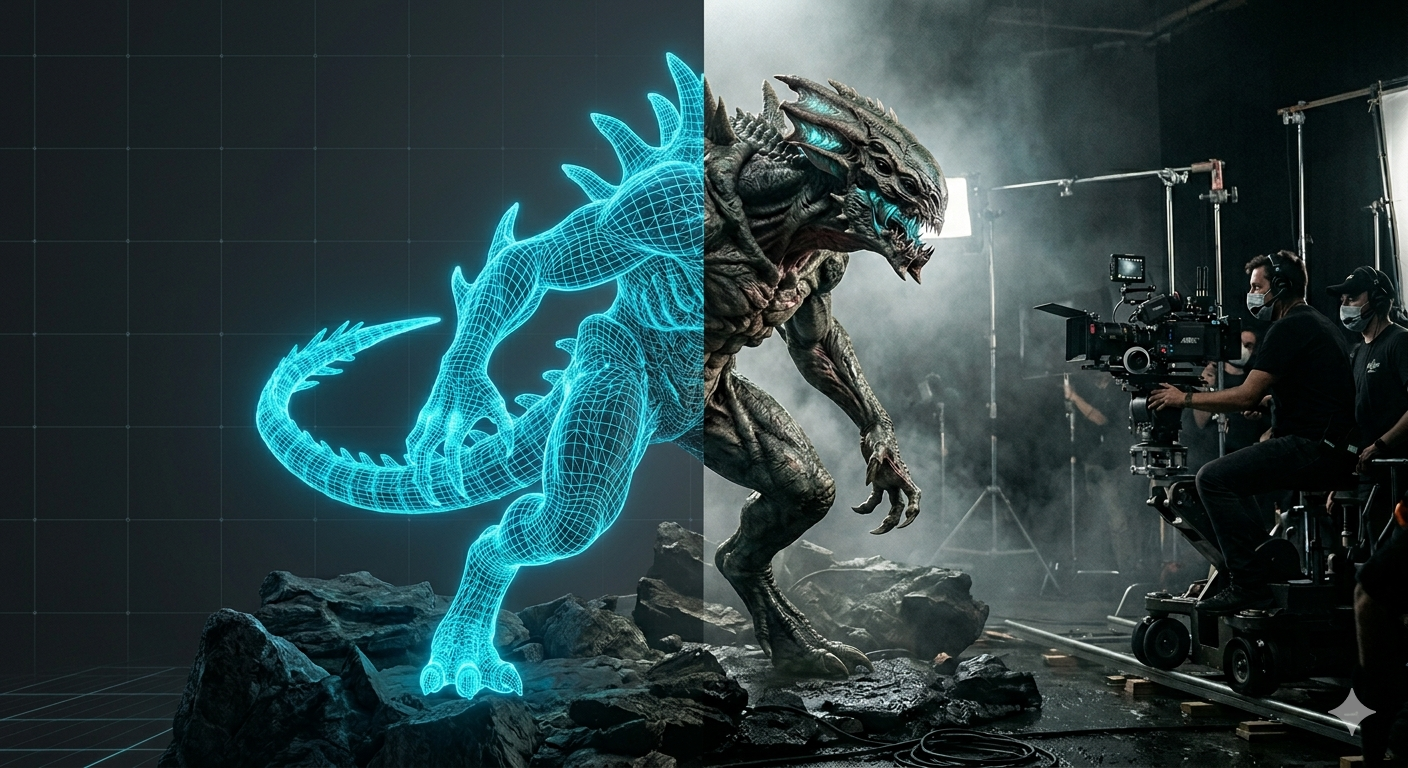
VFX Workflow: How 3D Models Are Used in Film & TV
Visual effects (VFX) have become an integral part of modern film and television production, allowing filmmakers to create breathtaking worlds, fantastical creatures, and jaw-dropping action sequences. At the heart of many of these stunning visuals lies the power of 3D modeling. The vfx workflow 3d models follow is a complex and collaborative process, involving a team of talented artists and technicians who bring these digital creations to life. From the initial concept to the final rendered image, 3D models are meticulously crafted, textured, and animated to smoothly integrate with live-action footage. This article will explore the intricate VFX workflow, detailing how 3D models are used throughout the vfx workflow 3d production pipeline and highlighting the various tools and techniques that make it all possible.
The Three Pillars of the VFX Workflow: Vfx Workflow 3D
The vfx workflow 3d artists follow is a structured process that can be broken down into three main stages: pre-production, production, and post-production. Each stage has its own unique set of challenges and requires a specific set of skills and tools.
Pre-Production: Laying the Foundation
Before any 3D models are created, a significant amount of planning and preparation takes place in the vfx workflow 3d. This pre-production phase is crucial for ensuring that the final visual effects align with the director's vision and the overall narrative of the film or TV show. Key activities in this stage include:
- Concept Art and Storyboarding: Artists create detailed concept art and storyboards to visualize the look and feel of the final shots. This provides a clear roadmap for the entire VFX team.
- Pre-visualization (Previs): Using simple 3D models and animation, the previs team creates a rough draft of the visual effects shots. This helps the director and cinematographer plan their shots and make creative decisions before filming begins.
Production: Bringing Digital Assets to Life
Once the pre-production phase is complete, the production of 3D assets begins in the vfx workflow 3d. This is where the digital world of the film or TV show starts to take shape. The main tasks in this stage include:
- 3D Modeling: Using specialized software, 3D modelers create the digital objects, characters, and environments that will appear in the final shot. This is a meticulous process that requires a high level of skill and attention to detail.
- On-Set Data Acquisition: The VFX team works on set to collect data that will be used to integrate the 3D models with the live-action footage. This includes capturing high-dynamic-range images (HDRI) for lighting, taking detailed photographs for textures, and using Lidar scanners to create 3D scans of the set.
Post-Production: The Final Polish
The post-production phase of the vfx workflow 3d is where all the different elements of the shot are brought together to create the final image. This is the most labor-intensive part of the VFX workflow and involves a wide range of tasks, including:
- Texturing and Shading: Artists add color, texture, and surface properties to the 3D models to make them look realistic.
- Rigging and Animation: 3D models are given a digital skeleton (rig) that allows animators to bring them to life.
- Lighting and Rendering: The 3D models are lit to match the live-action footage, and the final image is rendered.
- Compositing: The rendered 3D elements are combined with the live-action footage to create the final, smooth shot.
My First-Hand Experience with 3D in a VFX Workflow: Vfx Workflow 3D
As a 3D artist who has worked on a variety of projects, I've had the opportunity to use a range of tools and techniques in a professional vfx workflow 3d pipeline. One of my most memorable experiences was working on a short film that required the creation of a complex alien creature. We started with detailed concept art, which I then used as a reference to build the creature in a popular 3D modeling software. The modeling process was incredibly detailed, and I spent weeks sculpting the creature's anatomy and adding fine details like scales and wrinkles.
Once the model was complete, I moved on to texturing and shading. I used a combination of hand-painted textures and procedural materials to create a realistic look for the creature's skin. The rigging and animation process was also a challenge, as the creature had a unique and complex anatomy. We used a combination of keyframe animation and motion capture to bring the creature to life.
More recently, I've been exploring the use of AI-powered tools in my workflow. I've been particularly impressed with Hyper3D's AI 3D model generator, which can create detailed 3D models from simple text prompts. I've also been using their AI 3D model editor to refine and customize the models. These tools have the potential to significantly speed up the 3D modeling process and allow artists to focus on the creative aspects of their work. For example, the ability to quickly generate a base mesh with an AI VFX 3D tool and then refine it has been a huge time-saver. I've also found the image to 3D feature to be incredibly useful for creating 3D assets from 2D concept art.
Objective Comparison: Traditional vs. AI-Powered 3D Modeling
When it comes to creating 3D models for a vfx workflow 3d, artists have traditionally relied on a set of powerful but complex software tools. However, the emergence of AI-powered solutions is changing the field. Here?? an objective comparison of the two approaches:
| Feature | Traditional 3D Modeling | AI-Powered 3D Modeling (e.g., Hyper3D) |
|---|---|---|
| Speed | Can be a slow and meticulous process, especially for complex models. | Significantly faster, with the ability to generate models from text prompts or images in minutes. |
| Control | Offers a high degree of control over every aspect of the model. | Provides less granular control, but allows for quick iterations and refinements. |
| Skill Level | Requires a high level of skill and expertise. | More accessible to artists of all skill levels. |
| Cost | Professional 3D modeling software can be expensive. | Often more affordable, with some tools offering free or low-cost plans. |
For artists who require a high degree of control and are working on complex, hero assets, traditional 3D modeling software is still the best choice. However, for artists who need to create a large number of assets quickly, or who are looking for a more accessible entry point into the world of 3D modeling, AI-powered tools like Hyper3D's AI animation tool offer a compelling alternative.
FAQ about the VFX Workflow
What is the most important stage of the VFX workflow?
While every stage of the vfx workflow 3d is important, many professionals would argue that the pre-production stage is the most critical part of the vfx workflow 3d. A well-planned and executed pre-production phase can save a significant amount of time and money down the line. It ensures that everyone on the team is on the same page and that the final visual effects will align with the director's vision.
How long does it take to create a 3D model for a film?
The time it takes to create a 3D model can vary greatly depending on the complexity of the model and the level of detail required. A simple prop might take a few hours to create, while a complex character or creature could take weeks or even months of work.
What software is used for 3D modeling in the VFX industry?
There are a number of different software packages used for 3D modeling in the VFX industry. Some of the most popular include Autodesk Maya, ZBrush, and Blender. Each software has its own strengths and weaknesses, and the choice of software often comes down to the artist's personal preference and the specific needs of the project.
What is the difference between VFX and animation?
While both VFX and animation involve the creation of digital images, there is a key difference between the two. VFX is the process of integrating digital elements with live-action footage, while animation is the process of creating a moving image from scratch. An AI animation tool can be used in both, but the context is different.
How is AI changing the VFX industry?
AI is having a major impact on the VFX industry, with new tools and techniques being developed all the time. AI-powered tools are being used to automate a wide range of tasks, from 3D modeling and animation to compositing and rendering. This is allowing artists to work more efficiently and creatively, and it is opening up new possibilities for what can be achieved with visual effects.
In the ever-evolving landscape of film and television, the vfx workflow 3d remains a cornerstone of creating immersive and believable worlds. From the initial spark of an idea to the final polished frame, the journey of a 3D model through the production pipeline is a testament to the creativity and technical expertise of the artists and technicians involved. As technology continues to advance, with AI-powered tools becoming more prevalent, the future of the vfx workflow 3d promises even greater efficiency and creative possibilities. The core principles of the vfx workflow 3d, however, will remain the same: a commitment to quality, a collaborative spirit, and a passion for storytelling.