

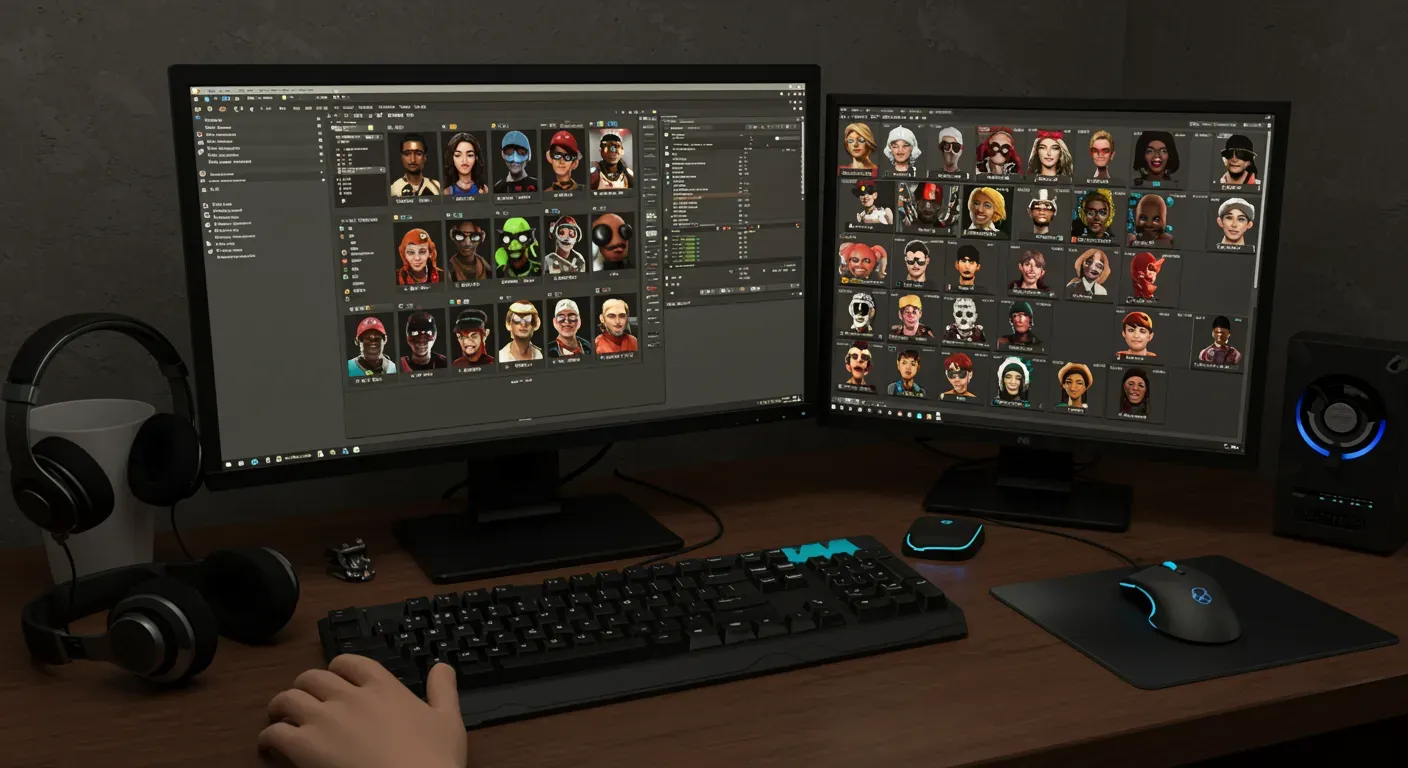
# Step-by-Step Guide to Installing Custom Player Models in Garry's Mod
Garry's Mod (GMod) is a popular sandbox game that lets players manipulate objects and experiment with physics. One of the most exciting parts of GMod is customizing your experience with custom player models, often called skins. This guide will show you how to install and use custom player models in Garry's Mod, making your gameplay more personal and visually interesting.
What Are Custom Player Models (Skins)?
Custom player models are user-created visual assets that change the appearance of your character in Garry's Mod. These can range from realistic military figures to whimsical cartoon characters, allowing players to express their creativity and personalize their gameplay.
Why Use Custom Player Models?
Using custom player models can greatly improve your gaming experience. Here are a few reasons why you might want to use them:
- Personalization: Custom player models help you stand out in a game where many players use default characters.
- Creativity: You can show off your artistic side by finding or creating models that match your style.
- Community Connection: Many custom models are made by the community, building a sense of togetherness and cooperation.
How to Install Custom Player Models
Installing custom player models in Garry's Mod is a simple process. Follow these steps:
Step 1: Find Custom Player Models
There are several websites where you can find custom player models, such as:
- Garry's Mod Workshop: This is the most reliable place for custom models, with a huge variety of user-made content.
- GameBanana: A popular site for mods and models, offering many choices.
- DeviantArt: Many artists share their custom models here, often with unique designs.
Step 2: Download the Model
Once you find a model you like, download it. Make sure the file is compatible with Garry's Mod, usually in a .zip or .rar format.
Step 3: Extract the Files
Use a file extraction tool (like WinRAR or 7-Zip) to open the downloaded file. You should find folders containing materials and models.
Step 4: Install the Model
1. Go to your Garry's Mod installation directory. This is usually found in `C:\Program Files (x86)\Steam\steamapps\common\GarrysMod\`.
2. Open the `garrysmod` folder, then the `addons` folder.
3. Drag and drop the extracted folders into the `addons` directory.
Step 5: Launch Garry's Mod
Start Garry's Mod, and the custom player models should be ready to use.
Using Custom Player Models In-Game (The 'C' Menu)
After installing your custom player models, using them is easy. The most direct way to select your player model is through the 'C' menu (context menu) in the game.
1. Open the 'C' Menu: While in-game, press and hold the 'C' key on your keyboard. This will bring up the context menu.
2. Navigate to Player Model Selection: Look for a tab or section related to 'Player Model' or 'Character'. This is usually found under the 'Options' or 'Utilities' tabs within the 'C' menu.
3. Select Your Model: Browse through the list of available player models. Your newly installed custom models should appear here alongside the default ones. Click on the model you wish to use.
4. Confirm Selection: Once selected, your character's appearance will change immediately. Release the 'C' key to close the menu.
Alternatively, you can also access player models through the spawn menu (usually by pressing `Q`), navigating to the `Models` tab, and selecting your custom model from the list.
If you can't find the exact player model you're looking for, or if you have a unique vision, consider exploring ways to create your own custom 3D character models. With advancements in technology, it's becoming easier to design and implement your own characters into games.
Ethical Considerations
While using custom player models can be a fun way to improve your gaming experience, it's important to think about the ethical aspects:
- Copyright Issues: Make sure the models you download and use don't infringe on copyright. Always give credit to the original creators and respect their work.
- Online Play: Some servers might have rules against using custom models. Always check the server guidelines to avoid being banned or kicked.
Custom player models in Garry's Mod offer endless possibilities for personalization and creativity. As the community grows, we can expect even more innovative and diverse models to appear. Whether you're a player looking to express yourself or a creator wanting to share your designs, the world of custom models is an exciting part of Garry's Mod.
In the future, we might see better tools for creating models, making it easier for players to design and share their custom creations. Embrace the creativity that Garry's Mod offers, and have fun customizing your gaming experience! You can even explore using an AI 3D generator to bring your unique character ideas to life.