

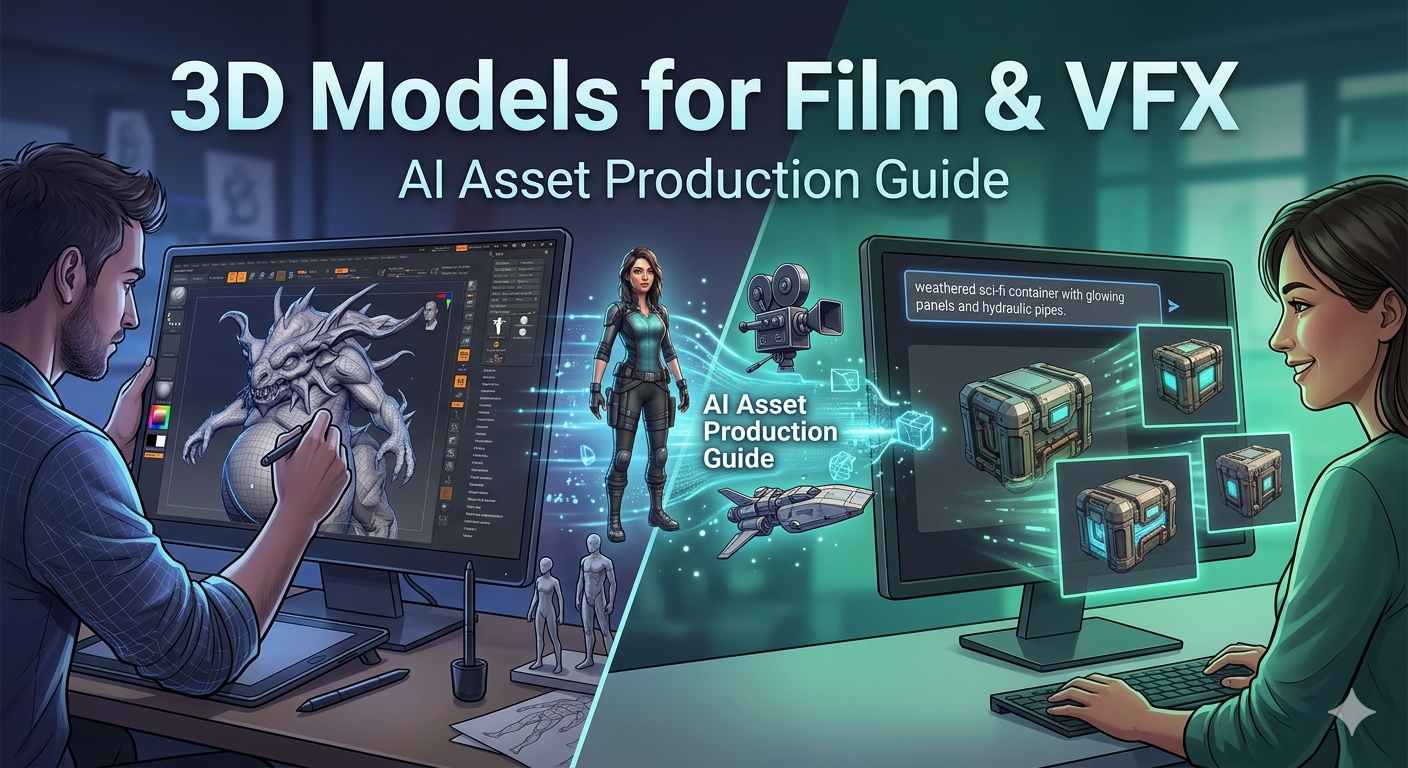
3D Models for Film & VFX: AI Asset Production Guide
In modern filmmaking, what you see on screen is often a sophisticated blend of reality and digital artistry. From the sprawling alien landscapes in a sci-fi epic to the subtle digital enhancements in a historical drama, the use of 3d models for film vfx is the backbone of visual effects (VFX). For years, creating these assets was a labor-intensive process, demanding specialized skills and countless hours. Today, the space is shifting. While established tools like Maya and Blender are still central to the industry, a new generation of AI-powered platforms is offering a different path for asset production, enabling artists and studios to generate ideas and models with incredible speed.
The Core Types of 3D Models in Film Production
Before diving into how models are made, it?? helpful to understand the main categories they fall into within a film's production pipeline. Each type serves a distinct purpose and comes with its own set of challenges.
Character and Creature Models
Characters and creatures are often the most complex assets in a production. They require not just a high-quality model but also intricate rigging for animation and detailed textures for realism. Whether it?? a photorealistic digital double of an actor or a fantastical beast, these models must convey emotion and movement convincingly. The process involves digital sculpting, retopology for clean animation, and texturing to bring the surface to life.
Hard-Surface Models: Vehicles, Props, and Environments
This broad category includes everything that isn't organic. Think spaceships, futuristic weapons, ancient artifacts, and entire cityscapes. Hard-surface modeling focuses on precision and clean geometry. These assets can range from simple background props to "hero" assets that are seen up close and require immense detail. Environments, in particular, can be massive undertakings, often built modularly to create large, complex scenes.
Effects and Simulation Assets
Some of the most spectacular moments in film come from effects simulations. Explosions, water, smoke, and fire are often created using specialized 3D assets and physics solvers. Formats like VDB (Volume Voxel-Based Data) are used to store and render this volumetric data. These assets aren't about traditional modeling but about creating volumes and particles that behave realistically under simulated forces.
Traditional vs. AI-Powered 3D Model Creation for Film & VFX
The workflow for creating 3D assets has been well-established for decades, but AI is introducing new possibilities and disrupting traditional pipelines. Both approaches have their place, and understanding their strengths is key to leveraging them effectively.
The Established Studio Pipeline: Maya, ZBrush, and Substance Painter
The traditional workflow is built on a foundation of powerful, specialized software. Autodesk Maya is often the centerpiece, used for modeling, rigging, and animation. ZBrush is the go-to for digital sculpting, allowing artists to create incredibly detailed organic models. For texturing, Adobe's Substance Painter has become an industry standard, enabling artists to paint realistic materials directly onto their models. This pipeline offers unparalleled control but demands a high level of technical expertise and a significant time investment.
The Rise of AI: How AI is Changing the Game for 3d models for film vfx
AI-powered tools are changing the equation. Platforms using generative AI can create 3d models for film vfx from simple text prompts or images in a fraction of the time it would take to model them manually. This approach dramatically accelerates the concepting and iteration phases. An artist can generate dozens of variations for a prop or character in a single afternoon. While the output may not always be a final, production-ready asset out of the box, it provides a powerful starting point that can be refined using traditional tools. This hybrid workflow is where many studios are finding immense value, using AI as a supercharged creative partner. For instance, a tool like a film 3D model generator can quickly produce base meshes that are then detailed by a digital sculptor.
My First-Hand Experience: Generating a Sci-Fi Prop with AI
Curious about the practical application, I decided to try generating a prop myself. My goal was to create a sci-fi container that could fit into the background of a hangar scene. I used Hyper3D's Rodin tool, starting with the prompt: "a weathered sci-fi crate with glowing blue panels and hydraulic pipes."
The first few generations were interesting. The AI gave me several distinct shapes, some more angular and industrial, others more rounded and organic. I picked one that had a solid, functional look and used the "refine" feature to iterate on it. After a few more tries, I had a model with a great silhouette and the key features I wanted. The geometry was a bit dense, as is common with generative tools, but the overall form was exactly what I was looking for.
Next, I took the model into OmniCraft, Hyper3D's editing tool, to prepare it for a standard VFX pipeline. I used the simplification tools to reduce the polygon count to a more manageable level and checked the scale. Finally, I exported it as an FBX file, ready to be imported into Blender for a quick texturing pass and rendering. The entire process, from prompt to a usable asset, took less than an hour. Doing the same from scratch would have taken me half a day, easily.
A Comparative Look at 3d models for film vfx
Choosing the right tool depends entirely on the job at hand. There's no single best solution, only the right tool for a specific need. You can also try the text to 3D model for quick results.
Hyper3D (Rodin, OmniCraft)
- Pros: The primary advantage is speed. The ability to generate concepts and base models from text with tools like the concept art 3D generator or from images with the Image to 3D tool is a massive time-saver. The platform supports multiple export formats (FBX, OBJ, GLB, USDZ, STL), making it easy to integrate into existing workflows. It?? incredibly intuitive for artists who aren't 3D specialists.
- Cons: For a "hero" asset that will be seen up close, the generated topology often needs manual retopology for clean deformation in animation and for efficient UV unwrapping. It offers less granular control compared to building a model from scratch.
Traditional Software (Maya, Blender)
- Pros: These tools are the industry standard for a reason. They provide complete control over every vertex, edge, and polygon. Their feature sets are deep and mature, supported by massive communities and a wealth of learning resources. For final, high-quality assets, they are essential.
- Cons: The learning curve is notoriously steep. Becoming proficient takes years of practice. The process is also inherently slow; building a complex, detailed model is a meticulous, time-consuming task. Cost can also be a factor, with licenses for software like Maya running into the thousands per year.
Other AI Tools
- Pros: The field of generative AI is exploding, and many different tools are emerging, each with specific strengths. Some are great for creating abstract shapes, while others excel at character generation. They provide a wide field for creative exploration.
- Cons: The quality and usability can be inconsistent. Many tools are still in early development and may produce models that are difficult to work with in a professional pipeline. Licensing for commercial use can also be a complex area to navigate.
FAQ: 3d models for film vfx
What are the most common file formats for 3D models in VFX?
FBX and OBJ are the most widely used formats for passing models between different software. Alembic (.abc) is also very common, especially for animated caches or complex geometry. USD (Universal Scene Description) is gaining rapid adoption as a standard for entire scenes.
Can I use AI-generated models for commercial film projects?
This depends entirely on the terms of service of the AI tool you are using. Some platforms, like Hyper3D, grant full commercial rights to the models you generate, while others may have restrictions. Always read the licensing agreement carefully.
How much detail do I need in a 3D model for a film?
The required level of detail is dictated by how close the object will be to the camera and how long it will be on screen. A background prop can be very simple, while a hero character's face needs to be incredibly detailed to hold up in close-ups.
What's the best way to learn 3D modeling for VFX?
Starting with a free and powerful tool like Blender is a great entry point. There are countless tutorials available online. Focus on mastering the fundamentals: understanding topology, UV unwrapping, and texturing. Practice is the most important ingredient.
How do I get started with AI 3D model generation for my film projects?
Jump in and try it. Pick a simple prop and a tool like Hyper3D. Experiment with different prompts and see what you can create. The best way to understand the potential is to experience it directly. See how it can fit into your creative process, whether for brainstorming, concepting, or creating final assets.