

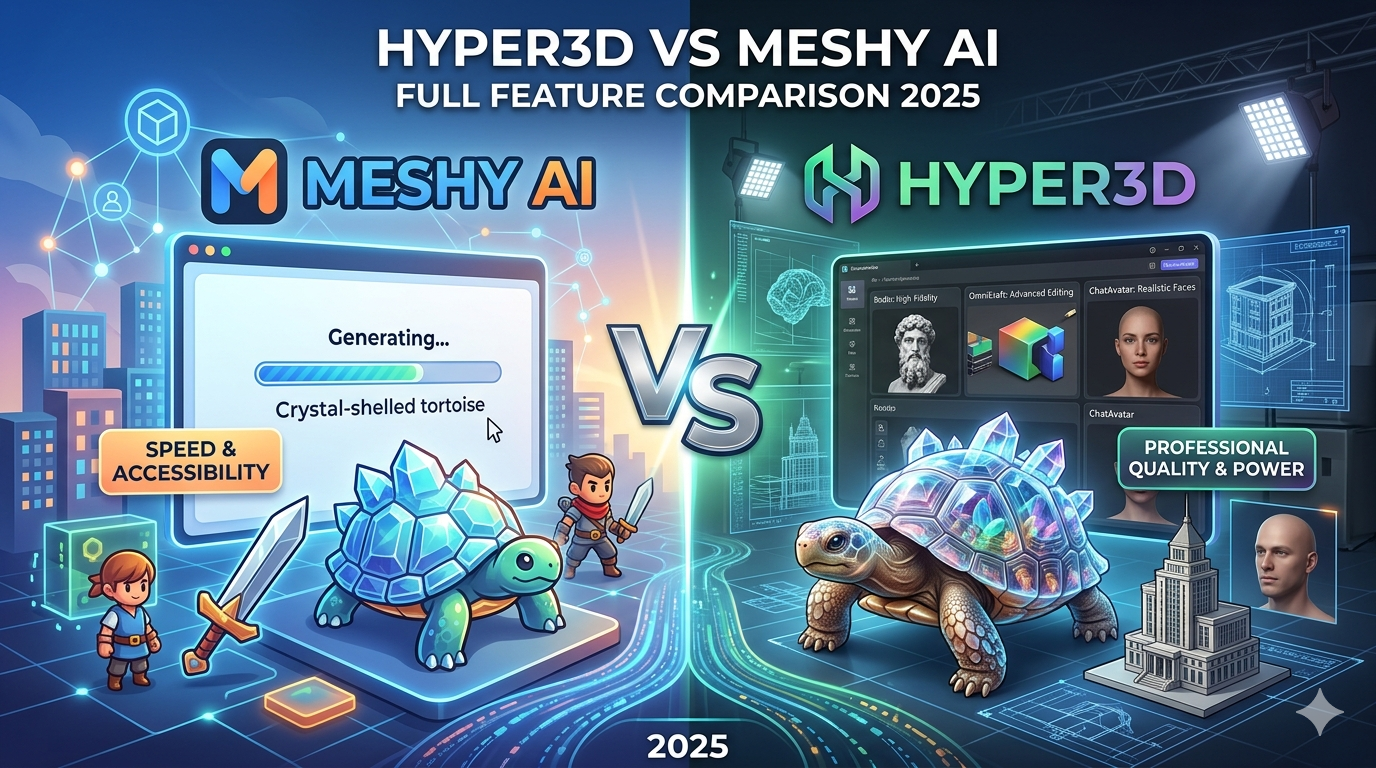
Hyper3D vs Meshy AI: Full Feature Comparison 2025
The world of 3D content creation is moving fast, and AI is in the driver's seat. Gone are the days when building a 3D model required years of training and countless hours of manual work. Today, a new generation of AI-powered tools can turn simple text prompts or 2D images into detailed 3D assets in minutes. Among the many platforms in this space, Meshy AI and Hyper3D have emerged as two strong contenders. But which one is the right meshy ai alternative for you?
This article provides an objective, head-to-head comparison of Hyper3D and Meshy AI, to help you find the best meshy ai alternative. We'll look at their features, performance, and ideal use cases to help you make an informed decision. We'll also share our first-hand experience using both platforms to give you a real-world perspective on what they offer.
What is Meshy AI?
Meshy AI has quickly gained a following in the 3D community, particularly among game developers and artists. It's known for its user-friendly interface and fast generation times, making it a great tool for rapid prototyping and creating game assets. Meshy AI offers both text-to-3D and image-to-3D capabilities, allowing users to generate models from a variety of inputs. The platform has a strong community and offers plugins for popular software like Blender and Unity, which is a big plus for many creators. While it may not always produce the most detailed or photorealistic models, its speed and ease of use make it a popular meshy ai alternative for those who need to create 3D content quickly and efficiently.
What is Hyper3D?
Hyper3D positions itself as a more premium, professional-grade solution for 3D asset creation. It's not just a single tool but a suite of applications designed to handle the entire 3D workflow. This includes Hyper3D Rodin for high-fidelity, photorealistic model generation; OmniCraft for advanced mesh editing, format conversion, and texturing; and ChatAvatar for creating realistic human faces and avatars. With its focus on quality and versatility, Hyper3D is geared towards professional studios, architects, and product designers who demand the best possible results. While it has a steeper learning curve and a higher price point, the power and flexibility it offers are unmatched for high-end 3D production.
My First-Hand Experience
To get a real feel for how these platforms perform, I decided to put them to the test with a practical task: creating a 3D model of a "crystal-shelled tortoise" from a 2D image I generated. I wanted something that would challenge the AI's ability to interpret both organic shapes and complex, reflective surfaces.
Meshy Ai Alternative: Using Meshy AI
Getting started with Meshy AI was straightforward. The interface is clean and intuitive, and I was able to upload my image and start the generation process in just a few clicks. The model was ready in about two minutes. The result was a decent representation of the tortoise, and a good example of what a meshy ai alternative can produce; the overall shape and form were captured accurately. However, the crystal shell lacked the intricate detail and transparency I was hoping for. The texture was a bit flat, and the mesh had some noticeable polygons, especially around the curved surfaces of the shell. For a quick concept or a background asset in a game, it would have been perfectly acceptable. But for a hero asset, it would require a fair amount of manual cleanup and re-texturing.
Using Hyper3D
Next, I took the same image to Hyper3D. The workflow was a bit more involved, but the platform's documentation was helpful. I used the Hyper3D image to 3D tool, and the initial generation took a little longer, around five minutes. The difference in quality, however, was immediately apparent. The model generated by Hyper3D Rodin had a much higher level of detail. The crystal shell had a beautiful, translucent quality with subtle internal refractions. The tortoise's skin had a more realistic, leathery texture. I then took the model into OmniCraft to refine the mesh and export it. The ability to make fine-tuned adjustments within the same platform was a huge advantage. I was also able to use the text-to-3d-model feature to add some extra crystals around the base of the model, which was a nice touch.
While Meshy AI was faster and simpler to use, Hyper3D delivered a significantly more polished and professional-looking result. The extra time and learning investment for Hyper3D paid off in the final quality of the model.
Objective Comparison: Hyper3D vs. Meshy AI
To give you a clearer picture of how these two platforms stack up as a meshy ai alternative, here?? a side-by-side comparison of their key features:
| Feature | Meshy AI | Hyper3D |
|---|---|---|
| Primary Focus | Rapid prototyping, game assets | High-fidelity, professional 3D production |
| Core Tools | Text-to-3D, Image-to-3D | Rodin (Generation), OmniCraft (Editing), ChatAvatar (Faces) |
| Text-to-3D | Yes | Yes, via text-to-3d-model |
| Image-to-3D | Yes | Yes, via image-to-3d |
| Texture Quality | Standard, sometimes flat | 4K PBR, photorealistic |
| Mesh Quality | Good, but can have visible polygons | High-poly, clean topology |
| Editing Tools | Basic adjustments | Advanced mesh editing, retopology, and optimization with OmniCraft |
| Export Formats | GLB, FBX, OBJ, STL | GLB, FBX, OBJ, STL, USDZ |
| Pricing | More affordable entry-level plans | Premium pricing, geared towards professionals |
| Best For | Indie developers, artists, quick concepts | Professional studios, architects, product designers |
Pros and Cons
No tool is perfect. Here?? an honest look at the strengths and weaknesses of both Meshy AI and Hyper3D as a meshy ai alternative.
Meshy AI
Pros:
- Speed and Simplicity: Meshy AI is incredibly fast and easy to use, making it ideal for rapid iteration and brainstorming.
- Affordability: The pricing is more accessible for individual creators and small teams, offering a great entry point into AI 3D generation.
- Plugin Ecosystem: Integrations with popular tools like Blender and Unity streamline the workflow for many game developers.
Cons:
- Limited Quality: The output, while good, often lacks the high-fidelity detail and texture quality of more premium tools. It's a solid meshy ai alternative for some use cases, but not all.
- Less Control: Users have fewer options to guide the AI, which can sometimes lead to less predictable or desirable results.
Hyper3D
Pros:
- Exceptional Quality: Hyper3D Rodin produces stunning, photorealistic models with high-resolution textures that are ready for professional use.
- Comprehensive Toolset: From generation with Rodin to advanced editing with OmniCraft and specialized avatar creation with ChatAvatar, Hyper3D covers the entire 3D pipeline.
- Versatility: The platform supports a wide range of export formats and provides tools for optimizing models for various applications, from games to 3D printing.
Cons:
- Cost: The premium quality comes at a premium price, which might be a barrier for hobbyists or those on a tight budget.
- Learning Curve: The sheer number of features and professional-grade tools means there is a steeper learning curve compared to simpler platforms.
Who Should Choose Meshy AI?
Meshy AI is an excellent choice for a specific type of creator. If you're an indie game developer who needs to populate a world with assets quickly, or an artist who wants to rapidly prototype ideas without getting bogged down in technical details, Meshy AI is a fantastic meshy ai alternative. Its speed and simplicity are its greatest strengths. For those looking for a more budget-friendly meshy ai alternative to get started with 3D generation, Meshy AI provides a great balance of features and affordability. If your priority is speed and you're comfortable with doing some manual cleanup on your models, Meshy AI is a solid and reliable option.
Who Should Choose Hyper3D?
Hyper3D is built for professionals who can't compromise on quality. If you're an architect visualizing a new building, a product designer creating a realistic prototype, or a VFX artist working on a blockbuster film, Hyper3D is the tool for you. The unparalleled quality of models from Hyper3D Rodin and the advanced editing capabilities of OmniCraft make it a powerhouse for high-end 3D production. While the investment is greater, the return is a streamlined workflow and assets that meet the most demanding industry standards. If your work requires photorealism and you need a comprehensive suite of tools to see your vision through from concept to final render, Hyper3D is the clear winner.
Frequently Asked Questions (FAQ)
What is the best meshy ai alternative for photorealism?
For photorealistic results, Hyper3D is the superior choice. The models generated with Hyper3D Rodin are known for their high-fidelity detail and 4K PBR textures, making them ideal for professional applications where realism is critical.
Can I use Meshy AI for free?
Meshy AI offers a free trial that allows you to generate a limited number of models. This is a great way to test out the platform and see if it fits your workflow before committing to a paid plan.
Is Hyper3D good for beginners?
While Hyper3D is a professional-grade tool with a steeper learning curve than some alternatives, it provides extensive documentation and tutorials to help new users get started. The power it offers is substantial, but beginners should be prepared to invest some time in learning the platform.
What are the main differences between Hyper3D and Meshy AI?
The main differences when considering a meshy ai alternative lie in their target audience and the quality of their output. Meshy AI is geared towards speed and simplicity, making it a great meshy ai alternative for rapid prototyping. Hyper3D focuses on high-end, photorealistic quality and offers a more comprehensive suite of tools for professional production.
Which tool is better for game development?
This depends on the type of game you are making. For indie developers or those working on games with a more stylized aesthetic, Meshy AI's speed and affordability are a huge advantage. For AAA titles or games that require realistic assets, Hyper3D's superior quality and optimization tools make it the better choice.
The Final Verdict
Choosing between Hyper3D and Meshy AI ultimately comes down to your specific needs as a creator. There is no single "best" tool, only the right tool for the job. Meshy AI excels in speed and ease of use, making it a fantastic option for rapid prototyping and indie game development. Hyper3D, on the other hand, is a professional powerhouse that delivers unparalleled quality and a comprehensive set of tools for high-end 3D production.
The best way to know for sure is to try them out for yourself. Both platforms offer ways to get started for free. So, dive in, experiment, and see which one empowers you to bring your creative visions to life.