

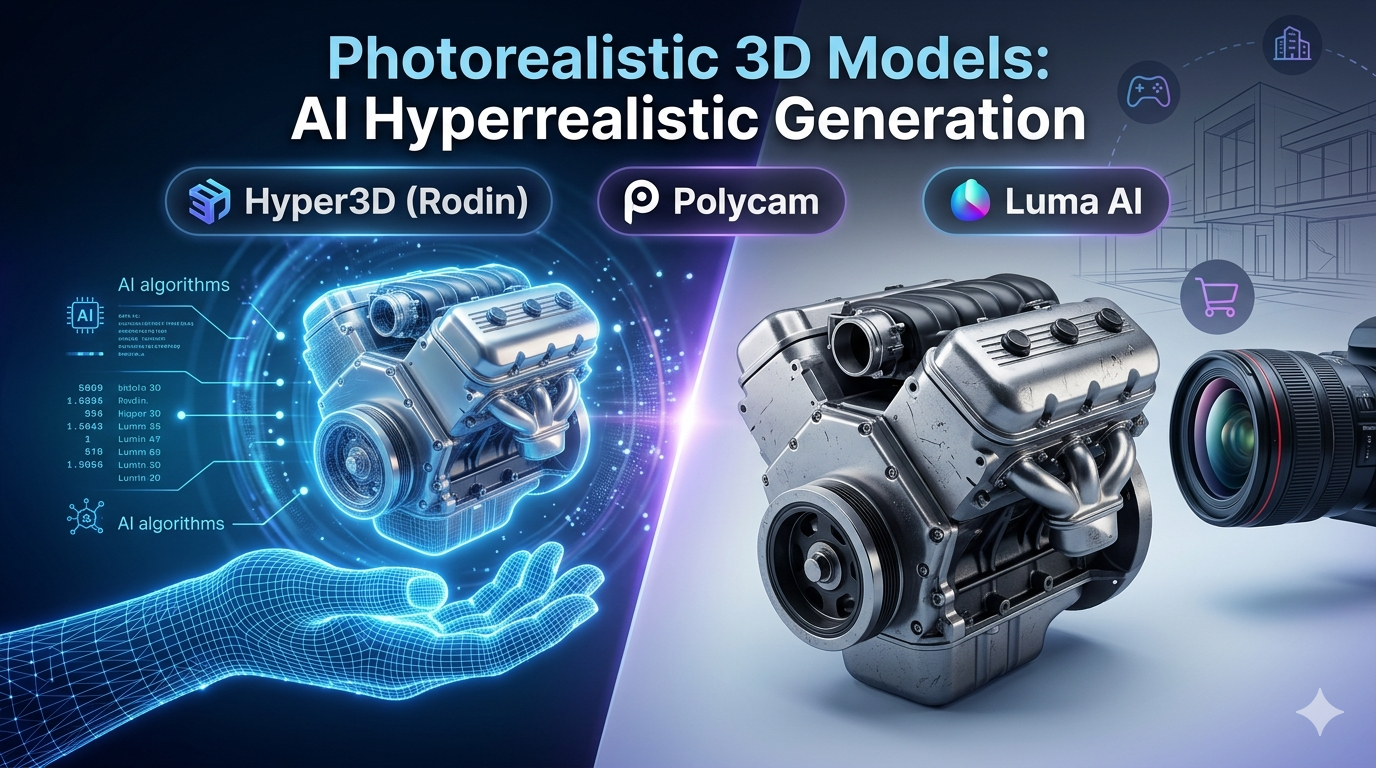
Photorealistic 3D Models: AI Hyperrealistic Generation
Creating 3D models that are indistinguishable from reality has long been a goal for artists and developers. With the rise of AI, generating a photorealistic 3D model is more accessible than ever. Tools like Hyper3D, Polycam, and Luma AI are changing the game, allowing creators to produce stunningly realistic assets with greater speed and efficiency. Whether you're in game development, architecture, or e-commerce, understanding how to create and use these models is becoming an essential skill.
This article explores the world of photorealistic 3D models, from the fundamental principles that make them look so real to the practical steps for creating your own. We'll also take a look at some of the popular tools on the market and share some first-hand experience to help you get started.
What Defines a Photorealistic 3D Model?
A photorealistic 3D model is a digital representation of an object or scene that is so lifelike it could be mistaken for a photograph. But what exactly gives it that quality? It comes down to a combination of factors that work together to trick our eyes into seeing something that isn't there.
First, there's accuracy. The model's geometry??ts shape and proportions??ust be a precise match to its real-world counterpart. Even small inaccuracies can make a model feel 'off.' Next is detail. This includes not just the large-scale features but also the tiny imperfections: the scratches on a metal surface, the weave of a fabric, or the subtle variations in a stone texture. These details are often what sell the illusion of reality.
Lighting is another critical component. The way light interacts with surfaces??ow it reflects, refracts, and casts shadows??s incredibly complex. Photorealistic rendering engines are designed to simulate these interactions with a high degree of physical accuracy. Finally, textures provide the surface properties of the model. High-resolution textures with realistic material properties are essential for achieving a convincing look. A model of a wooden table, for instance, needs a texture that not only looks like wood but also behaves like wood when lit.
It's also important to distinguish between 'realistic' and 'photorealistic.' A realistic model might have the correct shape and general appearance of an object, but it may lack the fine details and lighting nuances to be truly convincing. A hyperrealistic 3D model, on the other hand, aims for a level of fidelity that is virtually indistinguishable from a photograph.
How to Create a Photorealistic 3D Model
Creating a photorealistic 3D model involves a multi-step process that combines artistic skill with technical knowledge. While AI tools are making this process easier, understanding the fundamentals is still key to achieving the best results. Here?? a breakdown of the typical workflow:
Step 1: 3D Modeling or Scanning
The first step is to create the basic shape of your object. This can be done in two main ways: traditional 3D modeling or 3D scanning.
- 3D Modeling: In this approach, an artist uses software like Blender, 3ds Max, or Maya to manually build the model from scratch. This method offers complete creative control but can be time-consuming and requires a high level of skill.
- 3D Scanning: This involves using techniques like photogrammetry or LiDAR to capture the geometry of a real-world object. Photogrammetry, which is used by tools like Polycam, involves taking many photos of an object from different angles and then using software to stitch them together into a 3D model. This is often a faster way to create a highly accurate base model.
Step 2: Texturing and Materials
Once you have your 3D model, the next step is to apply textures and materials to its surfaces. This is what gives the model its color, texture, and other surface properties. High-quality, high-resolution textures are crucial for photorealism. These can be created from scratch, sourced from texture libraries, or even generated from photographs.
In addition to color, textures can also include other information, such as how rough or smooth a surface is, whether it's metallic, and how it reflects light. These properties are defined in what are called 'shaders,' which are small programs that tell the rendering engine how to draw the material.
Step 3: Lighting and Rendering
This is where the magic really happens. Lighting is one of the most important factors in creating a photorealistic image. The goal is to simulate the way light behaves in the real world, which includes how it bounces off surfaces, casts shadows, and creates subtle effects like color bleeding.
Rendering is the process of taking all the information about your model??ts geometry, textures, and lighting??nd generating a 2D image. This is a computationally intensive process, but modern rendering engines like V-Ray, Corona, and the ones built into game engines like Unreal Engine are capable of producing incredibly realistic results.
Step 4: Post-Processing
The final step is to take the rendered image and make any final adjustments in a post-processing program like Photoshop or Lightroom. This can include things like color correction, adjusting brightness and contrast, and adding effects like lens flare or depth of field. These final touches can help to enhance the realism of the image and give it a more photographic quality.
My First-Hand Experience with a Photorealistic 3D Model Generator
To get a better feel for the current state of AI-powered 3D model generation, I decided to try out a few tools for myself. I started with Hyper3D's own photorealistic 3D generator, Rodin. My goal was to create a simple, everyday object: a ceramic coffee mug.
I started with a simple text prompt: "a white ceramic coffee mug with a blue stripe." I was immediately impressed by the speed of the generation. Within a minute, I had a 3D model that was surprisingly close to what I had imagined. The shape was perfect, and the colors were accurate. I experimented with a few of the generation modes. The 'Focal' mode produced a result with a nice depth of field effect, while the 'Speedy' mode was even faster, though with slightly less detail.
Of course, the initial model wasn't perfect. The texture of the ceramic was a little too uniform, and the lighting could have been more dynamic. But that's where Hyper3D's other tools come in. I was able to take the model into OmniCraft to refine the materials and lighting. I also used the image to 3D feature to add a custom logo to the mug, which was a nice touch.
I also gave Polycam a try. The process was quite different. Instead of a text prompt, I had to take about 30 photos of a real coffee mug from all different angles. The app then processed the photos and generated a 3D model. The result was incredibly detailed, capturing even the small imperfections in the glaze. However, the process was much more time-consuming, and the quality of the result was highly dependent on the quality of my photos and the lighting conditions.
Overall, I was impressed with both tools. Rodin's AI generation is incredibly fast and easy to use, making it a great option for quick visualizations or as a starting point for more detailed work. Polycam's photogrammetry approach, on the other hand, is capable of producing incredibly accurate and detailed models, but it requires more effort and a bit of a learning curve. For those looking for a more straightforward experience, a realistic 3D generator might be a good starting point.
A Comparison of Photorealistic 3D Model Tools
Choosing the right tool for creating a photorealistic 3D model depends on your specific needs, budget, and skill level. Here?? a look at how some of the most popular options stack up:
Hyper3D (Rodin)
Hyper3D's Rodin is an AI-powered text-to-3D generator that is designed for speed and ease of use. It's a great option for artists and designers who need to quickly create concepts and visualizations.
- Pros:
- Speed: Rodin can generate a 3D model from a text prompt in a matter of minutes.
- Ease of Use: The interface is intuitive and easy to learn, even for beginners.
- Multiple Generation Modes: Rodin offers several generation modes, such as 'Focal,' 'Speedy,' and 'Zero,' which give you more control over the final result.
- Integration: Rodin is part of the larger Hyper3D ecosystem, which includes tools for editing, format conversion, and more. Check out the full story at https://hyper3d.ai/rodin/tab/story.
- Cons:
- Detail: While the results are impressive, they may not always have the same level of fine detail as models created with photogrammetry.
- Control: While the generation modes offer some control, you don't have the same level of granular control as you would with traditional 3D modeling software.
Polycam
Polycam is a popular photogrammetry app that allows you to create 3D models by taking photos of real-world objects. It's a powerful tool for capturing highly accurate and detailed models.
- Pros:
- Accuracy: Photogrammetry is capable of capturing the exact geometry and texture of an object, resulting in highly accurate models.
- Detail: Polycam can capture even the smallest details and imperfections, which can add a lot of realism to a model.
- Cons:
- Time-Consuming: The process of taking dozens of photos from all the right angles can be time-consuming.
- Dependence on Conditions: The quality of the final model is highly dependent on the quality of your photos and the lighting conditions.
- Learning Curve: While the app is relatively easy to use, there is a bit of a learning curve to mastering the art of taking good photos for photogrammetry.
Luma AI
Luma AI is another powerful tool for creating 3D models from video. It's known for its high-quality results and its ability to capture entire scenes, not just individual objects.
- Pros:
- High-Quality Results: Luma AI is capable of producing some of the most realistic and detailed 3D models of any of the tools on this list.
- Scene Capture: Luma AI is not limited to capturing individual objects; it can also be used to capture entire environments.
- Cons:
- Resource-Intensive: Processing video to create a 3D model can be very resource-intensive, requiring a powerful computer or a lot of patience.
- Cost: While there is a free tier, the paid plans can be more expensive than some of the other options.
FAQ about Photorealistic 3D Models
What is the best software for creating a photorealistic 3D model?
There is no single "best" software for creating a lifelike 3D model. The right choice for you will depend on your specific needs and budget. For beginners and those who need to create models quickly, AI-powered tools like Hyper3D's Rodin are a great option. For those who need the highest level of accuracy and detail, photogrammetry tools like Polycam are a good choice. And for professional artists and designers, traditional 3D modeling software like Blender, 3ds Max, and Maya are still the industry standard.
How long does it take to create a photorealistic 3D model?
The time it takes to create a lifelike 3D model can vary widely depending on the complexity of the model and the tools you are using. With an AI tool like Rodin, you can generate a model in a matter of minutes. With photogrammetry, the process can take an hour or more, depending on the number of photos you need to take and the processing time. And with traditional 3D modeling, it can take anywhere from a few hours to a few days to create a high-quality model.
Can I create a photorealistic 3D model from a single image?
While it is technically possible to create a 3D model from a single image, it is very difficult to achieve a hyperrealistic result. This is because a single image does not provide enough information about the object's geometry and texture. To create a truly lifelike model, you need to capture the object from multiple angles, either through photogrammetry or by manually modeling it.
What are the main challenges in creating photorealistic 3D models?
The main challenges in creating lifelike 3D models are achieving a high level of accuracy and detail, simulating realistic lighting, and creating convincing materials. These are all complex tasks that require a combination of technical skill and artistic talent. However, with the right tools and techniques, it is possible to overcome these challenges and create stunningly realistic models.
How much does it cost to create a lifelike 3D model?
The cost of creating a lifelike 3D model can range from free to thousands of dollars. There are many free and open-source tools available, such as Blender, that are capable of producing professional-quality results. There are also many paid tools and services available, which can range in price from a few dollars a month to thousands of dollars for a perpetual license. The cost will also depend on whether you are creating the model yourself or hiring a professional artist or studio.
You can also try the text to 3D model for quick results.